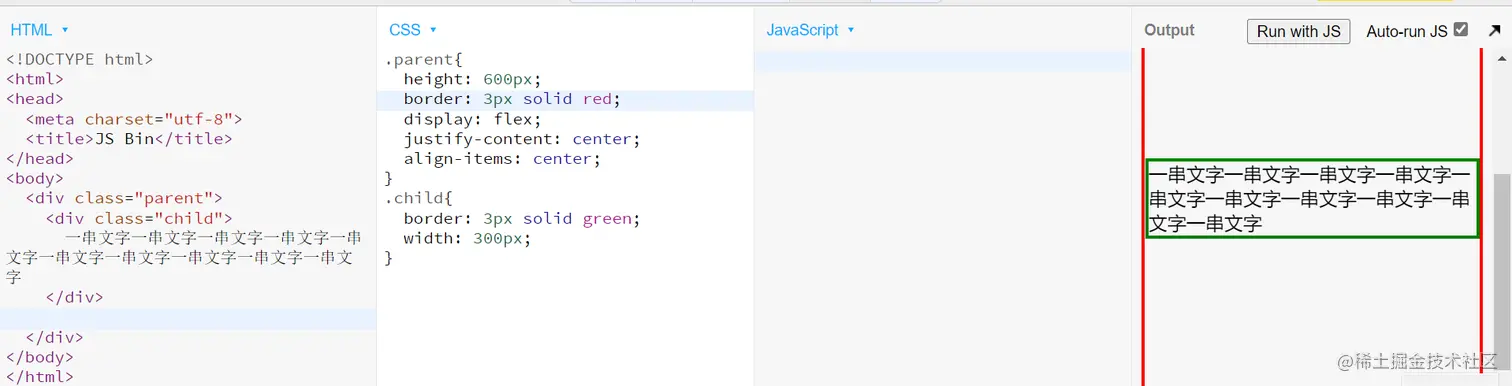
一、1. table自带功能
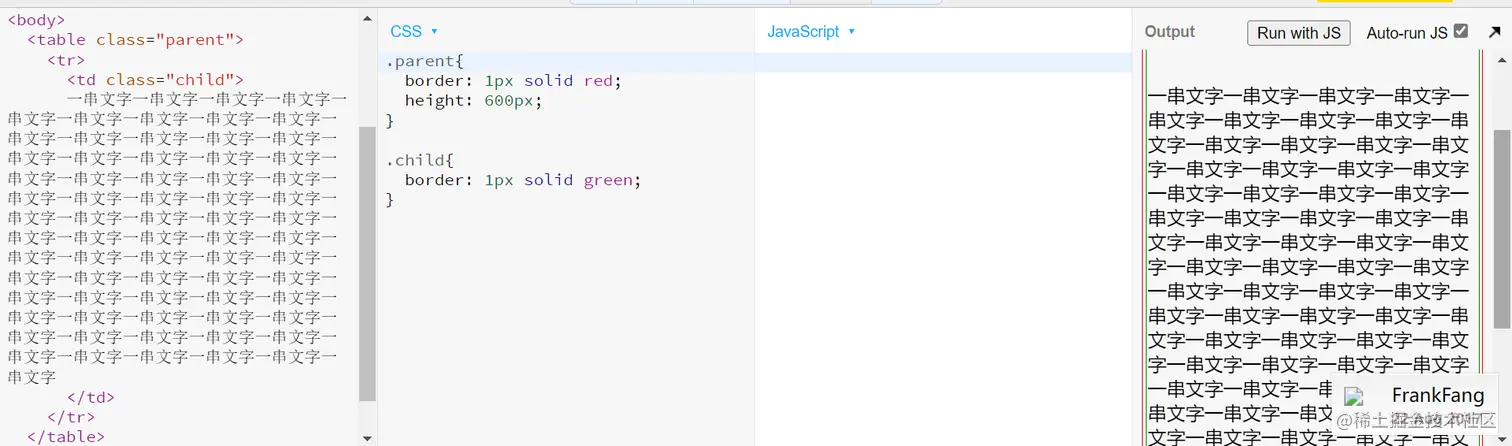
二、100% 高度的 afrer before 加上 inline block
html:
<!DOCTYPE html>
<html>
<head>
  <meta charset="utf-8">
  <title>JS Bin</title>
</head>
<body>
  <div class="parent">
    <span class=before></span><div class="child">
      一串文字一串文字一串文字一串文字一串文字一串文字一串文字一串文字一串文字一串文字一串文字一串文字一串文字一串文字一串文字一串文字一串文字一串文字一串文字一串文字一串文字一串文字一串文字一串文字一串文字一串文字一串文字一串文字一串文字一串文字一串文字一串文字一串文字一串文字一串文字一串文字一串文字一串文字一串文字一串文字一串文字一串文字一串文字一串文字一串文字一串文字一串文字一串文字一串文字一串文字一串文字一串文字一串文字一串文字一串文字一串文字一串文字一串文字一串文字一串文字一串文字一串文字一串文字一串文字一串文字一串文字一串文字一串文字一串文字一串文字
    </div><span class=after></span>
  </div>
</body>
</html>
css:
.parent{
  border: 3px solid red;
  height: 600px;
  text-align: center;
}

.child{
  border: 3px solid black;
  display: inline-block;
  width: 300px;
  vertical-align: middle;
}

.parent .before{
  outline: 3px solid red;
  display: inline-block;
  height: 100%;
  vertical-align: middle;
}
.parent .after{
  outline: 3px solid red;
  display: inline-block;
  height: 100%;
  vertical-align: middle;
}
三、div 装成 table
html:
<!DOCTYPE html>
<html>
<head>
  <meta charset="utf-8">
  <title>JS Bin</title>
</head>
<body>
  <div class="table">
      <div class="td">
        <div class="child">
          一串文字一串文字一串文字一串文字一串文字一串文字一串文字一串文字一串文字一串文字一串文字一串文字一串文字一串文字一串文字一串文字一串文字一串文字一串文字一串文字一串文字一串文字一串文字一串文字一串文字一串文字一串文字一串文字一串文字一串文字一串文字一串文字一串文字一串文字一串文字一串文字一串文字一串文字一串文字一串文字一串文字一串文字一串文字一串文字一串文字一串文字一串文字一串文字一串文字一串文字一串文字一串文字一串文字一串文字一串文字一串文字一串文字一串文字一串文字一串文字一串文字一串文字一串文字一串文字一串文字一串文字一串文字一串文字一串文字一串文字
        </div>
    </div>
  </div>
</body>
</html>
css:
div.table{
  display: table;
  border: 1px solid red;
  height: 600px;
}

div.tr{
  display: table-row;
  border: 1px solid green;
}

div.td{
  display: table-cell;
  border: 1px solid blue;
  vertical-align: middle;
}
.child{
  border: 10px solid black;
}
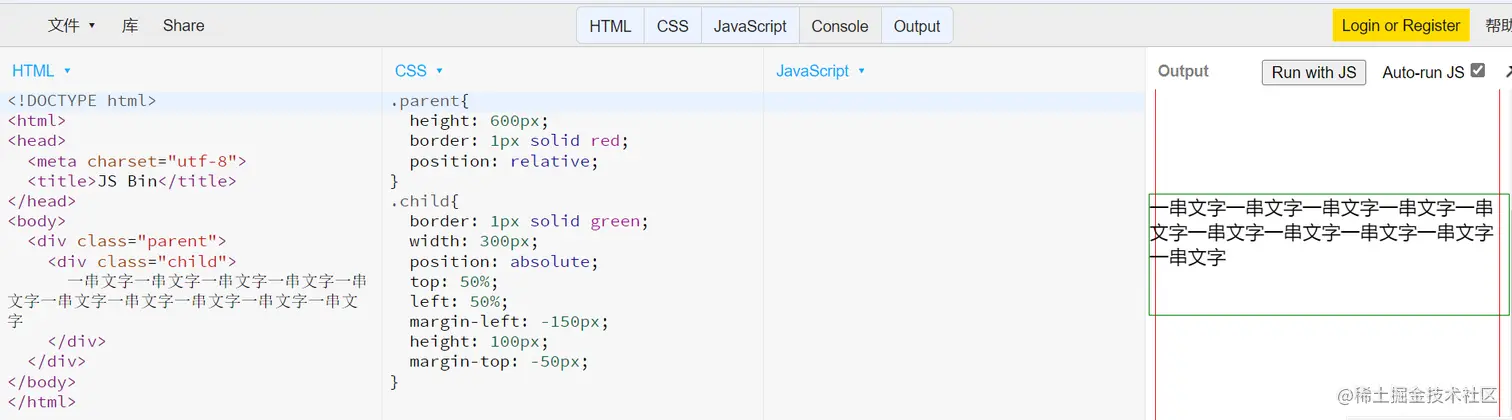
四、margin-top -50%
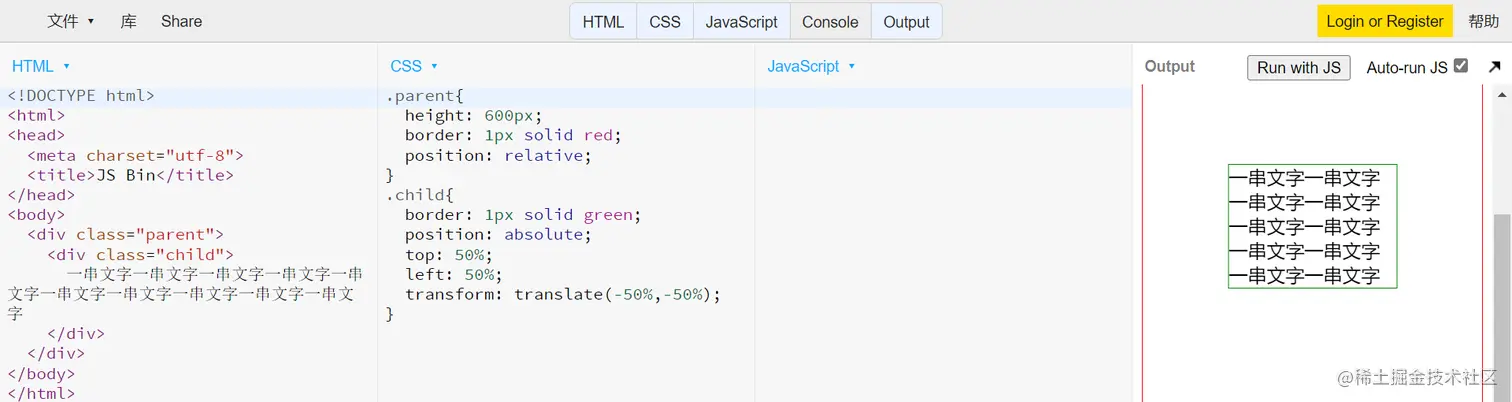
五、translate -50%
六、absolute margin auto
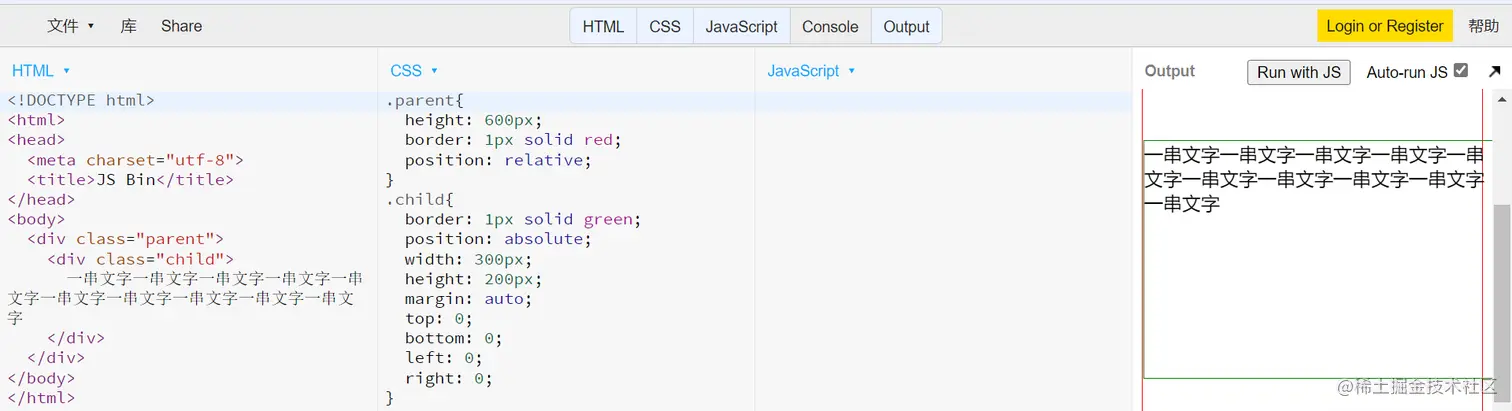
七、flex