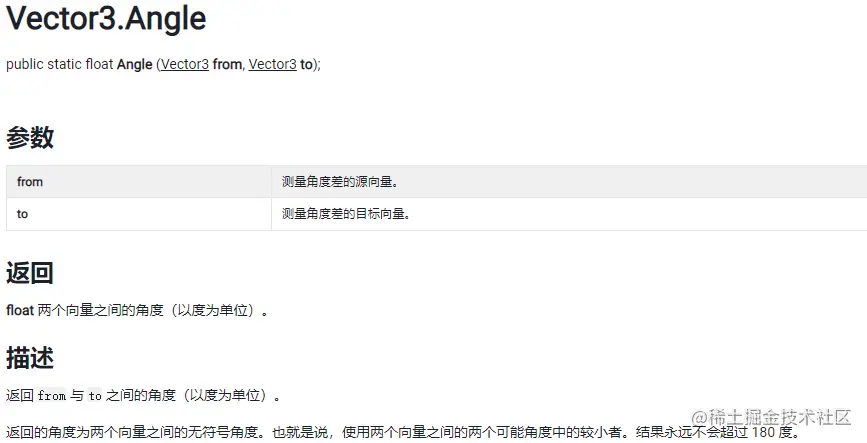
Unity 向量乘积的基本概念
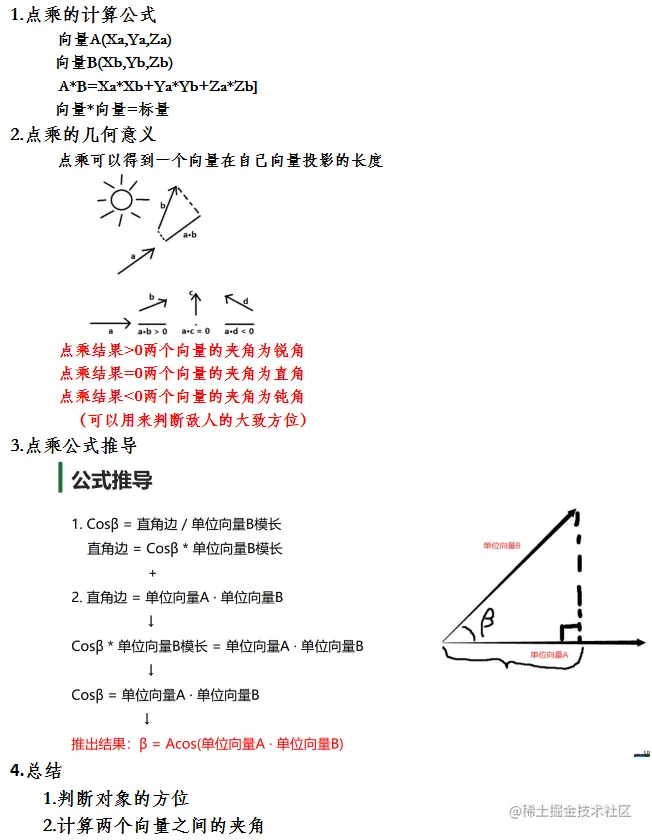
void Update()
{
#region 补充知识 调试画线
#endregion
#region 知识点一 通过点乘判断对象方位
Debug.DrawRay(this.transform.position, this.transform.forward, Color.red);
Debug.DrawRay(this.transform.position, target.position - this.transform.position, Color.red);
float dotResult = Vector3.Dot(this.transform.forward, target.position - this.transform.position);
if( dotResult >= 0 )
{
print("它在我前方");
}
else
{
print("它在我后方");
}
#endregion
#region 知识点二 通过点乘推导公式算出夹角
dotResult = Vector3.Dot(this.transform.forward, (target.position - this.transform.position).normalized);
print("角度-" + Mathf.Acos(dotResult) * Mathf.Rad2Deg);
print("角度2-" + Vector3.Angle(this.transform.forward, target.position - this.transform.position));
#endregion
}
运用实例:
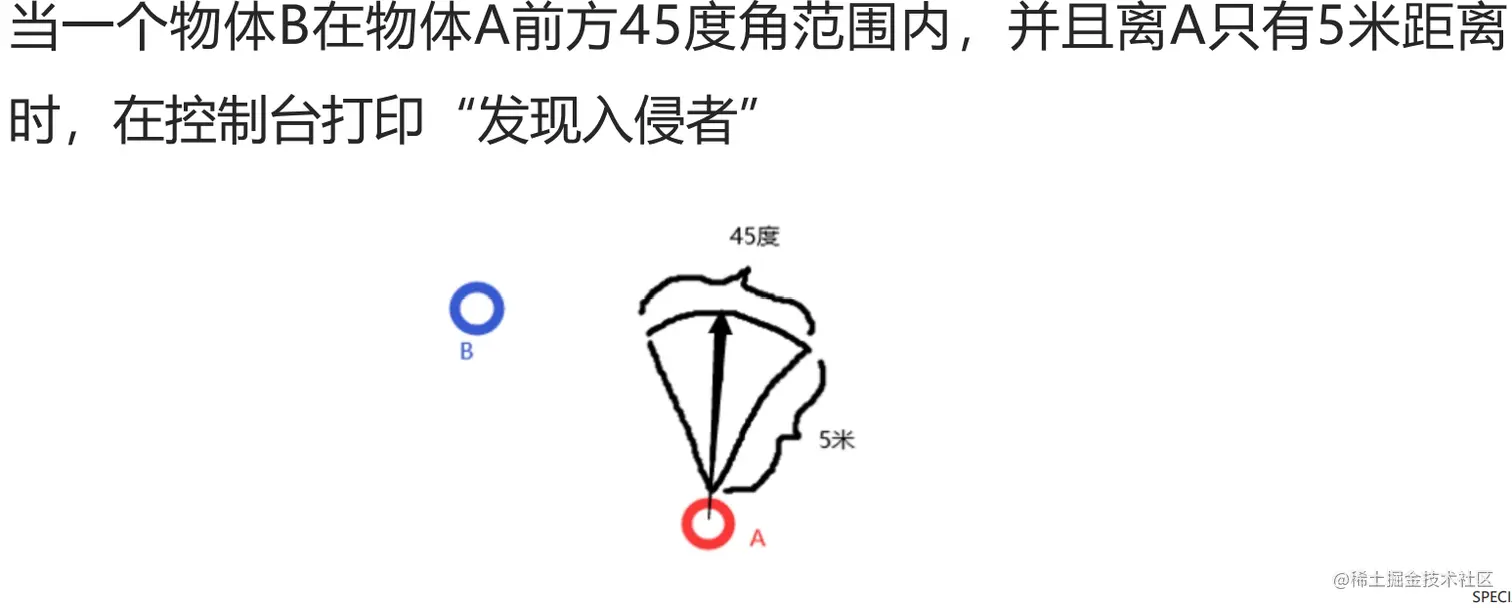
脚本代码
public class jiaoben : MonoBehaviour
{
public Transform Players;
private float diancheng;
private Vector3 xiangliang;
private float juli;
void Update()
{
xiangliang = (Players.position - this.transform.position).normalized;
juli = Vector3.Distance(this.transform.position, Players.position);
diancheng = Vector3.Dot(this.transform.forward, xiangliang);
var jiaodu = Mathf.Acos(diancheng) * Mathf.Rad2Deg;
if (jiaodu > 22.5 && juli <= 5)
{
print("发现入侵者");
}
if (Vector3.Distance(this.transform.position,Players.position)<=5)
{
diancheng = Vector3.Dot(this.transform.forward, (Players.position - this.transform.position).normalized);
if (Mathf.Acos(diancheng)*Mathf.Rad2Deg<=22.5f)
{
print("发现入侵者");
}
}
diancheng = Vector3.Angle(this.transform.forward,Players.position-this.transform.position);
juli = Vector3.Distance(Players.position,this.transform.position);
if (diancheng<=22.5&&juli<=5)
{
print("发现入侵者");
}
}
}
}
函数注解:
1.Vector3.normalized()函数
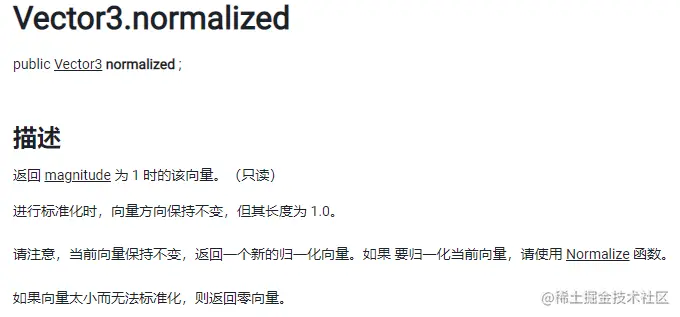
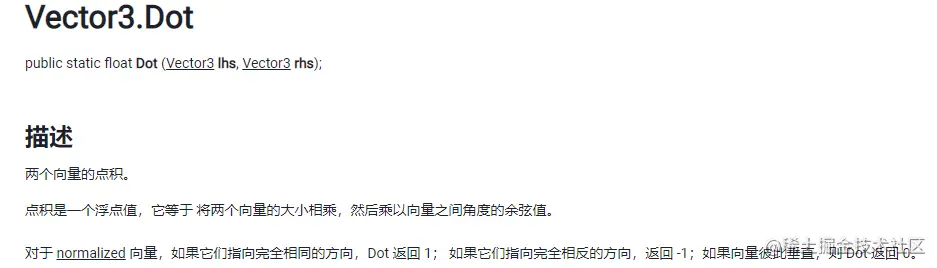
2.Vector3.DOt()函数
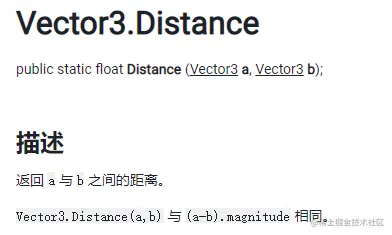
3.Vector3.Distance()函数
4.Vecro3.Angle()函数