原文地址: blog.yunyuyuan.net/articles/84…
效果展示
最近用 electron 做了一个应用,用于在树莓派小屏上显示一些实时信息。主要是想学习使用 electron。涉及到的工具:electron, vue3, vite, flask, websocket。 这是实际效果,买的树莓派屏幕很烂 :
: 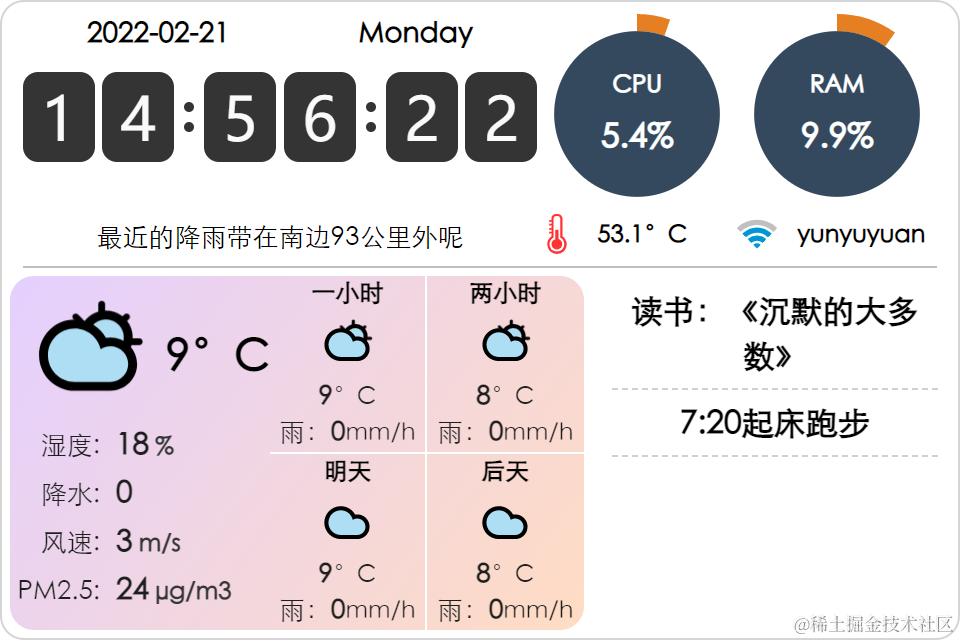 截图
截图 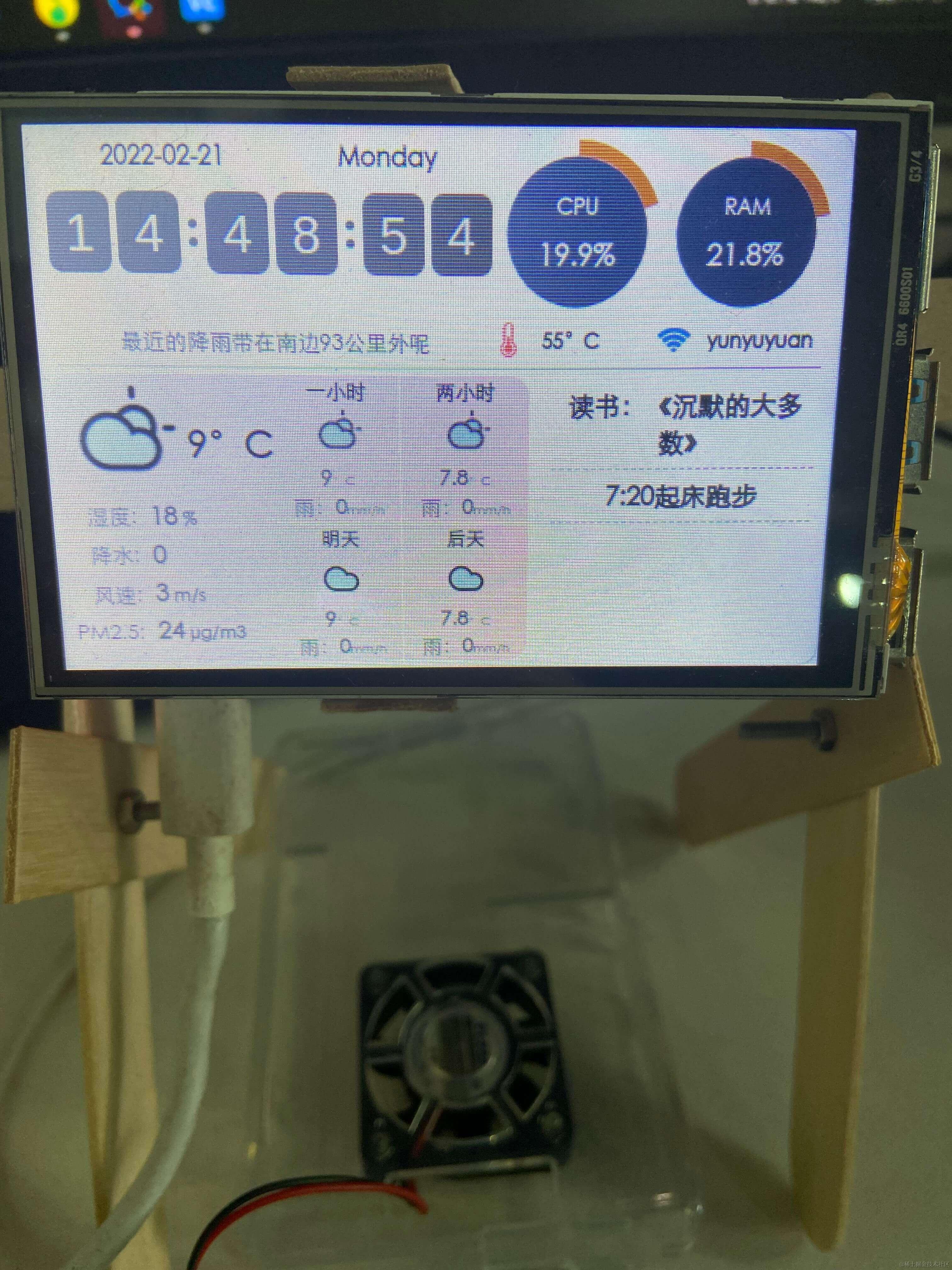 实机
实机
制作过程
-
第一步当然是做一个可拆卸可调节的支架了,之前买的热熔胶派上用场:
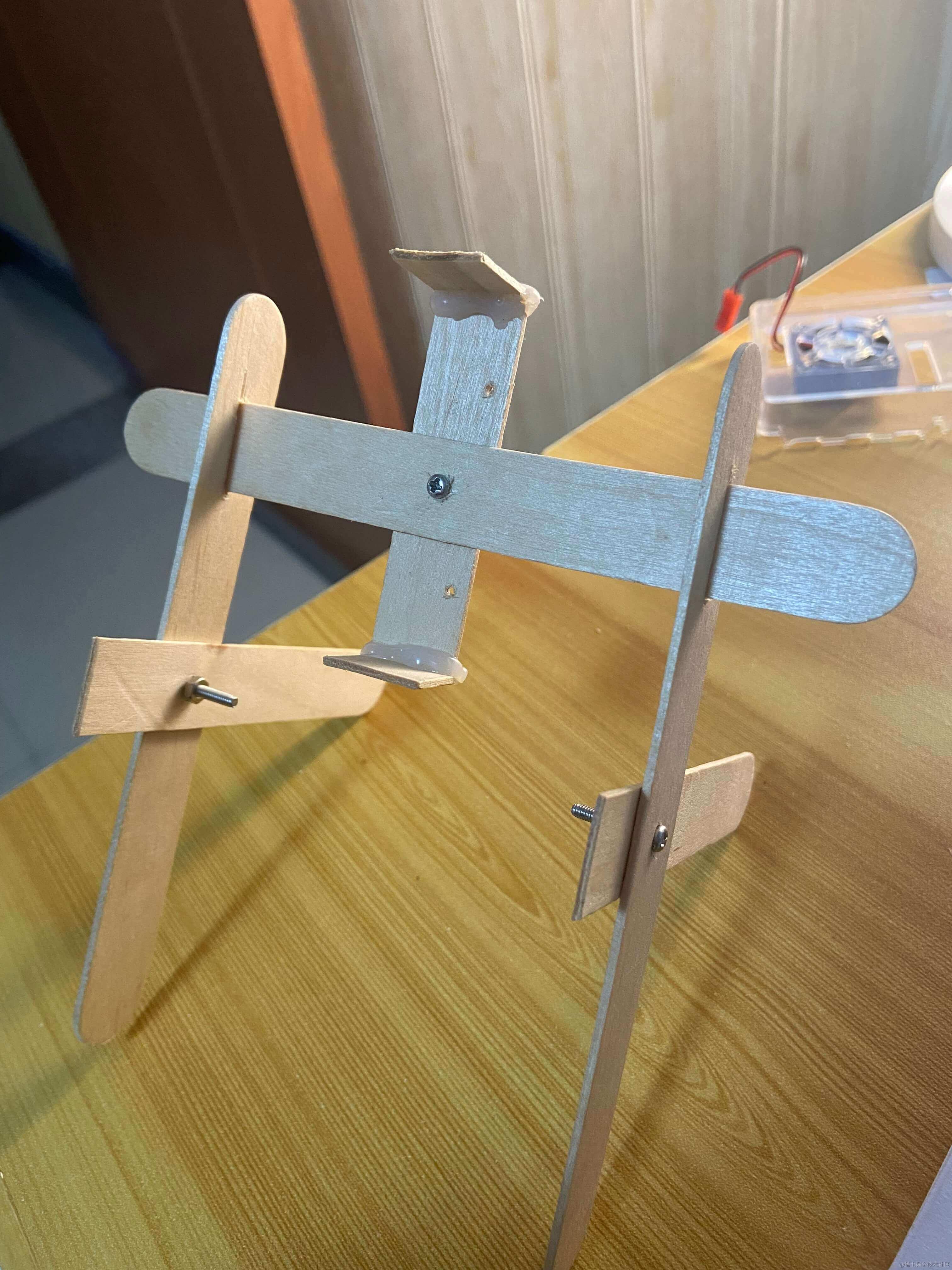 自制支架
自制支架 -
起一个 electron 项目,按照网上的教程,很简单,
electron.js长这样:copy const path = require('path'); const { app, BrowserWindow } = require('electron'); const isDev = process.env.IS_DEV === "true"; function createWindow() { const mainWindow = new BrowserWindow({ fullscreen: true, webPreferences: { preload: path.join(__dirname, 'preload.js'), nodeIntegration: true, }, }); // and load the index.html of the app. // win.loadFile("index.html"); mainWindow.loadURL( isDev ? 'http://localhost:3000' : `file://${path.join(__dirname, '../dist/index.html')}` ); // Open the DevTools. if (isDev) { mainWindow.webContents.openDevTools(); } } // This method will be called when Electron has finished // initialization and is ready to create browser windows. // Some APIs can only be used after this event occurs. app.whenReady().then(() => { createWindow() app.on('activate', function () { // On macOS it's common to re-create a window in the app when the // dock icon is clicked and there are no other windows open. if (BrowserWindow.getAllWindows().length === 0) createWindow() }) }); // Quit when all windows are closed, except on macOS. There, it's common // for applications and their menu bar to stay active until the user quits // explicitly with Cmd + Q. app.on('window-all-closed', () => { if (process.platform !== 'darwin') { app.quit(); } }); -
前后端代码也挺简单,开源在 github: github.com/yunyuyuan/p…。有一个 ignore 掉的配置文件
./config.json如下:copy { "host": "127.0.0.1", "port": 9876, "caiyun_token": "彩云api的token", "todo-pwd": "密码,与todo list加密密码一致", "gh_token": "github token用于获取todolist" } -
主要是如何把前后端都跑起来,我找到了个方法,在 nodejs 里运行 python 子进程,实测不行,我也没仔细研究。看到 package.json 里
electron:dev有一个concurrently -k "cross-env BROWSER=none yarn dev" "yarn electron"貌似是运行多个进程,于是我把它改成concurrently -k "py/venv/bin/python py/main.py" "cross-env BROWSER=none yarn dev" "yarn electron",先运行 python 后端,再运行前端,可以正常运行。
其他
- 天气查询用的彩云 api。
- 待办事项还是用的 github api,我专门用 react 写了一个网页 info.halberd.cn/ 去更新待办,树莓派每间隔一分钟获取一次最新待办,其实这里可以用 github action,配合 frp 打洞(我有一台云服务器),实现更新待办后自动触发树莓派更新,不用轮询,就放个 todo 在那后面做吧
 。
。 - Todo list 是用 cryptojs 加密的,虽然存在 github 上,但无需担心泄露。