<div class="left"></div>
    <div class="container">
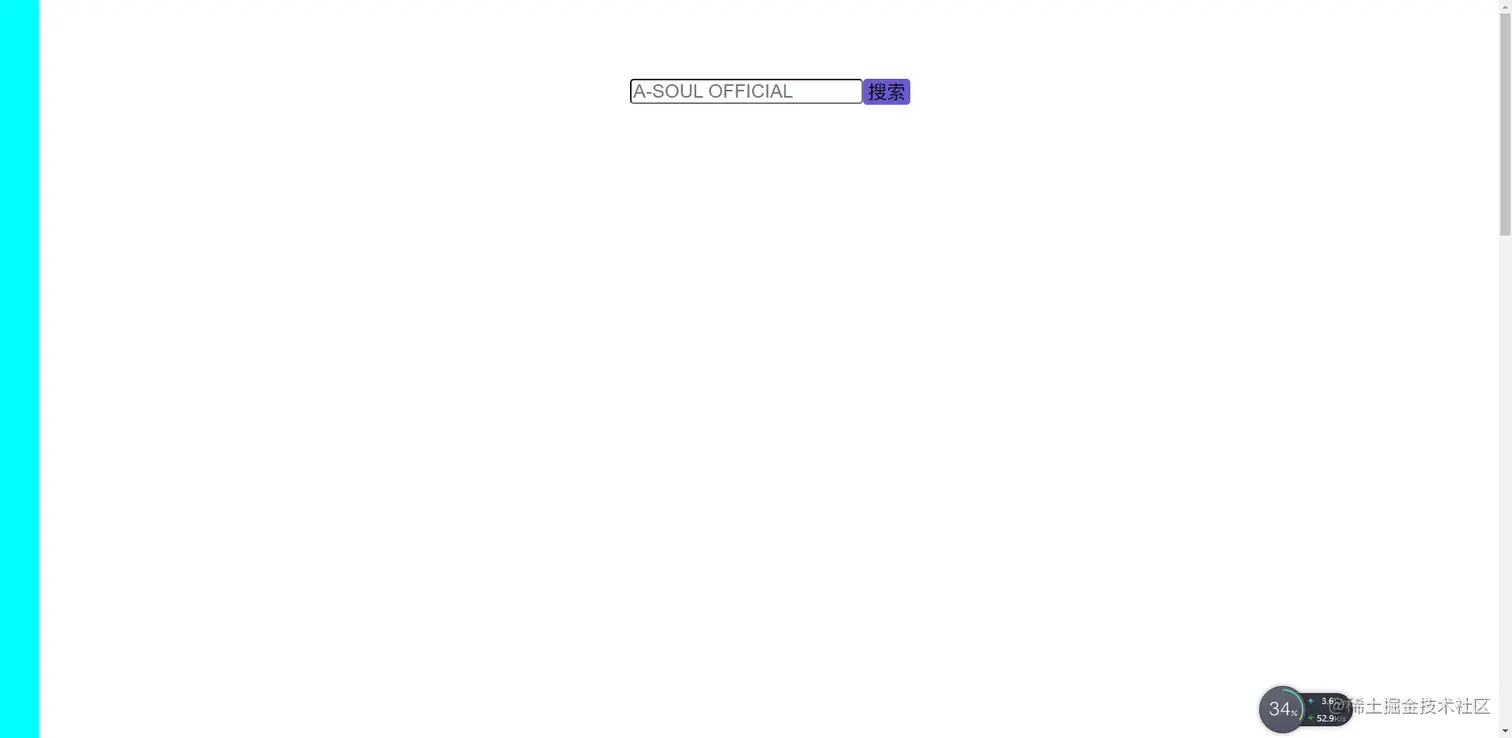
        <input class="search" type="text" placeholder="A-SOUL OFFICIAL">
        <input class="btn" type="button" value="搜索">
    </div>
    <div class="bTT">
        <img src="./menu/img/rr.png" alt="">
    </div>
        * {
            margin: 0;
            padding: 0;
        }


        .container {
            position: absolute;
            left: 800px;
            top: 100px;
            width: 400px;
        }

        .search {
            float: left;
            font-size: 24px;
            text-indent: 2px;
            border-radius: 5px;
        }

        .btn {
            float: left;
            width: 60px;
            font-size: 24px;
            border: none;
            background-color: slateblue;
            border-radius: 5px;
        }

        .left {
            width: 50px;
            height: 3000px;
            background-color: aqua;
        }


        .bTT {
            position: fixed;
            bottom: 100px;
            right: 100px;
            display: none;
        }

        img {
            width: 50px;
        }
var div = document.querySelector('.container')
var search = document.querySelector('.search')
var btn = document.querySelector('.btn')
var bTT = document.querySelector('.bTT')
window.onscroll = function () {
var scrollTop = document.documentElement.scrollTop
console.log(scrollTop);
if (scrollTop > 100) {
div.style.position = 'fixed'
div.style.top = 0 + 'px'
} else {
div.style.position = 'absolute'
div.style.top = 100 + 'px'
}
if (scrollTop > 800) {
bTT.style.display = 'block'
} else {
bTT.style.display = 'none'
}
}
bTT.onclick = function () {
(function up() {
setTimeout(() => {
document.documentElement.scrollTop -= 50
if (document.documentElement.scrollTop > 0) {
up()
}
}, 20);
}())
}