1、公共方法的封装
const exportFile = (url: string, params: any, type = 'post' as string) => {
const downFilejx = (res: any) => {
try {
const blob = new Blob([res.data], { type: 'application/actet-stream;charset=utf-8' }) as any
const contentDisposition: string = res.headers['content-disposition']
const patt: RegExp = new RegExp('filename=([^;]+\.[^\.;]+);*')
const result = patt.exec(contentDisposition) as any
const filename: string = toDecodeURIComponent(result[1])
if (window.navigator && window.navigator.msSaveOrOpenBlob) {
window.navigator.msSaveOrOpenBlob(blob, filename)
} else {
const downloadElement = document.createElement('a')
const href = window.URL.createObjectURL(blob)
downloadElement.style.display = 'none'
downloadElement.href = href
downloadElement.download = filename
document.body.appendChild(downloadElement)
downloadElement.click()
document.body.removeChild(downloadElement)
window.URL.revokeObjectURL(href)
}
} catch (error) {
console.log('导出文件出错')
}
}
const urlCope = process.env.VUE_APP_URL + url
if (type === 'post') {
http.post(urlCope, params, { 'responseType': 'blob' }).then((res: any) => {
downFilejx(res)
})
}
if (type === 'get') {
http.get(urlCope, {
params,
'responseType': 'blob'
}).then((res: any) => {
downFilejx(res)
})
}
}
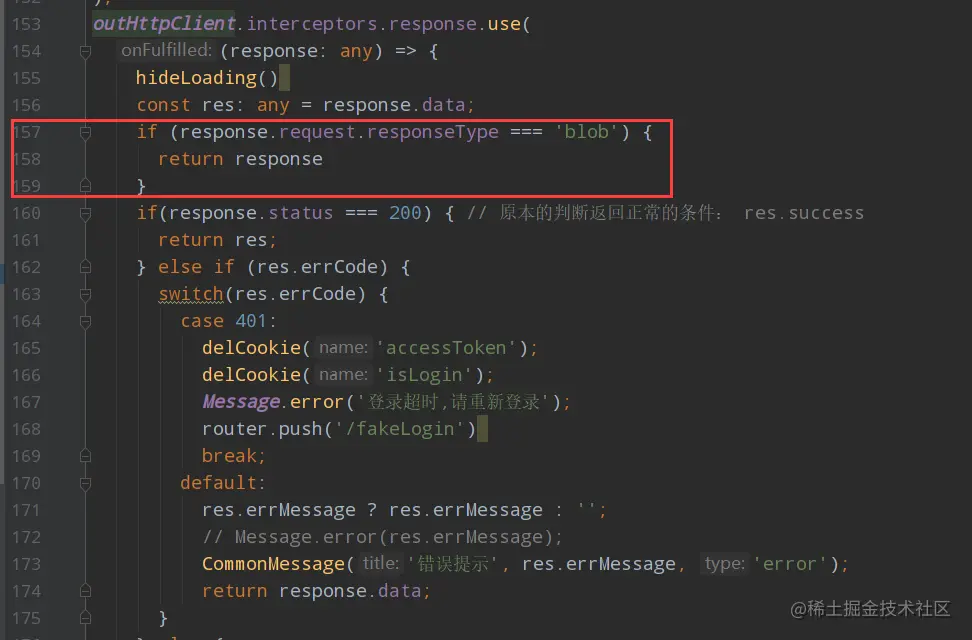
2、axios封装的时候注意层级
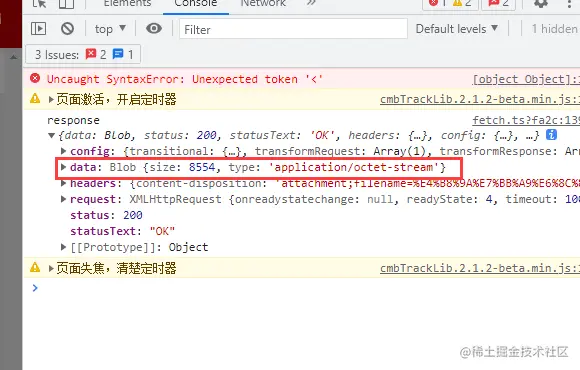
3、后端返回的格式
4、页面二进制格式
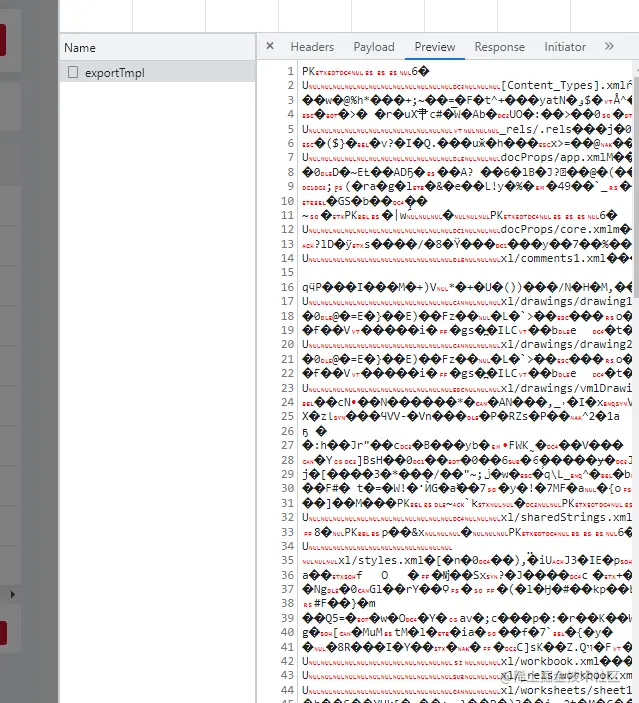
5、页面二进制格式
const toDecodeURIComponent = (str: any) => {
  return str ? decodeURIComponent(str) : ''
}



