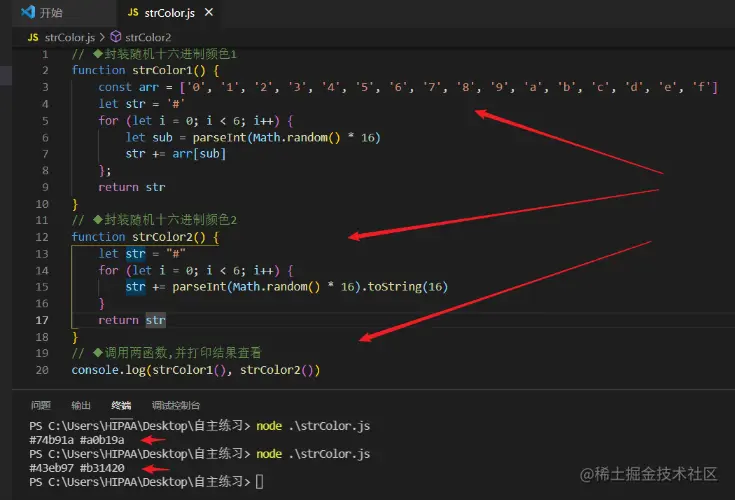
封装随机rgb颜色的函数
- Math.random()取随机数
- 封装补零函数
- 模板字符串拼接
function rgbColor() {
let r = padZero(parseInt(Math.random() * 256))
let g = padZero(parseInt(Math.random() * 256))
let b = padZero(parseInt(Math.random() * 256))
return `rgb(${r},${g},${b})`
}
function padZero(num) {
return num < 100 ? '0' + num : num
}
console.log(rgbColor())
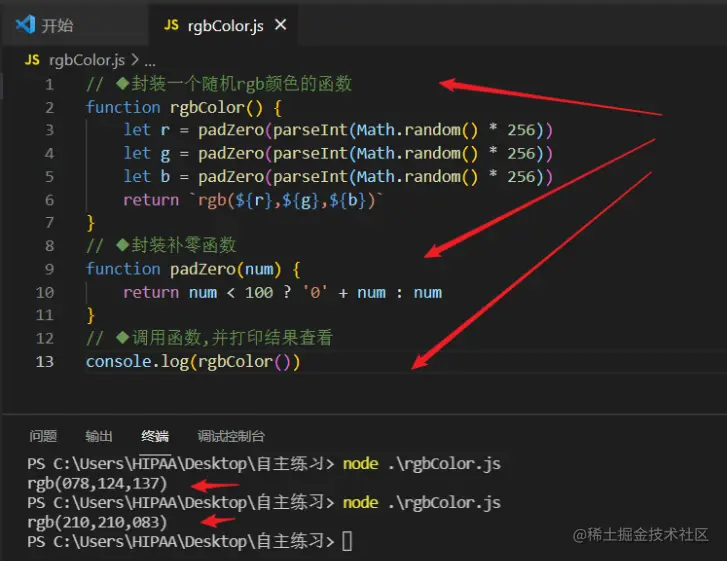
封装随机十六进制颜色的函数
- for 循环
- 十进制转十六进制 toString(16)
- 取数组 随机下标
function strColor1() {
const arr = ['0', '1', '2', '3', '4', '5', '6', '7', '8', '9', 'a', 'b', 'c', 'd', 'e', 'f']
let str = '#'
for (let i = 0; i < 6; i++) {
let sub = parseInt(Math.random() * 16)
str += arr[sub]
};
return str
}
function strColor2() {
let str = "#"
for (let i = 0; i < 6; i++) {
str += parseInt(Math.random() * 16).toString(16)
}
return str
}
console.log(strColor1(), strColor2())