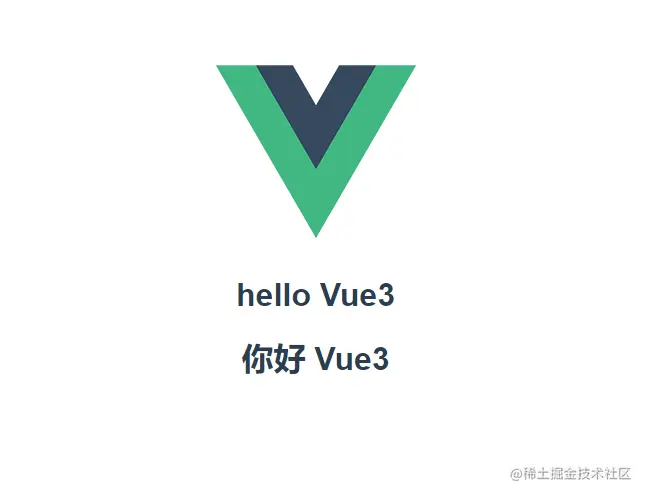
Vue3新增特性——Fragment模版碎片
- vue2中组件的模版必须有一个唯一的跟标签
- vue3中组件模版可以有多个跟标签
Vue3实例
<template>
<h1>{{msg}}</h1>
<h1>{{text}}</h1>
</template>
<script>
export default {
data() {
return {
msg: 'hello Vue3',
text: '你好 Vue3'
}
},
}
</script>
<style scoped>
</style>
<script setup>
import Home from './components/Home.vue'
</script>
<template>
<div>
<img alt="Vue logo" src="./assets/logo.png">
<Home />
</div>
</template>
<style>
#app {
font-family: Avenir, Helvetica, Arial, sans-serif;
-webkit-font-smoothing: antialiased;
-moz-osx-font-smoothing: grayscale;
text-align: center;
color: #2c3e50;
margin-top: 60px;
}
</style>
Vue2实例
<script>
import Home from './components/Home.vue'
export default {
name: 'App',
components: {
Home
}
}
</script>
<template>
<div>
<img alt="Vue logo" src="./assets/logo.png">
<Home />
</div>
</template>
<style>
#app {
font-family: Avenir, Helvetica, Arial, sans-serif;
-webkit-font-smoothing: antialiased;
-moz-osx-font-smoothing: grayscale;
text-align: center;
color: #2c3e50;
margin-top: 60px;
}
</style>
<template>
<div>
<h1>{{msg}}</h1>
<h1>{{text}}</h1>
</div>
</template>
<script>
export default {
data() {
return {
msg: 'hello Vue3',
text: '你好 Vue3'
}
},
}
</script>
<style scoped>
</style>