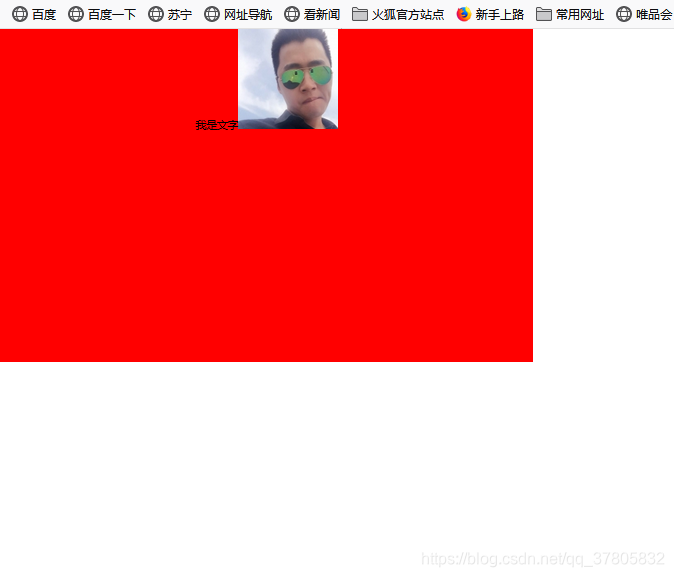
text-align:center
<!DOCTYPE html>
<html>
<head>
	<title></title>
	<style type="text/css">
		*{padding: 0px;margin: 0px;}
		.father
		{
			width: 800px;
			height: 500px;
			background-color: red;
			text-align: center;
		}
	</style>
</head>
<body>
<div class="father">
我是文字<img src="1.jpg">
</div>
</body>
</html>
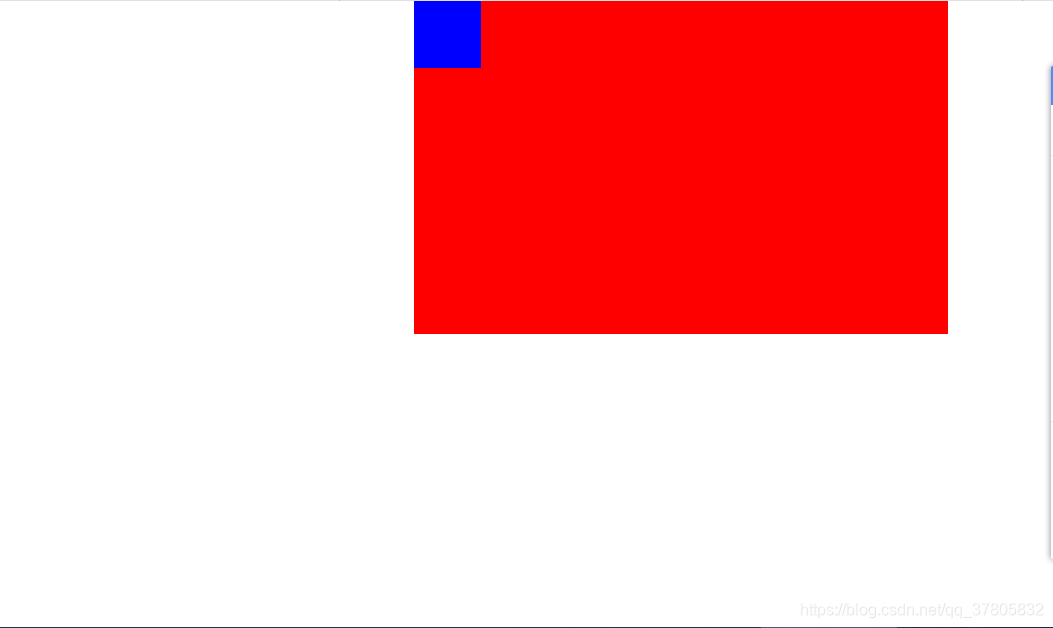
margin:0 auto;
<!DOCTYPE html>
<html>
<head>
	<title></title>
	<style type="text/css">
		*{padding: 0px;margin: 0px;}
		.father
		{
			width: 800px;
			height: 500px;
			background-color: red;
		 margin: 0 auto;
		}
		  .son{
            width: 100px;
            height: 100px;
            background-color: blue;        }
	</style>
</head>
<body>
<div class="father">
<div class="son"></div>
</div>
</body>
</html>
区别:<!–
1.text-align:center;和margin:0 auto;区别
text-align: center;作用
设置盒子中存储的文字/图片水平居中
margin:0 auto;作用
让盒子自己水平居中。
–>