官方文档
- npm 下载
npm install wangeditor
- 代码
<template>
<div class='wangeditor'>
<div id="div3"></div>
</div>
</template>
<script>
import E from "wangeditor"
export default {
name: 'wangeditor',
data() {
return {
}
},
mounted() {
this.init();
},
methods: {
init() {
var editor = new E('#div3');
let config = editor.customConfig ? editor.customConfig : editor.config;
editor.config.onchange = function(html) {
console.log(html)
}
editor.config.menus = [
'head',
'bold',
'italic',
'underline'
]
editor.create();
}
}
}
</script>
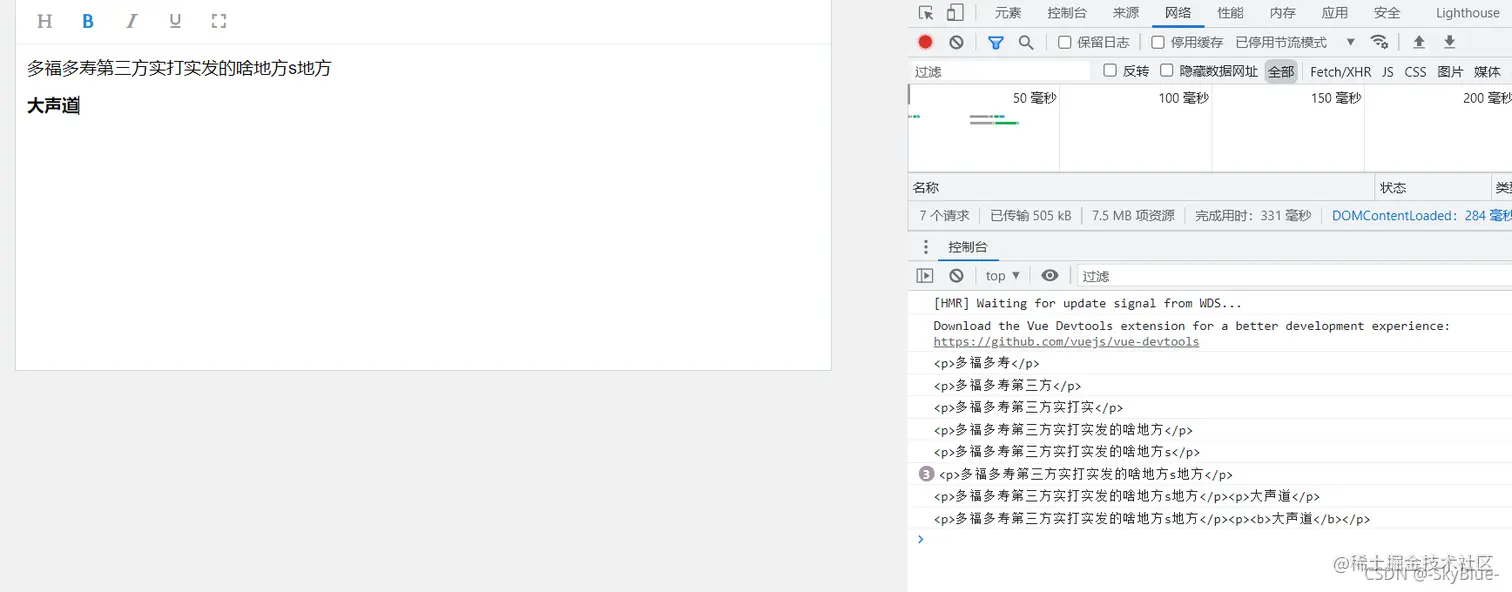
- 页面展示