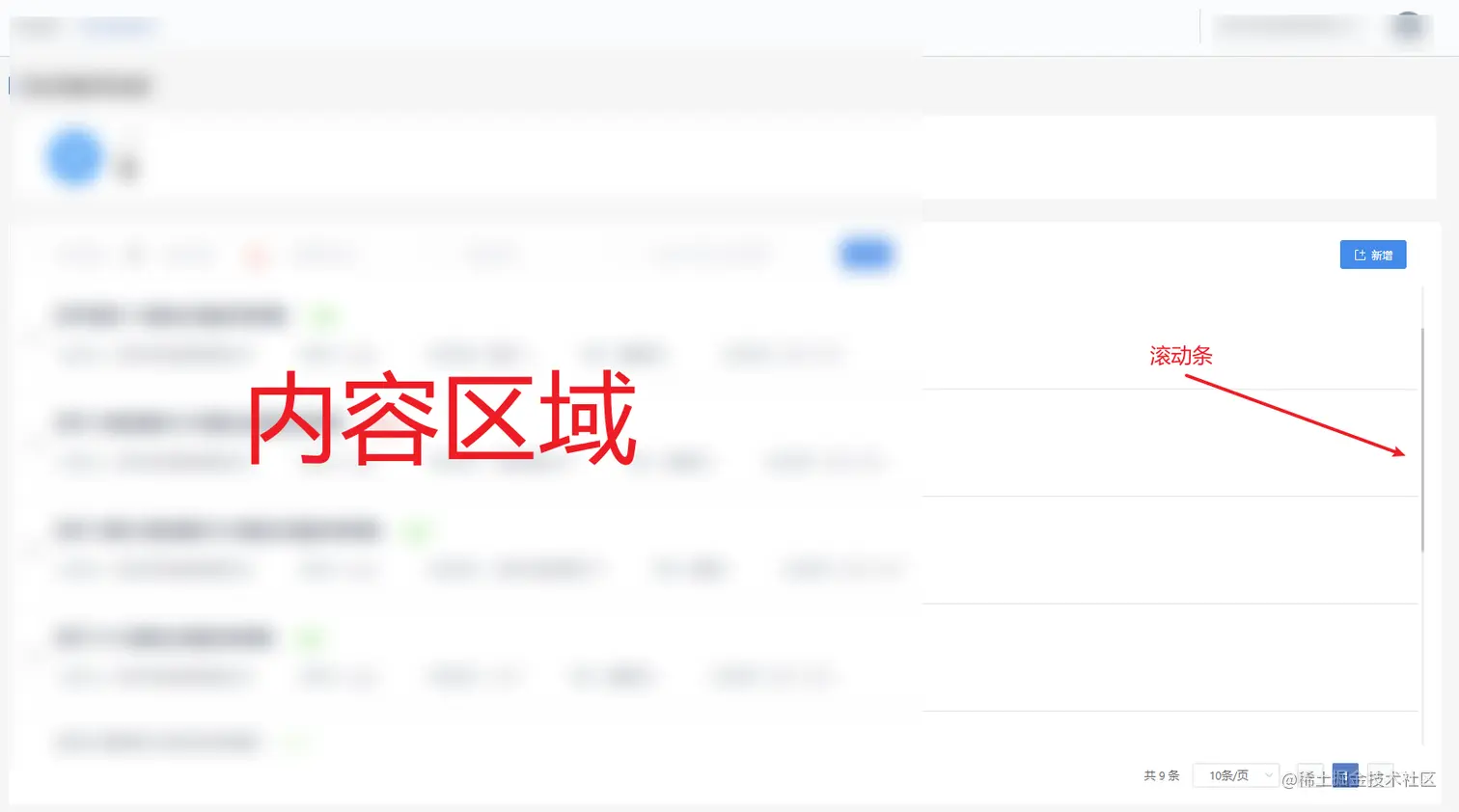
1、修改后的效果
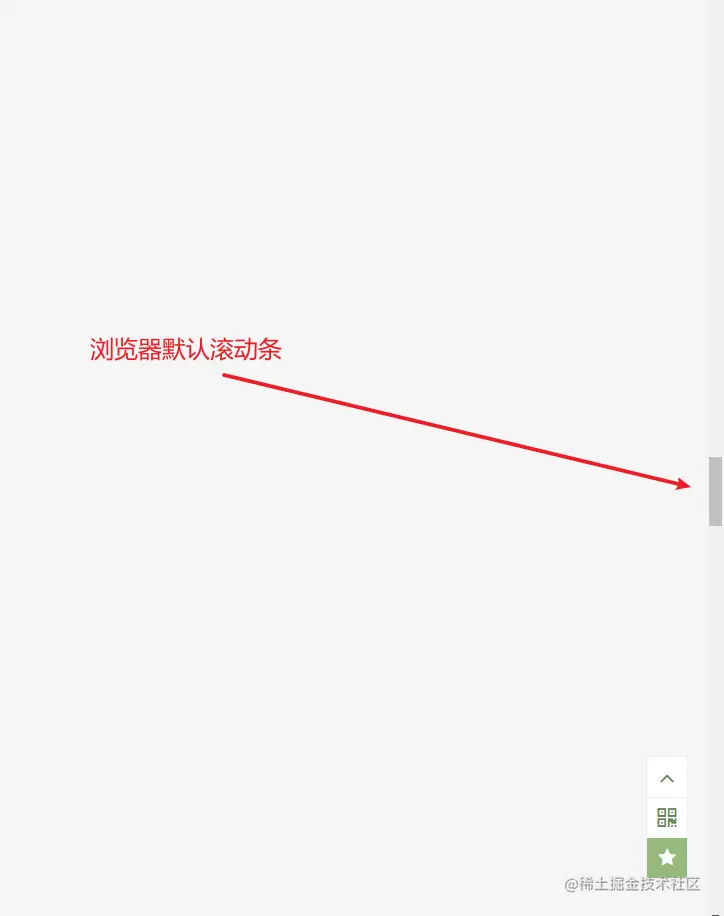
2、浏览器原本的效果
/* html容器 */
<div class="list-box-wrap">
    -----------------内容区域-------------------
    -----------------内容区域-------------------
    -----------------内容区域-------------------
</div>
.list-box-wrap {
  overflow-y: auto;
}
.list-box-wrap::-webkit-scrollbar-track-piece {
  //滚动条凹槽的颜色,还可以设置边框属性
  background-color: #f1f1f1;
}
.list-box-wrap::-webkit-scrollbar {
  //滚动条的宽度
  width: 3px;
  height: 10px;
}

.list-box-wrap::-webkit-scrollbar-thumb {
  //滚动条的设置
  background-color: #c1c1c1;
  background-clip: padding-box;
  min-height: 28px;
  border-radius: 8px;
}

.list-box-wrap::-webkit-scrollbar-thumb:hover {
  background-color: #a8a8a8;
}



