

前提是安装好了git并关联过ssh
环境
- git下载完成之后执行该命令
git config --global user.name "Your Name"
git config --global user.email "your_email@example.com"
- 设置永久记住密码
git config --global credential.helper store
- 生成ssh
ssh-keygen -t rsa -C “your_email@example.com”
然后去电脑用户目录下找到
打开能获得到密钥
- github网站添加密匙
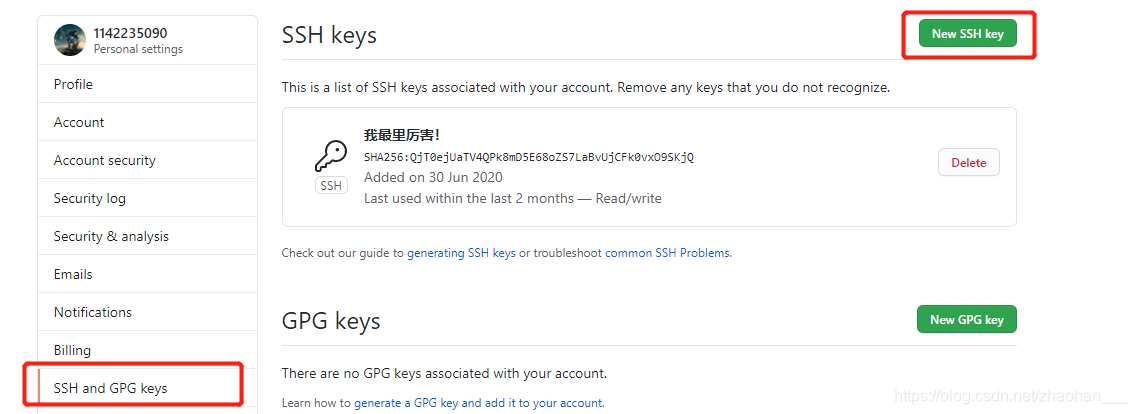
- 起个名字填写密钥
点击add就完成了
下载
git clone+链接 导出项目
git init 初始化
提交
- 在该项目中右键选择Git Bash Here
- git add . 这里有个点!点前便还有个空格!添加到远程仓库
- git commit -m 备注
- git remote add 分支 项目的地址
- git push 分支
warning: LF will be replaced by CRLF in .gitignore.
解决:
rm -rf .git
git config --global core.autocrlf false
git init
git add .