之前启动的时候是http

spring boot中配置https
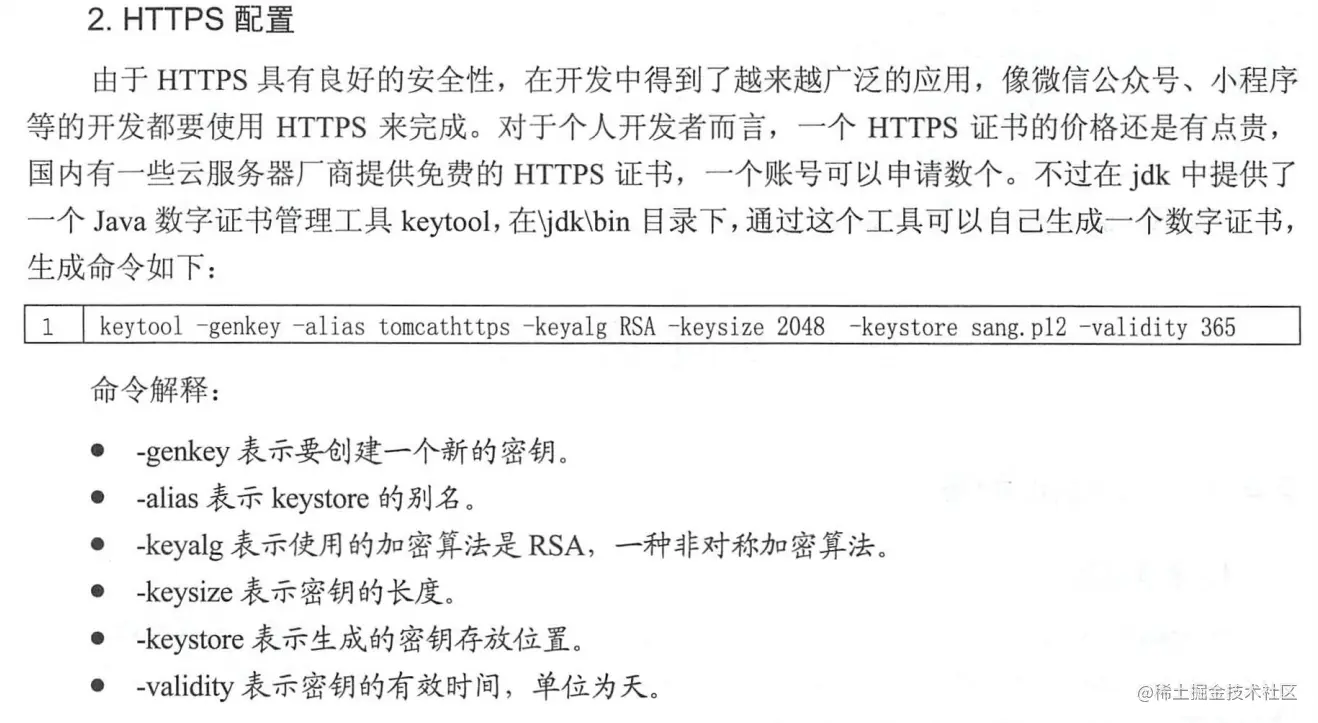

配置完后启动是https

访问链接,高级,继续访问
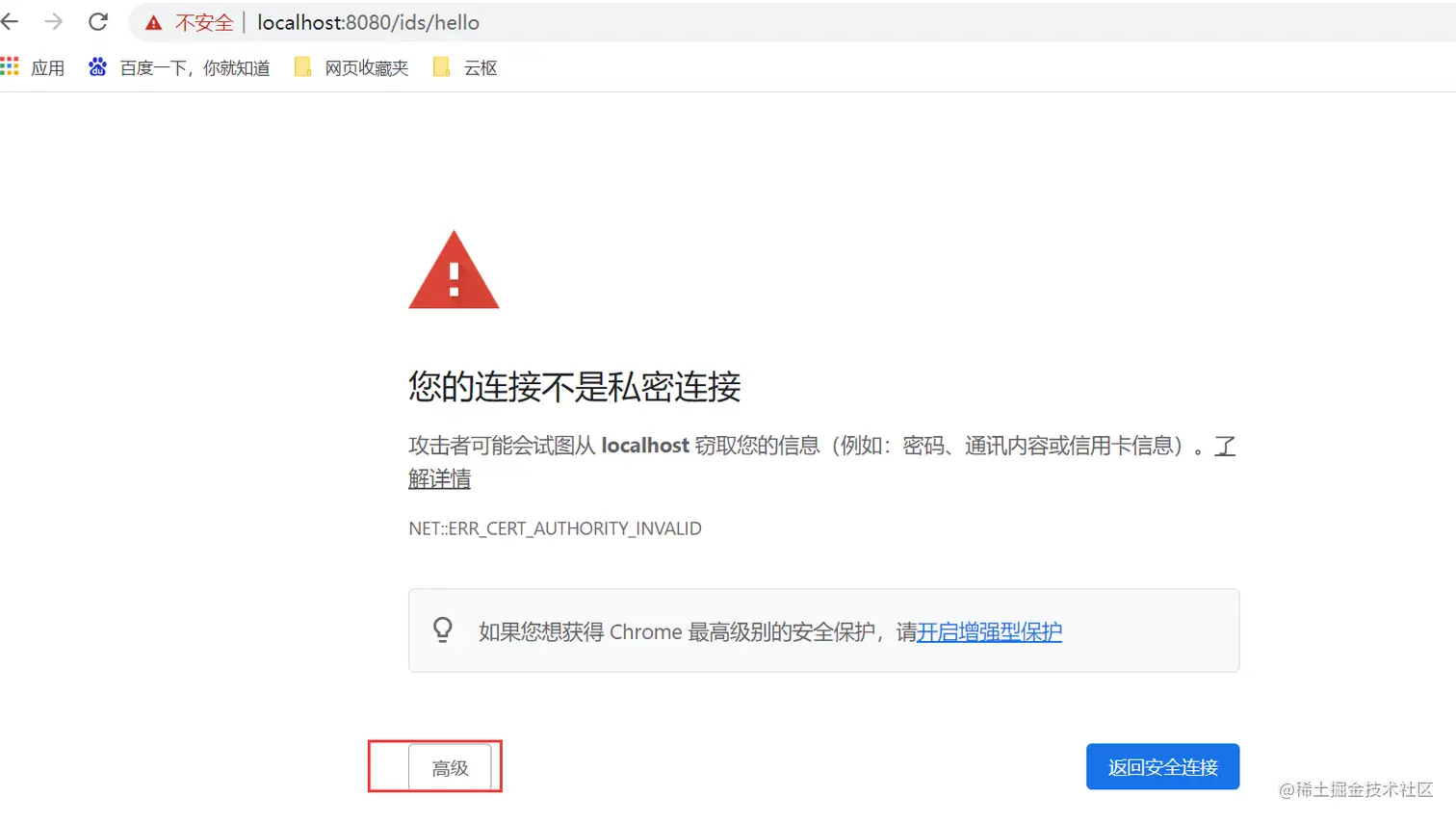
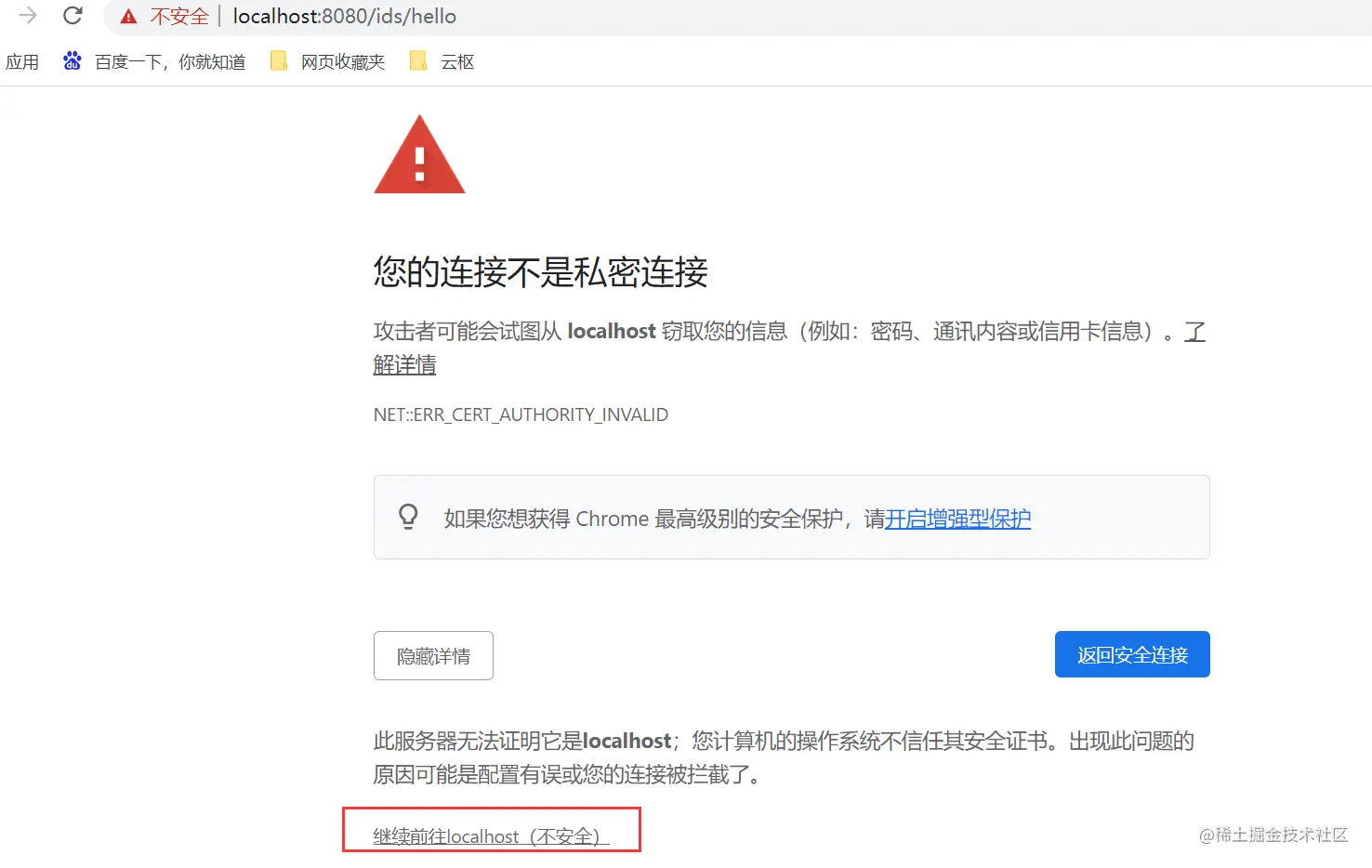
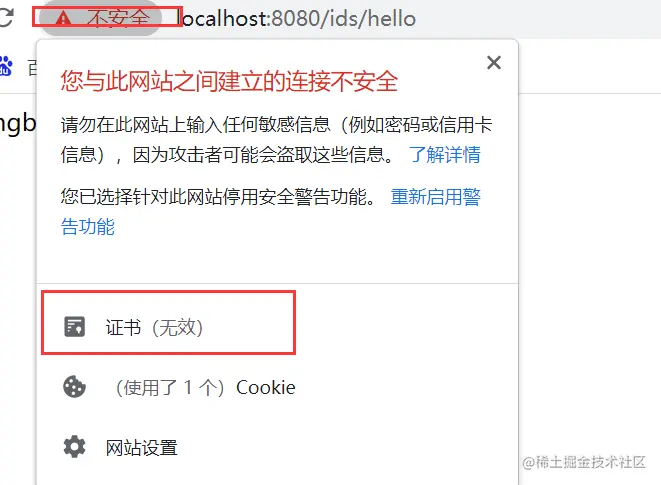
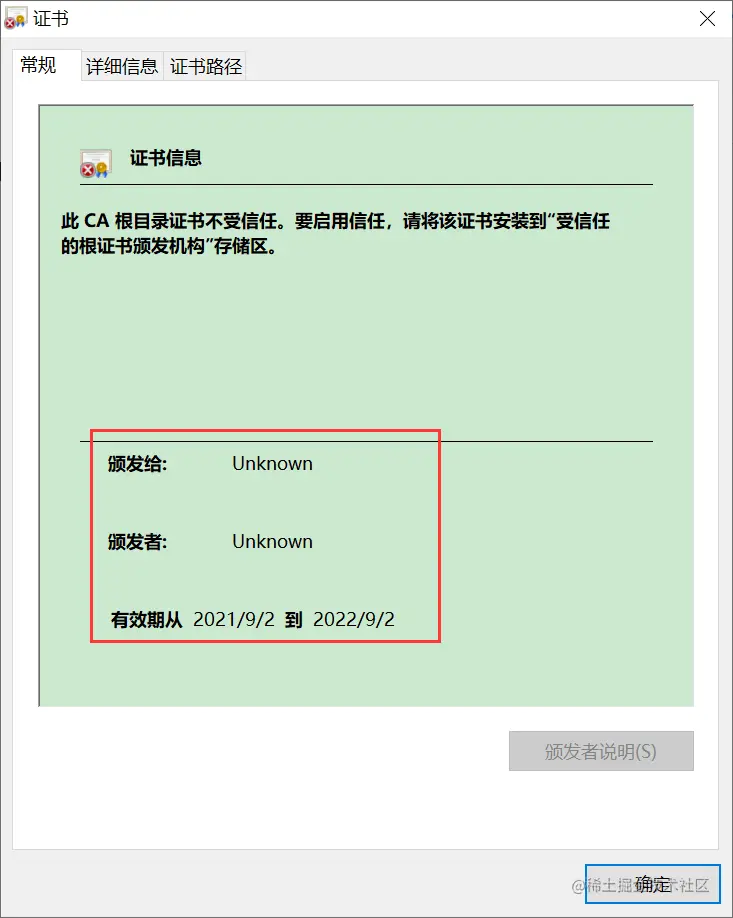
这是因为 Spring Boot 不支持同时在配置中启动 HTTP HTTPS 。这个时候可以配置请求重定向,将 HTTP 请求重定向为 HTTPS 请求。配置方式如下
package com.esoon.ids.configuration;
import org.apache.catalina.Context;
import org.apache.catalina.connector.Connector;
import org.apache.tomcat.util.descriptor.web.SecurityCollection;
import org.apache.tomcat.util.descriptor.web.SecurityConstraint;
import org.springframework.boot.web.embedded.tomcat.TomcatServletWebServerFactory;
import org.springframework.context.annotation.Bean;
import org.springframework.context.annotation.Configuration;
@Configuration
public class TomcatConfig {
@Bean
TomcatServletWebServerFactory tomcatServletWebServerFactory(){
TomcatServletWebServerFactory factory = new TomcatServletWebServerFactory(){
@Override
protected void postProcessContext(Context context) {
SecurityConstraint constraint = new SecurityConstraint();
constraint.setUserConstraint("CONFIDENTIAL");
SecurityCollection collection = new SecurityCollection();
collection.addPattern("/*");
constraint.addCollection(collection);
context.addConstraint(constraint);
}
};
factory.addAdditionalTomcatConnectors(createTomcatConnector());
return factory;
}
private Connector createTomcatConnector(){
Connector connector = new Connector("org.apache.coyote.http11.Http11NioProtocol");
connector.setScheme("http");
connector.setPort(8080);
connector.setSecure(false);
connector.setRedirectPort(8081);
return connector;
}
}
重新启动后,显示两个端口