多语言的功能的实现
npm install vue-i18n
- 创建对应的文件包i18n
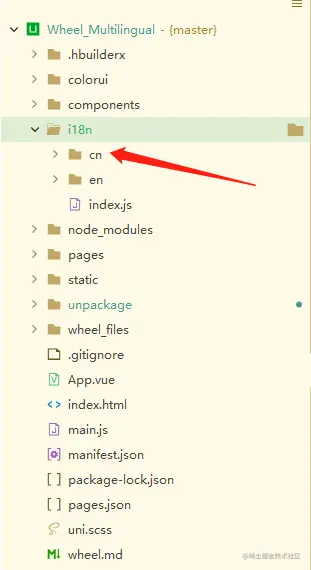
1、看了很多都是下面这样写的
- 都是英文来定义的,这样对应我们英语不好的可读性太差了
- 比如index 到时候页面多起来,比较复杂,就会命名index1,index2,index3,index4....
{{$t('wheel')}}

{{$t('index')}}
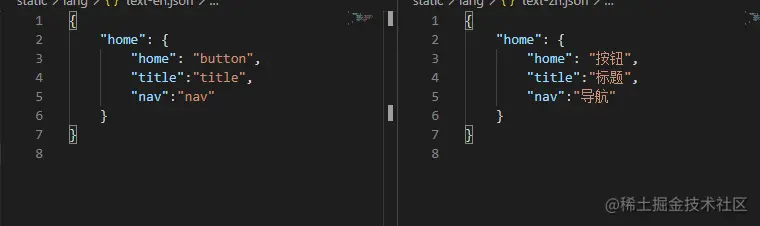
2、我也找了很多资料,最后我比较忠于下面这种写法
- 跟其他人不同的地方在于,我是以中文作为Key的
- 这样写,以后维护起来的时候看的明白些!
{{$t('造轮子')}}
{{$t('首页')}}
uni.showLoading({
title: this.$t('加载中')
})
<view class="cu-item bg-img shadow-blur" v-for="(item,index) in list" :key="index">
<view class="cardTitle">
{{$t(item.title)}}
</view>
</view>
- 实列
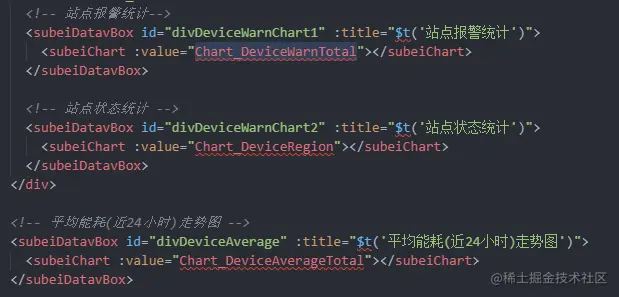
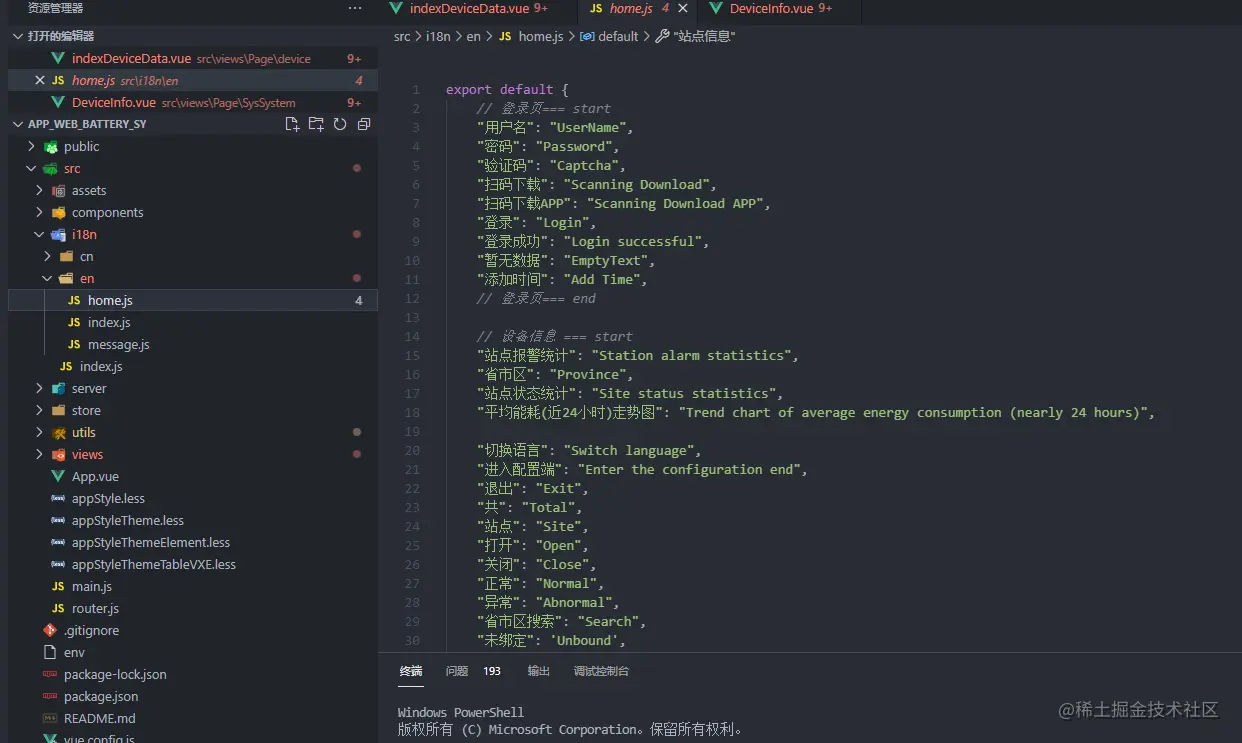
3、上面截图是vue开发的,uniapp和vue 是一样的用法
- 下面来看下这个怎么实现的
- 就是在i18函数里面加一段函数即可
import Vue from 'vue'
import VueI18n from 'vue-i18n'
Vue.use(VueI18n)
function loadLocaleMessages() {
const locales = require.context('.', true, /[A-Za-z0-9-_,\s]+\/index\.js$/i)
const messages = {}
locales.keys().forEach(key => {
messages[key.replace('./', '').replace('/index.js', '')] = locales(key).default
})
return messages
}
const locale = 'cn'
const i18n = new VueI18n({
locale,
fallbackLocale: locale,
messages: loadLocaleMessages(),
silentFallbackWarn: true,
silentTranslationWarn: true,
})
export default i18n
4、源码地址
codechina.csdn.net/qq_32292395…