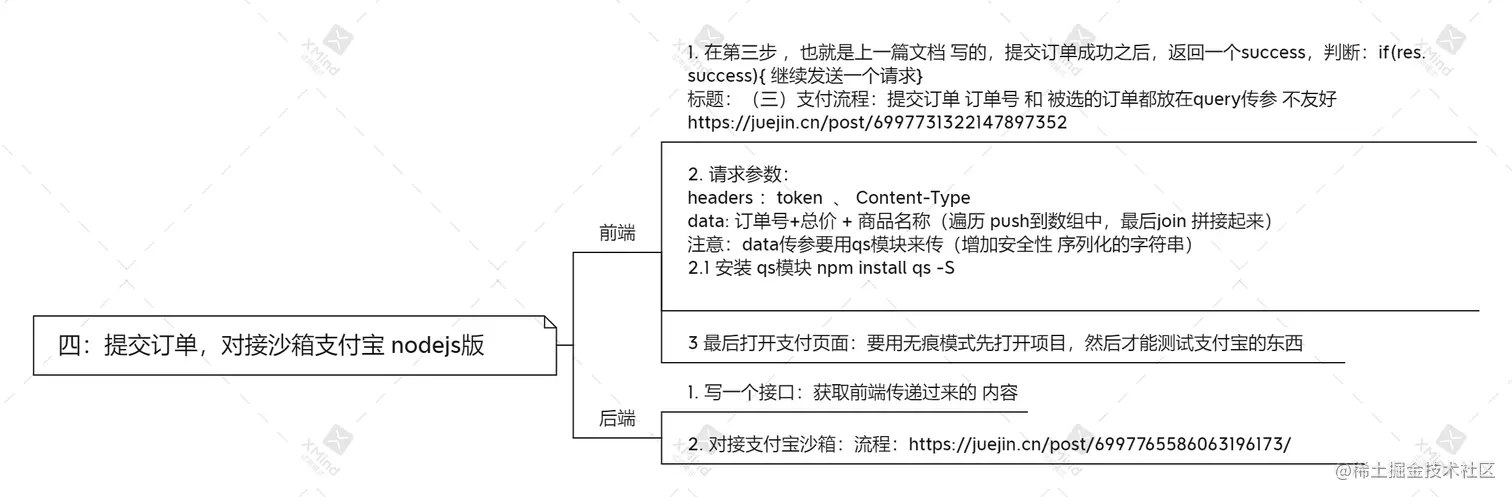
前端:
async submitOrder() {
let res = await http.$axios({
url: "/api/updateOrderStatus",
method: "POST",
headers: {
token: true,
},
data: {
oriderList: this.select,
orderId: this.order_code[0].order_id,
},
});
let shop_titles = [];
this.cartlists.forEach((v) => {
return shop_titles.push(v.shop_title);
});
let orderData = {
totalPrice: this.total.price,
orderId: this.order_code[0].order_id,
shop_title: shop_titles.join(" "),
};
if (res.success) {
let ress = await http.$axios({
url: "/api/aliPay",
method: "POST",
headers: {
token: true,
"Content-Type": "application/x-www-form-urlencoded",
},
data: qs.stringify(orderData),
});
if (ress.success) {
location.href = ress.paymentUrl;
}
console.log(ress);
}
},



