

“这是我参与8月更文挑战的第1天,活动详情查看:8月更文挑战” 我是小白,纯粹自己记录 高手就别浪费时间啦
springBoot是利用SPRING框架快速搭建javaEE项目 可以打包成war包,用Tomcat运行,也可以打包成jar包用java -jar,,也可以直接点击运行方法.
直接以idea举例 新建一个项目 选择Spring Initializr 直接选择默认就可以了(选择起步依赖 选一个web的),会自动生成一个XXXXApplication 在他上面加注解
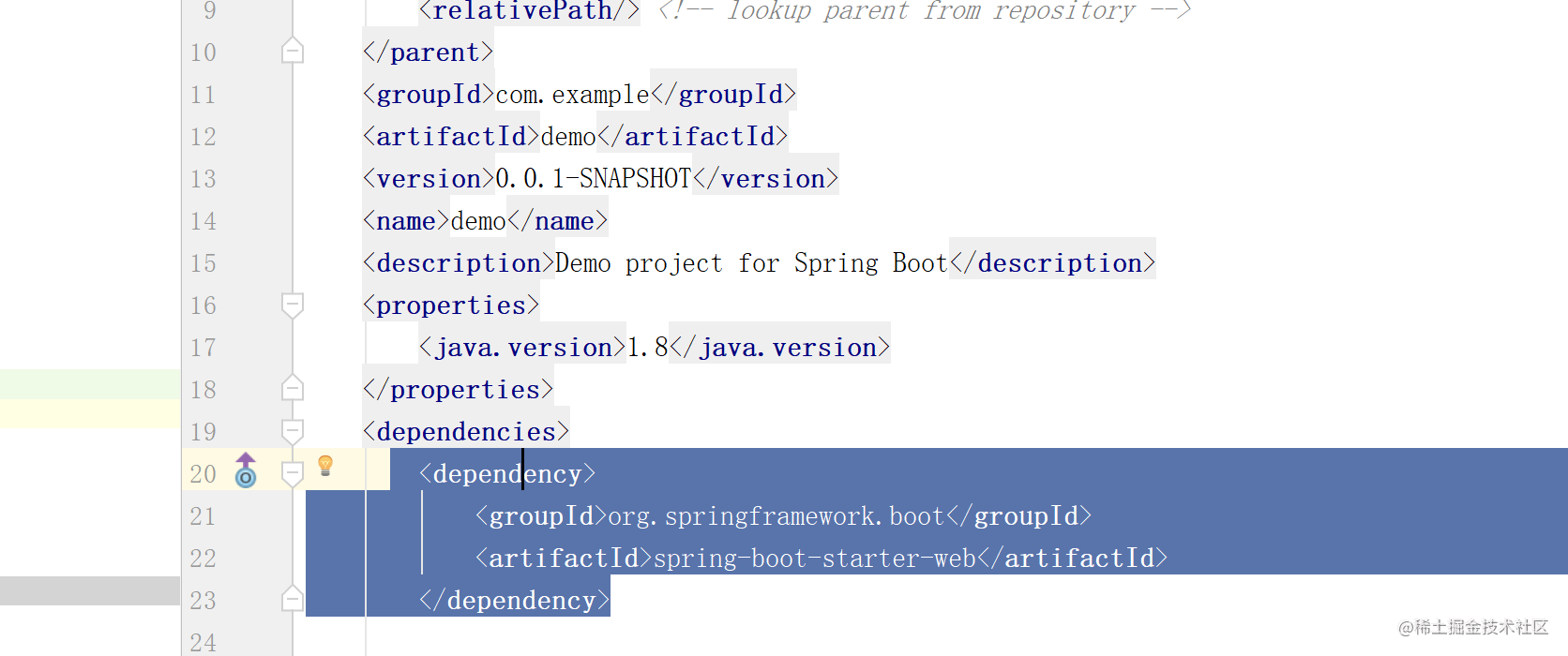
起步依赖可以在pom.xml文件上看到 作用是定义了对其他库的传递依赖,这些东西加在一起即支持某项功能
<dependency>
    <groupId>org.springframework.boot</groupId>
    <artifactId>spring-boot-starter-web</artifactId>
</dependency>
@SpringBootApplication//添加的注解
public class DemoApplication {
public static void main(String[] args) {
SpringApplication.run(DemoApplication.class, args);
}
}
再创建一个Controller包,举个例子很简单的
@RestController//添加一个Controller注解
public class demoController {
    @GetMapping
    public String hello(){
        String str = "hello,springBoot";
        return str;
    }

}
OK,现在运行吧 当springboot启动后 浏览器访问localhost:8080
最基本的操作完成
防止以后忘了,也是java的面试题
解释一下注解是啥意思:@SpringBootApplication
是一个组合注解
在IDEA中按Ctrl点进去 可以看到有好多注解
关键的有三个
@SpringBootConfiguration

@EnableAutoConfiguration

@ComponentScan(
第一个注解再点进去可以看到
一点点接近真相 是一个@Configuration 所以@SpringBootConfiguration的功能就是表明是一个配置类,开发者可以在俩面配置Bean 类似于Spring中的applicationContext.xml文件的作用.
第二个注解@EnableAutoConfiguration 从名字就可以看出是自动导入配置
第三个注解@componentScan 开启包扫描
OK,结束 努力奋斗不加班 冲

