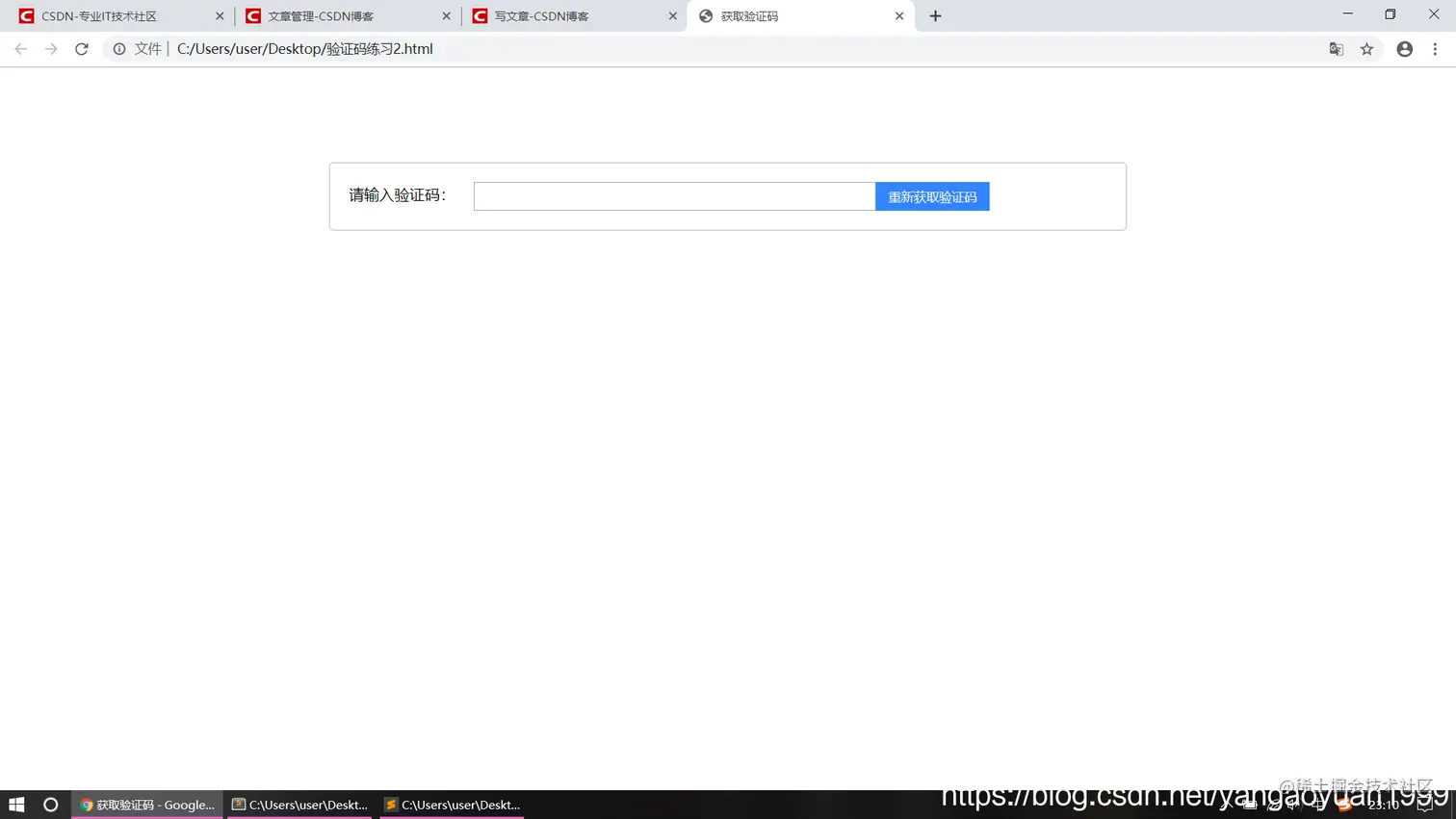
实现效果:
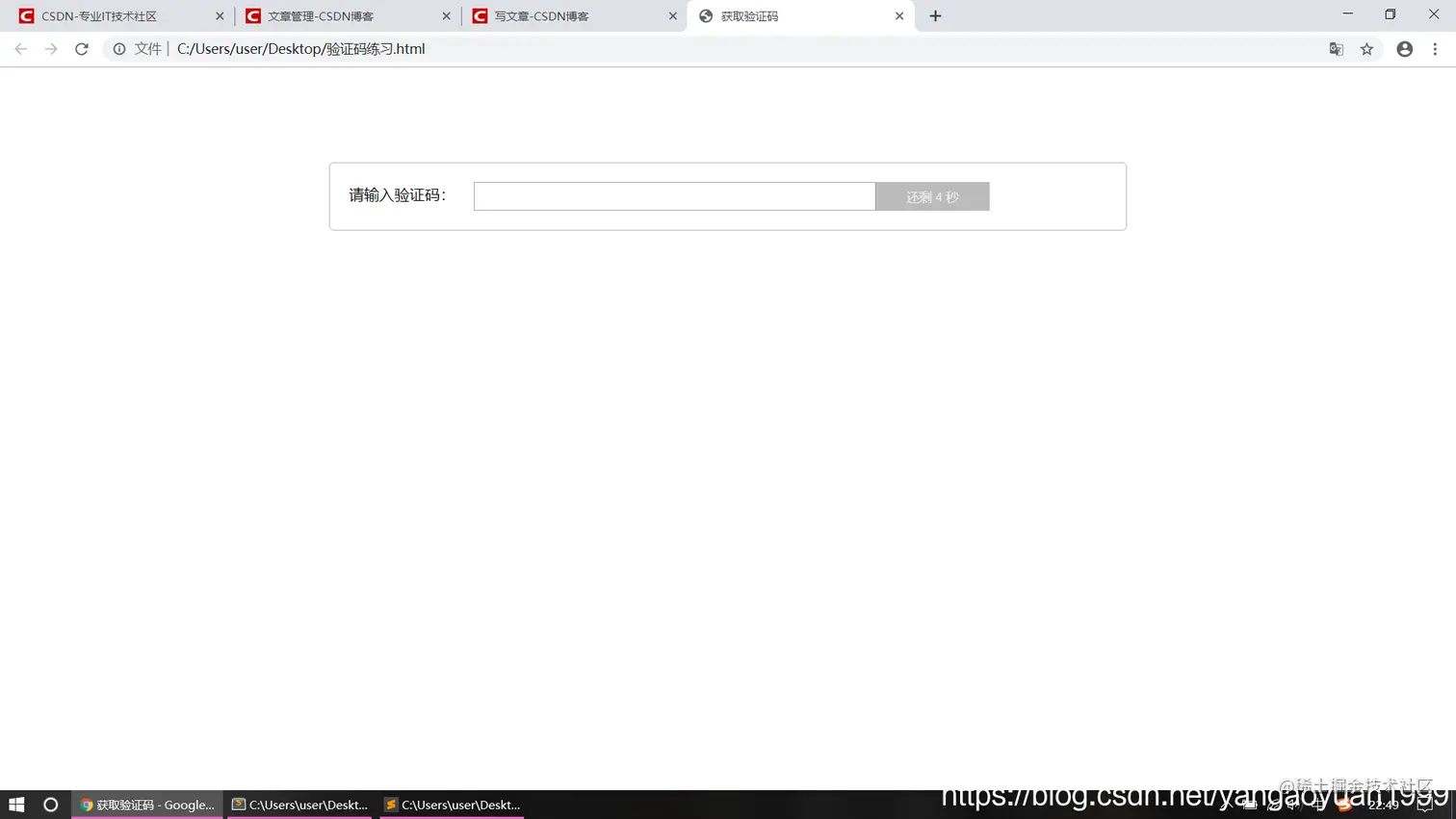
 1.点击按钮出现倒计时
 2.倒计时结束,再次点击从新倒计时
 3.在倒计时过程中,按钮不能被点击
 4.初始状态为蓝色,倒计时过程中为灰色
 5.初始状态鼠标悬停为手指,倒计时过程中鼠标悬停为箭头
实现步骤:
  1.设置点击事件,设置计数器
  2.点击后,判断计算器大于0时,将按钮背景改为灰色,鼠标悬停为箭头,
    设置不可点击
  3.小于等于0时,将按钮背景改为蓝色,鼠标悬停为手,可点击,
实现细节:
1.在重置style中的背景和鼠标悬停的样式时,将that.style = {}
因为background和cursor都属于style属性,
2.用disabled来设置是否可以点击
方法一:(用setinterval()方法)
<!DOCTYPE html>
<html lang="en">
<head>
	<meta charset="UTF-8">
	<title>获取验证码</title>
	<style>
		.yzm{
			width: 800px;
			margin: 100px auto;
			border: 1px solid #bbb;
			border-radius: 5px;
			padding: 20px;
			font-size: 16px;
		}
		.yzm span{
			padding-right: 15px;
		}
		.yzm ipt{
			width: 400px;
			height: 20px;
			border: 1px solid #3385ff;
			display: inline-block;/*inline-block融合与行内的块级元素*/
		}
		.yzm input{
			width: 400px;
			height: 16px;
			outline: none;
			padding: 5px 10px;
		}
		.yzm #getYZM{
			width: 120px;
			height: 30px;
            border: none;
            outline: none;
            background: #3385ff;
            position: absolute;
            cursor: pointer;
            color: #eee;
		}
	</style>
	<script>
	window.onload = function(){
        var btn = document.getElementById('getYZM');
        var count = 6;
        var timer;
        btn.onclick = function(){
        	that = this;
        	if(timer){
        		clearInterval(timer);
        	}
        	timer = setInterval(function(){
        	//谁调用的函数,this就指得谁,此时this的对象为window,setInterval属于window顶级对象下的方法

        		if(count > 1){
        			that.style.backgroundColor = '#bbb';
        			count--;
        			that.disabled = true; //disabled禁用input属性,此时无法点击
        			that.value = '还剩 ' + count + ' 秒';
        			that.style.cursor = 'default';//系统默认的箭头表示
        		}else{
        			clearInterval(timer);
        			that.value = '重新获取验证码';
        			that.disabled = false; //可点击
        			that.style = {};//此时将cursor和background都设置成原来的格式;
        			count = 6;//重置计数器
        		}
        	},1000);
        }
	}
	</script>
</head>
<body>
	<div class="yzm">
	<span>请输入验证码:</span>
		<span class="ipt">
			<input type="text">
			<input type="button" value="获取验证码" id="getYZM">
		</span>
	</div>
</body>
</html>
方法二:(用settimeout()方法)
<!DOCTYPE html>
<html lang="en">
<head>
	<meta charset="UTF-8">
	<title>获取验证码</title>
	<style>
		.yzm{
			width: 800px;
			margin: 100px auto;
			border: 1px solid #bbb;
			border-radius: 5px;
			padding: 20px;
			font-size: 16px;
		}
		.yzm span{
			padding-right: 15px;
		}
		.yzm ipt{
			width: 400px;
			height: 20px;
			border: 1px solid #3385ff;
			display: inline-block;/*inline-block融合与行内的块级元素*/
		}
		.yzm input{
			width: 400px;
			height: 16px;
			outline: none;
			padding: 5px 10px;
		}
		.yzm #getYZM{
			width: 120px;
			height: 30px;
            border: none;
            outline: none;
            background: #3385ff;
            position: absolute;
            cursor: pointer;
            color: #eee;
		}
	</style>
	<script>
	window.onload = function(){
      	var btn = document.getElementById('getYZM');
      	var count = 6;
      	btn.onclick = function(){ //采用递归的方法;
      		  that = this;
      	setTimeout(clock,1000);
      	function clock(){
      		if(count <= 1){
      			count = 6;
      			that.style = {};//将style属性设置为初始
      			that.disabled = false; //设置可点击
      			that.value = '重新获取验证码';
      		}else{
      			count--;
      			that.value = '还剩 ' + count +' 秒';
      			that.style.backgroundColor = '#bbb';
      			that.style.cursor = 'default'; //鼠标悬停为默认箭头
      			that.disabled = true; //设置不能点击;
      			setTimeout(clock,1000);
      		}

      	}
      }
  }
	</script>
</head>
<body>
	<div class="yzm">
	<span>请输入验证码:</span>
		<span class="ipt">
			<input type="text">
			<input type="button" value="获取验证码" id="getYZM">
		</span>
	</div>
</body>
</html>