一、摸鱼没有网址怎么行?
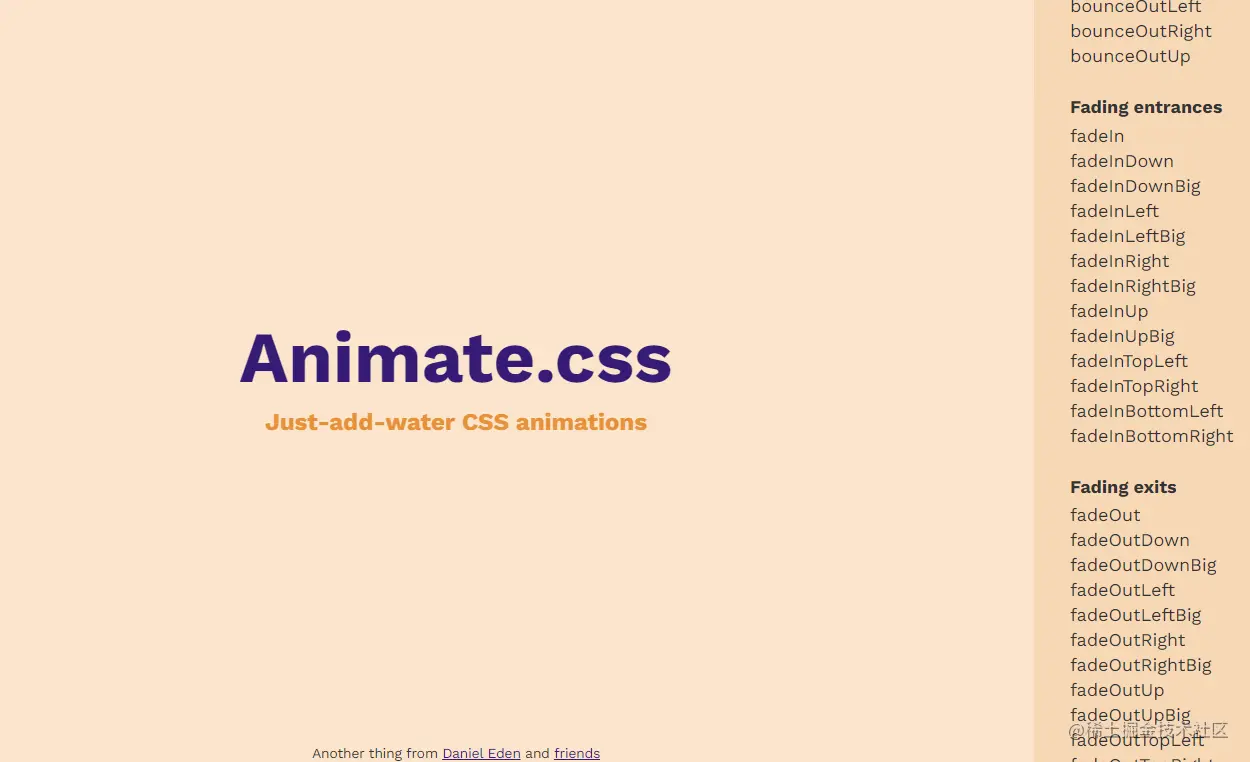
使用这个动画的前提一定是先有这个动画的官网,地址我已经搬过来啦~
animate.style/#best-pract…
二、有了网址不会安装如何痛快摸鱼?
使用 npm 安装:
$ npm install animate.css --save
用纱线:
$ yarn add animate.css
或使用 CDN 将其直接添加到您的网页:
<head>
  <link
    rel="stylesheet"
    href="https://cdnjs.cloudflare.com/ajax/libs/animate.css/4.1.1/animate.min.css"
  />
</head>
三、 安装或者引入后,不会使用岂不是很尴尬~
基本用法
transition标签,使用animate 需要在引入的 动画类名前 加入固定的前缀(animate__animated)
<transition
  enter-active-class="animate__animated animate__fadeIn"
  leave-active-class="animate__animated animate__fadeOut"
>
    <div :v-show="isShow" class="div_box">
      这是一个 大~ 盒子
    </div>
</transition>
这里我偷懒了,你们别学我嗷,这里需要定义一个切换布尔类型事件,用来可视化动画展示
export default {
    data() {
        return {
          isShow:true
        };
    },
}
样式表div_box盒子样式
.div_box{
    width: 400px;
    height: 400px;
    background: red;
}