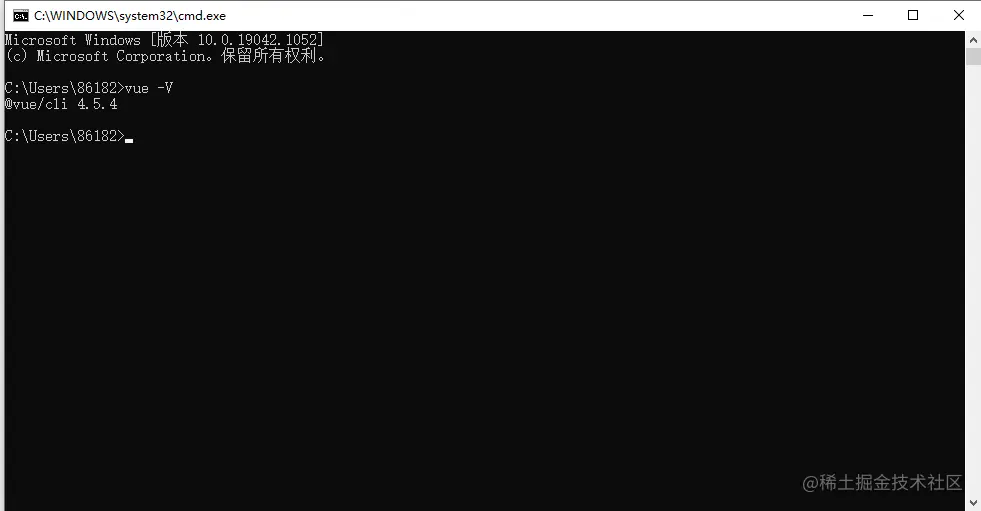
vue-cli版本检查
构建项目
vue create 项目名
配置
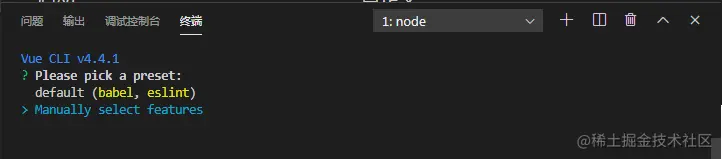
    default 是默认配置
    Manually select features 手动配置
手动配置
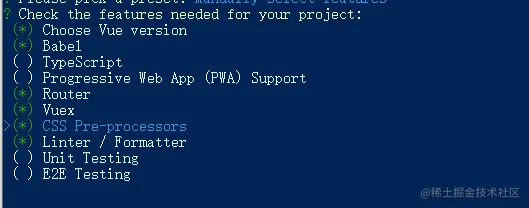
babel 转换ES6语法
typescript TS
router 路由
vuex 状态管理
CSS Pre-processors 样式预处理器
linter/Formatter 代码风格

    Choose a version of Vue.js that you want to start the project with
        选择要启动项目的Vue.js版本  这里我选择的2.0
    Use history mode for router?
        路由是否使用历史模式  我选择是Yes  项目中也可以改为Hash模式
    Pick a CSS pre-processor
        选择css预处理器 我选的less
    Pick a linter / formatter config
        ESLint with error prevention only(只检测错误)
        ESLint + Standard config 自带linter和自动代码纠正
        ESLint + Prettier 能统团队的代码风格 示例选择
    Pick additional lint features
        Lint on save (保存就检测)
        Lint and fex on commit ( 用户提交文件到git的时候检测 )
    Where do you prefer placing config for Babel, ESLint, etc.
        in dedicated config files(单独管理) 示例选择
        in package.json(放在package.json里)
    Save this as a preset for future projects?
        保存为以后项目的配置
安装成功
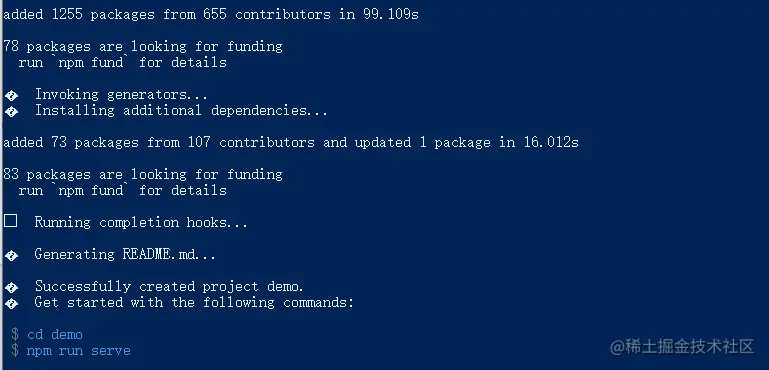
   启动命令 npm run serve
   打包命令 npm run build