
效果演示
- PC端或大屏页面中,登录背景图通常尺寸很大,即使经过压缩,依然需要一定的载入时间,就像是拉闸门一样:
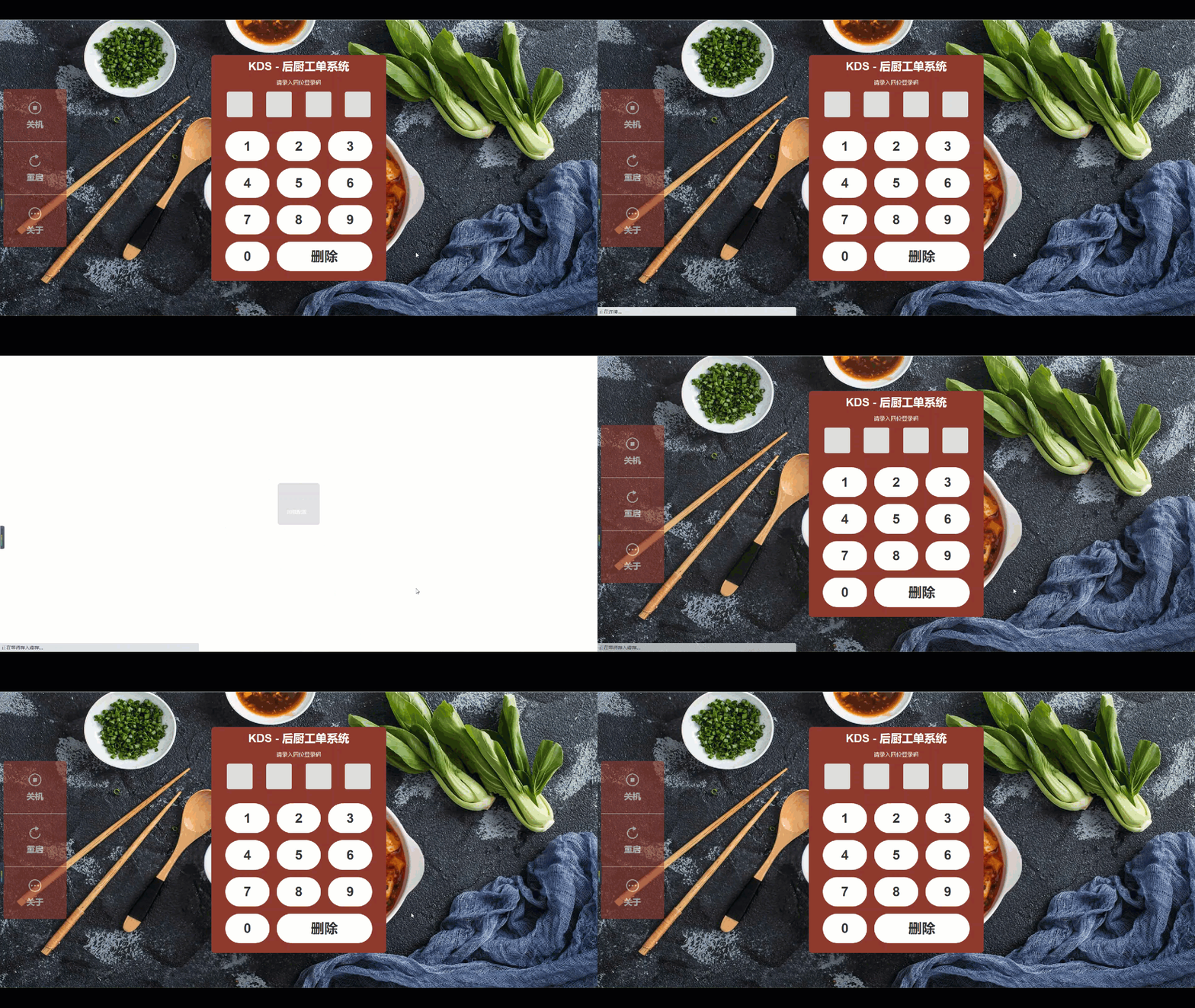
实现思路
new Image()对象对背景原图进行onload()方法监听,- 载入成功后,对HTML元素进行
backgroundImage替换
- 同时设置
transition过渡效果
代码实现
- 提前准备两张图片:一张是背景原图(bg.png),一张是占位图(bg-guard.pnd)。占位图尽量与原图色调相近,尺寸只有50×50;
background-image默认展示bg-guard.pnd占位图,同时设置transition过渡属性
.page{
  background-image: url(/assets/bg-guard.pnd);
  background-size: 100% 100%;
  background-repeat: no-repeat;
  background-position: center center;
  transition: background 1s;
}
- 在
onMounted()钩子函数中监听对Image对象进行onload()监听,载入成功后进行替换
import {
onMounted,
ref
} from 'vue'
export default {
setup(props, { ctx }){
const page = ref(null)
onMounted(() => {
let image = new Image()
image.src = require('/assets/bg.png')
image.onload = () => {
page.value.style.backgroundImage = 'url(' + image.src + ')'
}
})
}
}