Koa2
koa-send进行文件的下载
const download = require('./routes/download')
app.use(download.routes(), download.allowedMethods())
单文件下载
- 新建download路由
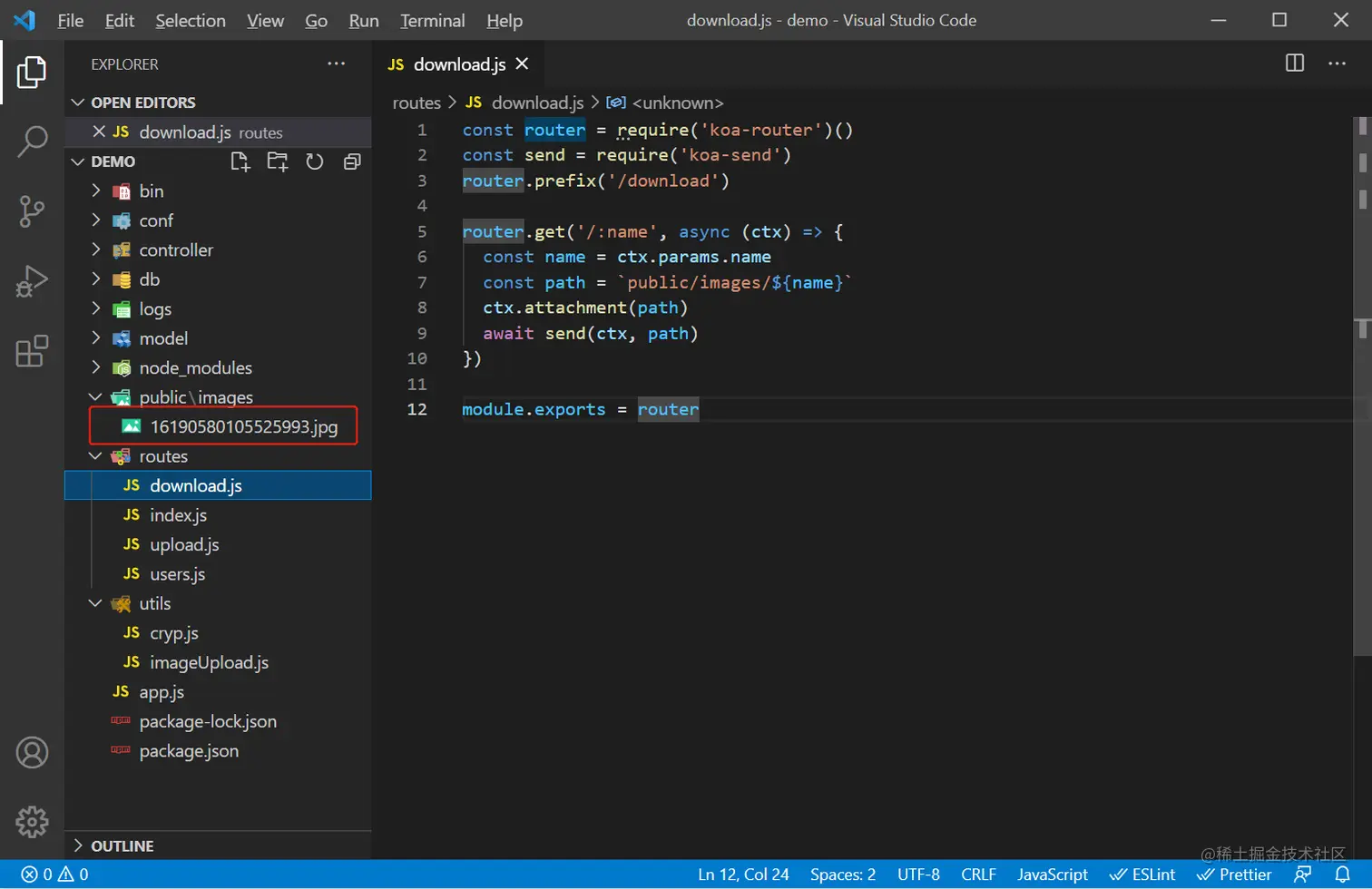
const router = require('koa-router')()
const send = require('koa-send')
router.prefix('/download')

router.get('/:name', async (ctx) => {
  const name = ctx.params.name
  const path = `public/images/${name}`
  ctx.attachment(path)
  await send(ctx, path)
})

module.exports = router
<button @click="download">下载</button>
download() {
      window.open('http://localhost:3000/download/16190580105525993.jpg', '_self')
}
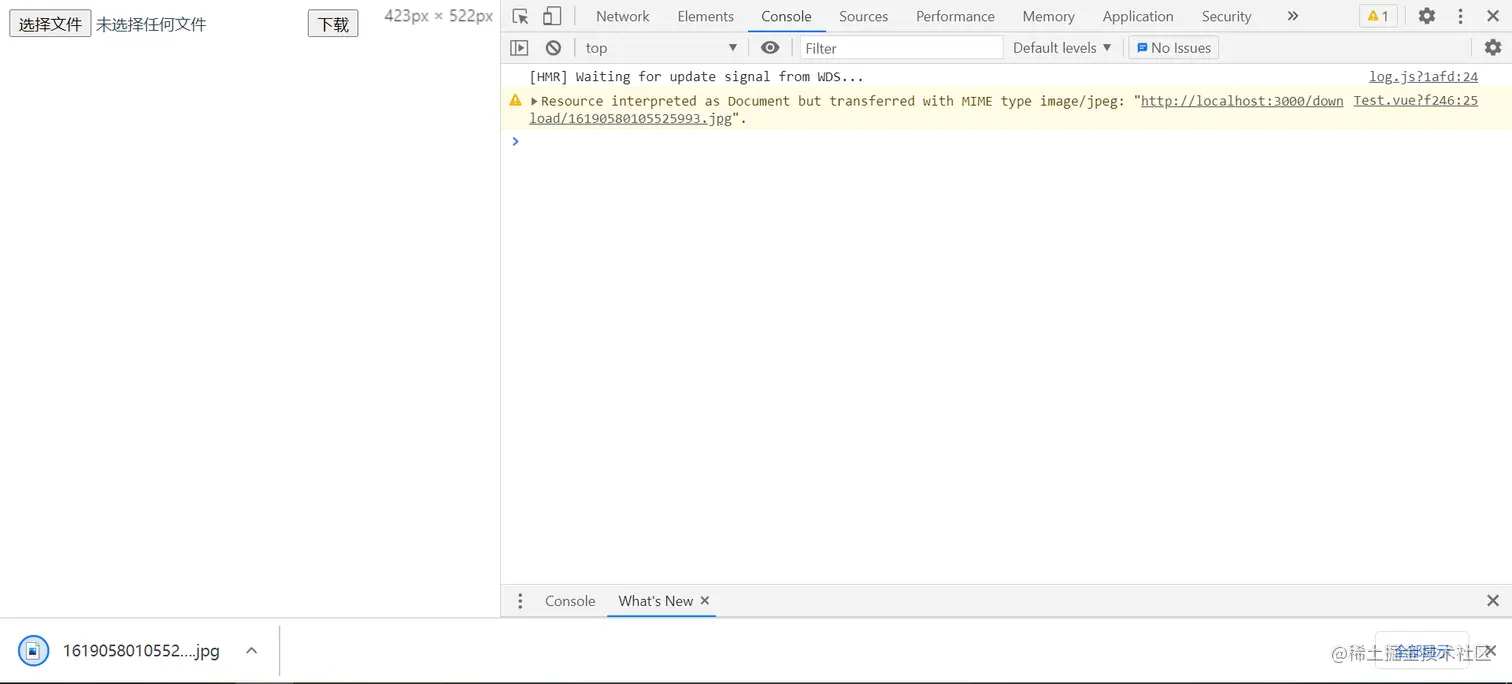
<iframe name="myIframe" style="display:none"></iframe>
download() {
      window.open('http://localhost:3000/download/16190580105525993.jpg', 'myIframe')
}
批量下载
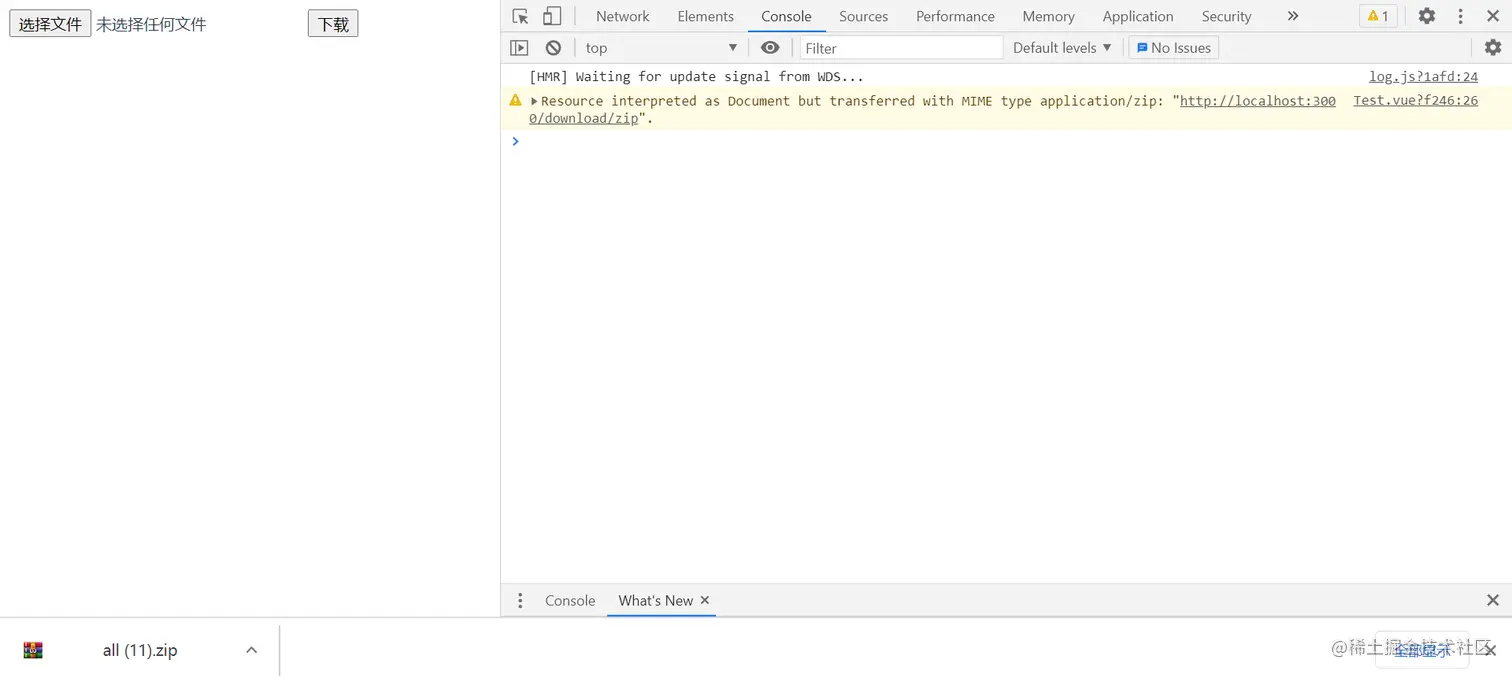
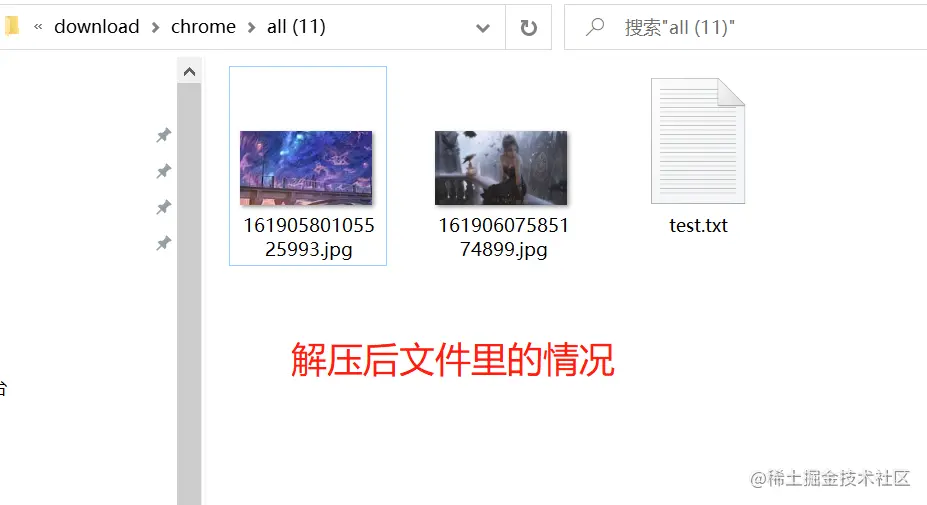
- 多个文件打包成一个压缩包
- archiver 是一个在 Node.js 中能跨平台实现打包功能的模块,支持 zip 和 tar 格式
- 参考文档
- 安装
npm install archiver -S
- 此处用于压缩的文件,我这边直接在后端写死,没有用到前端传值,需要的话自行操作,并没有难度上的升级,这边只是介绍archiver
- 使用
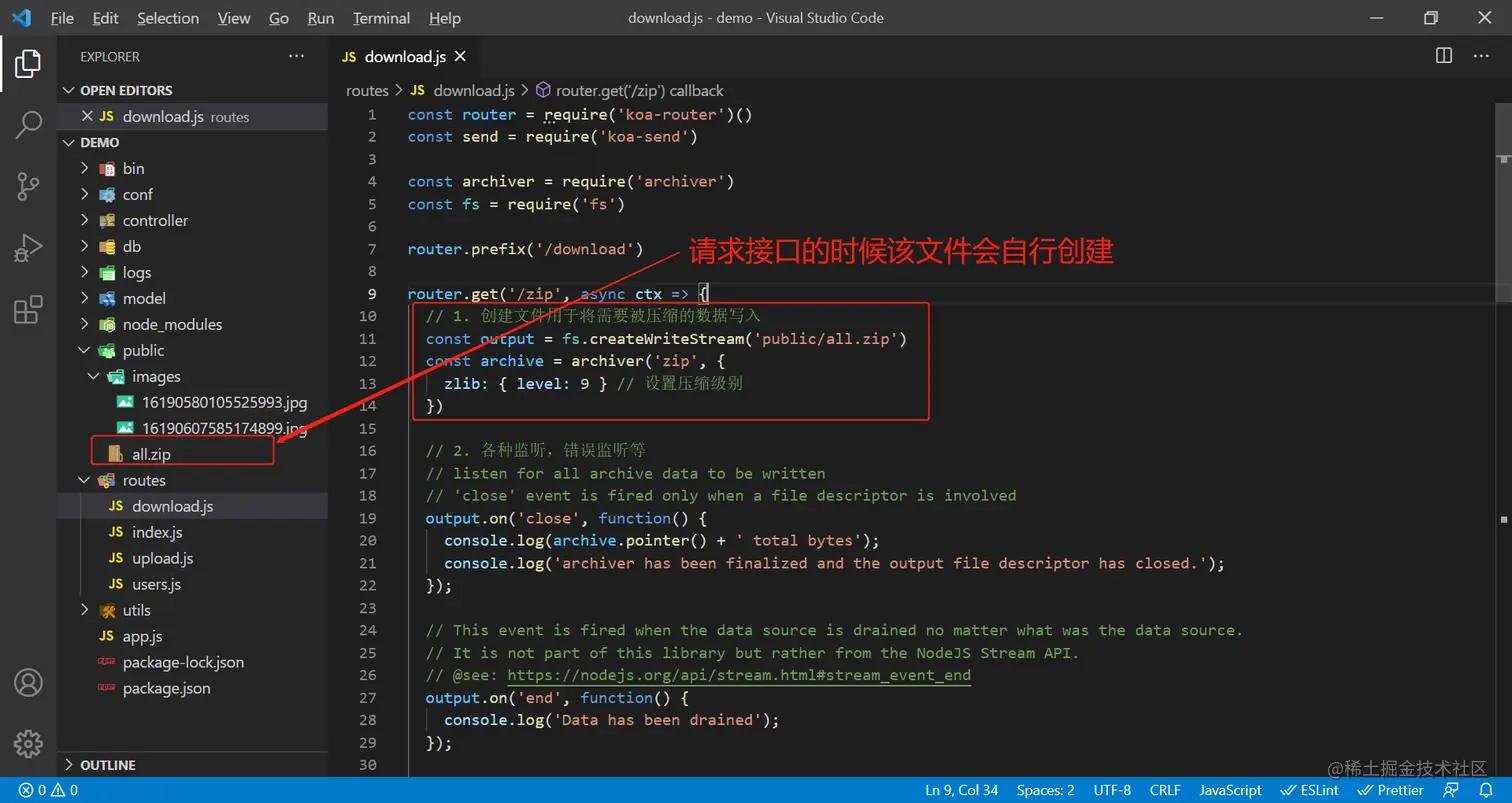
const router = require('koa-router')()
const send = require('koa-send')
const archiver = require('archiver')
const fs = require('fs')
router.prefix('/download')
router.get('/zip', async ctx => {
const output = fs.createWriteStream('public/all.zip')
const archive = archiver('zip', {
zlib: { level: 9 }
})
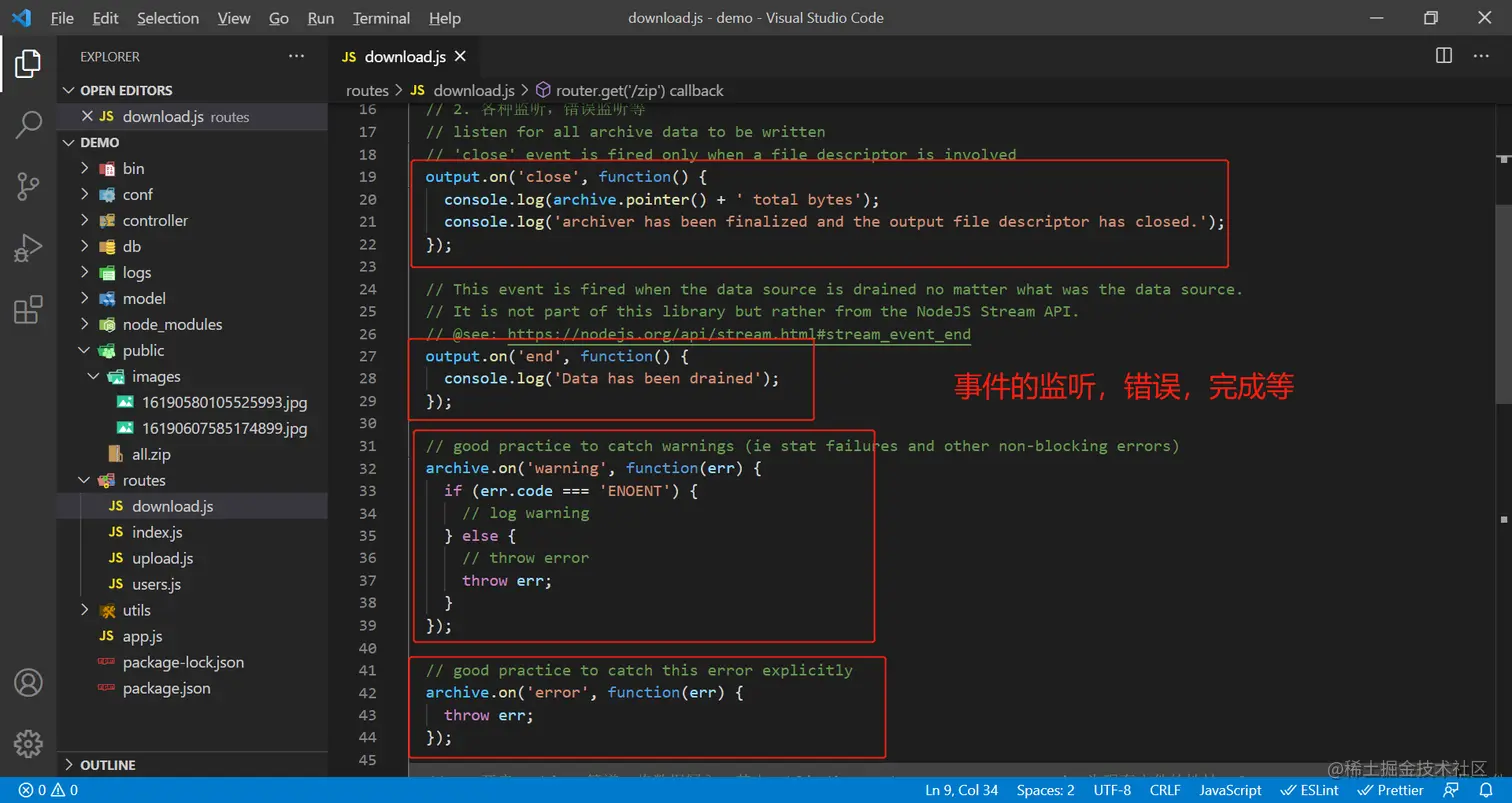
output.on('close', function() {
console.log(archive.pointer() + ' total bytes');
console.log('archiver has been finalized and the output file descriptor has closed.');
});
output.on('end', function() {
console.log('Data has been drained');
});
archive.on('warning', function(err) {
if (err.code === 'ENOENT') {
} else {
throw err;
}
});
archive.on('error', function(err) {
throw err;
});
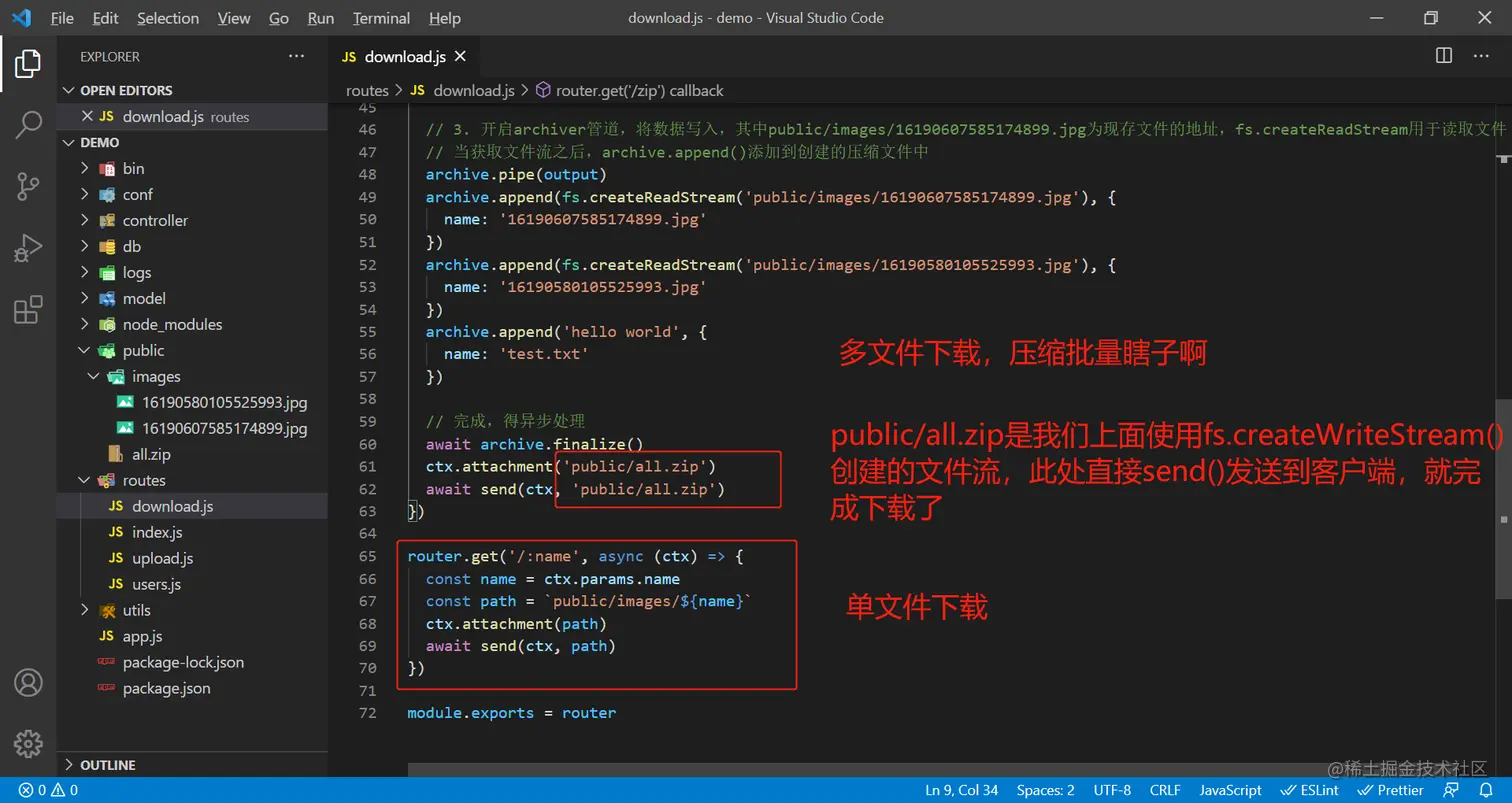
archive.pipe(output)
archive.append(fs.createReadStream('public/images/16190607585174899.jpg'), {
name: '16190607585174899.jpg'
})
archive.append(fs.createReadStream('public/images/16190580105525993.jpg'), {
name: '16190580105525993.jpg'
})
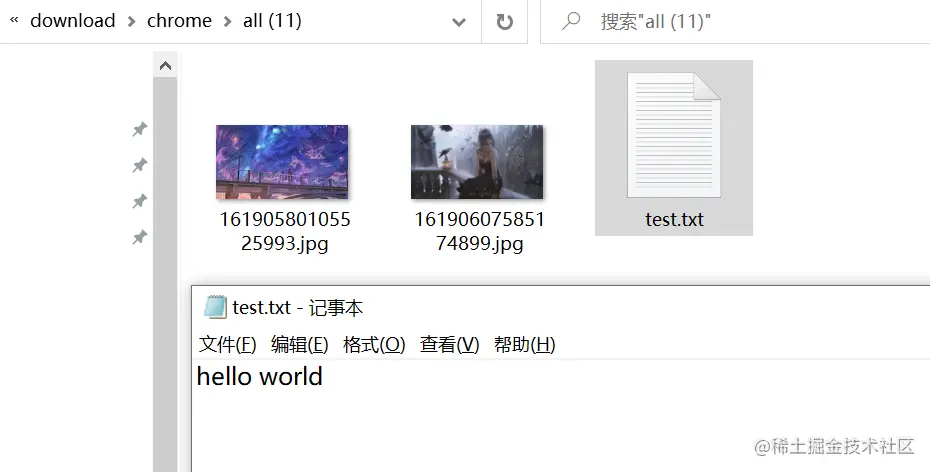
archive.append('hello world', {
name: 'test.txt'
})
await archive.finalize()
ctx.attachment('public/all.zip')
await send(ctx, 'public/all.zip')
})
router.get('/:name', async (ctx) => {
const name = ctx.params.name
const path = `public/images/${name}`
ctx.attachment(path)
await send(ctx, path)
})
module.exports = router
<iframe name="myIframe" style="display:none"></iframe>
<button @click="download">下载</button>
download() {
  window.open('http://localhost:3000/download/zip', 'myIframe')
}