hangfire 适配 litedb的原因.
- 1 官方已经多年不更新sqlite, 而且useSqliteServer()会有诸多bug, 比如一秒五次,运行次数是乱来的, 定期任务也是乱来的. mysql, mssql则不会有此问题.
- 2 替代方案可以选择mysql, mssql这些, 但我更懒,我就希望绿色,不需要安装, 所以只剩下sqlite 和 litedb这类选择. 由于原因1,最终选择了litedb
第一步, 引入包
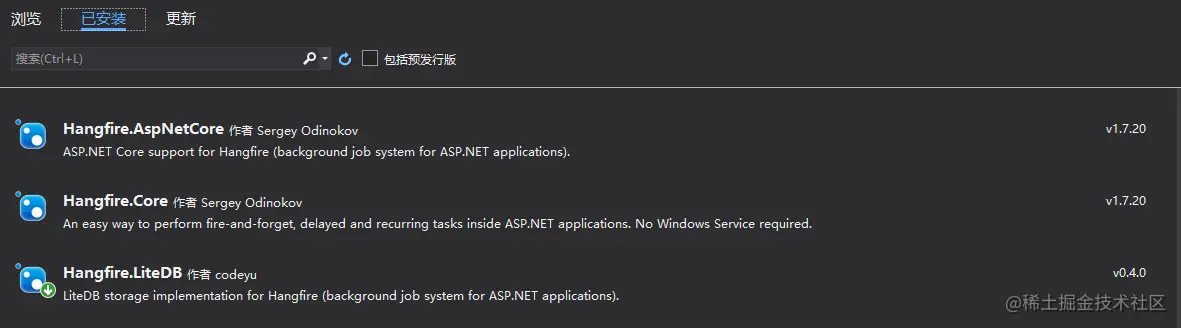
第二步, 配置数据库
{
  "Logging": {
    "LogLevel": {
      "Default": "Information",
      "Microsoft": "Warning",
      "Microsoft.Hosting.Lifetime": "Information"
    }
  },
  "ConnectionStrings": {
    "Database": "./hf0330.db"
  },
  "AllowedHosts": "*"
}
第三步, 引用配置文件
private IConfiguration Configuration { get; }

public Startup(IConfiguration configuration)
{
    Configuration = configuration;
}
第四步, 配置hangfire
public void ConfigureServices(IServiceCollection services)
{
services.AddHangfire(config =>
{
config.SetDataCompatibilityLevel(CompatibilityLevel.Version_170)
.UseSimpleAssemblyNameTypeSerializer()
.UseDefaultTypeSerializer()
.UseLiteDbStorage(Configuration[key: "ConnectionStrings:Database"]);
});
services.AddHangfireServer();
}
第五步,配置启动管道
public void Configure(IApplicationBuilder app, IWebHostEnvironment env, IBackgroundJobClient backgroundJobClient, IRecurringJobManager recurringJobManager)
{
if (env.IsDevelopment())
{
app.UseDeveloperExceptionPage();
}
app.UseRouting();
app.UseEndpoints(endpoints =>
{
endpoints.MapGet("/", async context =>
{
await context.Response.WriteAsync("Hello World!");
});
});
app.UseHangfireDashboard();
backgroundJobClient.Enqueue(() => Console.WriteLine("hello hang fire job!"));
recurringJobManager.AddOrUpdate(
"run every minutes",
() => Console.WriteLine("hello recurring job!"),
"* * * * *"
);
}
第六步,查看运行结果
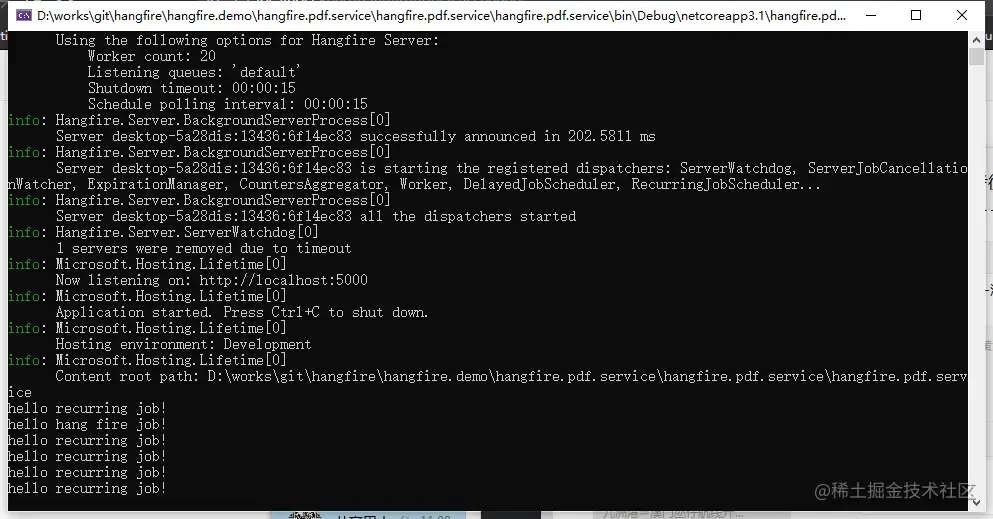
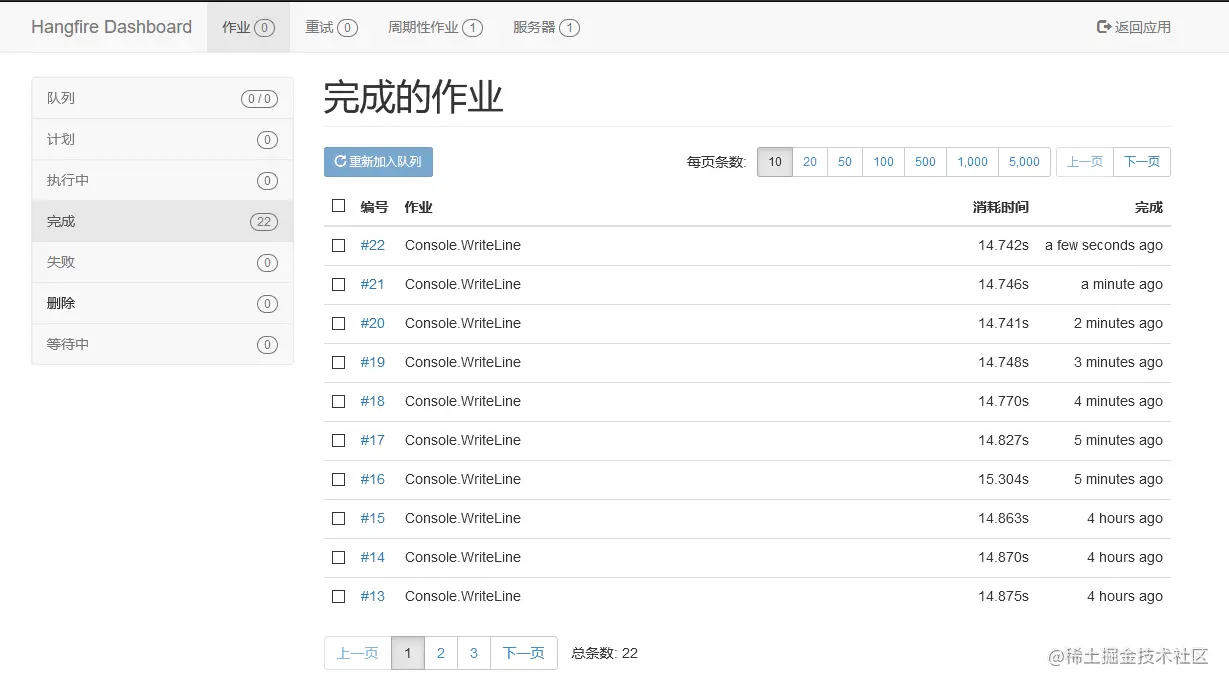
最后,给白嫖党们献上福利, 当然是源码了.
gitee.com/zero530/han…