构造方法
const SnackBar({
Key key,
@required this.content,
this.backgroundColor,
this.elevation,
this.shape,
this.behavior,
this.action,
this.duration = _snackBarDisplayDuration,
this.animation,
})
示例
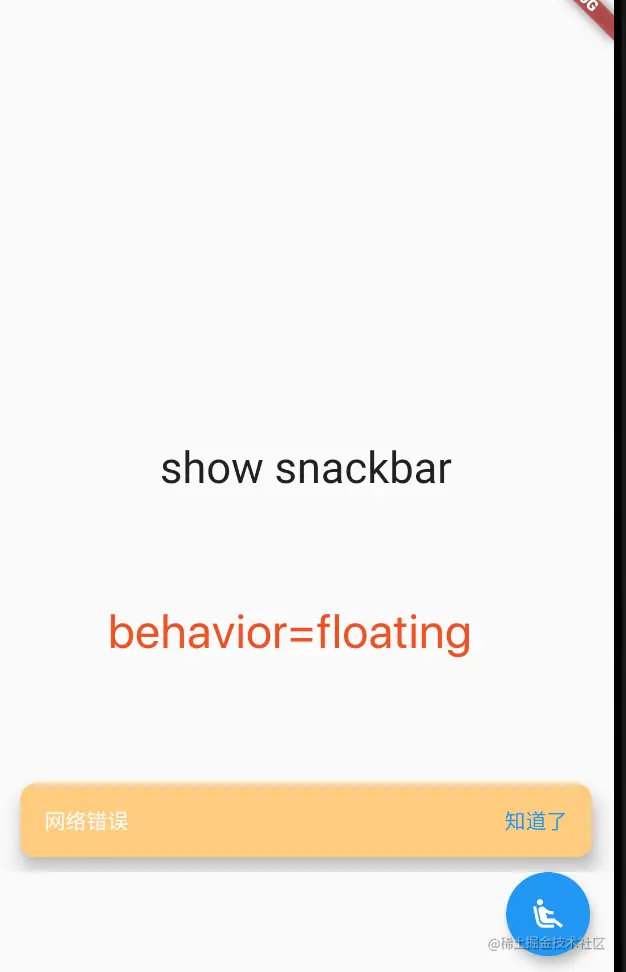
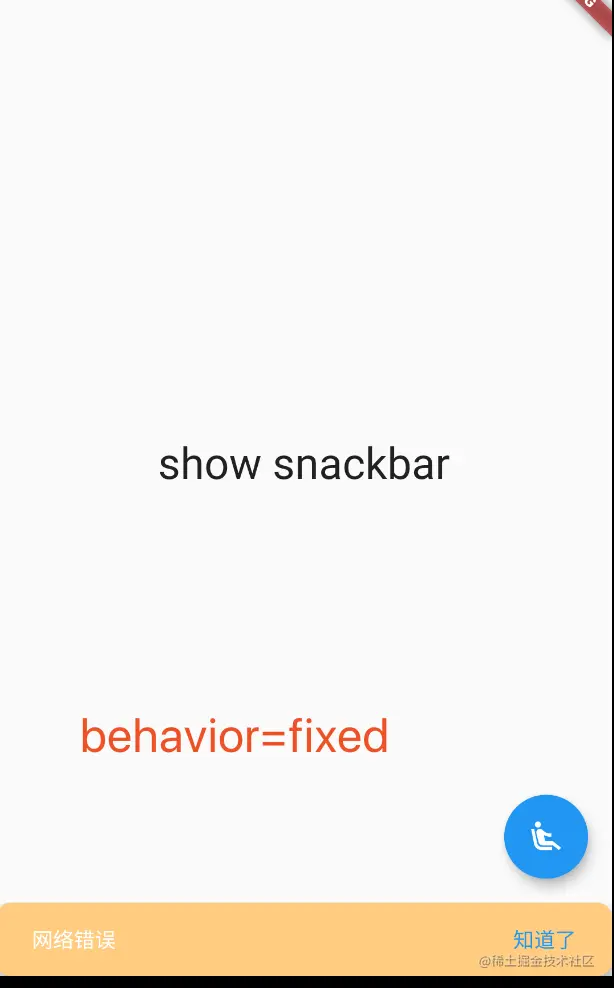
代码
class _MyHomePageState extends State<MyHomePage> {
@override
Widget build(BuildContext context) {
return Scaffold(
body: new Builder(builder: (BuildContext context) {
return Center(
child: GestureDetector(
onTap: (){
Scaffold.of(context).showSnackBar(SnackBar(
content: Text("网络错误"),
backgroundColor: Colors.orange[200],
elevation: 10,
duration: Duration(seconds: 4),
shape: RoundedRectangleBorder(borderRadius: BorderRadius.circular(10)),
behavior: SnackBarBehavior.fixed,
action: SnackBarAction(
label: "知道了",
onPressed: () {
Scaffold.of(context).hideCurrentSnackBar();
},
),
));
},
child: Text("show snackbar",style: TextStyle(fontSize: 29),),
),
);
}),
floatingActionButton: FloatingActionButton(
onPressed: () {
},
child: Icon(Icons.airline_seat_recline_extra),
),
);
}
}