属性
const Padding({
Key key,
@required this.padding,
Widget child,
})
- EdgeInsets.all(12),// 指定四个方向相同的值
- EdgeInsets.fromLTRB(10, 20, 30, 40),// 分别指定四个方向的值
- EdgeInsets.only(left: 10,right: 30),// 指定任意方向的值
- EdgeInsets.symmetric(vertical: 10,horizontal: 50),//指定水平(left right)或垂直方向(top,bottom)的值。
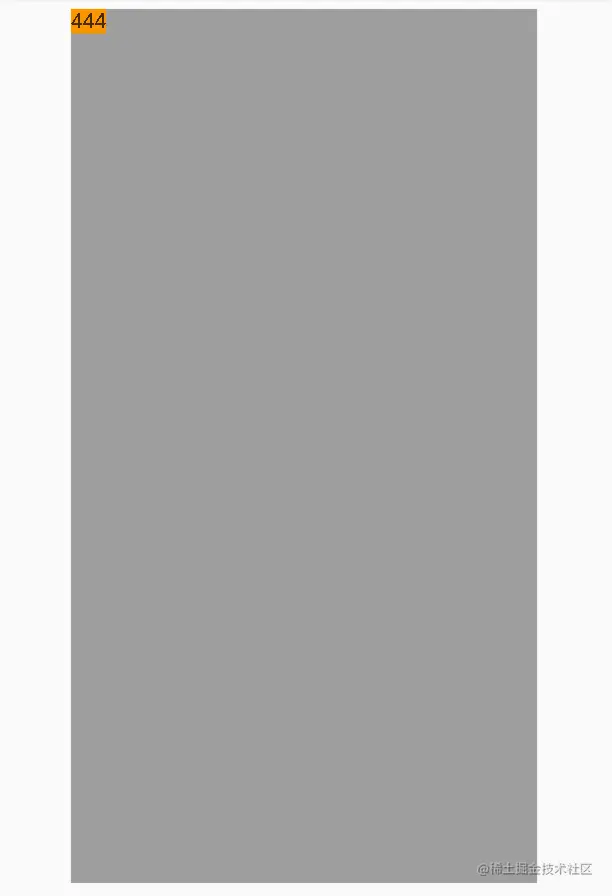
class _MyHomePageState extends State<MyHomePage> {
@override
Widget build(BuildContext context) {
return Scaffold(
appBar: AppBar(
title: Text(widget.title),
),
body: ConstrainedBox(
constraints: BoxConstraints.expand(),
child: Padding(
padding: EdgeInsets.symmetric(vertical: 10,horizontal: 50),
child: Stack(
fit: StackFit.expand,
children: <Widget>[
Container(
child: Text(
"444",
style: TextStyle(backgroundColor: Colors.orange),
),
color: Colors.grey,
),
],
),
),
),
);
}
}