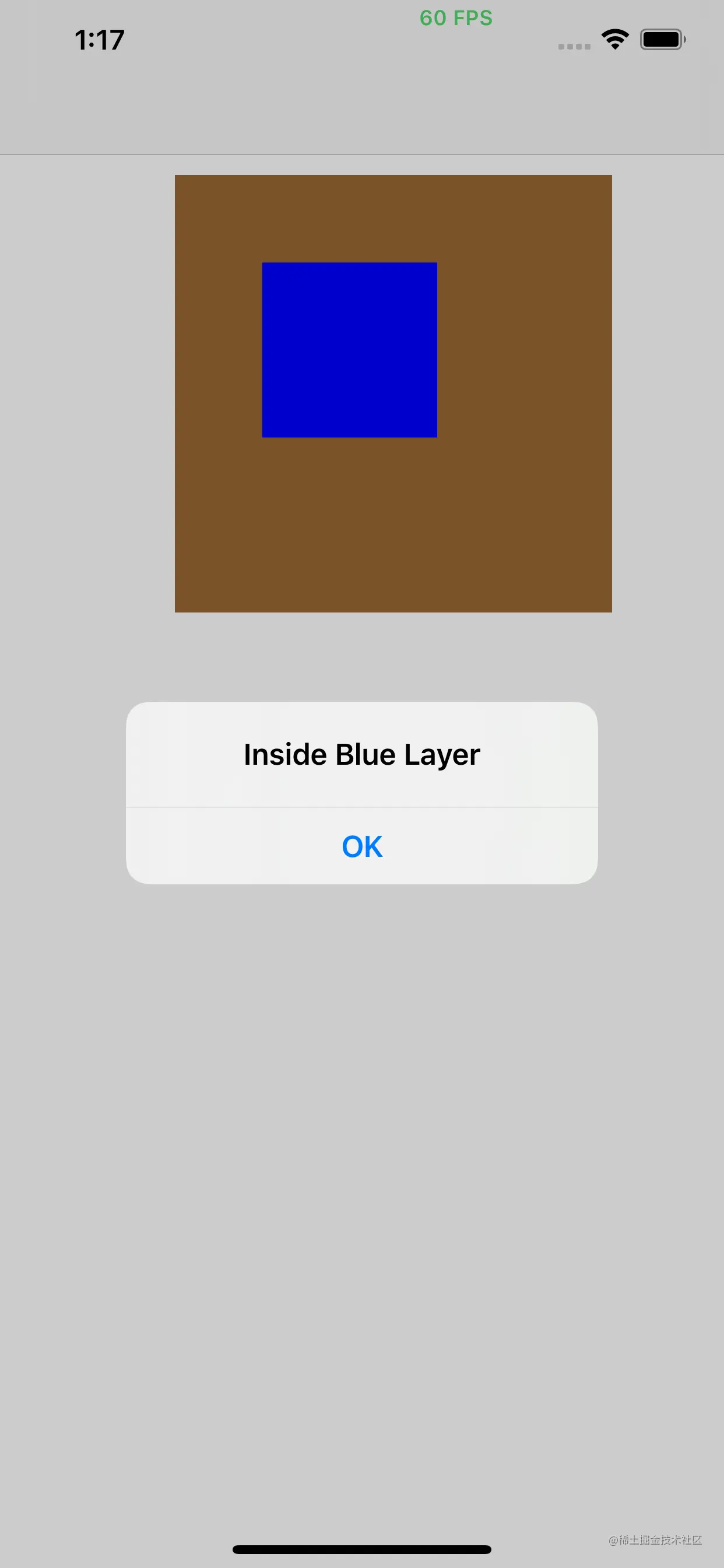
#import "ViewController.h"
@interface ViewController ()
@property (nonatomic, strong) UIView *brownView;
@property (nonatomic, strong) CALayer *blueLayer;
@end
@implementation ViewController
- (void)viewDidLoad {
[super viewDidLoad];
self.brownView = [[UIView alloc] init];
self.brownView.frame = CGRectMake(100, 100, 250, 250);
self.brownView.backgroundColor = [UIColor brownColor];
[self.view addSubview:self.brownView];
self.blueLayer = [CALayer layer];
self.blueLayer.frame = CGRectMake(50.0f, 50.0f, 100.0f, 100.0f);
self.blueLayer.backgroundColor = [UIColor blueColor].CGColor;
[self.brownView.layer addSublayer:self.blueLayer];
}
- (void)touchesBegan:(NSSet *)touches withEvent:(UIEvent *)event {
CGPoint point = [[touches anyObject] locationInView:self.view];
point = [self.brownView.layer convertPoint:point fromLayer:self.view.layer];
if ([self.brownView.layer containsPoint:point]) {
point = [self.blueLayer convertPoint:point fromLayer:self.brownView.layer];
if ([self.blueLayer containsPoint:point]) {
[[[UIAlertView alloc] initWithTitle:@"Inside Blue Layer"
message:nil
delegate:nil
cancelButtonTitle:@"OK"
otherButtonTitles:nil] show];
} else {
[[[UIAlertView alloc] initWithTitle:@"Inside brownColor Layer"
message:nil
delegate:nil
cancelButtonTitle:@"OK"
otherButtonTitles:nil] show];
}
}
}
@end