

以前的个人网站是用 VuePress 的 beta 版搭建的,当时还挺新鲜,放到现在感觉已经烂大街了,以后面试也捞不到好处,决定重新写一个。
想在自己的网站上实现一个劫持鼠标滚轮,进行翻页的效果,记录一下踩坑之路。
先来看看模仿目标 明日方舟官网 ,记得小米和一加的手机介绍页也用过这种滚动
最终效果✌️
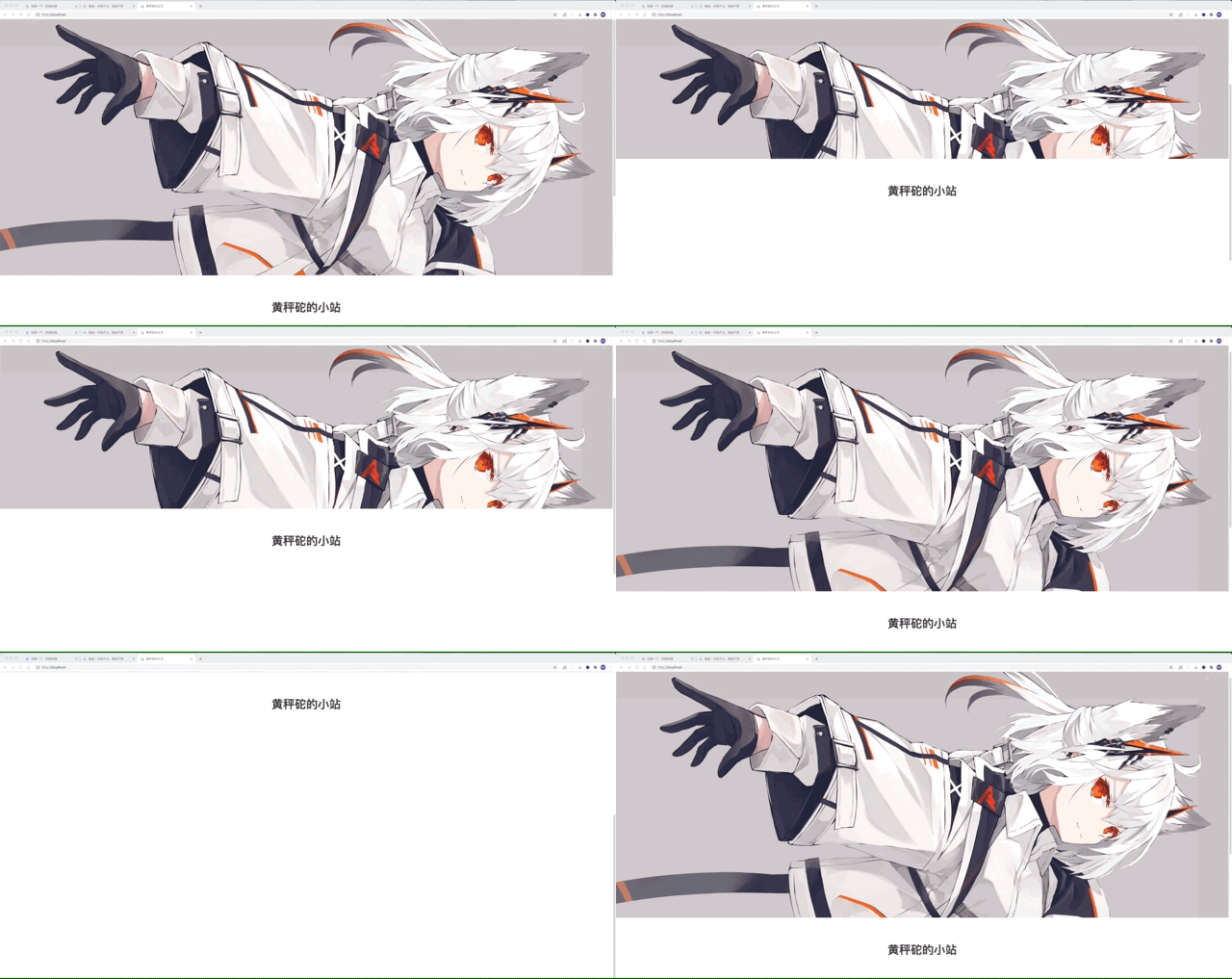
静态页面布局
要实现 banner 图片不跟随内容滚动,只需要一个非常简单的 css 属性 background-attachment 就能实现。
当然也可以直接在 img 标签上通过 posistion 属性来固定,但是需要设置其他如 margin、z-index 各种属性,还是不太方便。
<!-- demo -->
<div class="banner"></div>
<div style="height: 100vh;"></div>

<style lang="scss">
  .banner {
    height: 80vh;
    background-image: linear-gradient(#000000, #ffffff);
    /* 保持背景图片不跟随内容滚动 */
    background-attachment: fixed;
  }
</style>
拦截鼠标滚轮默认事件
固定完背景,接下来就是拦截默认的鼠标滚轮事件,实现自己的翻页效果,本来是非常简单的 addEventListener
window.addEventListener('mousewheel', scrollFn)

function scrollFn (e) {
  e.preventDefault()
  if (e.deltaY > 0) {
    // 向下滚动...
  } else {
    // 向上滚动...
  }
}
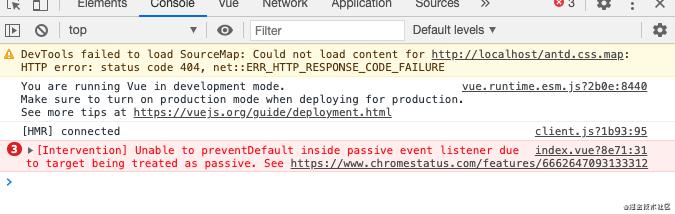
但是在浏览器上报了这样的错误,而且默认的鼠标滚轮事件仍然能触发。。
点进去翻了一下 chrome 的 feature ,发现 Event 多出来了一个 passive 属性,而且 WheelEvent 的 passive 默认为 true,
又翻了翻 addEventListener 的 MDN ,发现
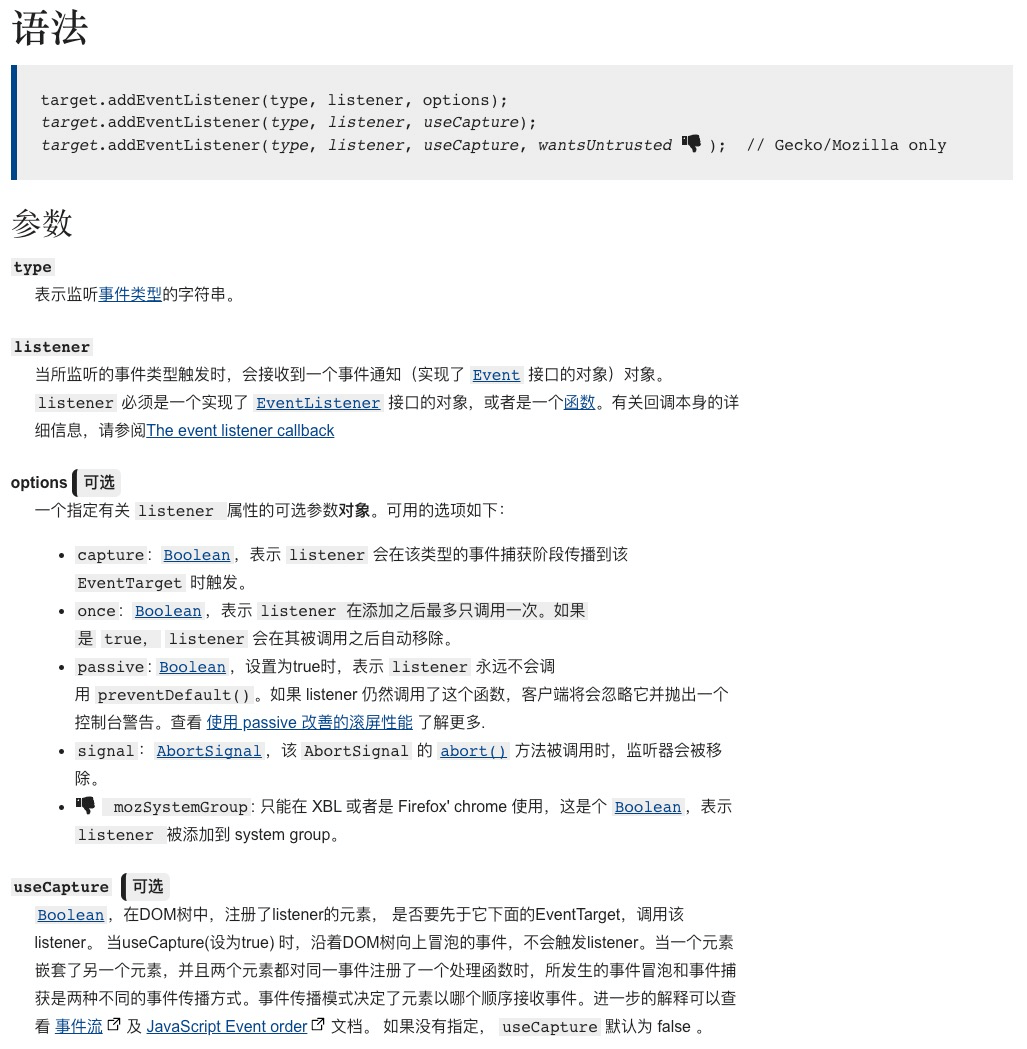
多了一个 options 的选项。。
因为addEventListener的useCapture属性用的人太少,15年底已经被规范为可选属性,并且能够传入对象。passive的作用就是让 listener 禁止调用preventDefault()
修改为 window.addEventListener('mousewheel', this.scrollFn, { passive: false }) 最终成功实现滚轮默认事件
第一次尝试:scroll-behavior: smooth
使用 css 属性 scroll-behavior: smooth 是最方便最简单的,效果也比第二次要好很多,但是 mac 上 safari 不支持这一特性,ios 上的 safari 却又支持😓
function scrollFn (e: WheelEvent) {
  e.preventDefault()
  // 获取视窗高度
  const windowHeight = window.innerHeight || document.body.clientHeight
  // 计算 banner 高度,css 属性为80vh
  const scrollHeight = windowHeight * 0.8
  window.scrollTo(0, e.deltaY > 0 ? scrollHeight : 0)
}
在搜索 safari 上的类似属性时,发现了更方便的方法 window.scrollTo({ top: 1000, behavior: "smooth" }),尝试了一下,mac 的 safari 也不支持。。
第二次尝试:requestAnimationFrame
为了能够兼容 safari,这个翻页效果还是得自己手写。通过使用 requestAnimationFrame 方法来进行滚动动画操作,在浏览器重绘之前调用动画函数。一般根据显示器的帧数来进行调用,而且能够在页面 blur 时停止动画,节省资源。
function scrollFn (e: WheelEvent) {
  e.preventDefault()
  let start = 0
  // 动画函数,需要闭包访问 start
  const step = (unix: number) => {
    if (!start) {
      start = unix
    }
    const duration = unix - start
    // 获取视窗高度
    const windowHeight = window.innerHeight || document.body.clientHeight
    // 计算 banner 高度,css 属性为80vh
    const scrollHeight = windowHeight * 0.8
    // 在当前时间应该滚动的距离
    const nowY = scrollHeight / 1000 * duration
    window.scrollTo(0, e.deltaY > 0 ? nowY : scrollHeight - nowY)
    // 1000ms
    if (duration < 1000) {
      requestAnimationFrame(step)
    }
  }
  requestAnimationFrame(step)
}
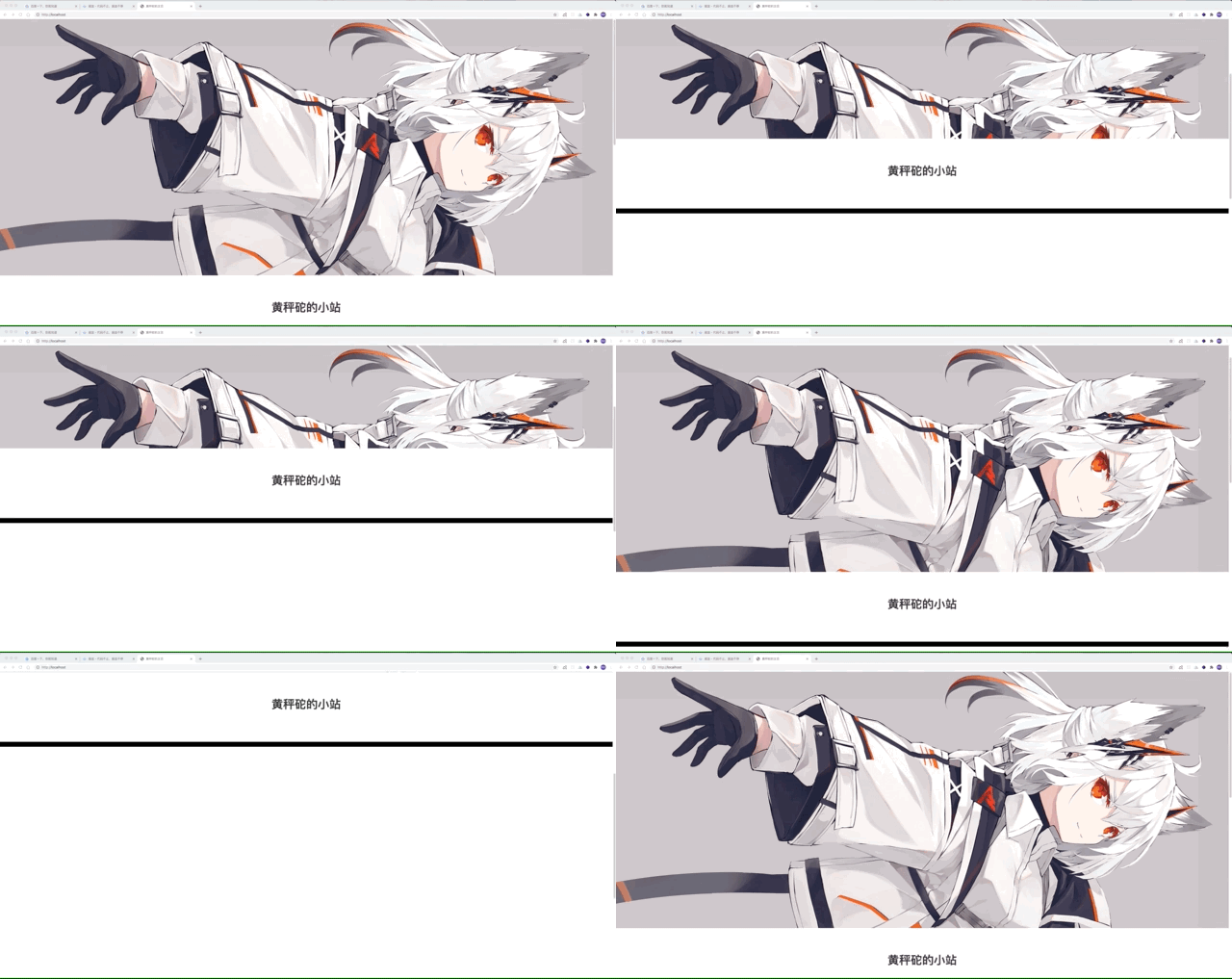
敲完代码一看,效果有点拉胯
这直上直下的线性效果,太呆了
第三次尝试:添加缓动函数
在搜索引擎里一顿查,可大多都是数学题和 canvas,还翻了好多关于贝塞尔曲线的解析,难度还是有点高的嗷(方向错了😅)
在我以为只能放弃自己手写,借助 npm 的力量时,最后在一堆数学题里翻出来 这个网站,救我🐶命
现实生活中,物体并不是突然启动或者停止,当然也不可能一直保持匀速移动。就像我们打开抽屉的过程那样,刚开始拉的那一下动作很快,但是当抽屉被拉出来之后我们会不自觉的放慢动作。掉落在地板上的东西,一开始下降的速度很快,后来就会在地板上来回反弹直到停止。
通过使用网站里的缓动函数,能够在一定程度上模拟真实环境中的物体运动效果,来给动画添加真是的效果
function scrollFn (e: WheelEvent) {
  e.preventDefault()
  // 正在滚动中,或者到最后一页还向下滚,或者第一页还向上滚
  if (this.debounce || (e.deltaY > 0 && this.index >= 1) || (e.deltaY < 0 && this.index === 0)) {
    return
  }
  let start = 0
  // 动画函数,需要闭包访问 start 就没有分离出来
  const step = (unix: number) => {
    if (!start) {
      start = unix
    }
    const duration = unix - start
    // 获取视窗高度
    const windowHeight = window.innerHeight || document.body.clientHeight
    // 计算 banner 高度,css 属性为80vh
    const scrollHeight = windowHeight * 0.8
    // 1000ms内,duration / 1000就会在0-1之间增加,返回值也是,再乘上最终的高度
    const y = this.easeInOutCubic(duration / 1000) * scrollHeight
    window.scrollTo(0, e.deltaY > 0 ? y : scrollHeight - y)
    if (duration <= 1001) {
      requestAnimationFrame(step)
      this.debounce = true
    } else {
      this.debounce = false
      e.deltaY > 0 ? this.index++ : this.index--
      console.log(this.index)
    }
  }
  requestAnimationFrame(step)
}

// 缓动函数,x的范围为0-1,返回的 number 也是0-1 https://easings.net#easeInOutCubic
function easeInOutCubic (x: number): number {
  return x < 0.5 ? 4 * x * x * x : 1 - Math.pow(-2 * x + 2, 3) / 2;
}
缓动函数 easeInOutCubic 会根据传入的 x 的范围 0-1 输出相应的快慢的从 0% 到 100%,就像 easings.net#easeInOutCubic
里的例子一样,对 requestAnimationFrame 的速度进行控制
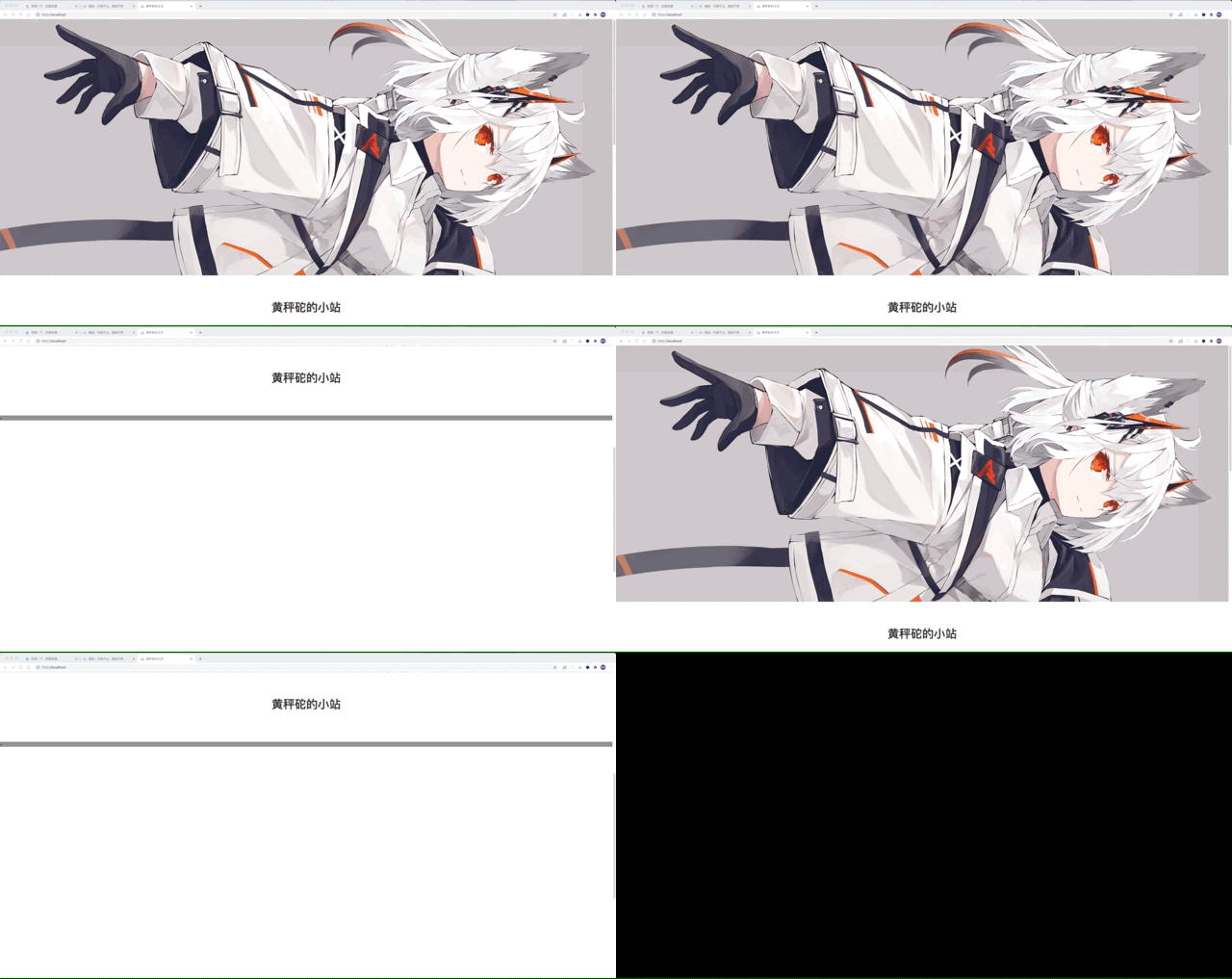
效果对比
从👎到👍
requestAnimationFrame
scroll-behavior: smooth
requestAnimationFrame with easings
总结
- WheelEvent 默认的 passive 为 true,不允许 preventDefault
scroll-behavior: smooth最方便,自带缓动函数,但是 safari 不支持,完成动画的时间也不可控- requestAnimationFrame 是线性动画,动画范围越大会越显得呆板,需要缓动函数控制速率,但是可以自己控制完成动画的时间
- 懒,就没有把滚动中防抖、根据页面位置判断能否继续滚动这些复杂的判断放进文章里
