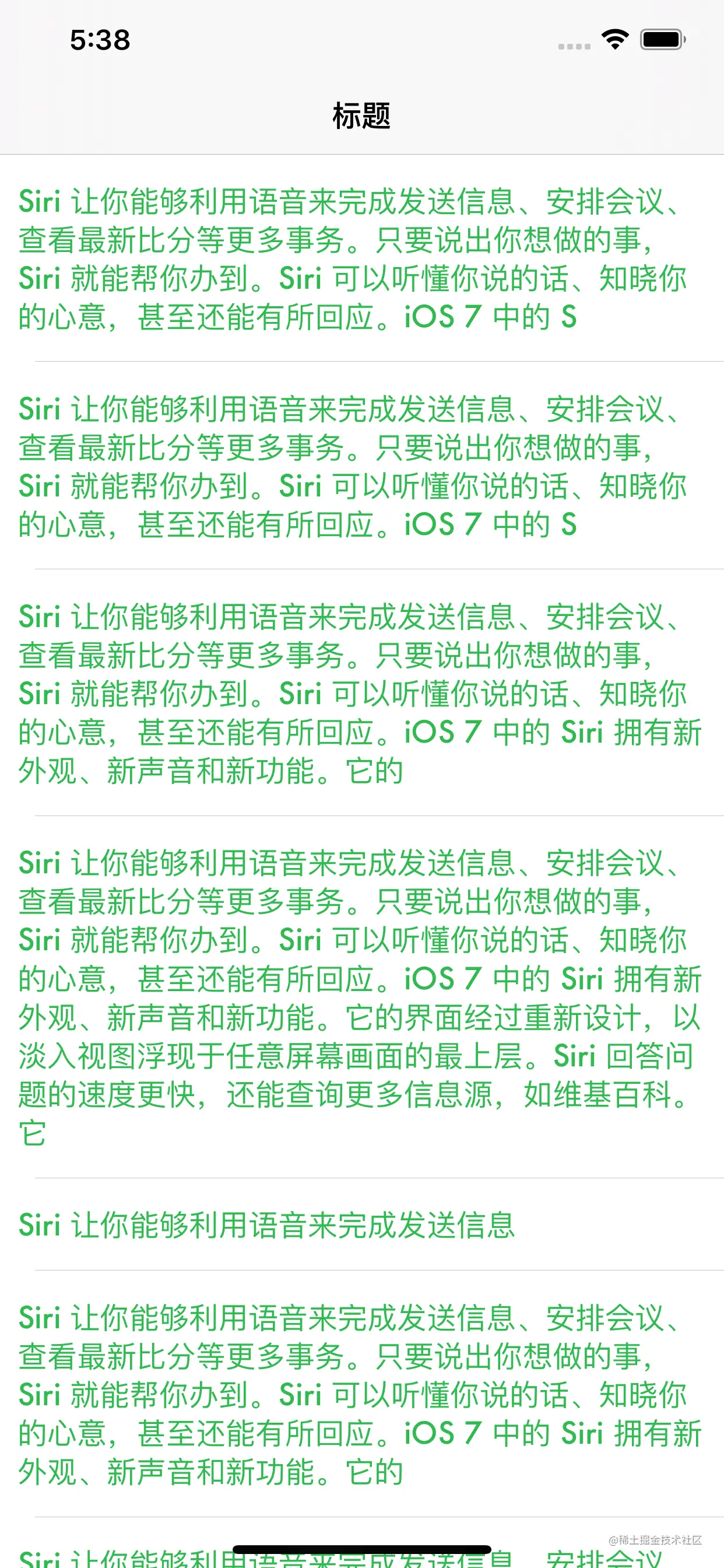
@interface ViewController ()<UITableViewDelegate, UITableViewDataSource>
@property (nonatomic, strong) UITableView *tableView
@property (nonatomic, strong) NSMutableArray *dataArray
@end
@implementation ViewController
- (void)viewDidLoad {
[super viewDidLoad]
self.navigationItem.title = @"标题"
[self.view addSubview:self.tableView]
}
///创建UITableView
- (UITableView *)tableView {
if (!_tableView) {
_tableView = [[UITableView alloc] initWithFrame:self.view.bounds style:UITableViewStylePlain]
_tableView.delegate = self
_tableView.dataSource = self
_tableView.rowHeight = UITableViewAutomaticDimension
_tableView.estimatedRowHeight = 80
_tableView.sectionHeaderHeight = 0.0
_tableView.sectionFooterHeight = 0.0
_tableView.estimatedSectionHeaderHeight = 0.0
_tableView.estimatedSectionFooterHeight = 0.0
[_tableView registerClass:[AutoTextCell class] forCellReuseIdentifier:NSStringFromClass([AutoTextCell class])]
}
return _tableView
}
- (NSMutableArray *)dataArray {
if (!_dataArray) {
_dataArray = [NSMutableArray array]
NSString *string = @"Siri 让你能够利用语音来完成发送信息、安排会议、查看最新比分等更多事务。只要说出你想做的事,Siri 就能帮你办到。Siri 可以听懂你说的话、知晓你的心意,甚至还能有所回应。iOS 7 中的 Siri 拥有新外观、新声音和新功能。它的界面经过重新设计,以淡入视图浮现于任意屏幕画面的最上层。Siri 回答问题的速度更快,还能查询更多信息源,如维基百科。它可以承担更多任务,如回电话、播放语音邮件、调节屏幕亮度,以及更多。"
//生成假数据
for (NSInteger i = 0
NSInteger index = (arc4random()%(string.length / 20)) * 20
[_dataArray addObject:[string substringToIndex:MAX(20, index)]]
}
}
return _dataArray
}
- (NSInteger)tableView:(UITableView *)tableView numberOfRowsInSection:(NSInteger)section {
return self.dataArray.count
}
- (UITableViewCell *)tableView:(UITableView *)tableView cellForRowAtIndexPath:(NSIndexPath *)indexPath {
AutoTextCell *cell = [tableView dequeueReusableCellWithIdentifier:NSStringFromClass([AutoTextCell class]) forIndexPath:indexPath]
cell.label.text = self.dataArray[indexPath.row]
return cell
}
@end