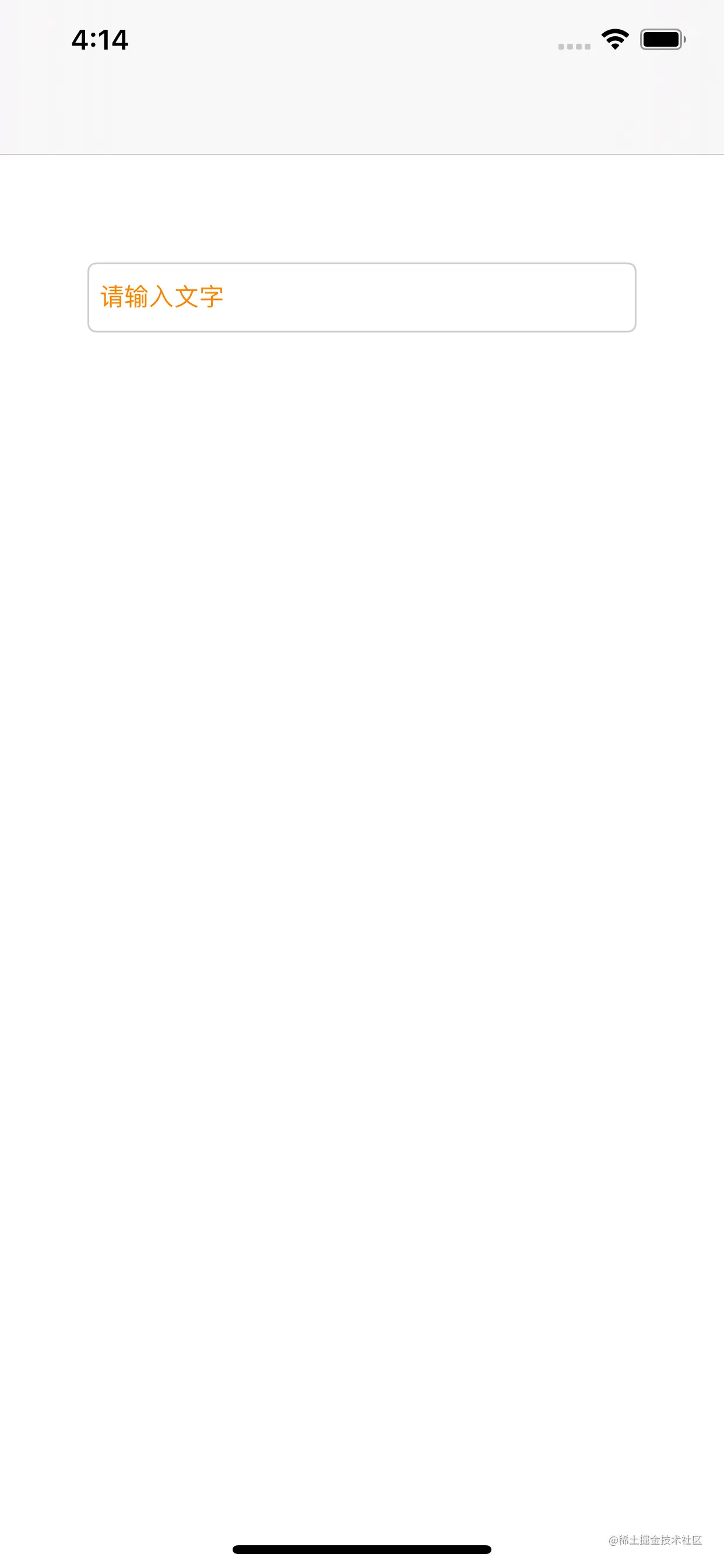
#import "ViewController.h"
@interface ViewController ()<UITextFieldDelegate>
@property (nonatomic,strong) UITextField *textField;
@end
@implementation ViewController
- (void)viewDidLoad {
[super viewDidLoad];
[self.view addSubview:self.textField];
}
- (UITextField *)textField {
if (!_textField) {
_textField = [[UITextField alloc] init];
_textField.frame = CGRectMake(50, 150, [UIScreen mainScreen].bounds.size.width - 100, 40);
_textField.placeholder = @"请输入文字";
_textField.font = [UIFont systemFontOfSize:14];
_textField.textColor = [UIColor redColor];
_textField.textAlignment = NSTextAlignmentLeft;
_textField.secureTextEntry = NO;
_textField.keyboardType = UIKeyboardTypeDefault;
_textField.borderStyle = UITextBorderStyleRoundedRect;
_textField.clearButtonMode = UITextFieldViewModeWhileEditing;
_textField.returnKeyType = UIReturnKeyJoin;
_textField.keyboardAppearance = UIKeyboardAppearanceLight;
NSAttributedString *attrString = [[NSAttributedString alloc] initWithString:_textField.placeholder attributes:@{NSForegroundColorAttributeName:[UIColor orangeColor],NSFontAttributeName:[UIFont systemFontOfSize:14]}];
_textField.attributedPlaceholder = attrString;
_textField.text = @"测试";
_textField.spellCheckingType = UITextSpellCheckingTypeNo;
_textField.autocorrectionType = UITextAutocorrectionTypeYes;
_textField.autocapitalizationType = UITextAutocapitalizationTypeAllCharacters;
_textField.clearsOnBeginEditing = YES;
_textField.adjustsFontSizeToFitWidth = YES;
_textField.minimumFontSize = 20;
[_textField setDelegate:self];
}
return _textField;
}
- (void)touchesBegan:(NSSet *)touches withEvent:(UIEvent *)event{
[self.view endEditing:YES];
}
- (BOOL)textFieldShouldBeginEditing:(UITextField *)textField {
NSLog(@"是否允许开始编辑,此刻返回的是YES,是可以开始编辑的");
return YES;
}
- (void)textFieldDidBeginEditing:(UITextField *)textField {
NSLog(@"开始编辑的时候调用");
self.textField.frame = CGRectMake(50, 150, [UIScreen mainScreen].bounds.size.width - 100, 100);
}
- (BOOL)textFieldShouldEndEditing:(UITextField *)textField {
NSLog(@"是否允许结束编辑,此刻返回的是YES,是可以结束编辑的");
return YES;
}
- (void)textFieldDidEndEditing:(UITextField *)textField {
NSLog(@"结束编辑的时候调用");
self.textField.frame = CGRectMake(50, 150, [UIScreen mainScreen].bounds.size.width - 100, 40);
}
- (BOOL)textField:(UITextField *)textField shouldChangeCharactersInRange:(NSRange)range replacementString:(NSString *)string {
NSLog(@"键盘上每次输入的字符 == %@",string);
return YES;
}
- (BOOL)textFieldShouldClear:(UITextField *)textField {
NSLog(@"最右边的清除按钮点击时调用,一下清除所有内容");
return YES;
}
- (BOOL)textFieldShouldReturn:(UITextField *)textField {
[self.view endEditing:YES];
NSLog(@"点击键盘上的return的时候调用");
return YES;
}
@end