前言
带你实现女朋友欲罢不能的 App
需求
-
需要日记本,甜言蜜语要记录
-
需要只能和 ta 聊天模块
-
需要可以记录关键日期,避免忘记送命
0202年了,Android开发大都应该是老油条了把。这太简单,我们开始动手。
我知道没图是骗不到人的。先放图,大家看一下最终实现的效果。
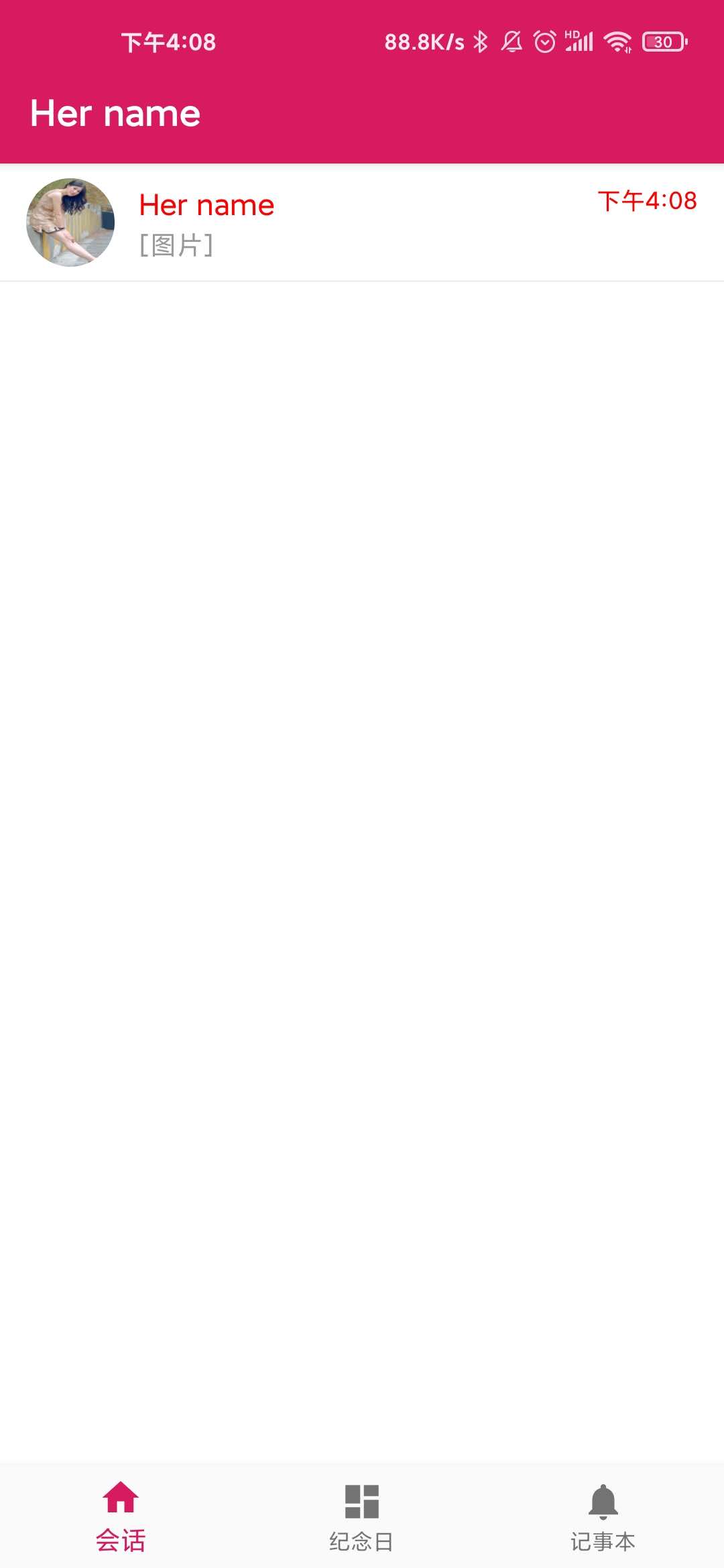
即时通讯部分
使用了融云 sdk 集成了单聊部分
配置布局文件
这是您的会话列表 Activity 对应的布局文件:conversationlist.xml。注意 android:name 固定为融云的 ConversationListFragment。
新建 Activity
public class ConversationListActivity extends FragmentActivity {    @Override    protected void onCreate(Bundle savedInstanceState) {        super.onCreate(savedInstanceState);        setContentView(R.layout.conversationlist);        FragmentManager fragmentManage = getSupportFragmentManager();        ConversationListFragment fragement = (ConversationListFragment) fragmentManage.findFragmentById(R.id.conversationlist);        Uri uri = Uri.parse("rong://" + getApplicationInfo().packageName).buildUpon()            .appendPath("conversationlist")            .appendQueryParameter(Conversation.ConversationType.PRIVATE.getName(), "false")             .appendQueryParameter(Conversation.ConversationType.GROUP.getName(), "false")            .appendQueryParameter(Conversation.ConversationType.PUBLIC_SERVICE.getName(), "false")            .appendQueryParameter(Conversation.ConversationType.APP_PUBLIC_SERVICE.getName(), "false")            .appendQueryParameter(Conversation.ConversationType.SYSTEM.getName(), "true")            .build();        fragement.setUri(uri);    }  }

<!--会话列表--><activity    android:name="io.rong.fast.activity.ConversationListActivity"    android:screenOrientation="portrait"    android:windowSoftInputMode="stateHidden|adjustResize">    <intent-filter>        <action android:name="android.intent.action.VIEW" />        <category android:name="android.intent.category.DEFAULT" />        <data            android:host="io.rong.fast"            android:pathPrefix="/conversationlist"            android:scheme="rong" />    </intent-filter></activity>
其他部分参考
融云官网:www.rongcloud.cn/
文档频道:docs.rongcloud.cn/v4
纪念日部分
日历控件:juejin.cn/post/684490…
其他部分如若有人需要,会尽快传到 github 。
github:github.com/yanxiame/ro…