

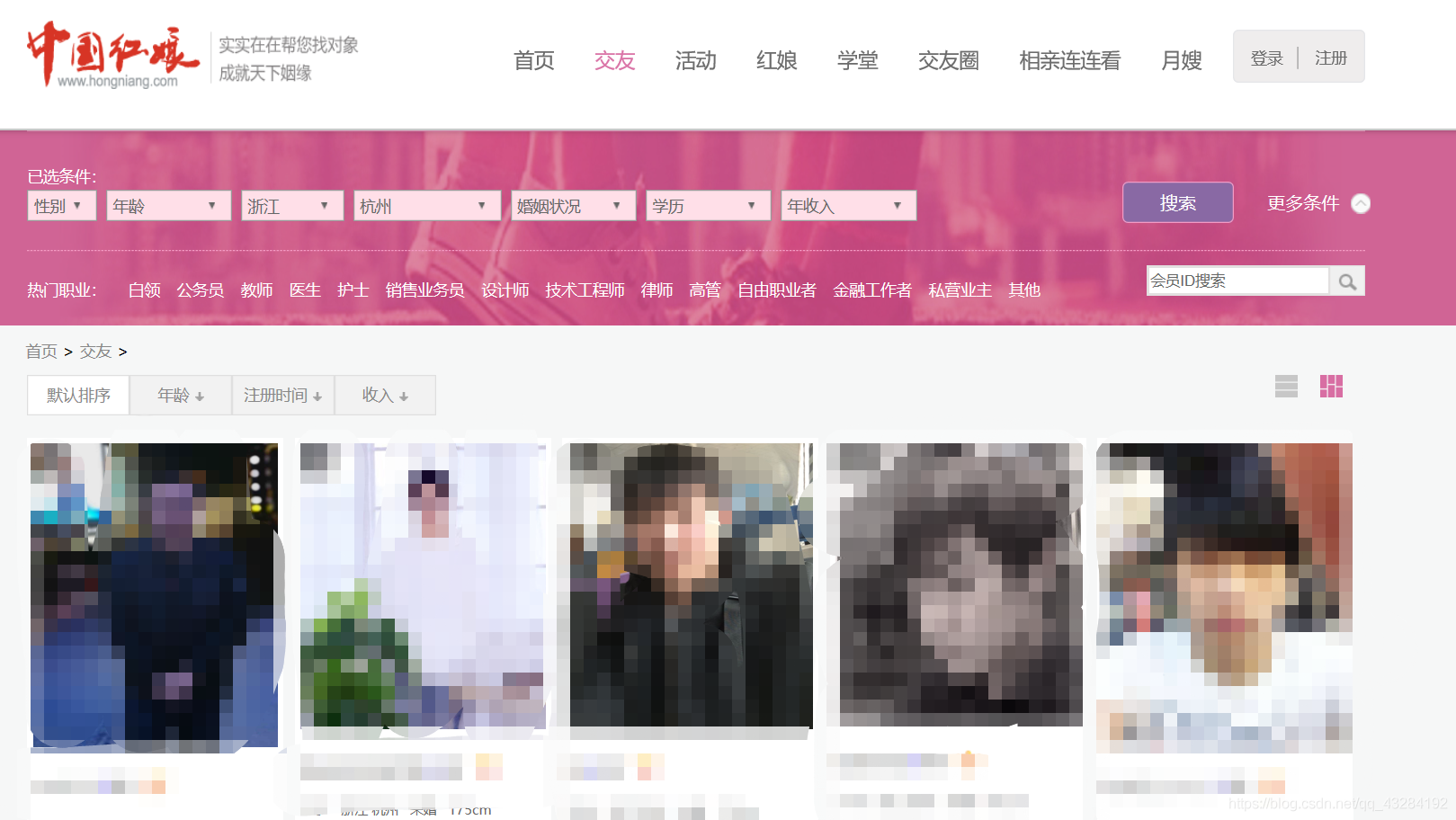
import requests
##import库
url='http://www.hongniang.com/match'

req=requests.get(url)

req.status_code
##输出200【可以爬取】
req.request.url
##输出允许爬取的url:'http://www.hongniang.com/match'
req.text
##爬取页面的块代码
html=req.text
##html获取text的值
from bs4 import BeautifulSoup

soup=BeautifulSoup(html,"html.parser")
##html值赋值给soup
soup
##检查soup输出值
soup.find_all('li',class_='pin')
##将文本中class=pin  <li>标签中的文本文件分离出来

soup.find_all('li',class_='pin')[0]

soup.find_all('li',class_='pin')[0].find_all('div',class_='xx')

soup.find_all('li',class_='pin')[0].find_all('div',class_='xx')[0]

soup.find_all('li',class_='pin')[0].find_all('div',class_='xx')[0].find_all('span')

soup.find_all('li',class_='pin')[0].find_all('div',class_='xx')[0].find_all('span')[0].text

soup.find_all('li',class_='pin')[0].find_all('div',class_='xx')[0].find_all('span')[1].text
#个人资料1
soup.find_all('li',class_='pin')[0].find_all('div',class_='xx')[0].find_all('span')[2].text
#个人资料2
soup.find_all('li',class_='pin')[0].find_all('div',class_='xx')[0].find_all('span')[3].text
#个人资料3
soup.find_all('li',class_='pin')[0].find_all('div',class_='db')
##输出个人简介
soup.find_all('li',class_='pin')[0].find_all('div',class_='db')[0]
#检查[0]中包含的内容
soup.find_all('li',class_='pin')[0].find_all('div',class_='db')[0].text
##输出其中文本内容
soup.find_all('li',class_='pin')[0].find_all('div',class_='db')[0].text.replace('\t','')
##去除输出中的\t等多余字符
soup.find_all('li',class_='pin')[0].find_all('div',class_='db')[0].text.replace('\t','').replace('\r','').replace('\n','').replace(' ','')
##继续清理其中的多余空白和\n
根据以上的经验我们可以完成一个编号下的会员的相应征婚资料,接下来需要利用循环爬取一整页的征婚讯息。
我们先为爬取的数据设置分组和相关框架
import requests
from bs4 import BeautifulSoup
import pandas as pd
nianling=[]
diqu=[]
hunyin=[]
shenggao=[]
jieshao=[]

for i in range (10):
    url='http://www.hongniang.com/match?&page'+str(i+1)
    req=requests.get(url)
    html=req.text

    soup=BeautifulSoup(html,'html.parser')
    for info in soup.find_all('li',class_='pin'):
        nianling.append(info.find_all('div',class_='xx')[0].find_all('span')[0].text)
        diqu.append(info.find_all('div',class_='xx')[0].find_all('span')[1].text)
        hunyin.append(info.find_all('div',class_='xx')[0].find_all('span')[2].text)
        shenggao.append(info.find_all('div',class_='xx')[0].find_all('span')[3].text)
        jieshao.append(info.find_all('div',class_='db')[0].text.replace('\t','').replace('\r','').replace('\n','').replace(' ','')[5:] )
data=pd.DataFrame({'年龄':nianling,'地区':diqu,'婚姻':hunyin,'身高':shenggao,'介绍':jieshao})
writer=pd.ExcelWriter('data.xlsm')
data.to_excel(writer,'爬虫数据')
writer.save()
接下来开始爬取
import os
os.getcwd()
##确定打开路径
import requests
from bs4 import BeautifulSoup

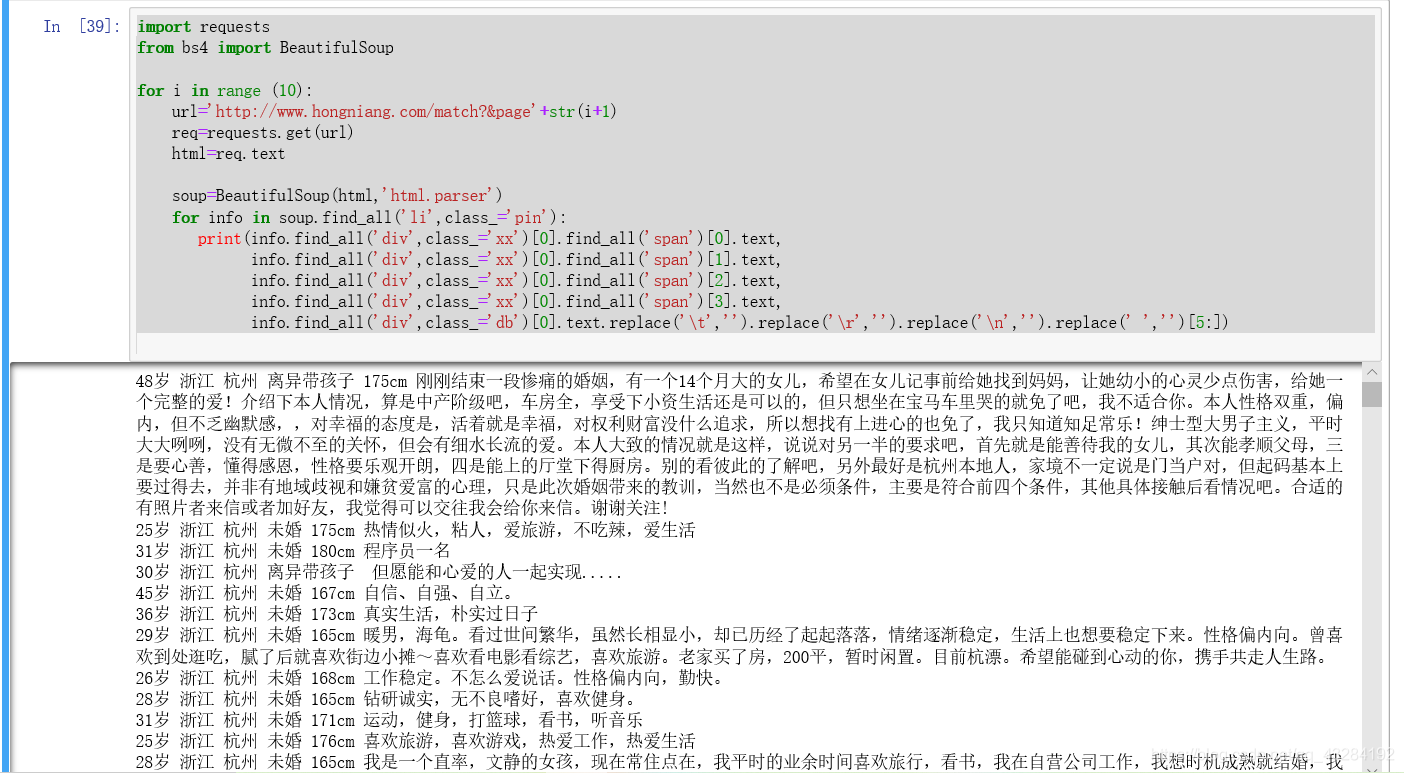
for i in range (10):
    url='http://www.hongniang.com/match?&page'+str(i+1)
    req=requests.get(url)
    html=req.text

    soup=BeautifulSoup(html,'html.parser')
    for info in soup.find_all('li',class_='pin'):
       print(info.find_all('div',class_='xx')[0].find_all('span')[0].text,
             info.find_all('div',class_='xx')[0].find_all('span')[1].text,
             info.find_all('div',class_='xx')[0].find_all('span')[2].text,
             info.find_all('div',class_='xx')[0].find_all('span')[3].text,
             info.find_all('div',class_='db')[0].text.replace('\t','').replace('\r','').replace('\n','').replace(' ','')[5:])
输出所有内容并根据我们之前单人整理的经验进行循环整理
输出如下
PS:如有需要Python学习资料的小伙伴可以加点击下方链接自行获取

