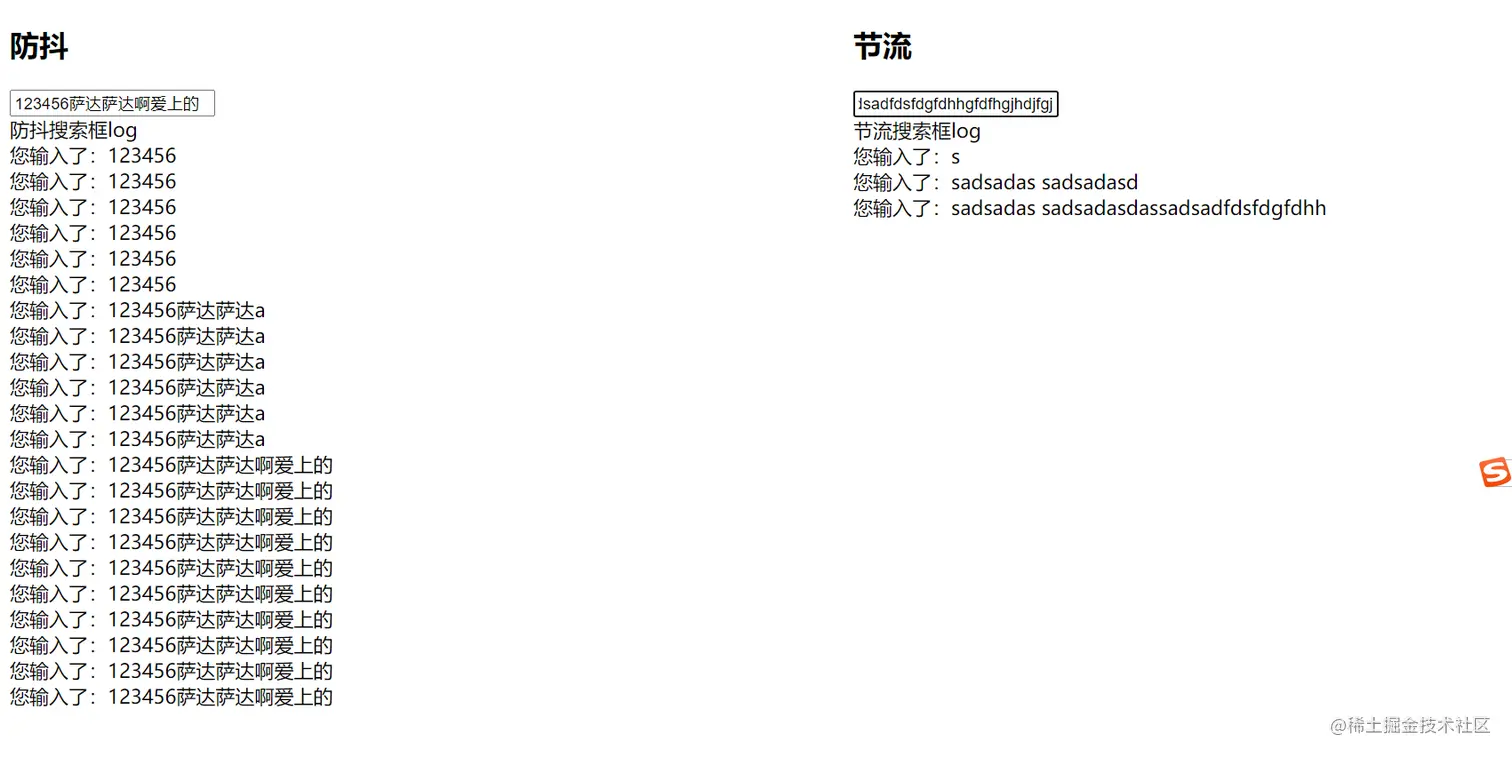
<!DOCTYPE html>
<html lang="en">
<head>
<meta charset="UTF-8">
<meta name="viewport" content="width=device-width, initial-scale=1.0">
<title>Document</title>
<style>
.flex {
display: flex;
width: 100%;
}
.flex1 {
flex: 1;
}
#s1,
#s2 {
height: 500px;
overflow: auto;
}
</style>
</head>
<body>
<div class="flex">
<div class="flex1">
<h2>防抖</h2>
<div>
<input type="text" oninput="search(this)">
</div>
<div>
防抖搜索框log
<div id="s1">
</div>
</div>
</div>
<div class="flex1">
<h2>节流</h2>
<div>
<input type="text" oninput="search2(this)">
</div>
<div>
节流搜索框log
<div id="s2">
</div>
</div>
</div>
</div>
</body>
<script>
var timer1;
function search(e) {
timer1 = setTimeout(function () {
let str = "您输入了:" + e.value + "<br />";
s1.innerHTML = s1.innerHTML + str;
}, 3000);
}
var lastTime;
function search2(e) {
var newTime = new Date();
if(!lastTime || newTime - lastTime > 3000){
let str = "您输入了:" + e.value + "<br />";
s2.innerHTML = s2.innerHTML + str;
lastTime = newTime;
}
}
const debounce = (func, Await = 100) => {
let debounce_timer;
return function (...args) {
if (debounce_timer) {
clearTimeout(debounce_timer);
}
debounce_timer = setTimeout(() => {
func.apply(this, args);
}, Await);
};
};
function change(a, b, c) {
console.log(a, b, c)
}
var a = debounce(change)(1, 2, 3);
const throttle = (func, Await = 100) => {
let lastTime = Date.now();
return function (...args) {
const nowTime = Date.now();
if (nowTime - lastTime > Await) {
func.call(this, ...args);
lastTime = nowTime;
}
};
};
</script>
</html>



