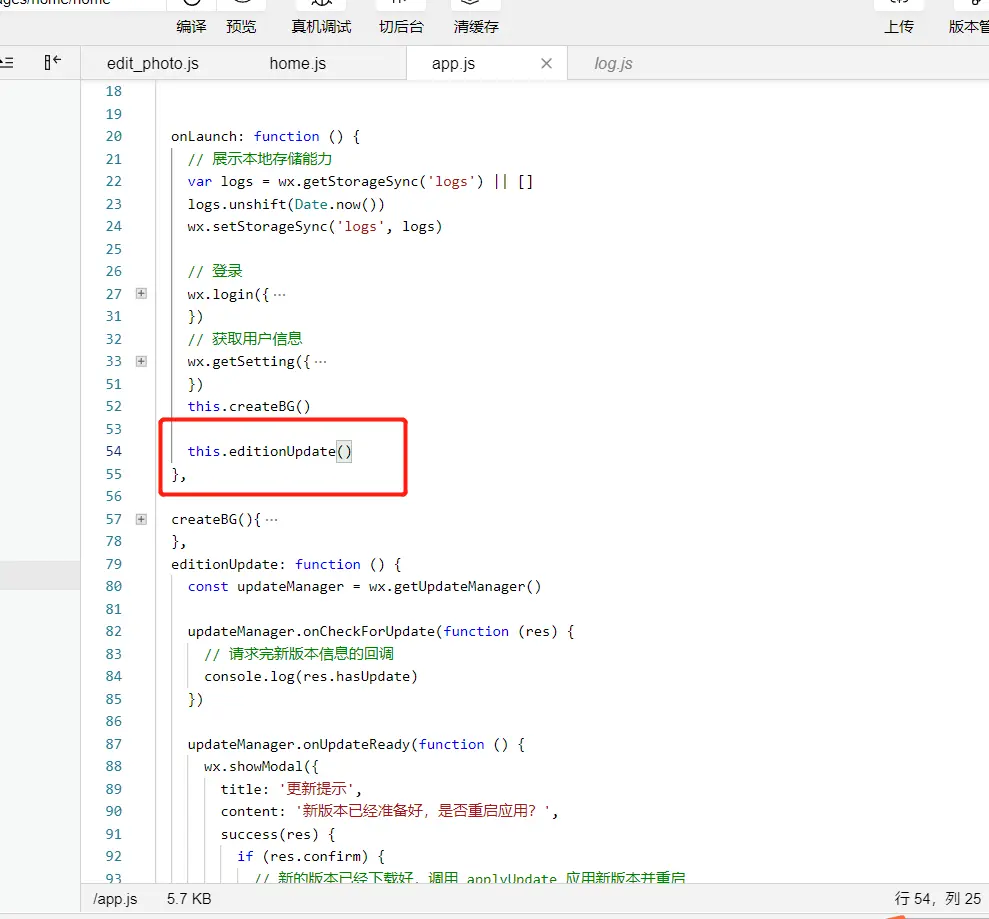
- 在app.js文件中的onLaunch方法中调用,注意:上传代码时要选择 “版本更新” 代码才会生效有效
  onLaunch: function () {
    this.editionUpdate()
  }
 editionUpdate: function () {
 * 方法一
    const updateManager = wx.getUpdateManager()
    updateManager.onCheckForUpdate(function (res) {
      // 请求完新版本信息的回调
      console.log(res.hasUpdate)
    })

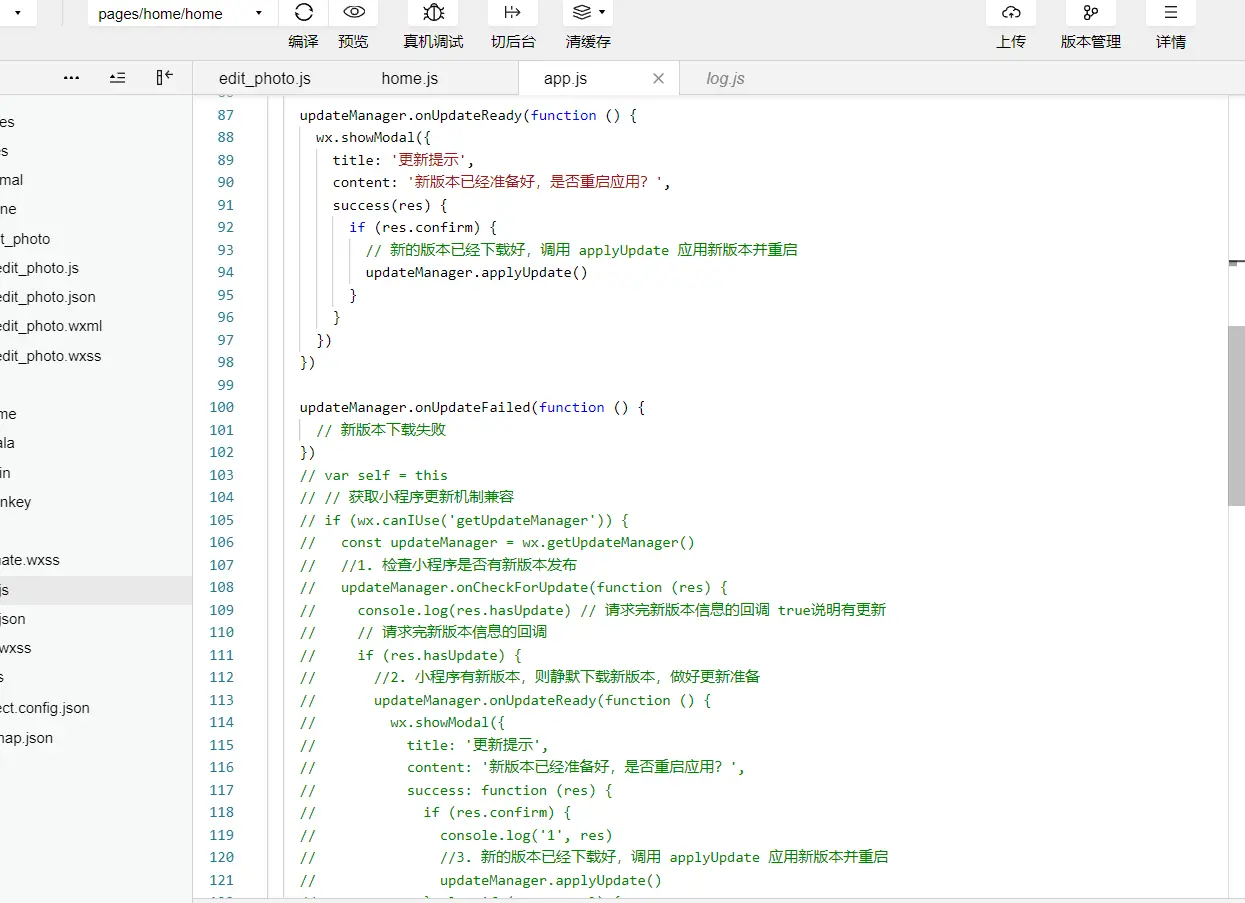
    updateManager.onUpdateReady(function () {
      wx.showModal({
        title: '更新提示',
        content: '新版本已经准备好,是否重启应用?',
        success(res) {
          if (res.confirm) {
            // 新的版本已经下载好,调用 applyUpdate 应用新版本并重启
            updateManager.applyUpdate()
          }
        }
      })
    })

    updateManager.onUpdateFailed(function () {
      // 新版本下载失败
    })
    * 方法二
     var self = this
     // 获取小程序更新机制兼容
     if (wx.canIUse('getUpdateManager')) {
       const updateManager = wx.getUpdateManager()
       //1. 检查小程序是否有新版本发布
       updateManager.onCheckForUpdate(function (res) {
         console.log(res.hasUpdate) // 请求完新版本信息的回调 true说明有更新
         // 请求完新版本信息的回调
         if (res.hasUpdate) {
           //2. 小程序有新版本,则静默下载新版本,做好更新准备
           updateManager.onUpdateReady(function () {
             wx.showModal({
               title: '更新提示',
               content: '新版本已经准备好,是否重启应用?',
               success: function (res) {
                 if (res.confirm) {
                   console.log('1', res)
                  //3. 新的版本已经下载好,调用 applyUpdate 应用新版本并重启
                updateManager.applyUpdate()
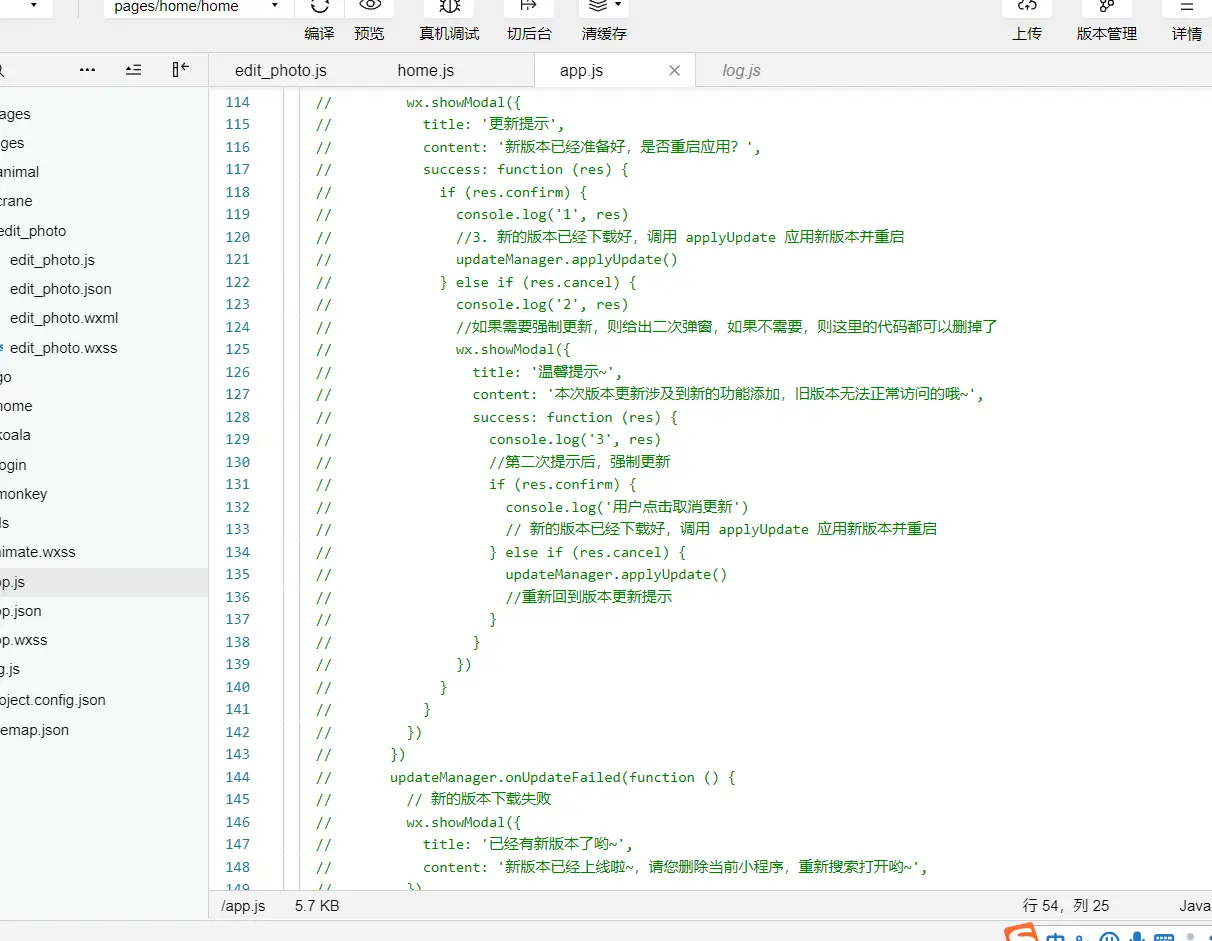
                 } else if (res.cancel) {
                   console.log('2', res)
                   //如果需要强制更新,则给出二次弹窗,如果不需要,则这里的代码都可以删掉了
                   wx.showModal({
                     title: '温馨提示~',
                     content: '本次版本更新涉及到新的功能添加,旧版本无法正常访问的哦~',
                    success: function (res) {
                       console.log('3', res)
                       //第二次提示后,强制更新
                       if (res.confirm) {
                         console.log('用户点击取消更新')
                        // 新的版本已经下载好,调用 applyUpdate 应用新版本并重启
                      } else if (res.cancel) {
                         updateManager.applyUpdate()
                        //重新回到版本更新提示
                      }
                     }
                   })
                 }
              }
            })
         })
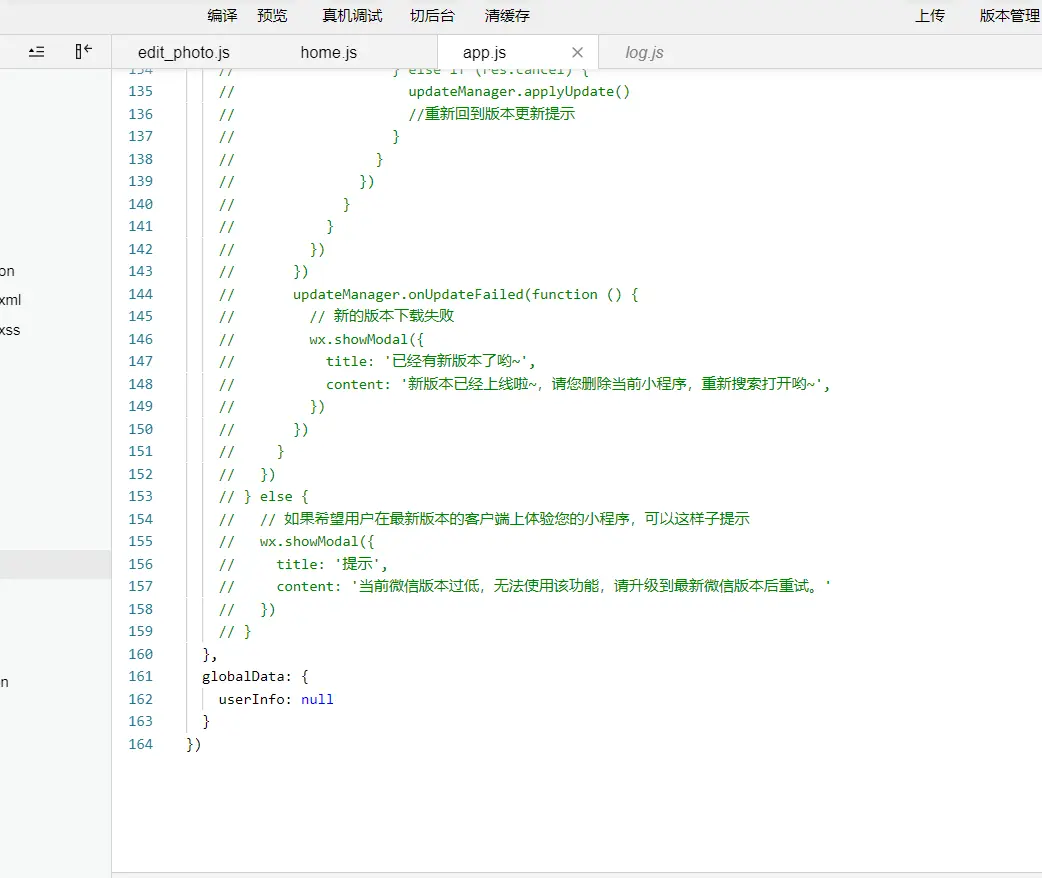
           updateManager.onUpdateFailed(function () {
            // 新的版本下载失败
            wx.showModal({
              title: '已经有新版本了哟~',
               content: '新版本已经上线啦~,请您删除当前小程序,重新搜索打开哟~',
             })
           })
         }
       })
     } else {
       // 如果希望用户在最新版本的客户端上体验您的小程序,可以这样子提示
       wx.showModal({
         title: '提示',
         content: '当前微信版本过低,无法使用该功能,请升级到最新微信版本后重试。'
       })
     }
  },