

Text 作为 SwiftUI 中一个基本的控件,它所具有的功能,远超 UIKit 里文本特性。作为一个控件,可以用更少的代码,实现 UIKit 中对文本的复杂操作。是 SwiftUI 理念淋漓尽致的表达: Better apps. Less code. 可用通过很轻松的几行代码实现负责的 UI 效果。
先看一个 10 行代码实现的效果
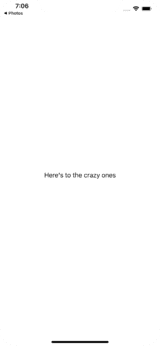
首先创建一个 Text 控件
struct ContentView: View {
    var body: some View {
        Text("Here's to the crazy ones.")
    }
}
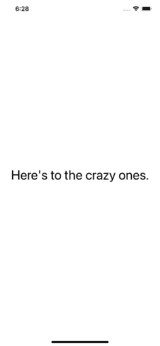
设置字体
struct ContentView: View {
    var body: some View {
        Text("Here's to the crazy ones.")
            .font(.largeTitle)
    }
}
背景色
struct ContentView: View {
    var body: some View {
        Text("Here's to the crazy ones.")
            .font(.largeTitle)
            .background(Color.blue)
    }
}
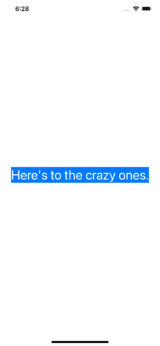
前景色
struct ContentView: View {
    var body: some View {
        Text("Here's to the crazy ones.")
            .font(.largeTitle)
            .background(Color.blue)
            .foregroundColor(.white)
    }
}
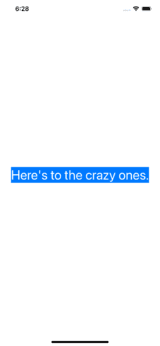
行间距
struct ContentView: View {
    var body: some View {
        Text("Here's to the crazy ones.")
            .font(.largeTitle)
            .background(Color.blue)
            .foregroundColor(.white)
            .lineSpacing(5)
    }
}
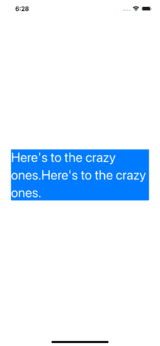
外间距&边框
struct ContentView: View {
    var body: some View {
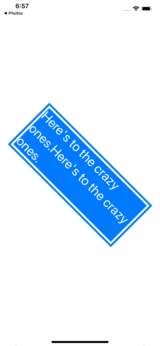
        Text("Here's to the crazy ones.Here's to the crazy ones.")
            .font(.largeTitle)
            .background(Color.blue)
            .foregroundColor(.white)
            .lineSpacing(5)
            .padding(.all, 15)
            .border(Color.blue, width: 5)
            .rotationEffect(.init(degrees: 45), anchor: .center)

    }
}
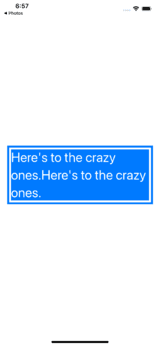
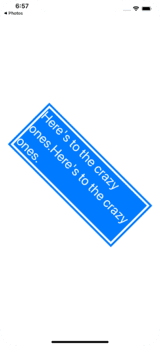
旋转效果
struct ContentView: View {
    var body: some View {
        Text("Here's to the crazy ones.Here's to the crazy ones.")
            .font(.largeTitle)
            .background(Color.blue)
            .foregroundColor(.white)
            .lineSpacing(5)
            .padding(.all, 15)
            .border(Color.blue, width: 1)
            .rotationEffect(.init(degrees: 45), anchor: .center)

    }
}
模糊效果
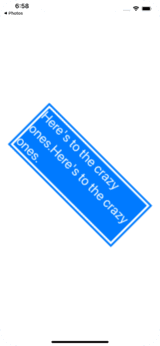
struct ContentView: View {
    var body: some View {
        Text("Here's to the crazy ones")
            .font(.largeTitle)
            .background(Color.blue)
            .foregroundColor(.white)
            .lineSpacing(5)
            .padding(.all, 10)
            .border(Color.blue, width: 5)
            .rotationEffect(.init(degrees: 45), anchor: .center)
            .blur(radius: 1)

    }
}
更多关于SwiftUI, 欢迎访问: swiftui.one
