2020.07.27
react项目,在 npm run start和npm run build时,都会报以下错误:
Browserslist: caniuse-lite is outdated. Please run next command `yarn update`

解决一
无效
npm uninstall caniuse-lite browserslist
npm install caniuse-lite@1.0.30001107
npm install browserslist@4.13.0
解决二
无效
- 找到yarn.lock文件,删除以下两块内容
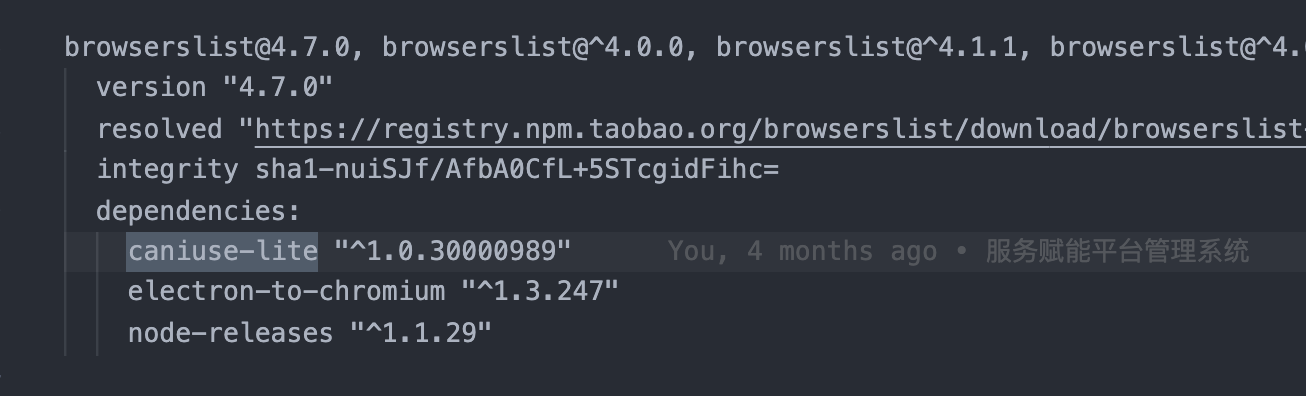

- 更新
yarn upgrade caniuse-lite browserslist
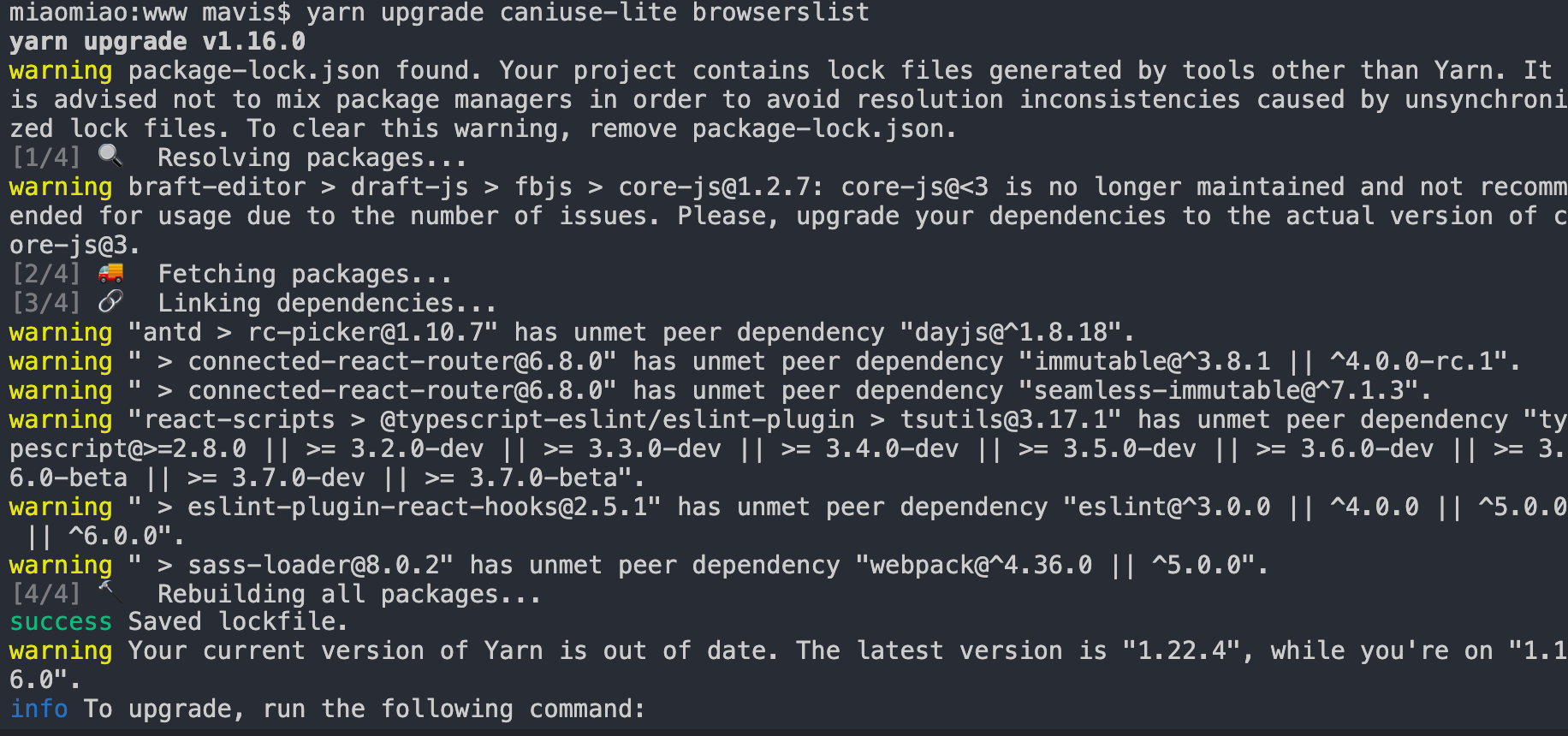
了解yarn.lock文件
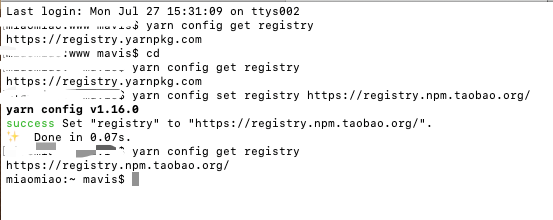
了解yarn
yarn和npm一样,都是依赖管理工具,开始电脑上的镜像是https://registry.yarnpkg.com,(公司电脑),所以每次在项目代码运行时,会生产一个yarn.lock文件,用于监测依赖管理,所以当caniuse-lite is outdated时,会提示Please run next command yarn update。
$ yarn config get registry
https://registry.yarnpkg.com
最终解决
- 卸载了yarn 🤦♀️
- 切换镜像为淘宝镜像
npm uninstall -g yarn
- removed 1 package in 0.111s

npm config set registry https://registry.npm.taobao.org/
npm config get registry
- http://registry.cnpmjs.org/