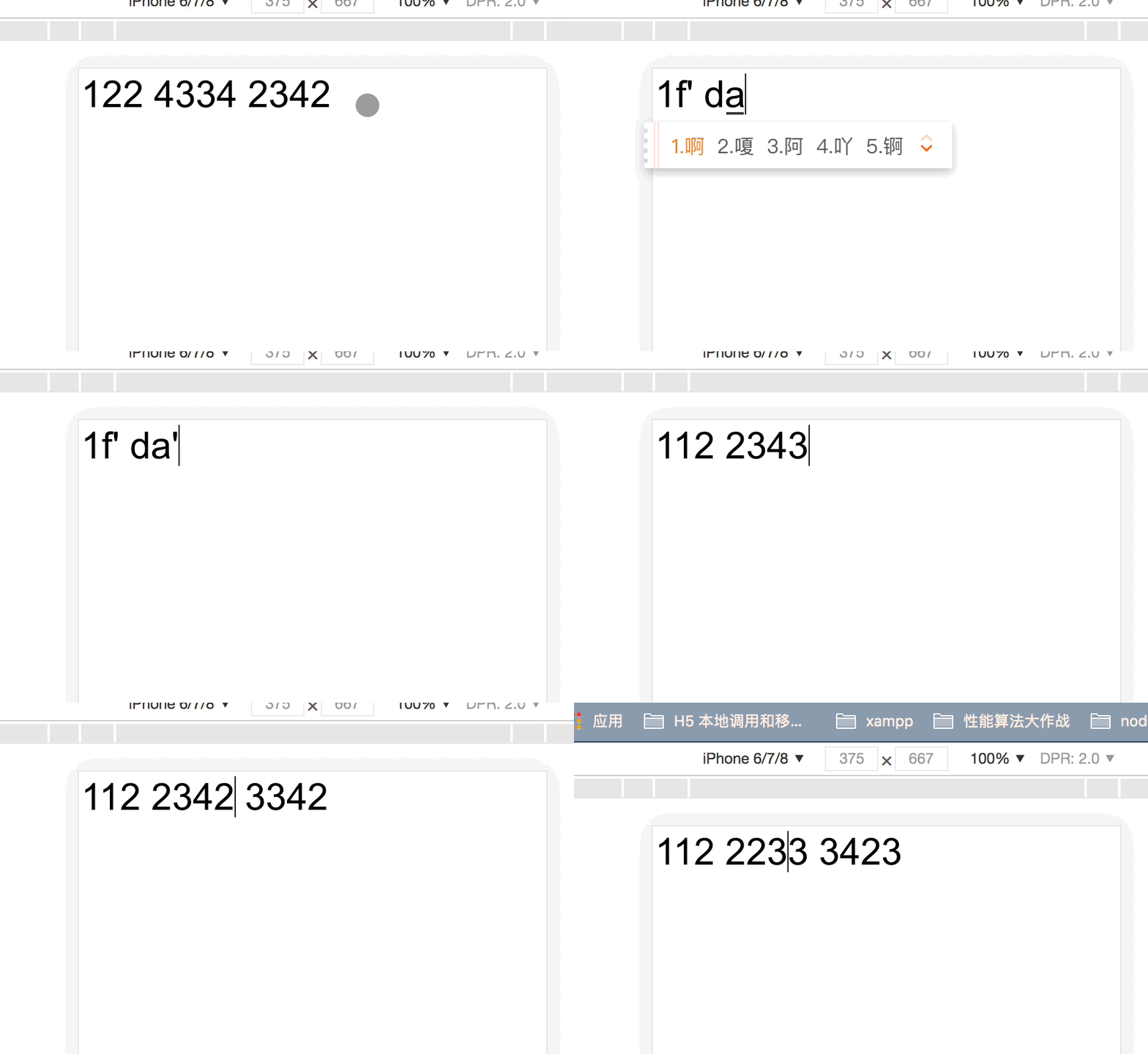
以手机号输入格式化为例
- 格式: 111 1111 111
- 光标在最后输入是不会出现问题
- 光标在中间输入是会出现问题的, 输入后光标会移动到最后
- 删除遇到空格也是会出问题
效果展示
分析
- 格式化数据时, 一般在
onChange方法中改变后重新设置 value, 相当于重新赋值, 所以光标会移到最后
- 想要解决问题, 需要重新给光标设置位置
- 通过分尝试,
input 的值改变时正常情况, 光标会向后移动相应增加的位置, 但是格式化后新的值多了空格, 所以光标的位置, 会前移。经分析和尝试添加几个空格就回前移几位。
解决
首先记录变化前的光标位置
- 在
onKeyDown 事件中记录光标位置
- 在
onChange 事件中记录值变化后的光标位置
- 通过光标位置获取到添加的字符串
- 获取到添加的字符串中添加了几个空格, 光标移动几位
代码
const Input = () => {
const title = '';
const [value, setValue] = useState('1');
const [position, setPosition] = useState(0);
const inputEl = useRef(null);
const getNum = (str) => {
let index = str.indexOf(' ');
var num = 0;
while (index !== -1) {
index = str.indexOf(' ', index + 1);
num ++
}
return num;
}
let posit = 0;
const handleOnKeyDown = ent => {
posit = inputEl.current.selectionStart;
}
const handleChange = ent => {
const val = ent.target.value;
let str = val.replace(/\s/g, '')
str = `${ str.substring(0, 3) } ${ str.substring(3, 7) } ${ str.substring(7, 11) }`
console.log('字符串: ', str);
if (str.charAt(str.length - 1 ) === ' ') {
str = str.substring(0, str.length - 1);
}
if (str.length > value.length) {
console.log('onKeyDownP ==> ', posit);
const len = str.length - value.length;
const addStr = str.substring(posit, posit + len);
console.log('添加的字符串: ', addStr);
const step = getNum(addStr);
setPosition(inputEl.current.selectionStart + step)
}
if (str.length < value.length) {
console.log('删除');
if (str.charAt(inputEl.current.selectionStart - 1) === ' ') {
setPosition(inputEl.current.selectionStart - 1)
}
else {
setPosition(inputEl.current.selectionStart)
}
}
if(str.length === value.length) {
setPosition(inputEl.current.selectionStart);
}
console.log('start: ==> ', inputEl.current.selectionStart);
setValue(str);
}
useEffect(() => {
console.log(" ==> ", position);
inputEl.current.selectionStart = position;
inputEl.current.selectionEnd = position;
}, [position, value])
return (
<div>
<input
id="input"
ref={inputEl}
onKeyDown={handleOnKeyDown}
placeholder="输入数据"
type="text"
onChange={handleChange}
value={value}
/>
</div>
)
}
export default Input;
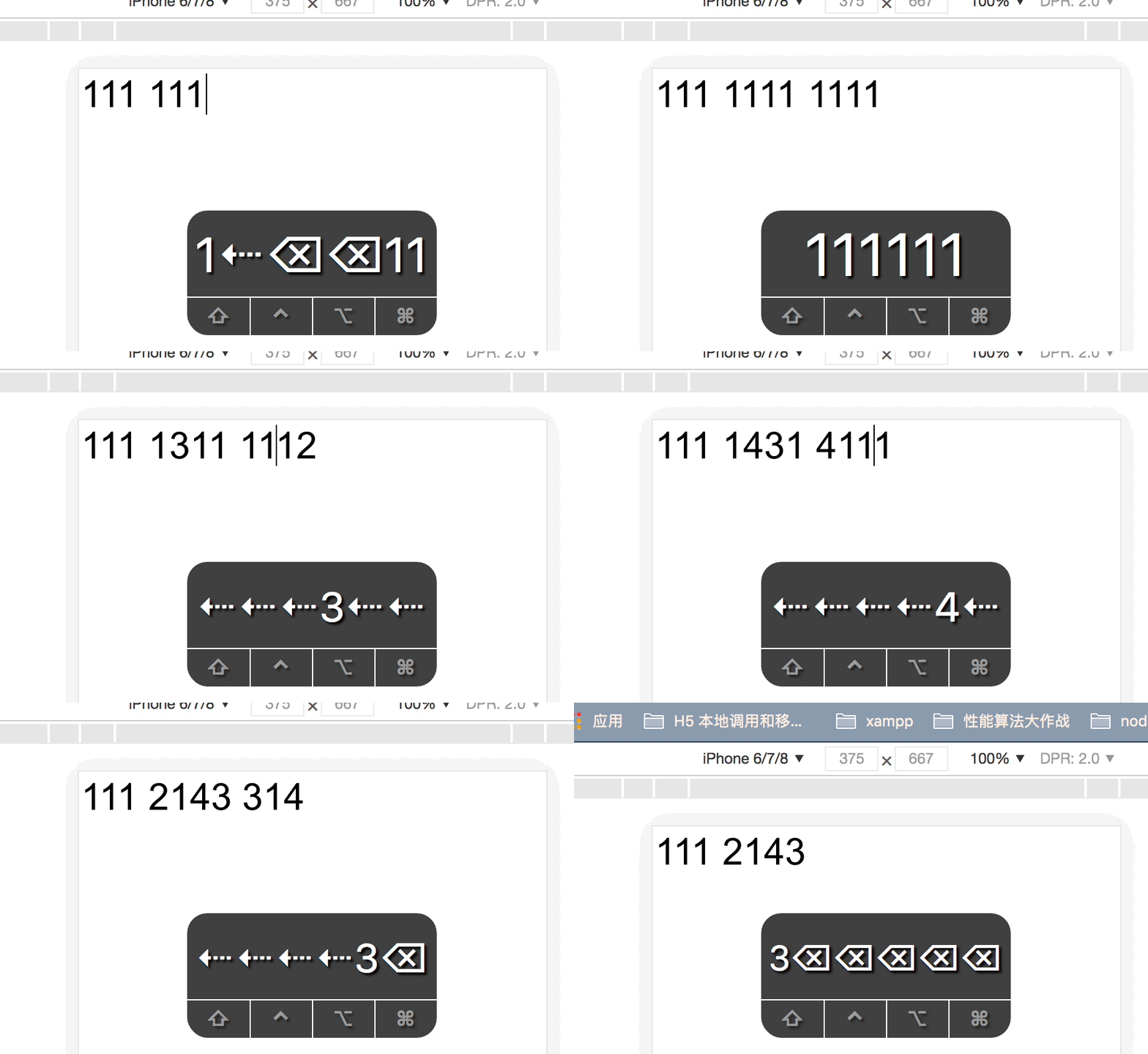
修改后效果