每个react开发者都会使用过antd,antd这个玩意美中不足的就是没有富文本编辑器,因项目需要,故鼓捣一下
BRAFT EDITOR官网
BRAFT EDITOR-GitHub
BRAFT EDITOR-语雀文档
这个富文本编辑器是完完全全可以直接拿到使用antd的项目中的,需要修改的地方很少很少,而且很友好
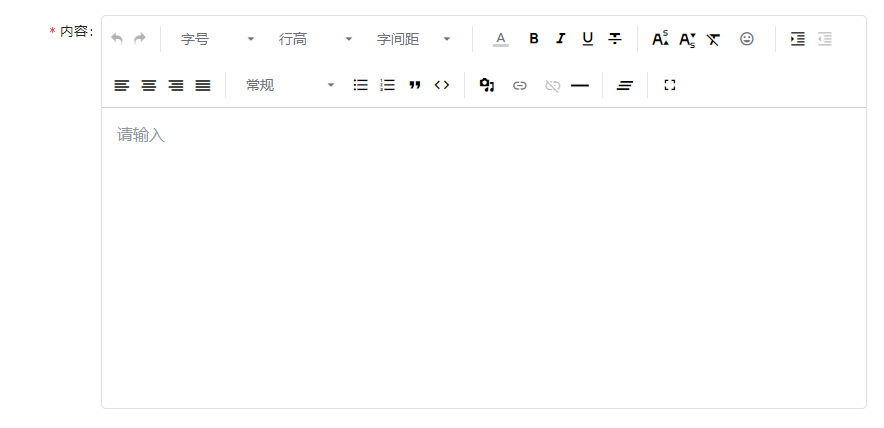
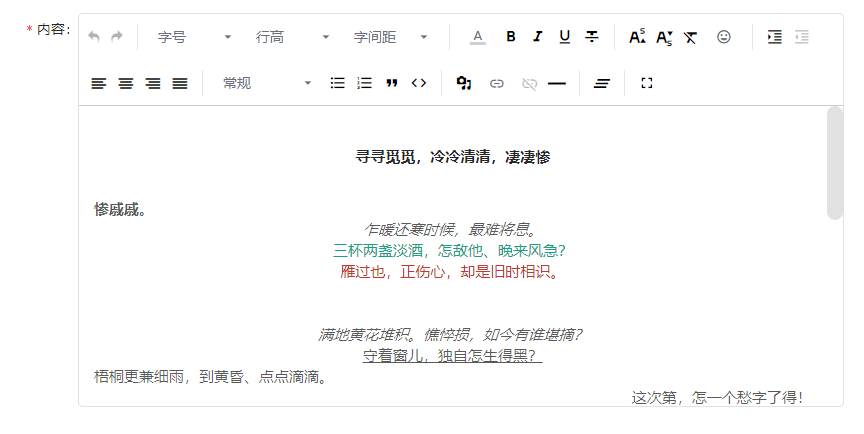
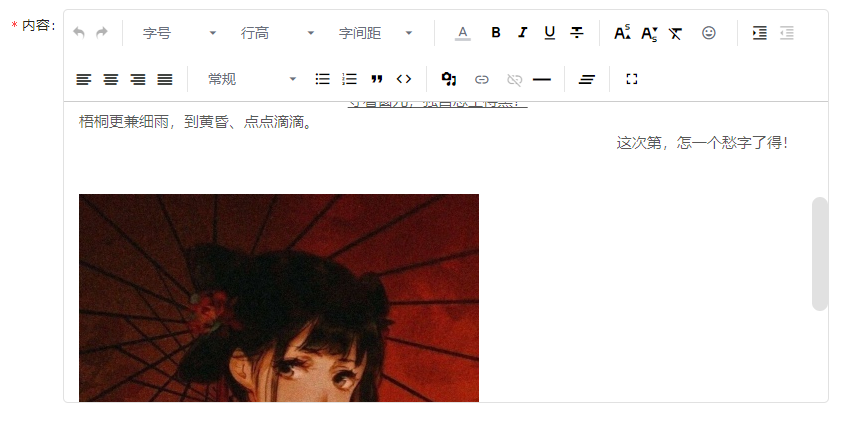
上波图先
新增
# 使用npm安装
npm install braft-editor --save

# 使用yarn安装
yarn add braft-editor
封装组件
import 'braft-editor/dist/index.css'
import React from 'react'
import PropTypes from 'prop-types';
import BraftEditor from 'braft-editor'
import styles from './index.less'

export default class BasicDemo extends React.Component {

  static propTypes = {
    // uploadUrl: PropTypes.string,
    onChange: PropTypes.func,
    echoData: PropTypes.string
  }

  static defaultProps = {
    onChange() { },
  }

  state = {
    editorState: BraftEditor.createEditorState('')
  }

  componentDidMount() {
    this.isLivinig = true
    this.setState({
      editorState: BraftEditor.createEditorState(this.props.echoData ? this.props.echoData : '<p></p>')
    })

  }

  componentWillUnmount() {
    this.isLivinig = false
  }

  handleChange = (editorState) => {
    this.setState({
      editorState: editorState
    })

    // 因为要做必填校验,默认的是会有一对p标签,所以封装的时候直接就给过滤掉

    this.props.onChange(editorState.toHTML() !== '<p></p>' ? editorState.toHTML() : '')
  }

// 异步数据回填

  setEditorContentAsync = () => {
    if (this.isLivinig) {
      this.setState({
        editorState: BraftEditor.createEditorState('我是显示的内容')
      })
    }
    return null
  }

  render() {
    const { editorState } = this.state
    return (
      <div className={styles.richText}>
        <div className="editor-wrapper">
          <BraftEditor
            contentClassName={styles.contentStyle}
            value={editorState}
            placeholder='请输入'
            onChange={this.handleChange}
          />
        </div>
      </div>

    )

  }

}
页面引用
                <Form name="addHelpDoc" layout="inline" width='100%' validateTrigger='onFinsh' {...layout} onFinish={this.handleAddHelpDoc} ref={this.formRef}>

                // 这里设置了在onFinsh的时候做表单校验,antd默认的是onChange的时候做校验,这样就会导致刚刚进入页面什么都没操作就会触发校验规则,很难看

                ...
                    <Row justify='space-between' gutter={24} >
                        <Col span={24} offset={3}>
                            <Form.Item name="content" label="内容" rules={[{ required: true, message: '请输入内容!' }]} >
                                <RichText />
                            </Form.Item>
                        </Col>
                    </Row>
                        <Divider />
                    <Row justify='space-around'>
                        <Col span={24} style={{ textAlign: 'right',  margin:'0 12px' }} >
                            <Button style={{ margin: '0 6px' }} onClick={() => history.goBack()}>取消 </Button>
                            <Button type="primary" htmlType="submit">保存</Button>
                        </Col>
                    </Row>
                </Form>
以上就是我的一些使用方法,如果有更优雅的欢迎留言