最近实行了值班制度,需要在在线文档上填上值班人员,每天大家上去看一下今天谁值班,基于懒惰的本质就打算用钉钉机器人写一个提醒。
思路:
1.钉钉群里创建的机器人
2.node读取文档内容(这里是读取本地文档),整理文档数据格式
3.钉钉发送提醒信息
创建钉钉机器人
可以拉两个人创建一个钉钉群,然后把人都T出去,就有了你自己的群,然后在里面创建钉钉机器人,用于做测试。
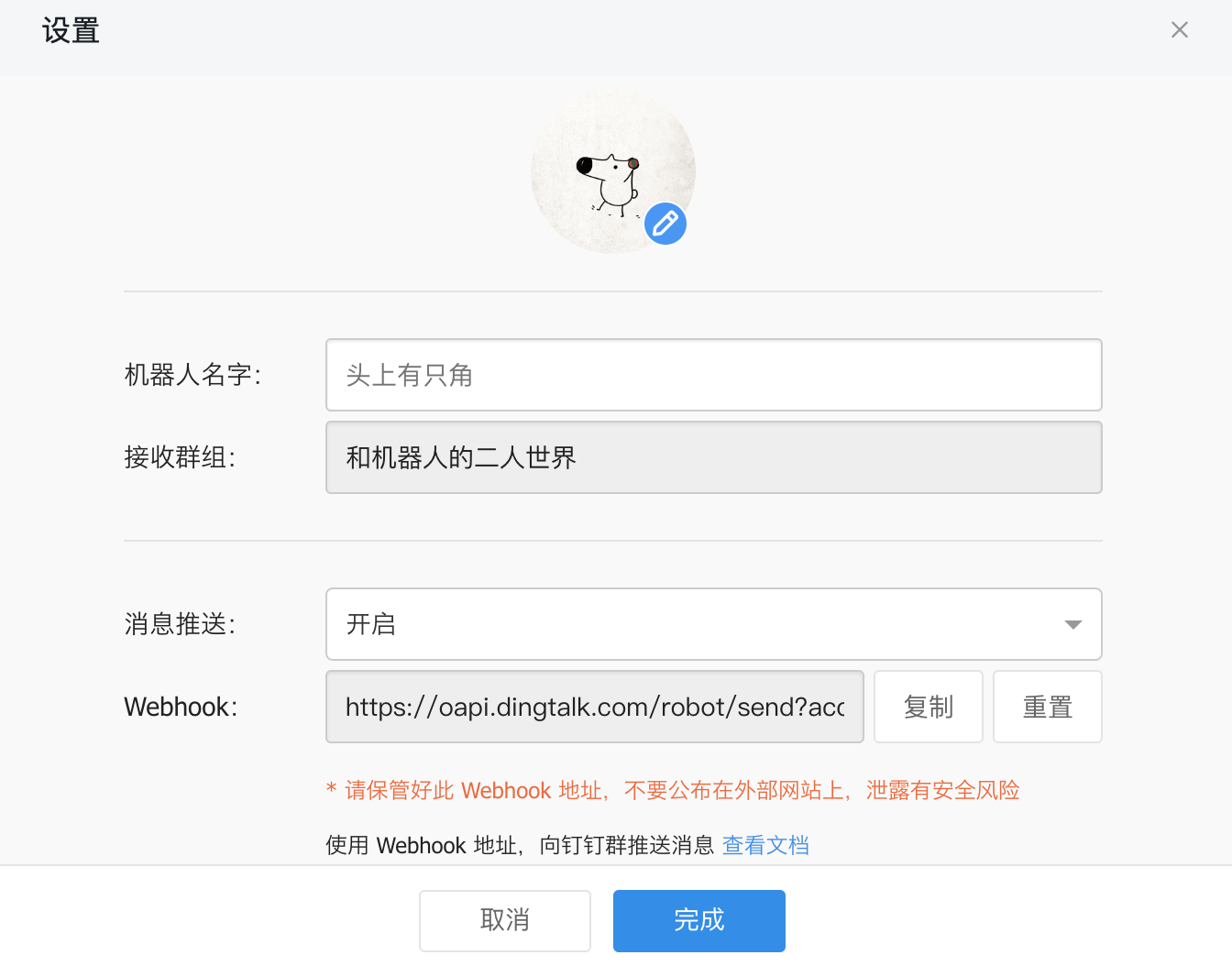
得到webhook用于发送信息。
node 发送提醒
// 请求插件
const request = require('request');

// 机器人webhook
let webhook = 'xxx';

// 发送内容
let jsonData = {
  "msgtype": "text",
  "text": {
    "content": "今天的测试"
  },
}

request.post({
  url: webhook,
  headers: {
    'Content-Type': 'application/json',
  },
  json: jsonData,
}, (error, response, body) => {
  console.log(body);
})
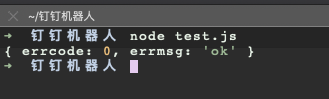
这样一个简单的请求就完成。
获取excel表格内容
表格内容如下:
引用 node-xls,封装一下代码:
// 请求插件
const request = require('request');
// 读取xlsx
const xlsx = require('node-xlsx');

// 机器人webhook
let webhook = 'xx';

// 发送内容
let jsonData = {
  "msgtype": "text",
  "text": {
    "content": "今天值班的是:"
  },
}

// excel表格
const testXlsx = xlsx.parse('./test.xlsx');
var phoneList = [];

var setList = () => {

  testXlsx.forEach((sheet) => {
    // 联系电话整理
    if (sheet.name == '人员联系电话') {
      for(let i = 1; i < sheet["data"].length; i++) {
        if (sheet["data"][i]) {
          let nameEn = sheet["data"][i][6];
          phoneList.push({
            phone: sheet["data"][i][9],
            name: sheet["data"][i][5].replace(/\s/g,''),
            nameEn: nameEn,
          });
        }
      }
    }
  });
  // 测试:写死第一个人值班
  jsonData.text.content += phoneList[0].name;
  setMsg();
}

var setMsg = () => {
  request.post({
    url: webhook,
    headers: {
      'Content-Type': 'application/json',
    },
    json: jsonData,
  }, (error, response, body) => {
    console.log(body);
  })
}

setList();
定时发送
因为值班是每天都需要提醒的,所以需要再加上node的定时器:node-schedule
每天早上10点发送提醒。
// 请求插件
const request = require('request');
// 读取xlsx
const xlsx = require('node-xlsx');
// 定时器
const schedule = require('node-schedule');

......

const scheduleCronstyle = () =>{
  // 每天上午10点提醒
  schedule.scheduleJob('00 00 10 * * *',()=>{
    setList();
  });
}

scheduleCronstyle();