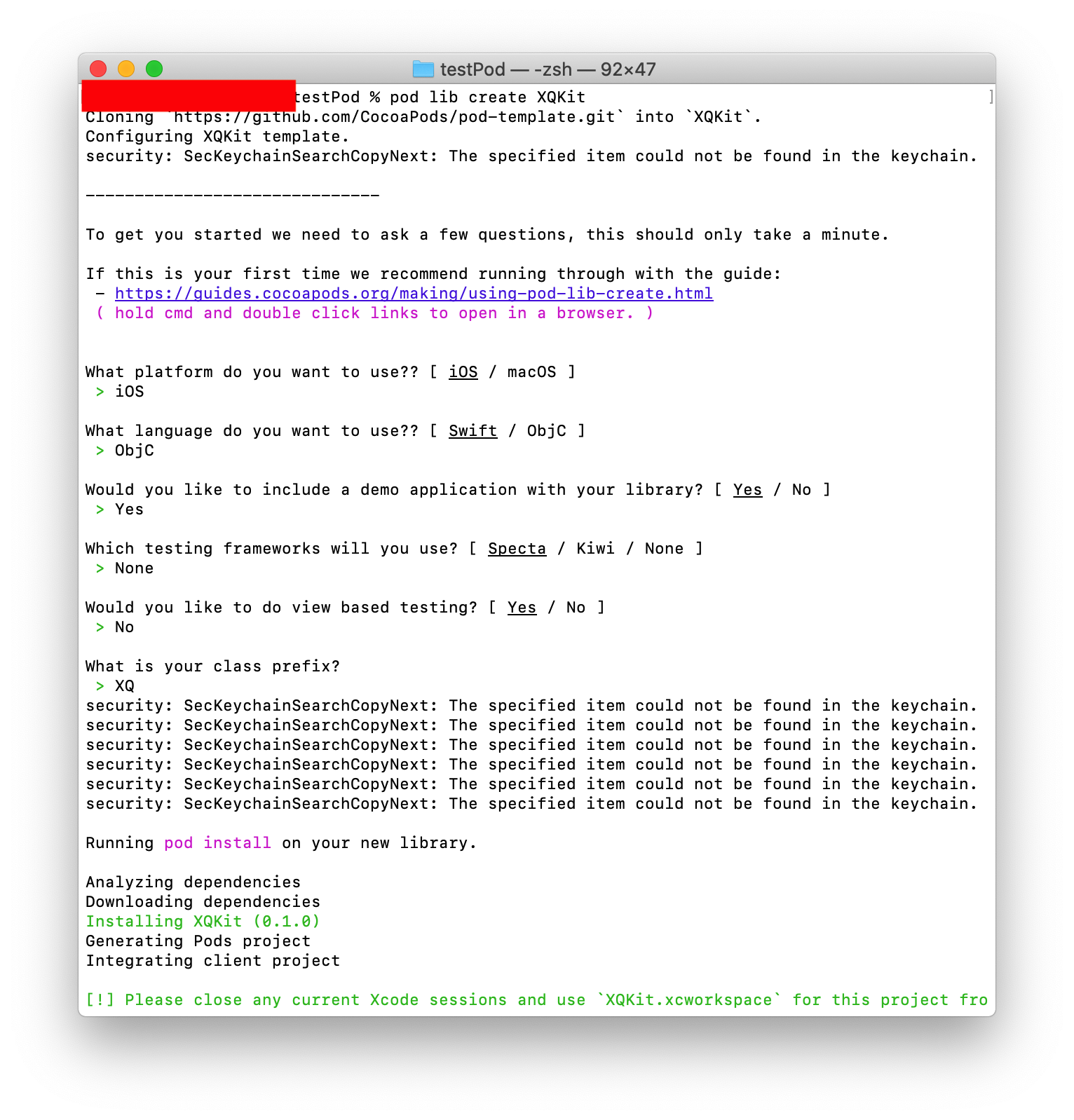
终端,创建一个模板工程
$ pod lib create xxx // xxx库名
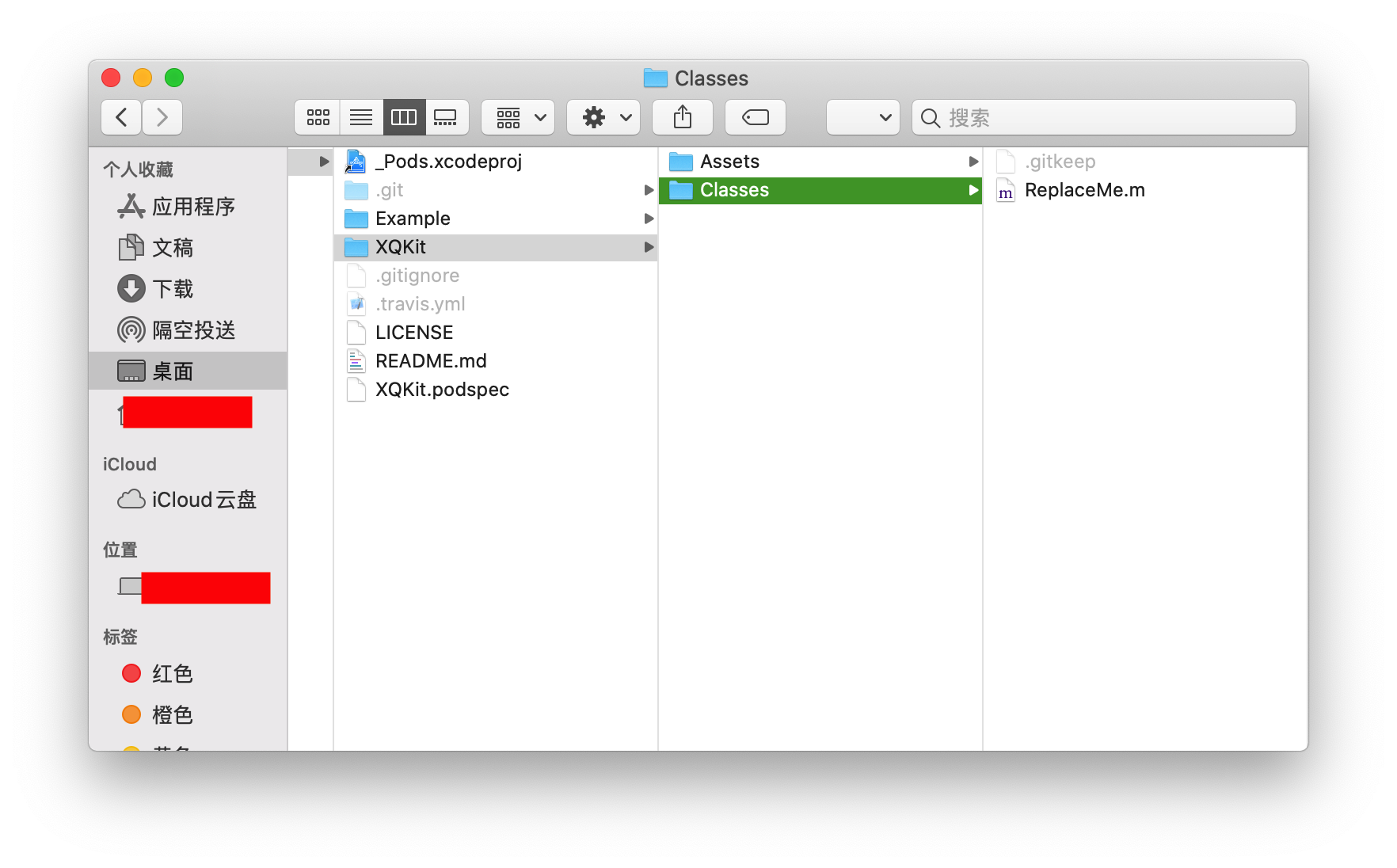
1.在xxx/xxx/Classes中,删除ReplaceMe.m,放入自己的项目文件
2、然后配置podspec文件,这个文件就是配置工程中需要开源出去的代码位置以及依赖系统库和第三方库的信息
#
# Be sure to run `pod lib lint XQKit.podspec' to ensure this is a
# valid spec before submitting.
#
# Any lines starting with a # are optional, but their use is encouraged
# To learn more about a Podspec see https://guides.cocoapods.org/syntax/podspec.html
#

Pod::Spec.new do |s|
  s.name             = 'XQKit'
  s.version          = '0.1.0'
  s.summary          = 'A short description of XQKit.'

  s.description      = <<-DESC
TODO: Add long description of the pod here.
                       DESC

  s.homepage         = 'https://gitee.com/null_854_1266'

  s.license          = { :type => 'MIT', :file => 'LICENSE' }
  s.author           = { 'renshuai' => 'horatio0@126.com' }
  # git库所在路径
  s.source           = { :git => 'https://gitee.com/null_854_1266/BKSDK.git', :tag => s.version.to_s }

  # 支持的最低版本
  s.ios.deployment_target = '9.0'

  # 引用的资源文件
  s.source_files = 'XQKit/Classes/BKBaseComponent.h','XQKit/Classes/BKBaseCommon.h','XQKit/Classes/BKSDKManager.h','XQKit/Classes/BKSDKManager.m'

  # 建立虚拟文件夹
  s.subspec 'libs' do |ss|
      ss.source_files = 'XQKit/Classes/libs/*.{h,m}'
      # 引用虚拟文件夹下的文件
      ss.dependency 'XQKit/Tools'
  end
  s.subspec 'Tools' do |ss|
      ss.source_files = 'XQKit/Classes/Tools/*.{h,m}'
  end

  # pod库所需引用的framework
  s.frameworks = 'UIKit', 'Foundation',"CoreLocation"

  # pod库所需引用的三方库
  s.dependency 'AFNetworking', '~> 4.0.1'
  s.dependency 'SAMKeychain', '~> 1.5.3'

end
3.配置完podspec后,运行
$ pod lib lint xxx.podspec
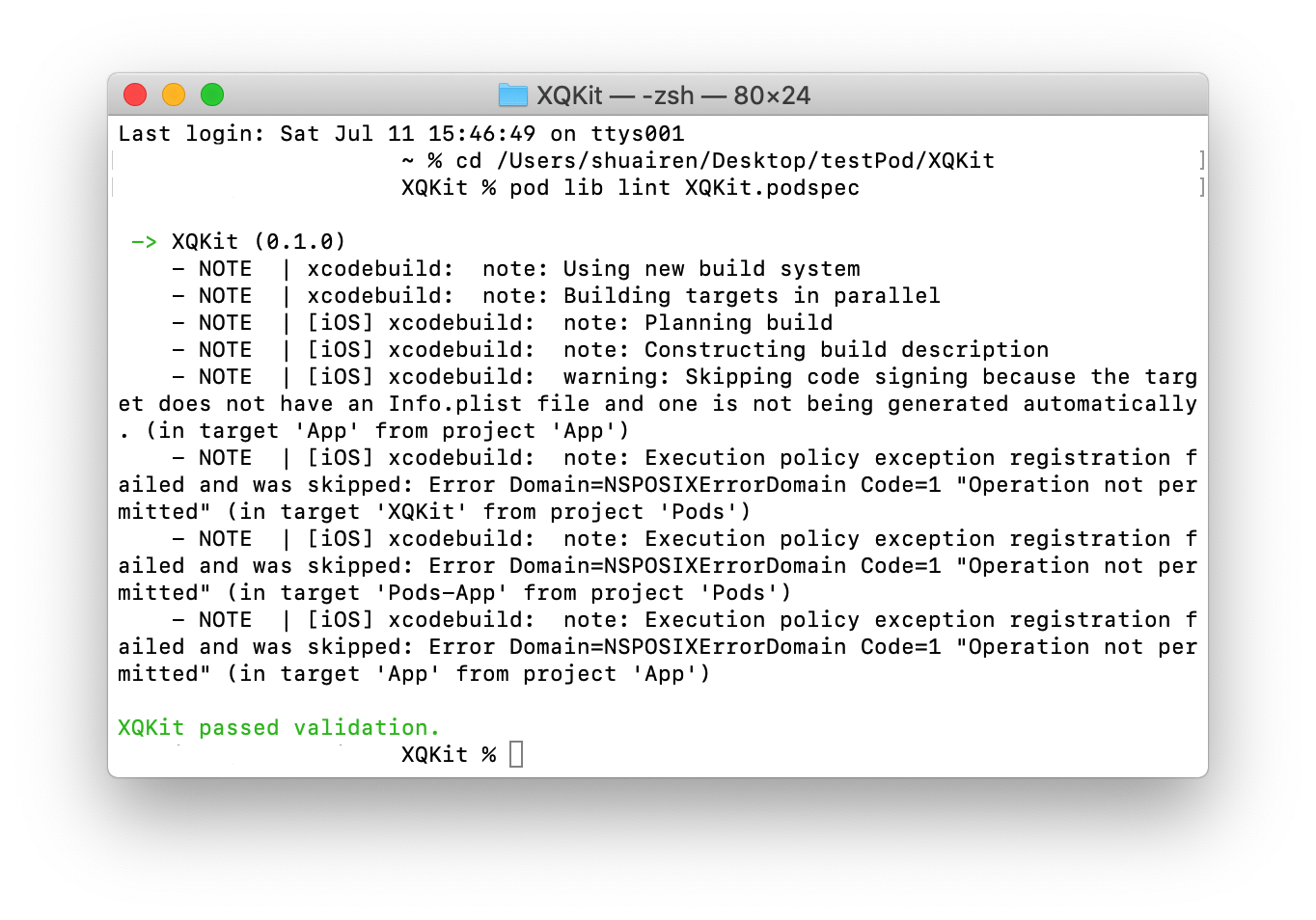
4.验证成功后,上传到码云,新建标签,标签和podspec中的version一致。
建立cocoapods索引库
1.新建一远程空仓库BKSpec, 用来存放私有库.podspec文件,作用类似于~/.cocopods的repos下的artsy,cocoapods索引库。
2.创建本地的私有索引库文件夹,并与远程私有索引库BKSpec进行关联
$ pod repo add BKSpec + 远程索引库git路径
3.查看本地已存在的索引库,查看新建索引库是否存在。
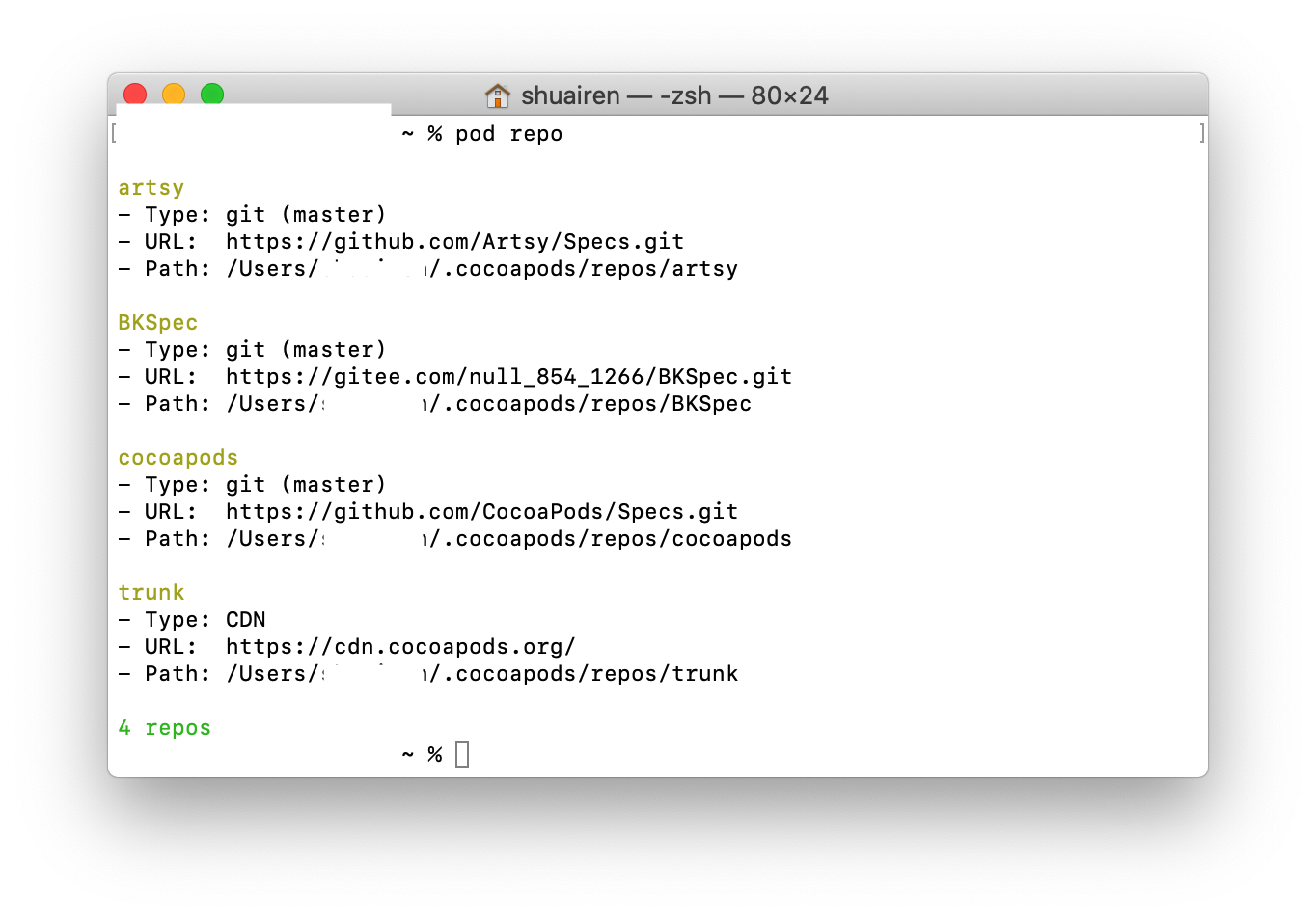
4.将私有静态库的podspec文件提交到本地的私有索引库
$ pod repo // 查看本地索引库
$ pod repo push BKSpec XQKit.podspec
// 此处提交通过后 会自动上传到在远程BKSpec索引库
提交成功后,查询私有库
$ pod search XQKit
每次更新时,记得修改 .podspec 的版本号后,更新远程静态库版本,再执行pod repo push操作
使用自己的私有库
工程利用cocoapods使用生成的私有框架
在项目中的Podfile里添加索引库的源,以及自己的pod库
use_frameworks!

source 'https://github.com/CocoaPods/Specs.git'
source 'https://github.com/Artsy/Specs.git'
source 'https://gitee.com/null_854_1266/xxx.git' // 索引库的源

platform :ios, "9.0"
inhibit_all_warnings!
target  "xxx" do

pod 'XQKit' // 私有库

end
利用cocoapods打包framework
1.cocoapods安装packager
$ sudo gem install cocoapods-packager
2.打包
命令很简单,执行
$ pod package XQKit.podspec --library —force
其中--library指定打包成.a文件,如果不带上将会打包成.framework文件。--force是指强制覆盖。 完成后在项目中生成一个 XQKit0.1.0的文件夹,在下面iOS文件夹里生成framework