

路由懒加载:
const routes = [
进页面就全部加载:
  {
    path: '/',
    name: 'Home',
    component: Home
  },
  路由懒加载:
  {
    path: '/about',
    name: 'About',
    // route level code-splitting
    // this generates a separate chunk (about.[hash].js) for this route
    // which is lazy-loaded when the route is visited.
    component: () => import(/* webpackChunkName: "about" */ '../views/About.vue')
  }
]
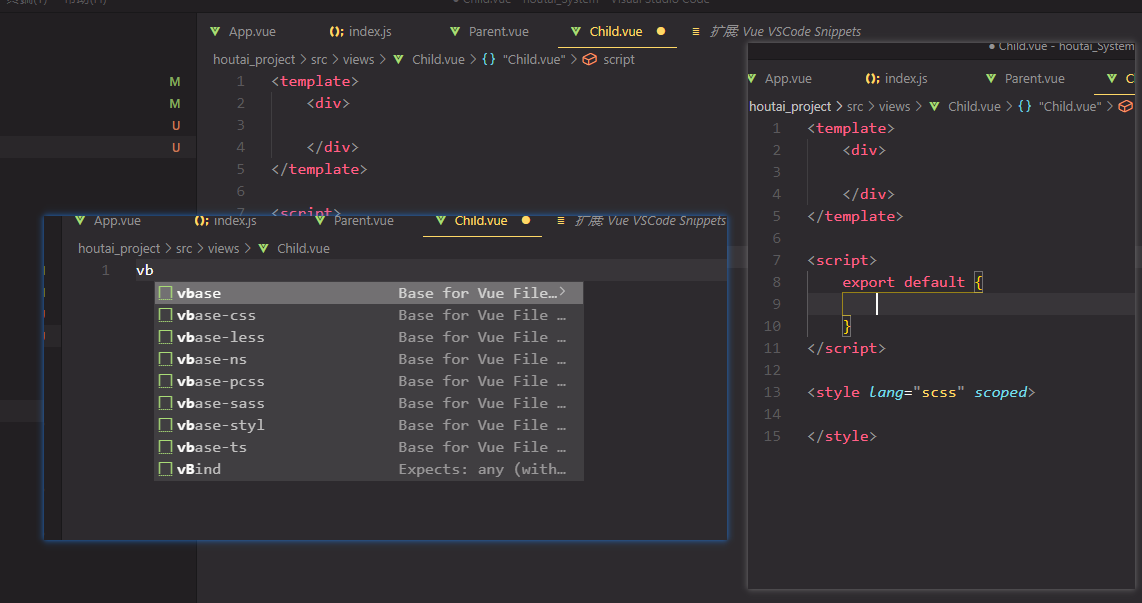
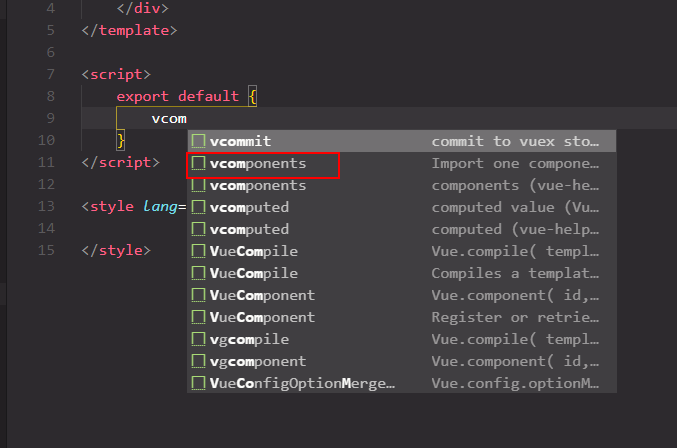
输入vb就可以生成模板的插件:Vue VSCode Snippets
vue中组件间传值常⽤的⼏种⽅式(上)
⽗⼦组件传值
props / $emit
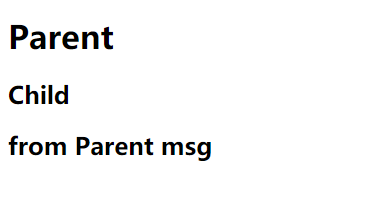
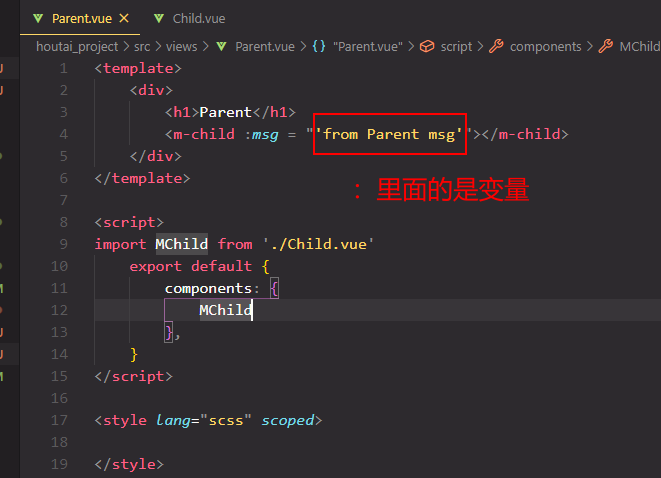
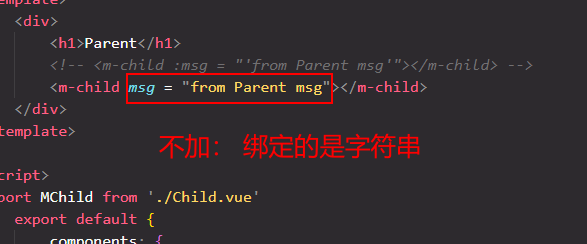
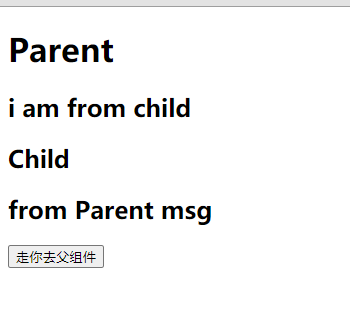
⼦组件中通过定义props接收⽗组件中通过v-bind绑定的数据
⽗组件中通过监听⼦组件中$emit的⾃定义事件接收数据
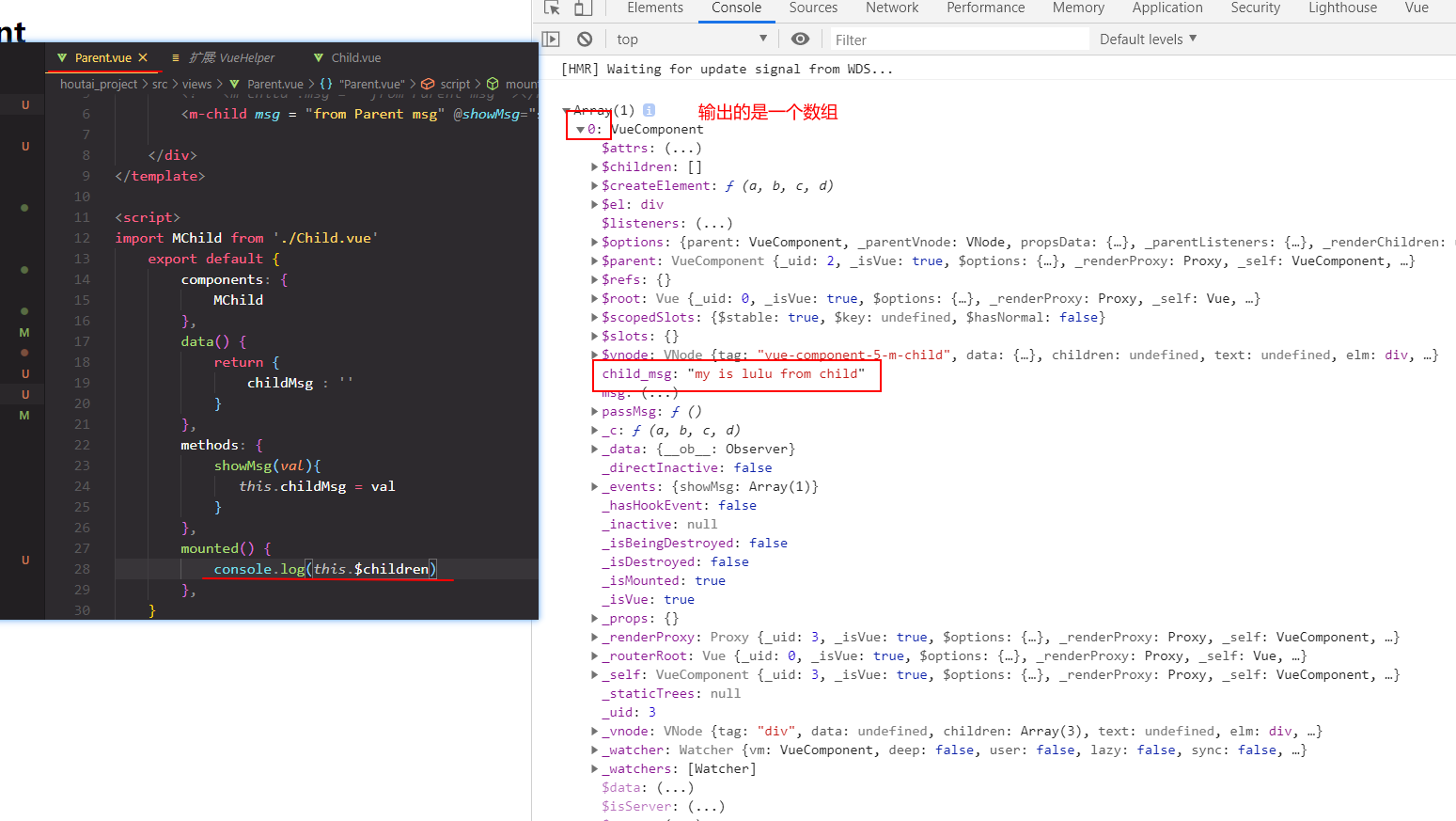
$parent / children
⼦组件中通过this.$parent这个对象获取⽗组件中的数据
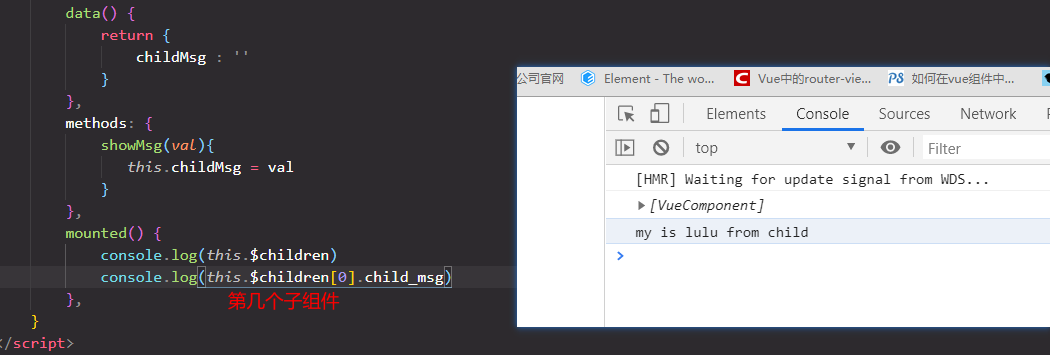
⽗组件中通过this.$children这个数组获取⼦组件中的数据
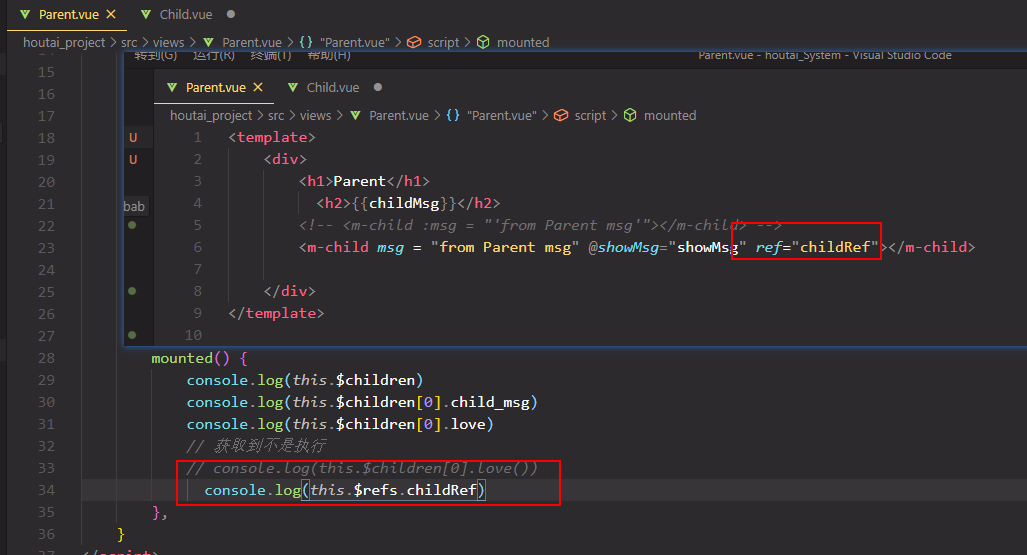
$ref
⽗组件中定义⼦组件中的ref属性后,通过this.$refs.定义的属性名获取⼦组件数据
父传子:
第三种 ref
需求app.vue 传给child.vue
child.vue
 mounted() {
    console.log(this.$parent.baba);
    //监听app发送过来的
    bus.$on("sendChild", val => {
      // console.log(val);
      this.appSend = val;
    });
  }
app.vue
 <button @click="passGetChild">app传给child</button>

 methods: {
  passGetChild() {
    //发射
    bus.$emit('sendChild','i come from app')
  }
},
孙组件传值
app.vue 传给 child.vue

