- 常用的css选择器
- id选择器
- 类选择器
- 伪类选择器
- 元素选择器
- 伪元素选择器
- 用的比较少的选择器
- 属性选择器
- 关系选择器
- 通配符选择器
- 以上选择器的优先级
- id>类=伪类=属性>元素=伪元素=关系>通配符
- !important比较特殊,当在css样式中加入!impotant,它会忽略其他的样式,把改样式优先显示
- css的三种方式
- 行内样式,故名思意是写在行内的样式
- 内部样式,是用<style></style>正常包裹的样式
- 外部引入样式,形如<link rel="stylesheet" href="xxx.css">或者<style>@import url("xx.css")</style>
- 上面提到的三种方式的优先级是:行内样式>内部样式>外部引入样式(link和@import的优先级一样,后面会覆盖前面的)
- 不常用的选择器使用方法
    div[hello]{      width: 200px;      height: 200px;      background-color: red;    }

  <div hello class="world"></div>
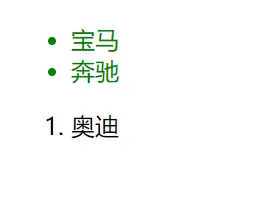
- 包含选择器EF(选择所有被E元素包含的F元素,中间用空格隔开)
ul li{color:green;}

<ul>
  <li>宝马</li>
  <li>奔驰</li>
</ul>
<ol>
  <li>奥迪</li>
</ol>
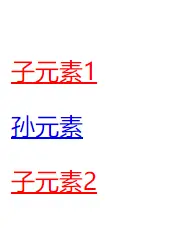
- 子选择器(E>F):选择所有作为E元素的直接子元素F,对更深一层的元素不起作用,用>表示
div>a{color:red}

<div>
    <a href="#">子元素1</a>
    <p>
        <a href="#">孙元素</a>
    </p>
    <a href="#">子元素2</a>
</div>
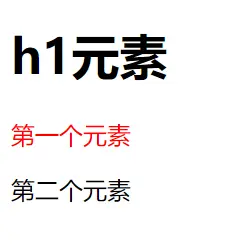
- 相邻选择器(E+F):选择紧跟E元素后的F元素,用加好表示,选择相邻的第一个兄弟元素。
 h1+p{color:red;}

<h1>h1元素</h1>
<p>第一个元素</p>
<p>第二个元素</p>
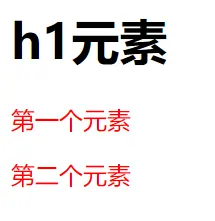
- 兄弟选择器(E~F):选择E元素之后的所有兄弟元素F,作用于多个元素,用~隔开
 h1~p{color:red;}

<h1>h1元素</h1>
<p>第一个元素</p>
<p>第二个元素</p>
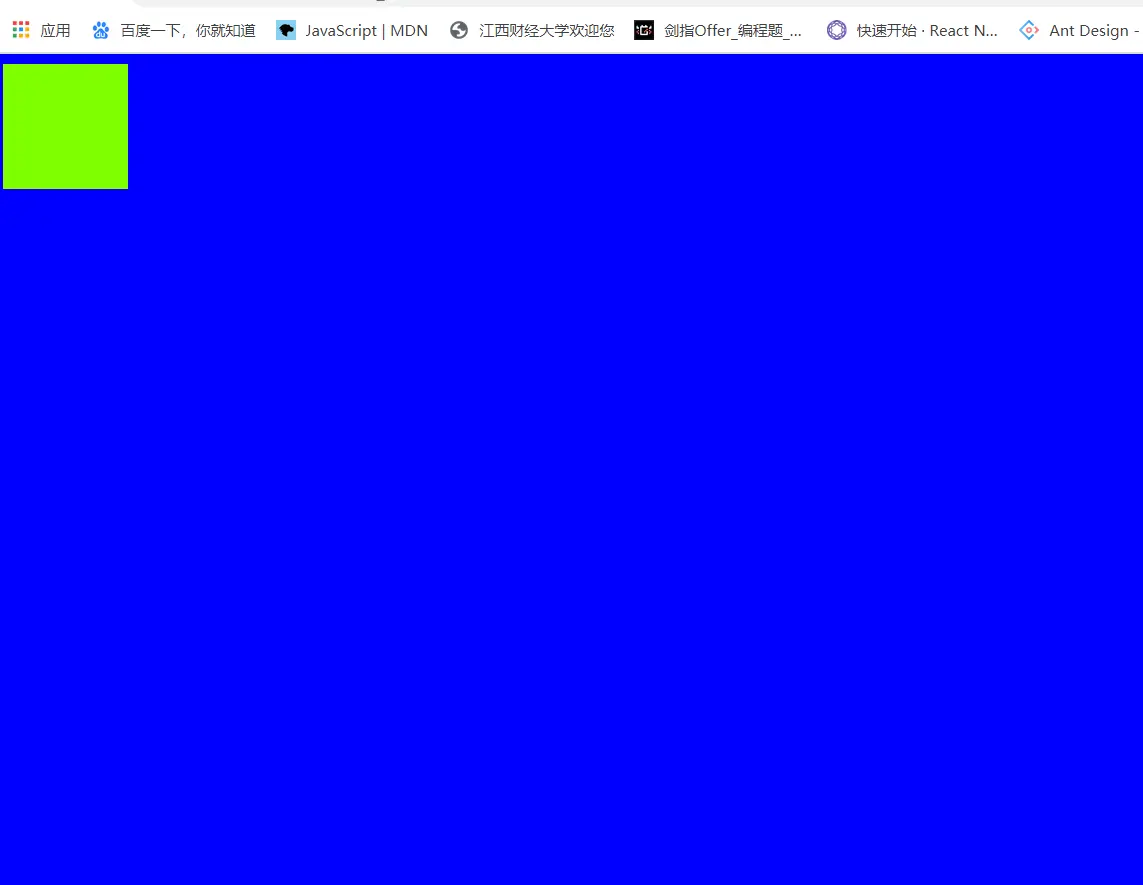
<!DOCTYPE html> <html lang="en"> <head> <meta charset="UTF-8"> <meta name="viewport" content="width=device-width, initial-scale=1.0"> <title>Document</title> <style> /* @import url("./index.css"); */ .box{ width: 100px; height: 100px; background-color: chartreuse; } *{ background-color: blue; } .world{ background-color: royalblue; } /* div[hello]{ width: 200px; height: 200px; background-color: red; } */ </style> <!-- <link rel="stylesheet" href="link.css"> --> </head> <body> <div class="box"></div> <div hello class="world"></div> </body> </html>