

question: [20381:0621/222132.072286:FATAL:setuid_sandbox_host.cc(157)] The SUID sandbox helper binary was found, but is not configured correctly. Rather than run without sandboxing I'm aborting now. You need to make sure that /tmp/.mount_BitwaruTOYo3/chrome-sandbox is owned by root and has mode 4755.
Solution 1
- go to desktop
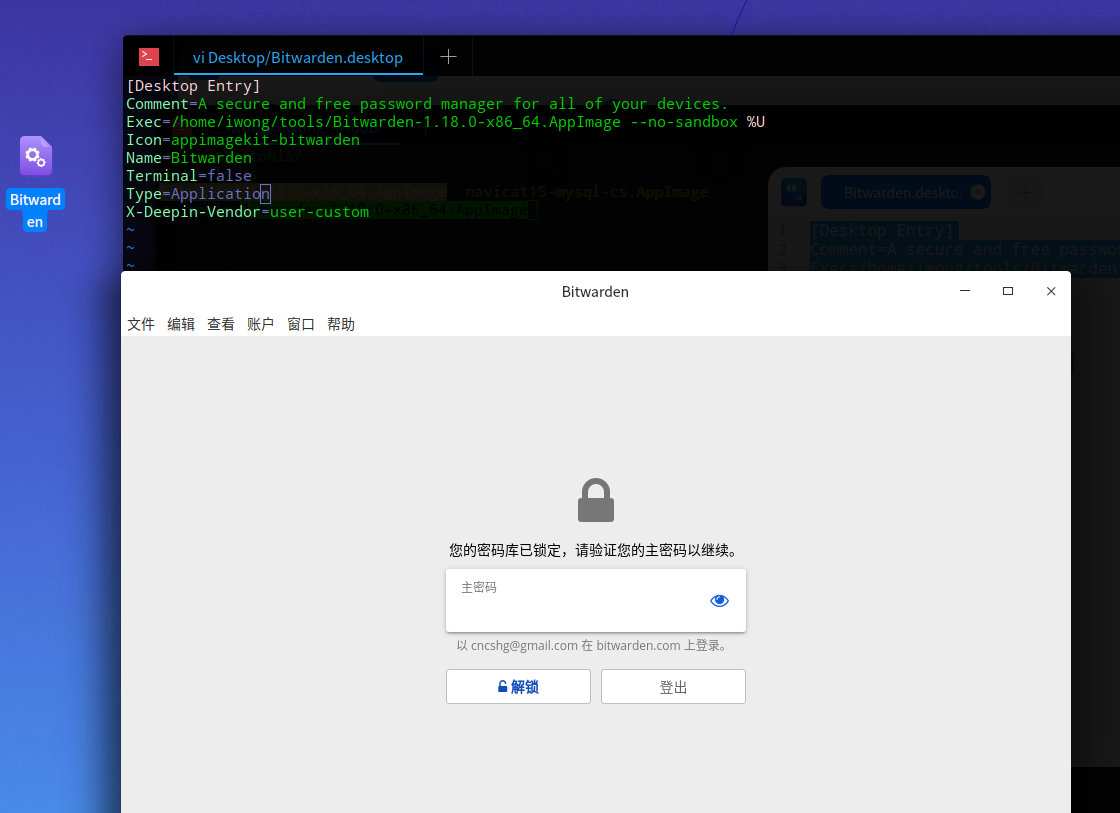
- create BitWarden.desktop input code eg:
- create BitWarden.desktop
cd ~/Desktop && vi BitWarden.desktop
- BitWarden.desktop code
[Desktop Entry]
Comment=A secure and free password manager for all of your devices.
Exec=/home/iwong/tools/Bitwarden-1.18.0-x86_64.AppImage --no-sandbox %U
Icon=bitwarden
Name=Bitwarden
Terminal=false
Type=Application
X-Deepin-Vendor=user-custom
- Show in Start Menu
sudo cp ~/Desktop/Bitwarden.desktop /usr/share/applications
- effect
Solution 2:
./LosslessCut-linux.AppImage --no-sandbox
Solution 3:
sysctl kernel.unprivileged_userns_clone=1
