helm3安装nexus
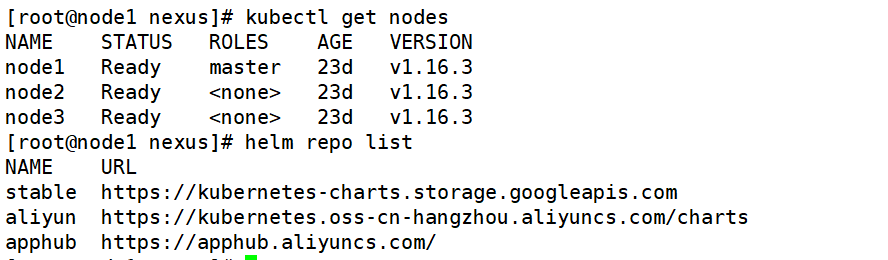
1、环境介绍
2、安装nexus
helm search repo nexus
helm  pull  stable/sonatype-nexus
tar  xvf  sonatype-nexus-1.21.2.tgz
helm  install  nexus  ./sonatype-nexus
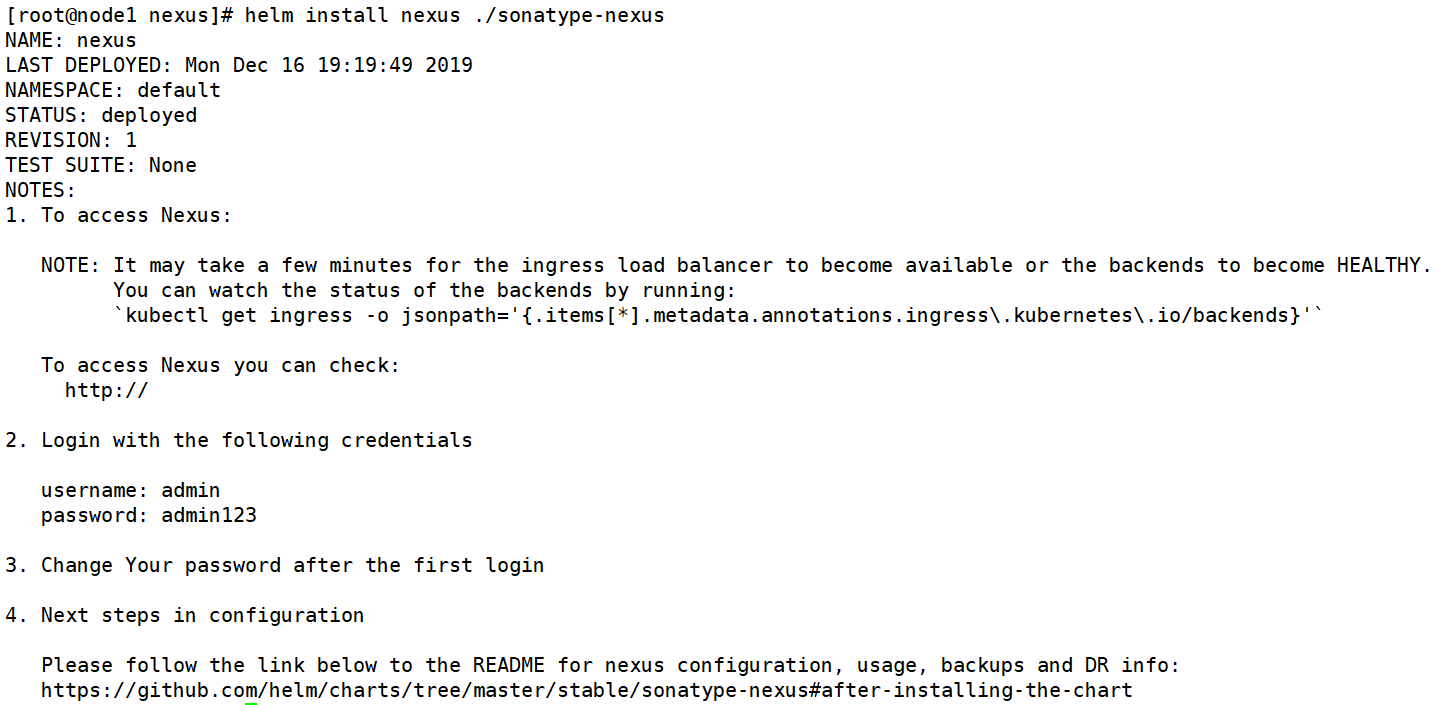
kubectl get pod

kubectl describe pod nexus-sonatype-nexus-79b5865bbc-4lb49
从而得知在请求pvc,所以创建pv
vim  pv.yaml    #这里采用的hostpath

apiVersion: v1
kind: PersistentVolume
metadata:
  name: nexus-pv
spec:
  capacity:
    storage: 10Gi
  volumeMode: Filesystem
  accessModes:
  -  ReadWriteOnce
  persistentVolumeReclaimPolicy: Retain
  hostPath:
    path: /helm/nexus

mkdir  -p  /helm/nexus   #在worker节点创建相应的目录
kubecel  apply  -f pv.yaml
查看pod状态
kubectl get pod


kubectl logs nexus-sonatype-nexus-79b5865bbc-4lb49
#会报错,是因为容器的名字重复“nexus nexus-proxy”
Error from server (BadRequest): a container name must be specified for pod nexus-sonatype-nexus-79b5865bbc-4lb49, choose one of: [nexus nexus-proxy]

kubectl edit deploy nexus-sonatype-nexus


kubectl logs nexus-sonatype-nexus-64c75f5786-gtvlg

Java HotSpot(TM) 64-Bit Server VM warning: Cannot open file /nexus-data/log/jvm.log due to No such file or directory
Warning:  Cannot open log file: /nexus-data/log/jvm.log
Warning:  Forcing option -XX:LogFile=/tmp/jvm.log
Unable to update instance pid: Unable to create directory /nexus-data/instances
/nexus-data/log/karaf.log (No such file or directory)
Unable to update instance pid: Unable to create directory /nexus-data/instances

kubectl get deploy nexus-sonatype-nexus -oyaml
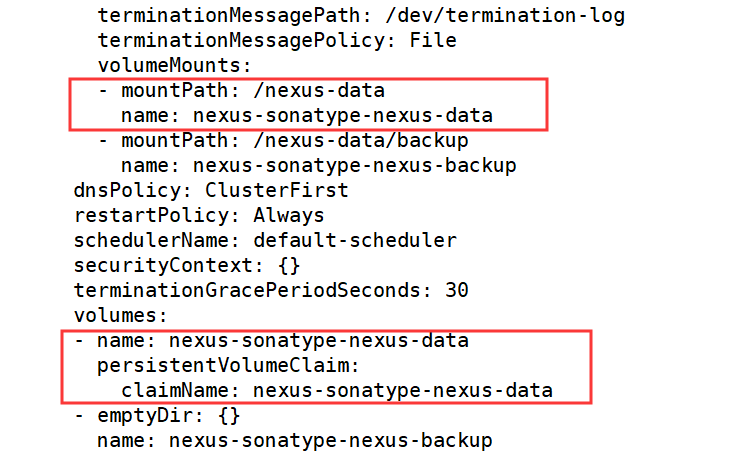
chmod 777 /helm/nexus/
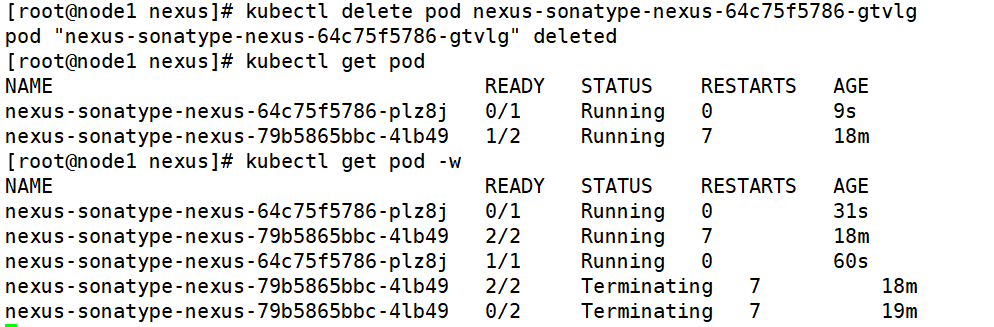
kubectl delete pod nexus-sonatype-nexus-64c75f5786-gtvlg   #删掉原来的pod
kubectl get svc

telnet 192.18.10.12 30070

Trying 192.18.10.12...
telnet: connect to address 192.18.10.12: Connection refused
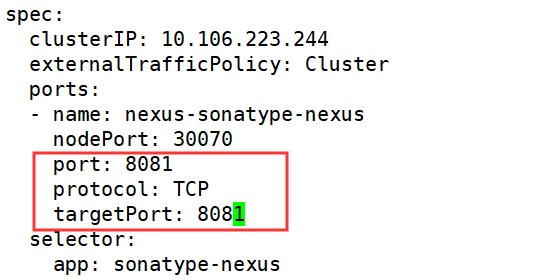
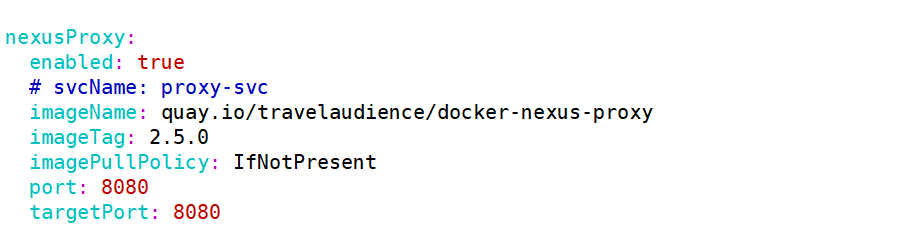
vim /root/nexus/sonatype-nexus/values.yaml
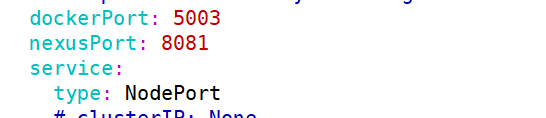
kubectl edit svc nexus-sonatype-nexus