筛选废弃资源文件
中途参与一个flutter项目,接到任务是整合项目中的资源文件,筛选出系统中未被引用到的资源文件。由于项目过大,为了减少劳动力,想到用node编写脚本,筛选文件。
考虑到部分资源文件可能已动弹参数的形式引用,所以只是单纯将文件名列出,不做删除处理。
本地配置node环境, NPM是随同NodeJS一起安装的包管理工具, 用于安装依赖。
下载安装node
终端输入 node -v 检查版本,若提示node 不存在,则需要配置全局变量。
配置node环境
- 打开配置文件 vi ./.bash_profile
- 添加一行PATH(按i进入insert才能编辑)
PATH=$PATH:/usr/local/bin/
把/usr/local/bin/换成你的node全局包路径,路径的查看方式看上面
执行searchFile.js
有node环境下 终端命令行 node searchFile.js 【filePath】【searchPath】【importCount】
filePath: 必传 匹配需要删掉的文件目录
searchPath: 必传 搜索范围
importCount: 必传 引用次数
示例:
执行效果 👇👇👇
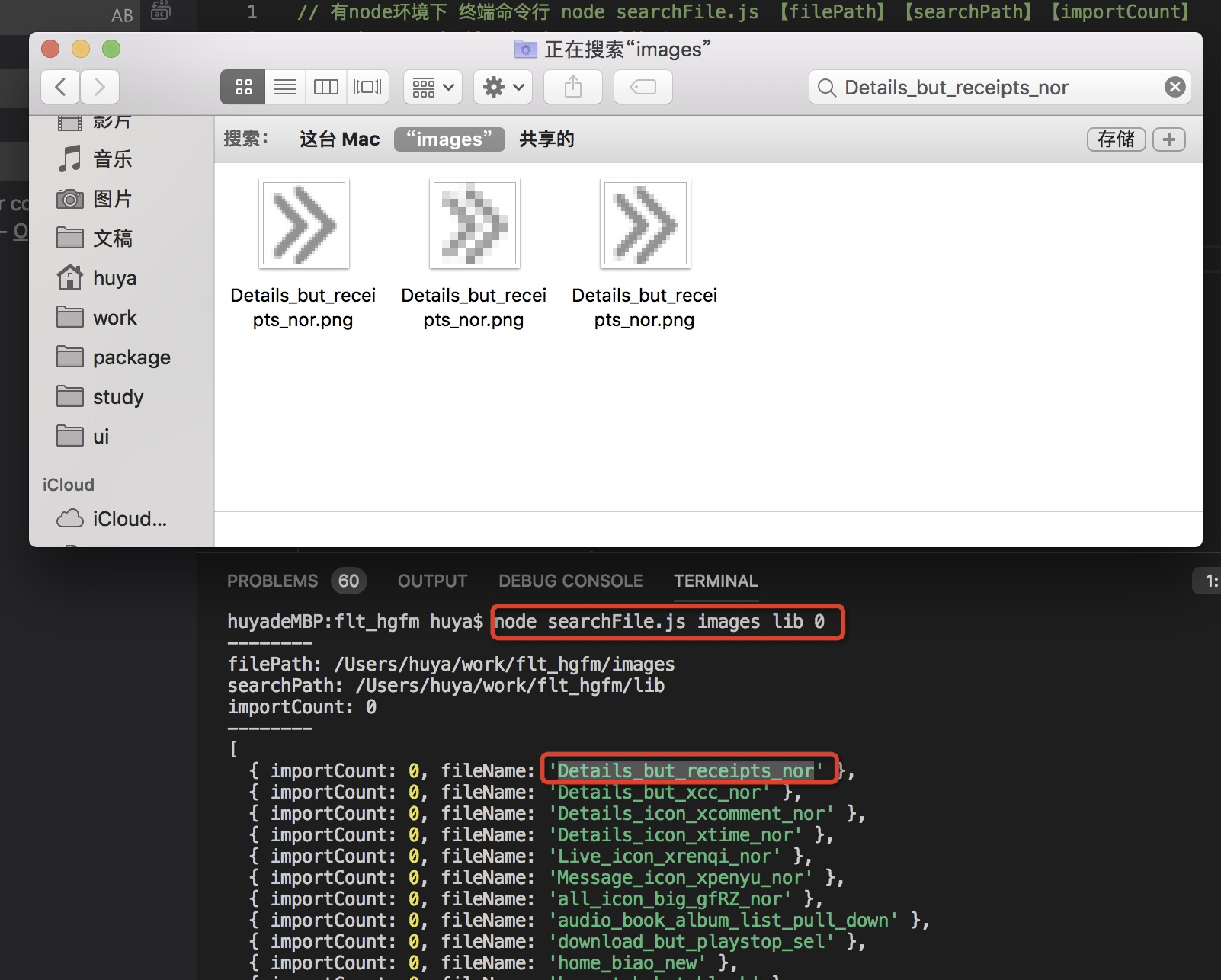
由于一些图片文件可能已动态字符串的形式引用(比如 'image_$index'),所以删除之前,建议搜索是否有匹配。
node脚本
// 有node环境下 终端命令行 node searchFile.js 【filePath】【searchPath】【importCount】
// node searchFile.js images lib 0
// filePath 文件所在路径; searchPath 引用文件的搜索范围路径; importCount引用次数
let [filePath, searchPath, importCount] = process.argv.splice(2)
const path = require("path");
const fs = require("fs");
filePath = path.resolve(filePath)
searchPath = path.resolve(searchPath)
console.log(`--------`);
console.log(`filePath: ${filePath}`)
console.log(`searchPath: ${searchPath}`)
console.log(`importCount: ${importCount}`)
console.log(`--------`);

const filesList = []
const filesMap = {}
const resultList = []

function readFileList(dir, list = []) {
    const files = fs.readdirSync(dir);
    files.forEach(item => {
        var fullPath = path.join(dir, item);
        const stat = fs.statSync(fullPath);
        if (stat.isDirectory()) {
            readFileList(path.join(dir, item), list);  //递归读取文件
        } else {
            const name = item.match(/(\S*)\./)[1]  // 正则取出不佳后缀的文件名
            if(!filesMap[name]) {
                filesList.push(name);
                filesMap[name] = {
                    importCount: 0,
                    fileName: name
                }
            }
        }
    });
    return list;
}

function readSearchFile(dir) {
    const files = fs.readdirSync(dir);
    files.forEach(item => {
        var fullPath = path.join(dir, item);
        const stat = fs.statSync(fullPath);
        if (stat.isDirectory()) {
            readSearchFile(path.join(dir, item))  //递归读取文件
        } else {
            const buffer= fs.readFileSync(fullPath)
            const bufferStr = String(buffer)
            filesList.forEach(i => {
                if(bufferStr.includes(i)) {
                    filesMap[i].importCount ++
                }
            })
        }
    });
}

readFileList(filePath, filesList)
readSearchFile(searchPath)

filesList.forEach(i => {
    if(filesMap[i].importCount == importCount) {
        resultList.push(filesMap[i])
    }
})

console.log(resultList)
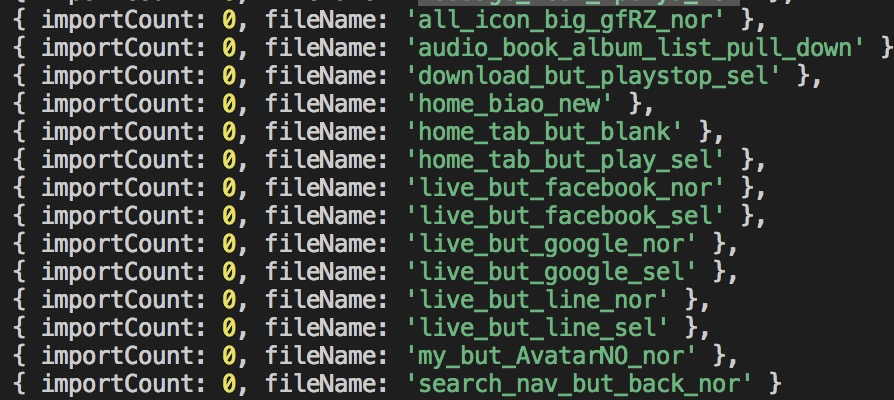
效果展示
Flutter产物大小分析
参考文章
克隆代码工具sdk-master
安装依赖
打开克隆的项目,在目录/sdk-master/pkg/vm 中执行命令 pub get
执行指令生成html
- 执行如下命令编译出一个arm64架构的App.framework,并将它的包组成结构放到指定目录build/aot.json文件中
flutter --suppress-analytics build aot --output-dir=build/aot --target-platform=android-arm --target=lib/main.dart --release --ios-arch=arm64 --extra-gen-snapshot-options="--dwarf_stack_traces,--print-snapshot-sizes,--print_instructions_sizes_to=build/aot.json"
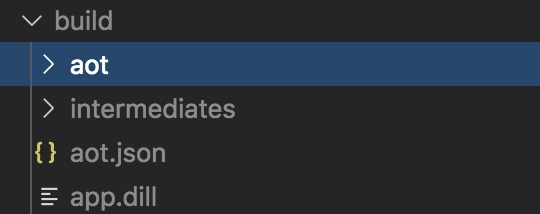

- 利用sdk-master 工具中的run_binary_size_analysis.dart,生成的aot.json文件转化成结构可视化的网页
注意将/Users/huya/study/、/Users/huya/work/相应项目在本地中存放地址
dart /Users/huya/study/sdk-master/pkg/vm/bin/run_binary_size_analysis.dart /Users/huya/work/flt_hgfm/build/aot.json path_to_webpage_dir
建议在.gitignore中增加 /path_to_webpage_dir/ 避免将生成产物上传git
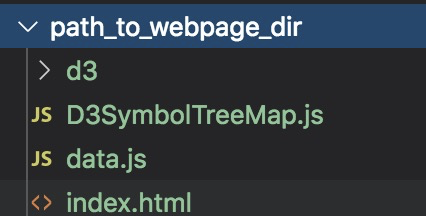
浏览器直接打开index.html
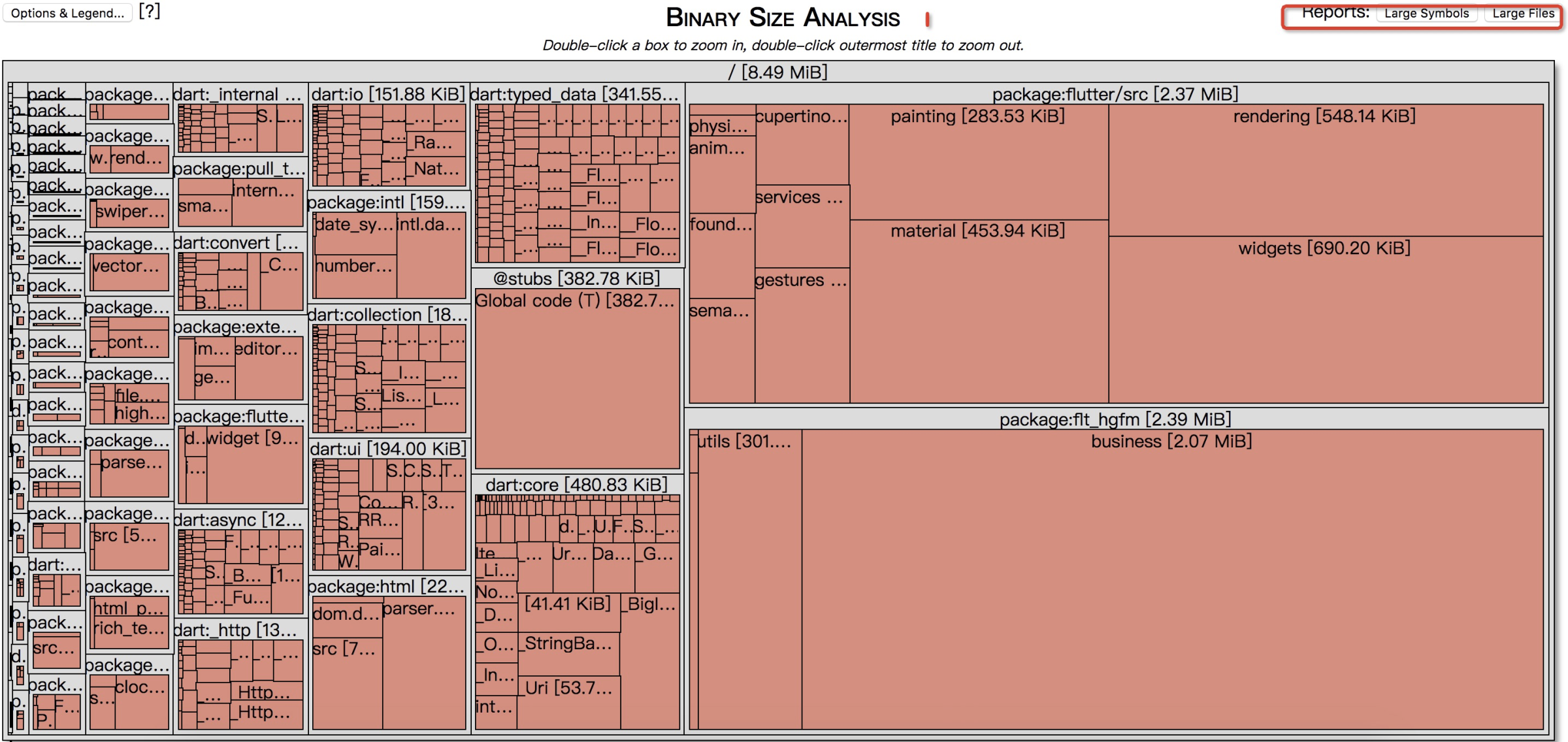
右上角分别有Largest Symbols,与Largest Files,
Largest Symbols: 前100个打包生成的最大的方法。
Largest Files: 前100个打包生成最大的文件路径
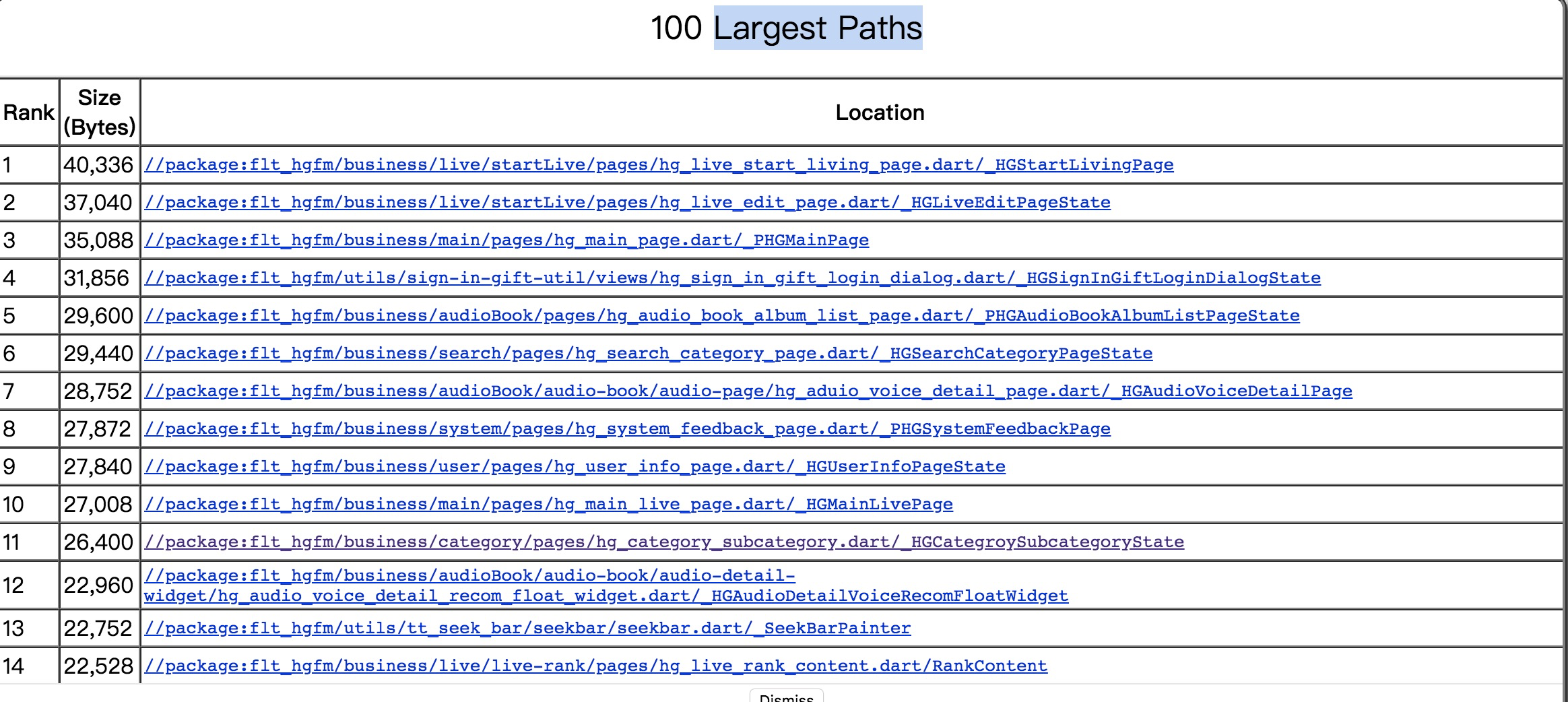
双击任意红框,打开改文件具体方法。
左上角按钮是对展示文件的一些筛选条件