helm3安装harbor
1、下载并修改
helm repo add harbor https://helm.goharbor.io

helm pull harbor/harbor --version 1.2.3
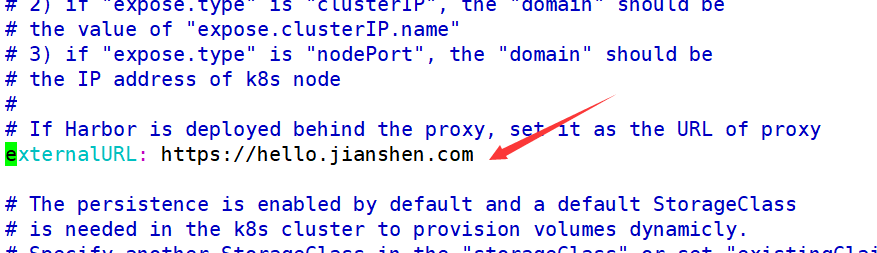
修改values.yaml文件
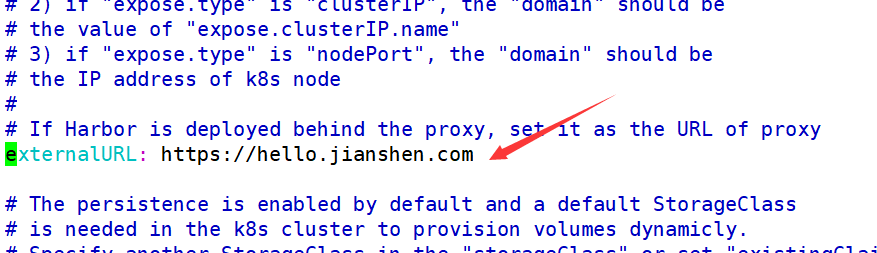
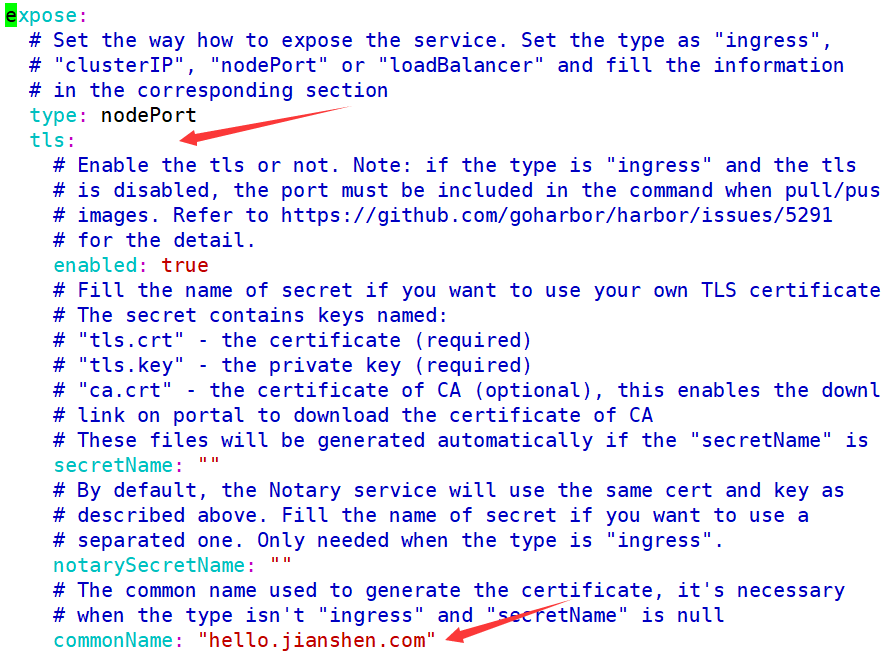
2、安装
helm install harbor ./harbor

Error: unable to build kubernetes objects from release manifest: unable to recognize "": no matches for kind "Deployment" in version "extensions/v1beta1"
由于我是最新版的k8s集群,所以不支持version "extensions/v1beta1",下面修改版本为apps
grep -irl "extensions/v1beta1" harbor | grep deployment

grep -irl "extensions/v1beta1" harbor | grep deploy | xargs sed -i 's#extensions/v1beta1#apps/v1#g'
再次执行安装
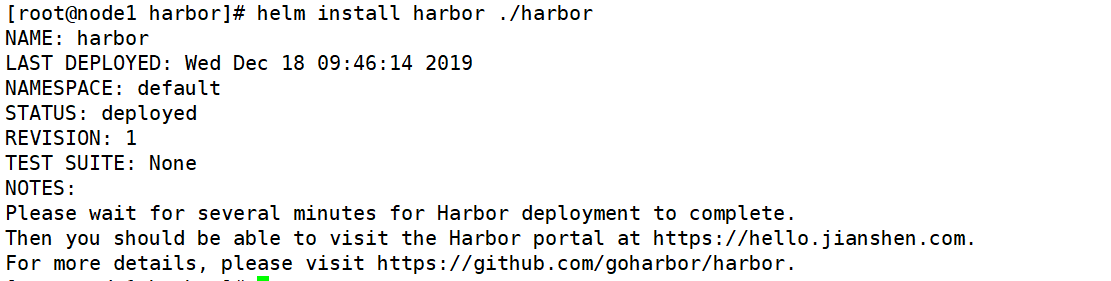
apiVersion: v1
kind: PersistentVolume
metadata:
  name: harbor-pv1
spec:
  capacity:
    storage: 10Gi
  volumeMode: Filesystem
  accessModes:
  -  ReadWriteOnce
  persistentVolumeReclaimPolicy: Retain
  hostPath:
    path: /helm/harbor/pv1
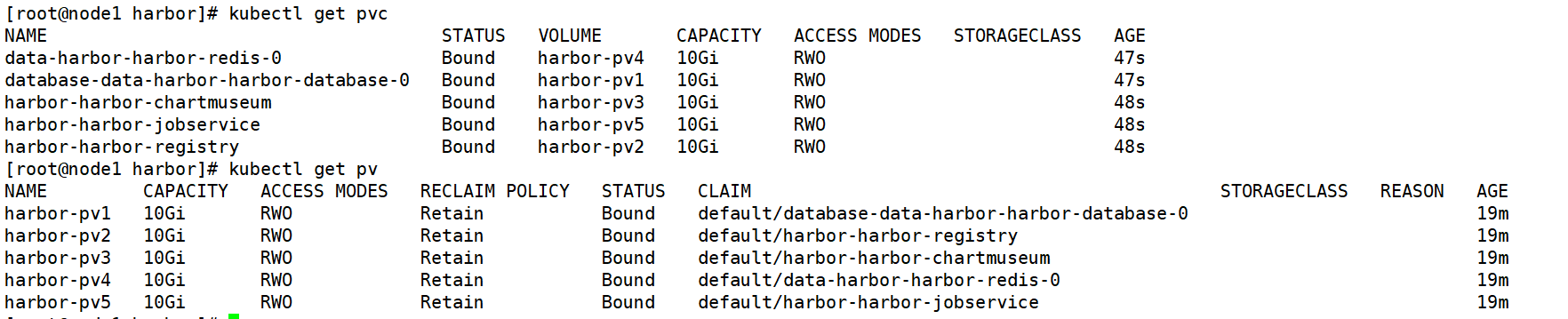
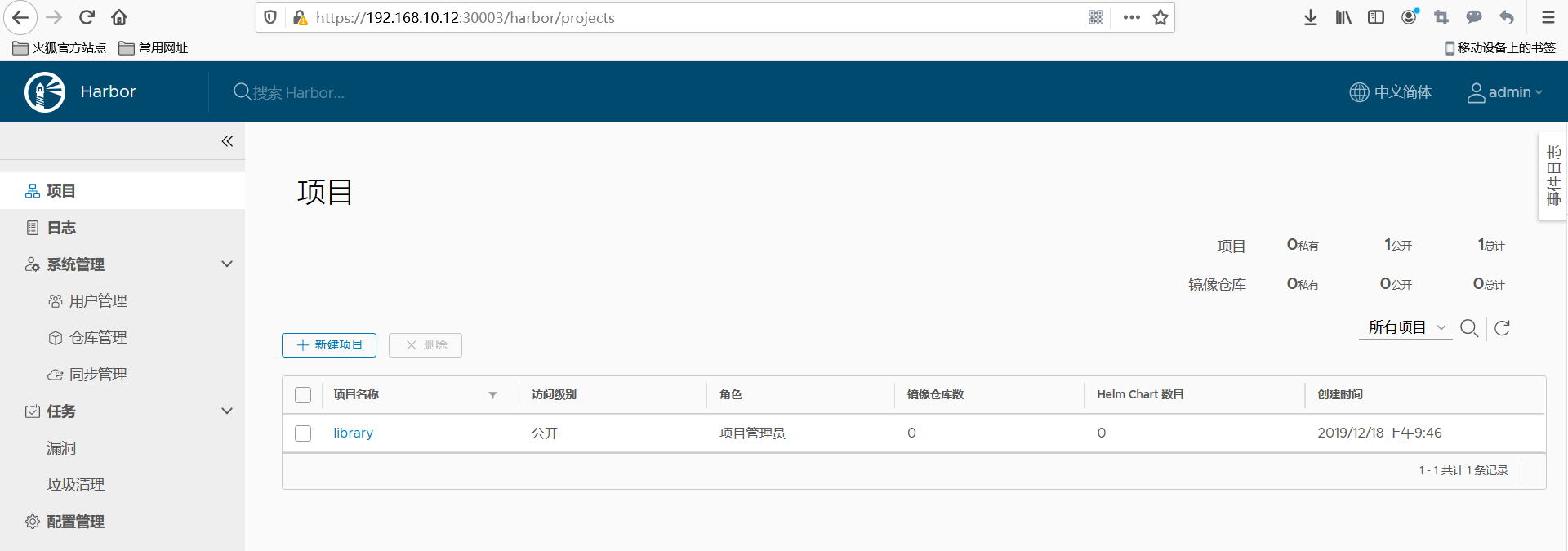
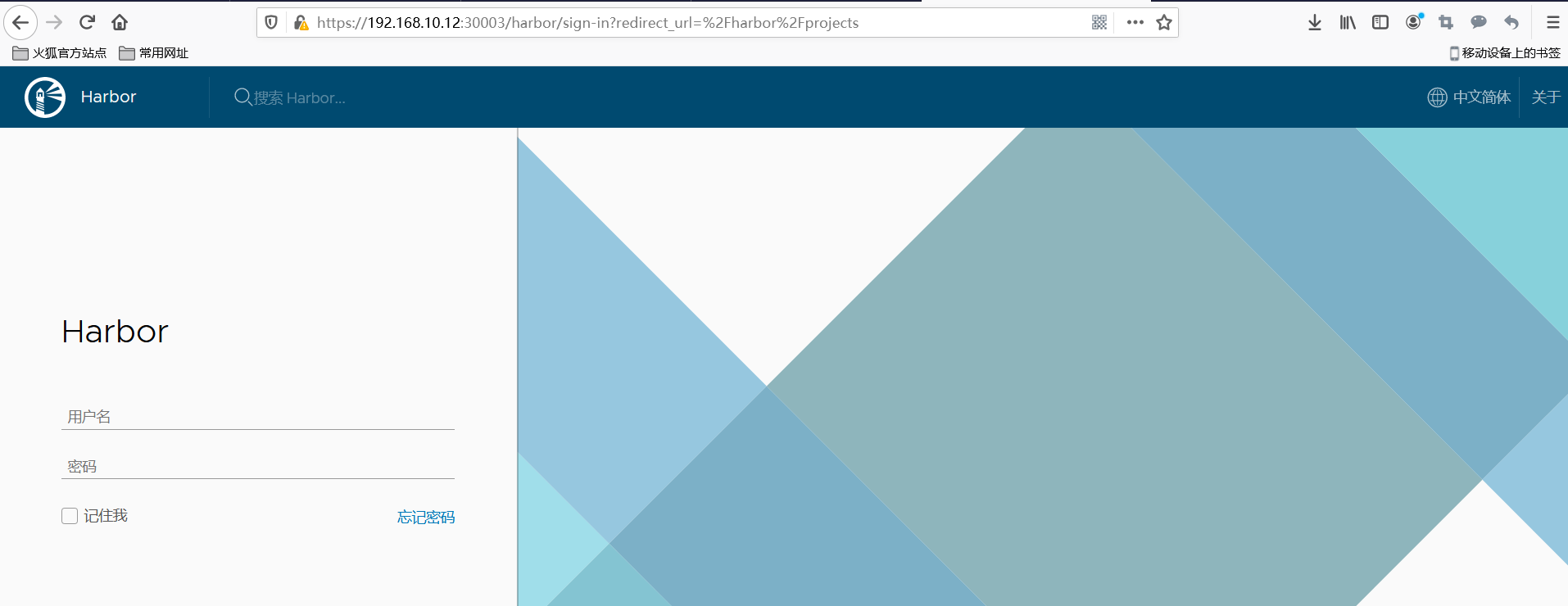
3、访问web界面
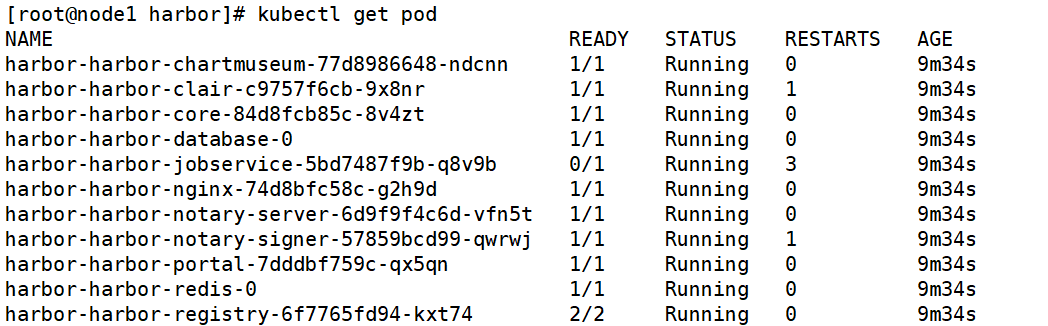
kubectl logs harbor-harbor-registry-6f7765fd94-kxt74

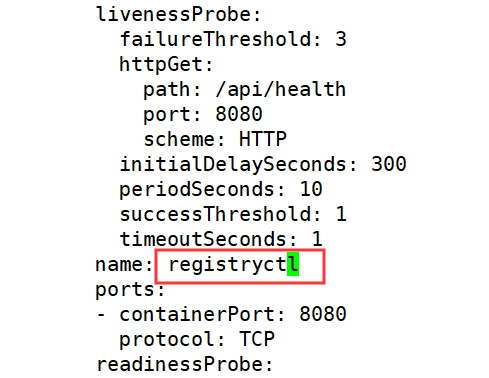
Error from server (BadRequest): a container name must be specified for pod harbor-harbor-registry-6f7765fd94-kxt74, choose one of: [registry registryctl]
kubectl logs harbor-harbor-redis-0

1:M 18 Dec 02:00:08.032 * 10 changes in 300 seconds. Saving...
1:M 18 Dec 02:00:08.033 * Background saving started by pid 97
97:C 18 Dec 02:00:08.033 # Failed opening the RDB file dump.rdb (in server root dir /var/lib/redis) for saving: Permission denied
1:M 18 Dec 02:00:08.133 # Background saving error
由于redis请求的pv权限不够
 kubectl get pvc   #查看绑定的pv是主机的路径,然后给与777的权限即可
 chmod 777 /helm/harbor/pv4/

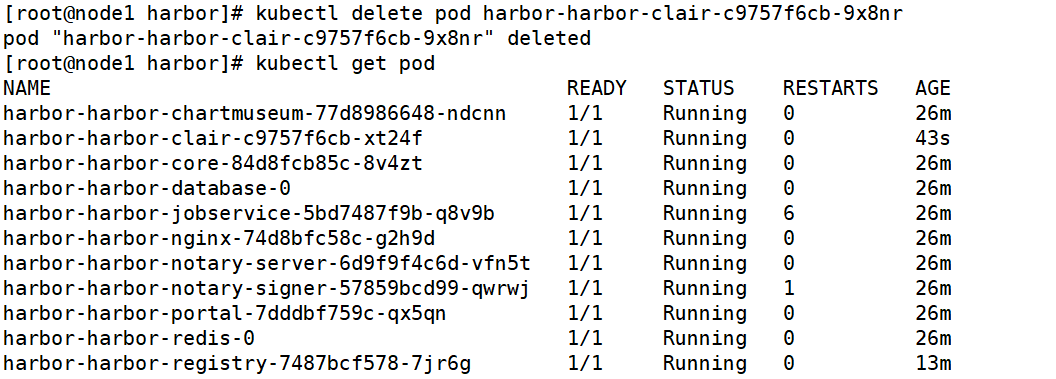
kubectl logs harbor-harbor-clair-c9757f6cb-9x8nr

{"Event":"could not download Oracle's update list","Level":"error","Location":"oracle.go:162","Time":"2019-12-18 01:54:54.608195","error":"Get https://linux.oracle.com/oval/com.oracle.elsa-20161292.xml: read tcp 10.244.2.34:35278-\u003e23.63.35.142:443: read: connection reset by peer"}
{"Event":"an error occured when fetching update","Level":"error","Location":"updater.go:246","Time":"2019-12-18 01:54:54.609261","error":"could not download requested resource","updater name":"oracle"}
将pod删除,自动生成即可