#1、安装
$ sudo apt-get install autoconf automake libtool curl make g++ unzip
$ git clone https://github.com/google/protobuf.git
$ cd protobuf
$ git submodule update --init --recursive
$ ./autogen.sh
$ ./configure
$ make
$ make check
$ sudo make install
# refresh shared library cache.
$ sudo ldconfig
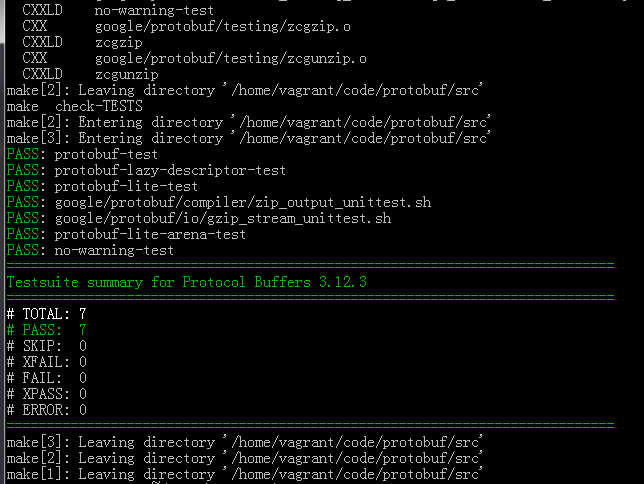
make check之后显示如下
protoc --version