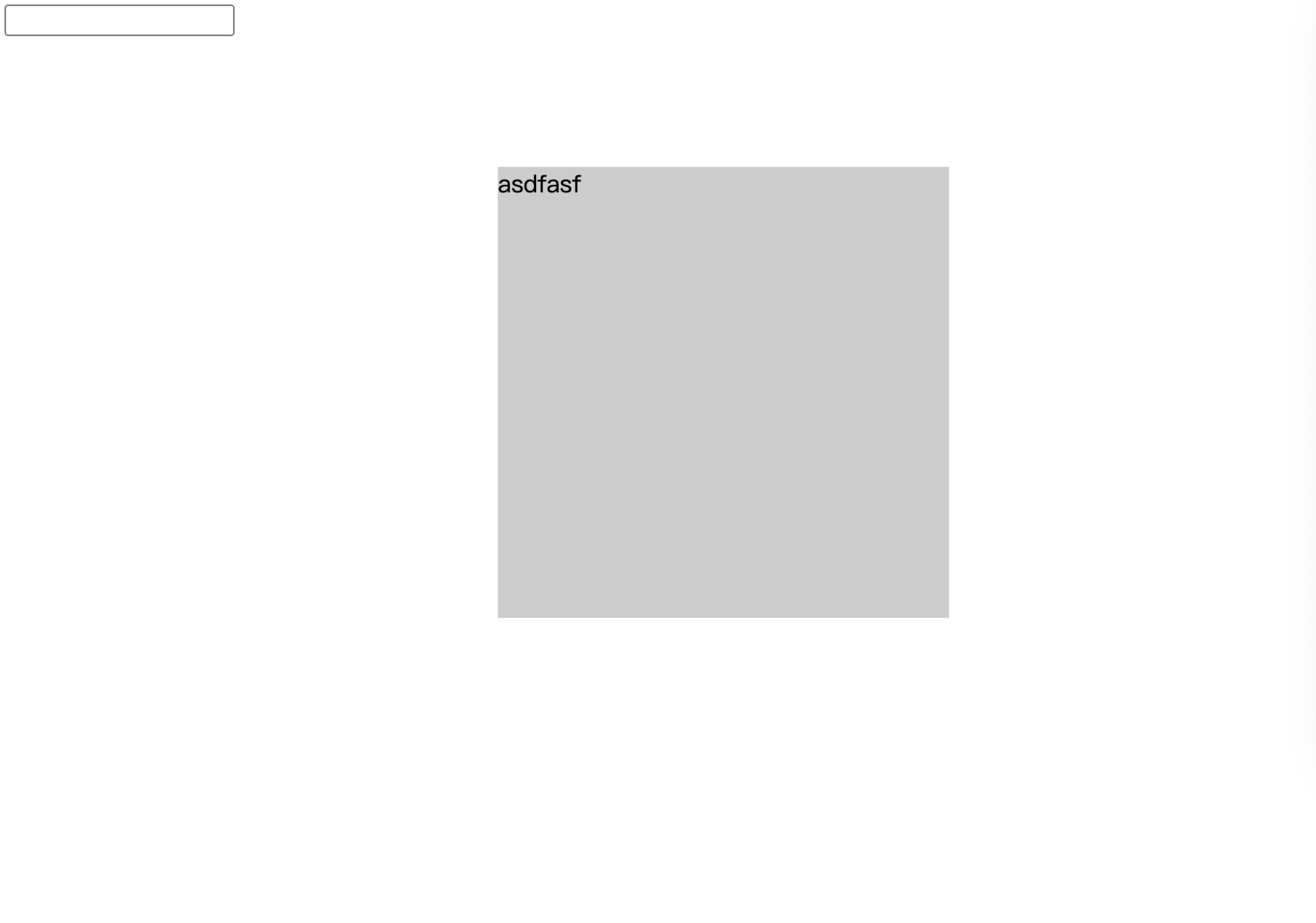
先画个定位的DIV
<input type="text">
    <div id="demo">asdfasf</div>
然后监听(Mousedown mouseup mousemove)再定义一个变量来标记是否按下 ,之后在Move中判断如果按下,则将鼠标位置赋值给div,按下时记录鼠标与div的相对位置,移动时减去这段距离,在move时阻止默认行为,防止拖动文字有Bug,监听blur事件,防止窗口失去焦点导致bug。
下面是完整的js:
  let demo = document.querySelector('#demo')

        let canMove = false
        let x = 0, y = 0
        demo.onmousedown = function (e) {
            x = e.pageX - demo.offsetLeft
            y = e.pageY - demo.offsetTop
            canMove = true
        }

        demo.oncontextmenu = function (e) {
            e.preventDefault()
            console.log('右键了');
        }

        setTimeout(() => {
            // alert(1)
        }, 2000);

        window.onmouseup = function () {
            canMove = false
        }

        window.onblur = function () {
            canMove = false
        }

        window.onmousemove = function (e) {
            e.preventDefault(); //阻止默认行为
            if (canMove) {

                let left = e.pageX - x
                let top = e.pageY - y

                if (left < 0) left = 0
                if (top < 0) top = 0
                let maxLeft = window.innerWidth - demo.offsetWidth
                let maxTop = window.innerHeight - demo.offsetHeight
                if (left > maxLeft) left = maxLeft
                if (top > maxTop) top = maxTop

                demo.style.left = left + "px"
                demo.style.top = top + 'px'
            }
        }
之后就可以出现下面的效果