案例:
编译 forward-success.wxml
推荐:
组件原理说明
场景:
在小程序的开发案例中:尝试过用微信小程序自己的画布,但是遇到过各种各样的坑。本文推荐使用以上插件,实现生成海报分享朋友圈的方案; 效果图:
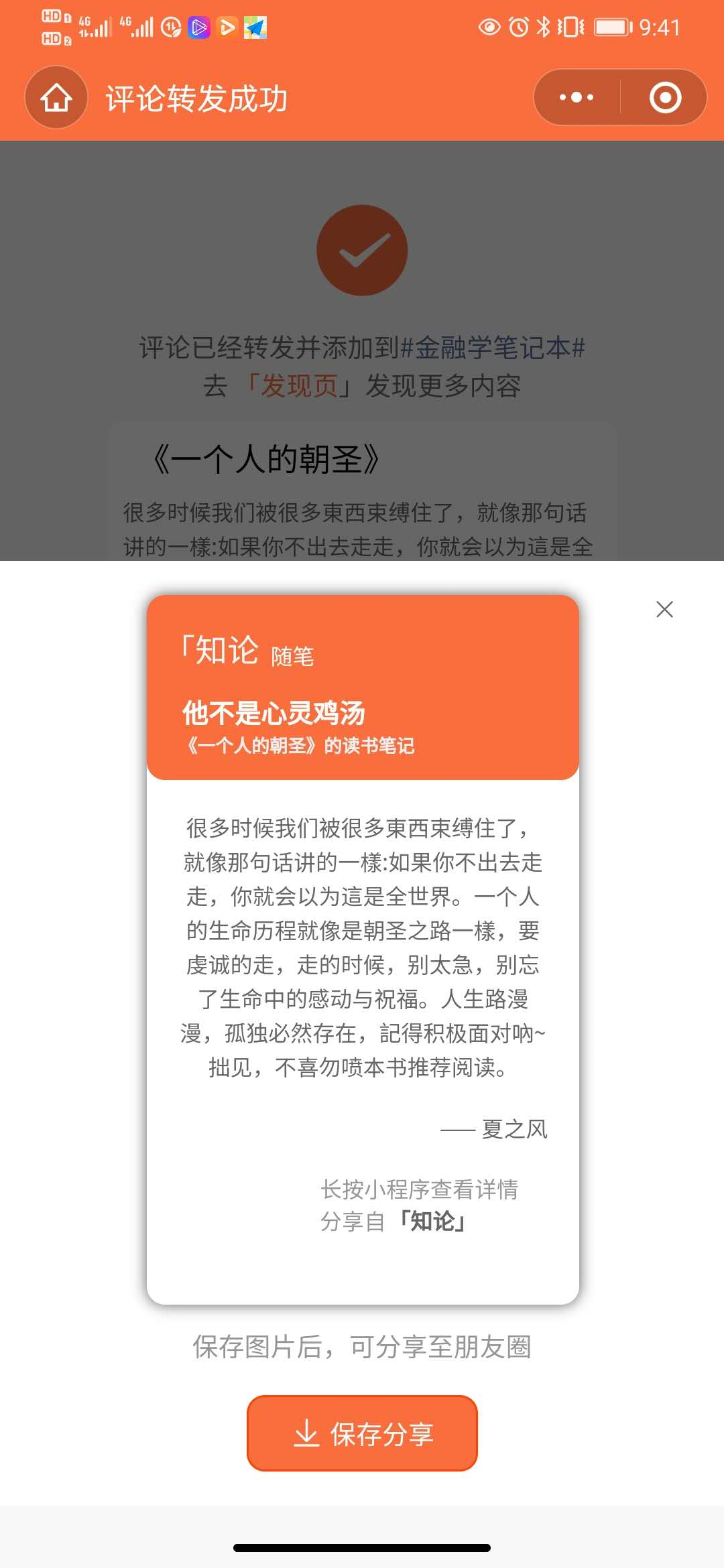
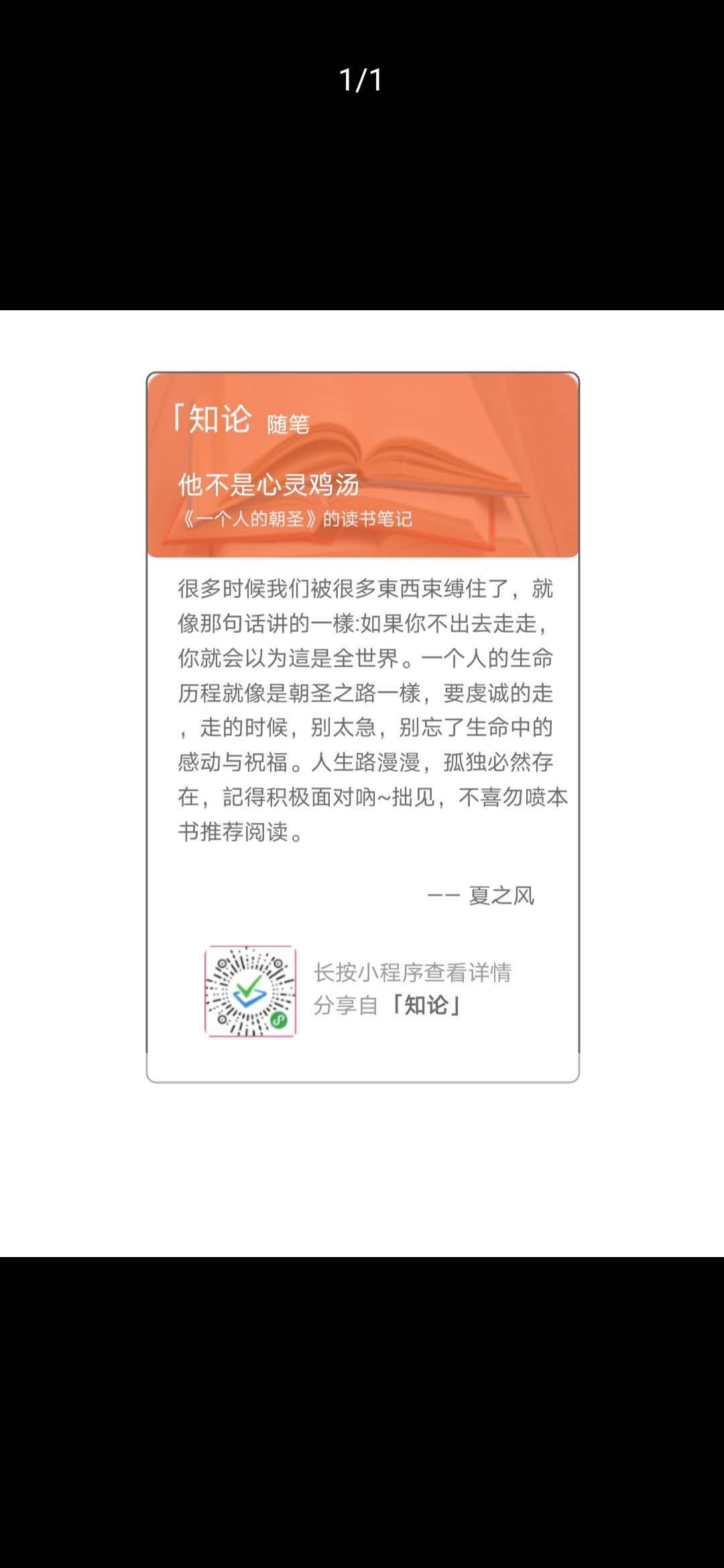
使用如git官方介绍:
-
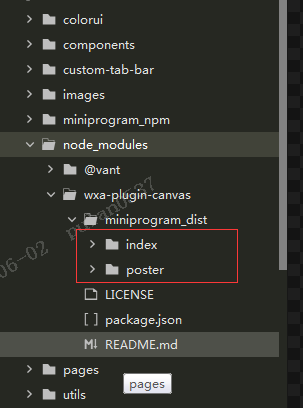
npm i wxa-plugin-canvas -S --production - 将node_modules 里面的组件,放在您的项目组件components中,方便引用images资源,如图:
-
在本案例中我封装了分享朋友圈弹窗的公共组件 share-friends;在share-friends.json中引用海报组件poster;
//share-friends.json { "component": true, "usingComponents": { "poster": "../poster/index" } } -
在share-friends.wxml中引入组件代码poster,如官方示例:
<poster id="poster" config="{{posterConfig}}" bind:success="onPosterSuccess" bind:fail="onPosterFail"> <view class="btn-text white"> 保存分享 </view> </poster> -
变量posterConfig由父组件传入,posterConfig对象属性含义,具体如:官方文档介绍