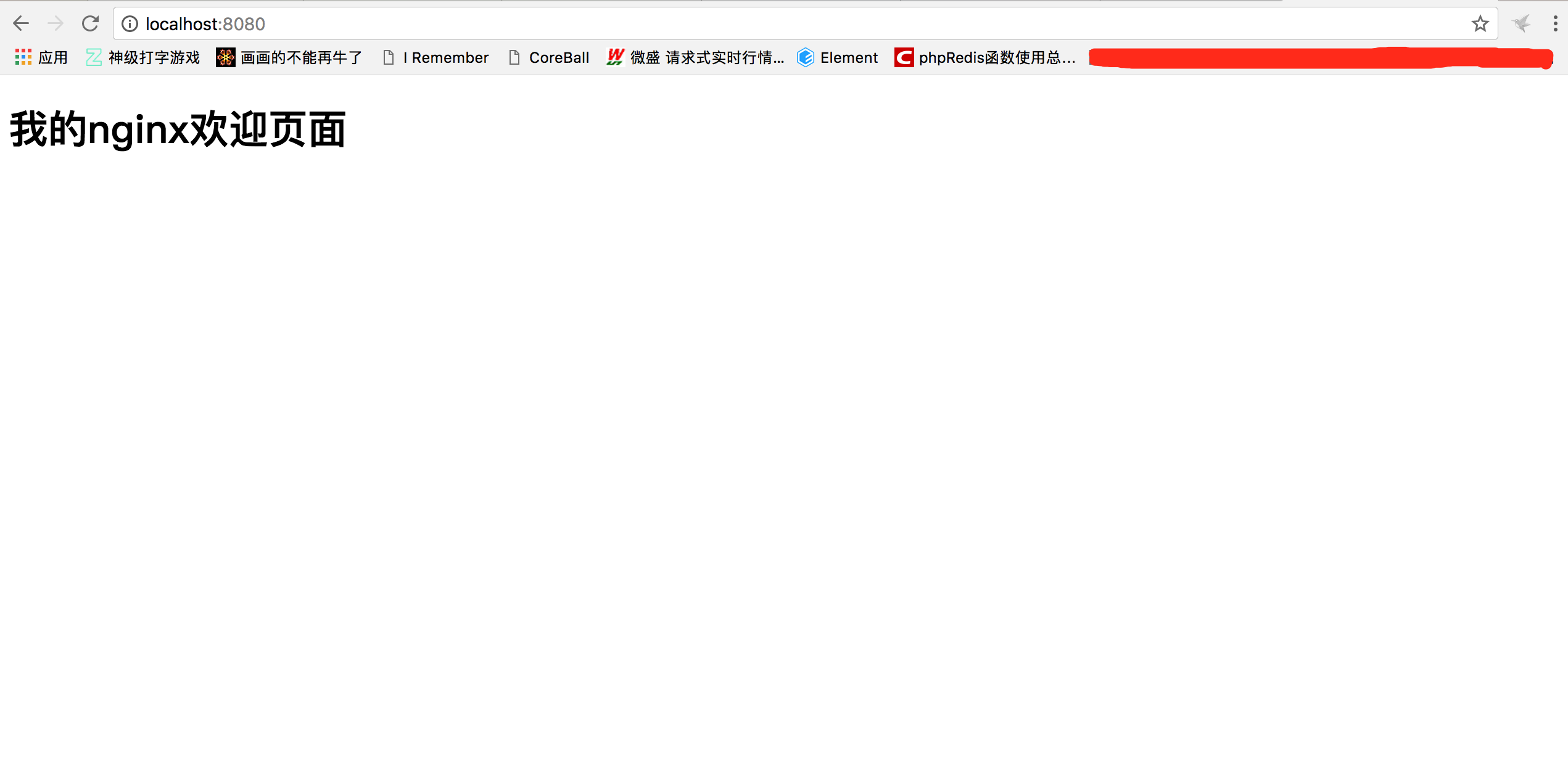
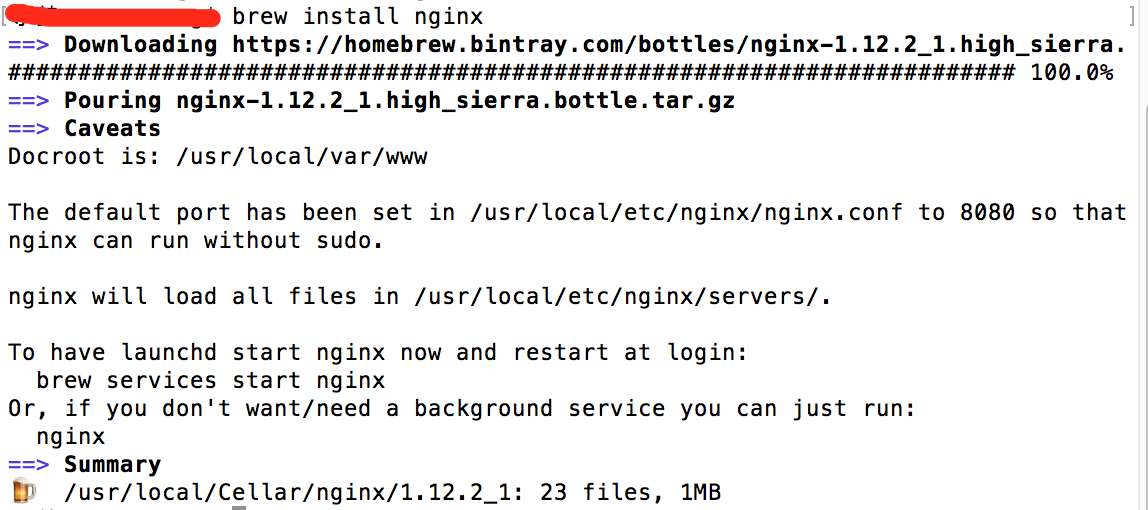
- 开始安装
brew install nginx
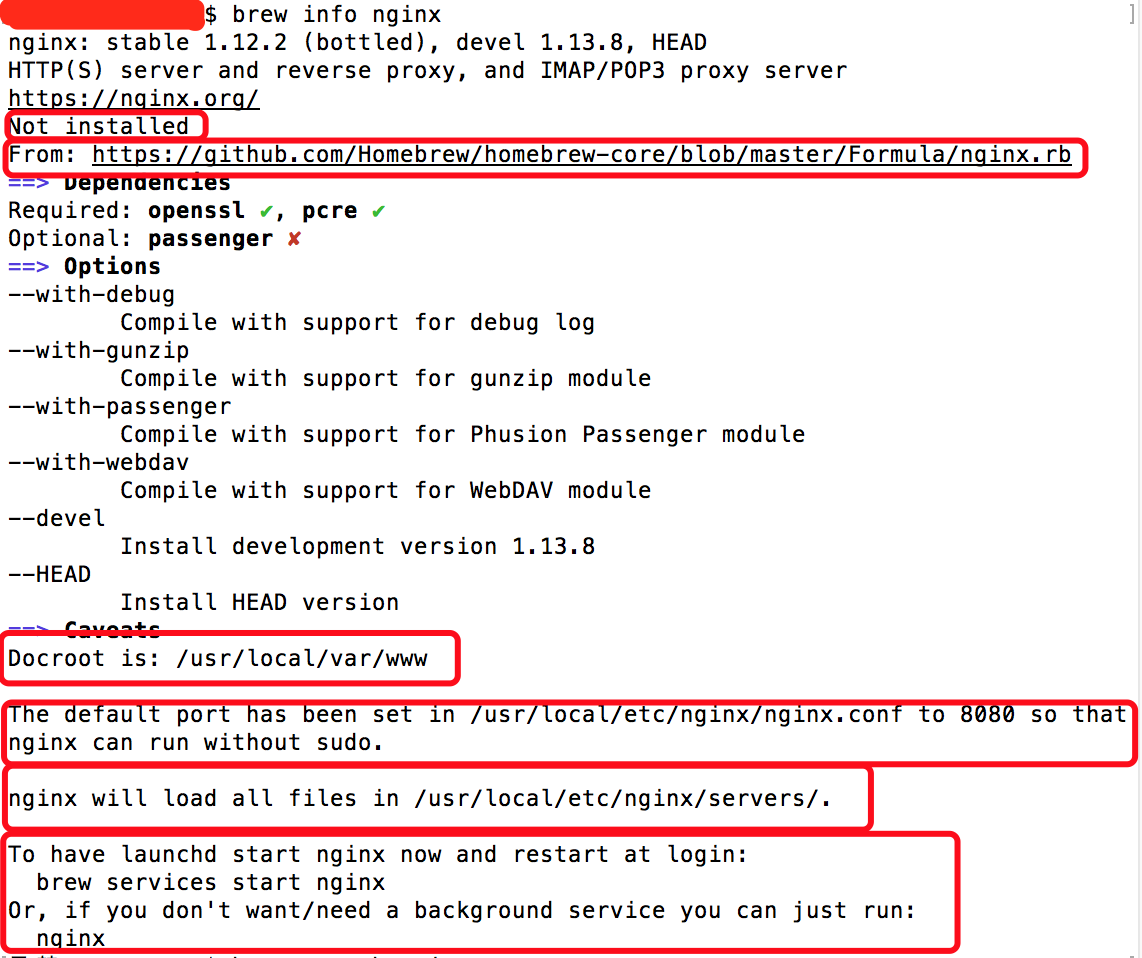
- 看相关信息
brew info nginx
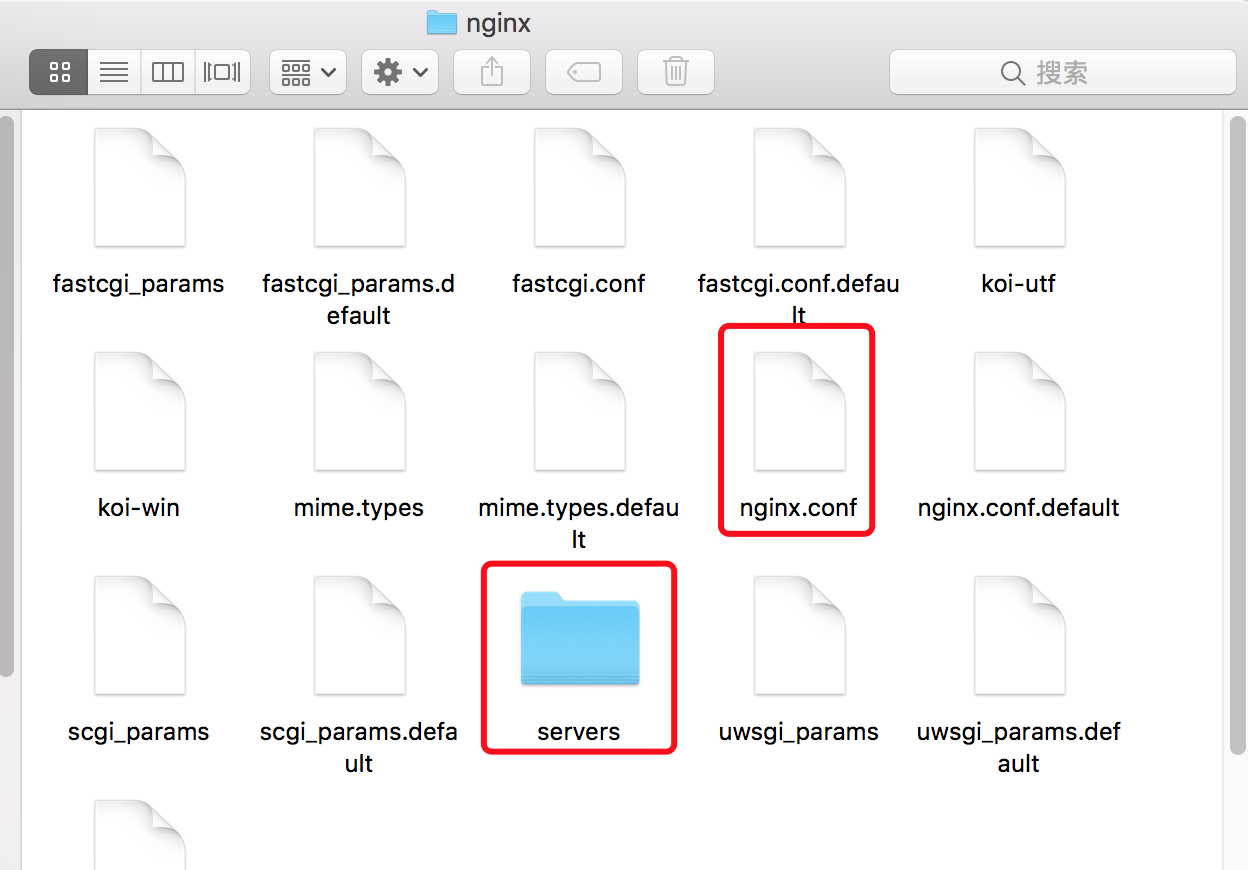
- 查看nginx安装目录
open /usr/local/etc/nginx/
- 终端继续执行:
open /usr/local/Cellar/nginx //其实这个才是nginx被安装到的目录
同样的,我们在1.12.2_1/目录下还可以看到一个名字为html的快捷方式文件夹(暂且就这么叫吧),进入该目录我们会发现其实它指向的就是/usr/local/var/www目录,这个在上面我们查看的info信息中有提到(Dcroot)
- 启动nginx,终端输入如下命令:
nginx
没有报错即为启动成功。