先通过 npm install vuex --save 安装插件
创建store文件,创建index.js
import Vuex from 'vuex'
import Vue from 'vue'

import mutations from './mutations'
import actions from './actions'
import getters from './getters'
import moduleA from './modules/modeluA'
// 安装插件
Vue.use(Vuex)

const state = {
    counter: 1000,
    students:[
        {id:1, name:'我', age:18},
        {id:2, name:'是', age:36},
        {id:3, name:'你', age:72},
        {id:4, name:'X', age:144}
    ],
    info:
        {name:'zhangzhang', age:9229, sex:'nan'}
    }
const store = new Vuex.Store({
    state,
    mutations,
    actions,
    getters,
    modules: {
        a: moduleA
    }
})
export default store
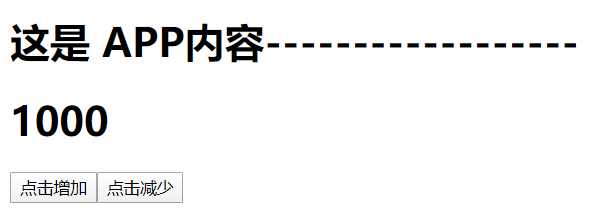
通过点击按钮实现state内的数字加减 这是在APP.vue页面
<h1>这是 APP内容------------------</h1>
 <h1>{{$store.state.counter}}</h1>          必须通过$store.state.xxx才能state内的属性
<button @click="addition">点击增加</button>
<button @click="subtraction">点击减少</button>

addition(){
    this.$store.commit(INCREMENT)
},
subtraction(){
    this.$store.commit(INCREMENT) 绑定的方法需要提交一个方法名,方法名写在mutations内
},
这是在mutations.js页面中
[INCREMENT](state)  {   state.counter++  },
decrement(state)    {   state.counter--  }

mutations.js内的函数名与提交的函数名必须一致。且函数内的参数必须为state
INCREMENT与INCREMENT的本质一样的。
通过在mutation.types.js文件中
export const INCREMENT = 'increment'
在APP.vue和mutations.js文件中
import {INCREMENT} from './store/mutation.types'
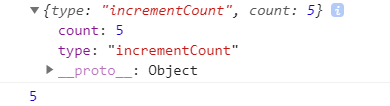
通过按钮内传递得值来改变state内的数字 这是在APP.vue页面
<button @click="addFive(5)">+5</button>

addFive(count){
    this.$store.commit('incrementCount', count)         // 普通提交
    this.$store.commit({                                // 特殊提交
        type: 'incrementCount',
        count
      })
},
这是在mutations.js页面中
    incrementCount(state, payload) {
        <!--console.log(payload);-->
        state.counter += payload.count
    },
普通提交和特殊提交的count所代表的的值不同
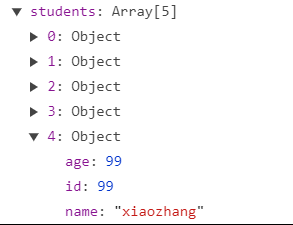
传递一个对象
addStudent(){
    const studeng1 = {id:99, name:'xiaozhang', age:99}
    this.$store.commit('addStudent', studeng1)
}

addStudent(state, studeng1) {
    state.students.push(studeng1)
}
getters可以认为是 store 的计算属性
这是在getter.js页面中
<h1>{{$store.state.counter}}</h1>
<h2>{{$store.getters.powerCounter}}</h2>
<h1>{{$store.state.students}}</h1>
<h2>{{$store.getters.stu}}</h2>
这是在getter.js页面中
powerCounter(state) {
  return state.counter * state.counter
},
stu(state) {
  return state.students.filter(res => res.age >= 20)
}
mutaition和getters中必须含有state的参数,来对state内的变量做处理


点击按钮改变info内的name值的同步操作和异步操作
<h2>{{$store.state.info}}</h2>
<button @click="updateInfo">点击改变</button>

updateInfo () { this.$store.commit('updateInfo') }

state.info.name = 'zhangboyu a '        第一种方法

updateInfo(state) {
  setTimeout(() => {
     state.info.name = 'zhangboyu a '   第二种方法
  }, 1000);
}
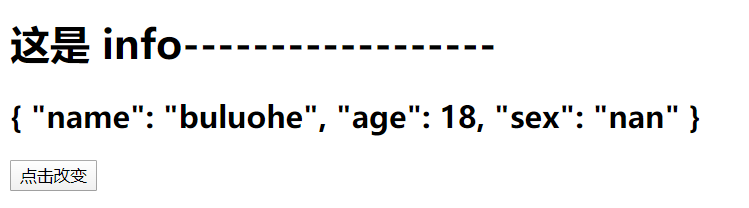
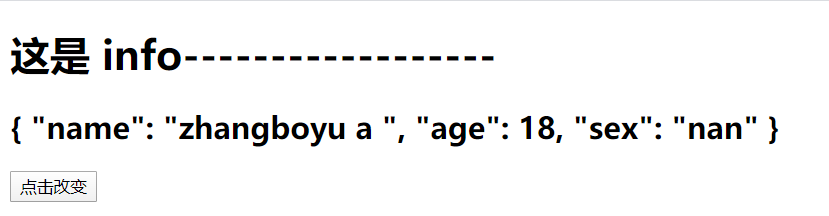
第一种方法和第二种方法均可以响应式改变页面的name值。
但是第一种是同步操作,可以再F12的Vuex中查看到每一次操作的详细信息
可第二种操作时异步操作,虽然在页面和后台的name值更改了,devetools并未记录下来你的操作,显示出了错误信息

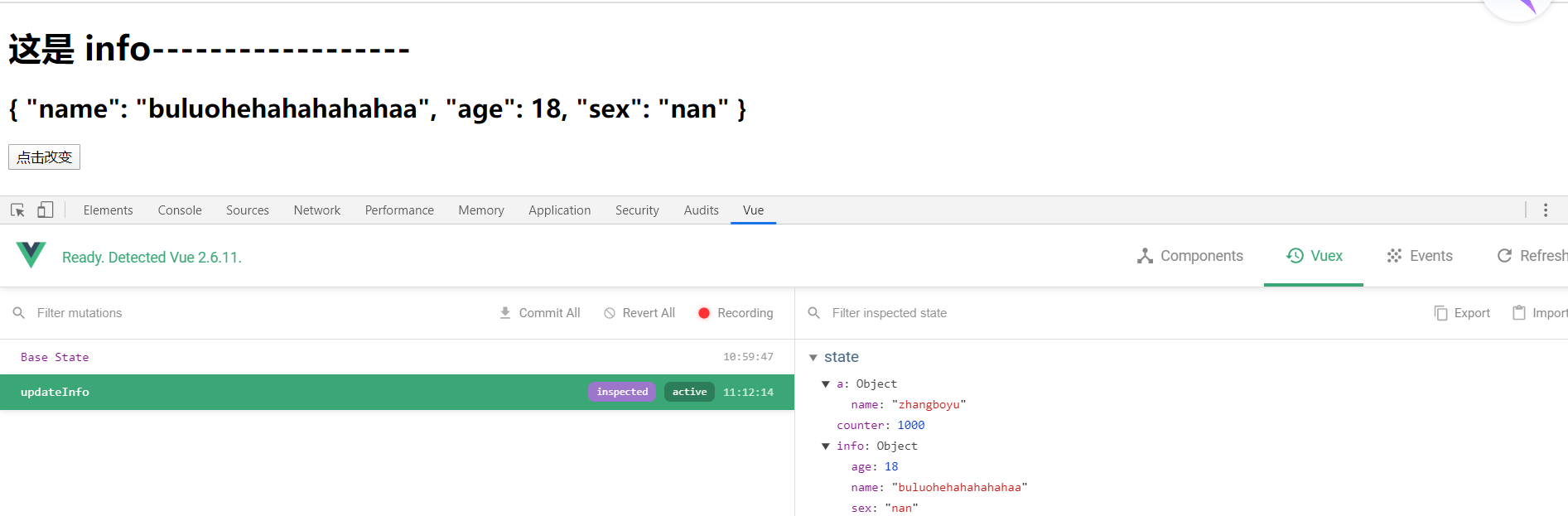
所以需要异步操作时,就要action和mutation配合使用
actions本质是一个中转站,是通过this.$store.diapatch(提交)'updateInfo'(这是在mutation内的函数名),调用mutation内的方法。
<h2>{{$store.state.info}}</h2>
<button @click="updateInfo">点击改变</button>

updateInfo(){
  this.$store.dispatch('aUpdateInfo')
}

这是在action页面

aUpdateInfo(context) {
    setTimeout(() => {
    context.commit('updateInfo')
    }, 1000)
}

这是在mutation页面

updateInfo(state) {
  state.info.name = 'buluohehahahahahaa'
}
点击按钮前
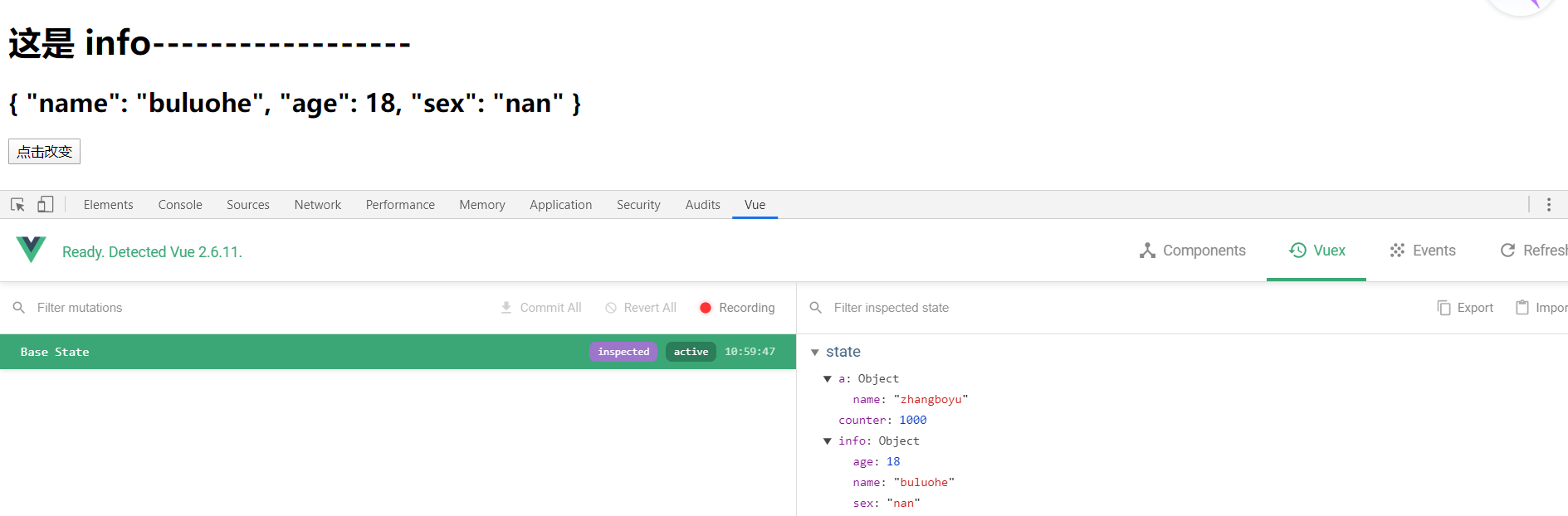
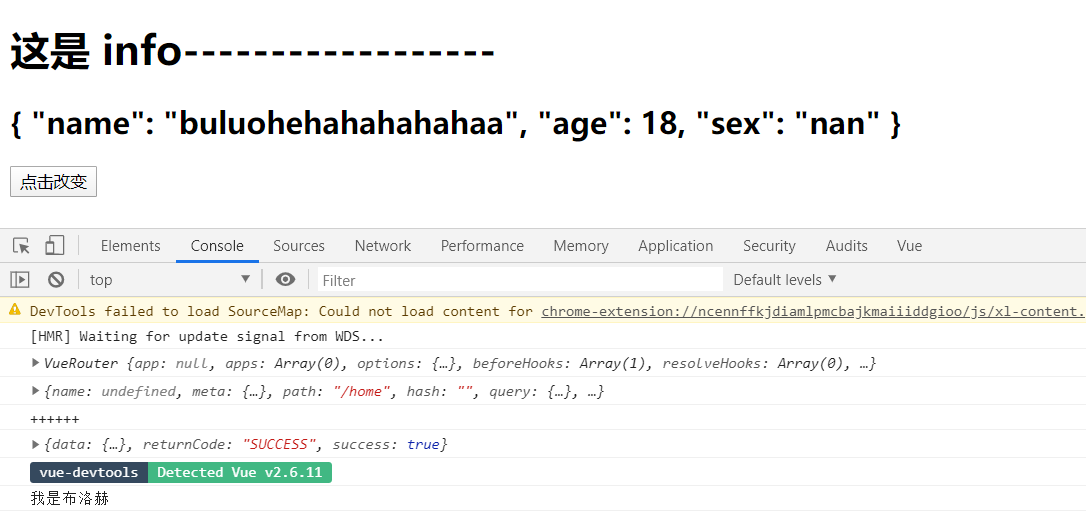
点击按钮后
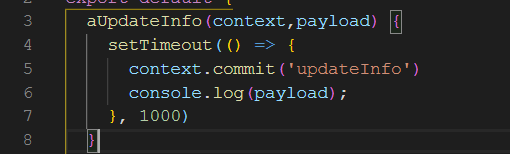
action传递参数的值payload

payload同样可以传函数
    updateInfo(){
        this.$store.dispatch('aUpdateInfo', () => {
            console.log('布洛赫布洛赫');                传递一个函数
        })
    },

    aUpdateInfo(context,payload) {
        setTimeout(() => {
            context.commit('updateInfo')
             payload()
        }, 1000)
    }

    this.$store.dispatch('aUpdateInfo', {
        message: '我是布洛赫',                             传递多个参数
        success: () => {
        console.log('布洛赫成功啦!!')
        }
    })

    aUpdateInfo(context,payload) {
        setTimeout(() => {
            context.commit('updateInfo')
            console.log(payload.message)
            payload.success()
        }, 1000)
    }


使用New Promise传递数据,更加简洁
updateInfo(){
    this.$store
    .dispatch('aUpdateInfo', '我在APP内')
    .then( res => {
        console.log('使用NEW Promise');
        console.log(res);
  })
},

aUpdateInfo(context, payload) {
    console.log(context);
    return new Promise((resolve) => {
        setTimeout(() => {
            context.commit('updateInfo')
            console.log(payload)
            resolve('我是resolve内的值')
        }, 1000);
    })
}

关于modelues
export default {
state: {
  name: 'zhangboyu'
},
mutations: {
  upDataName(state, payload) {
    state.name = payload
  }
},
getters: {
  fullname(state) {
    return state.name + '你好啊 星火'
  },
  thisname(state, getters) {
    return getters.fullname + '  成功啦成功啦'
  },
  chaojiname(state, getters, rootstate) {
    return getters.thisname + rootstate.counter
  }
},
actions: {
  aupdatename(context) {
    console.log(context);
    setTimeout(() => {
      context.commit('upDataName', 'nihao a ')
    }, 1000);
  }
}
}
没有在state内声明的属性,通过数组的操作添加属性时,内部会显示,但无法通过响应式显示。
module内的值会自动放到state内
大的mutations内的方法名为a 模块内的方法名为a 当页面调用优先寻找大的mutations内的方法