最近在使用swift开发iOS的app,经常需要预览UI
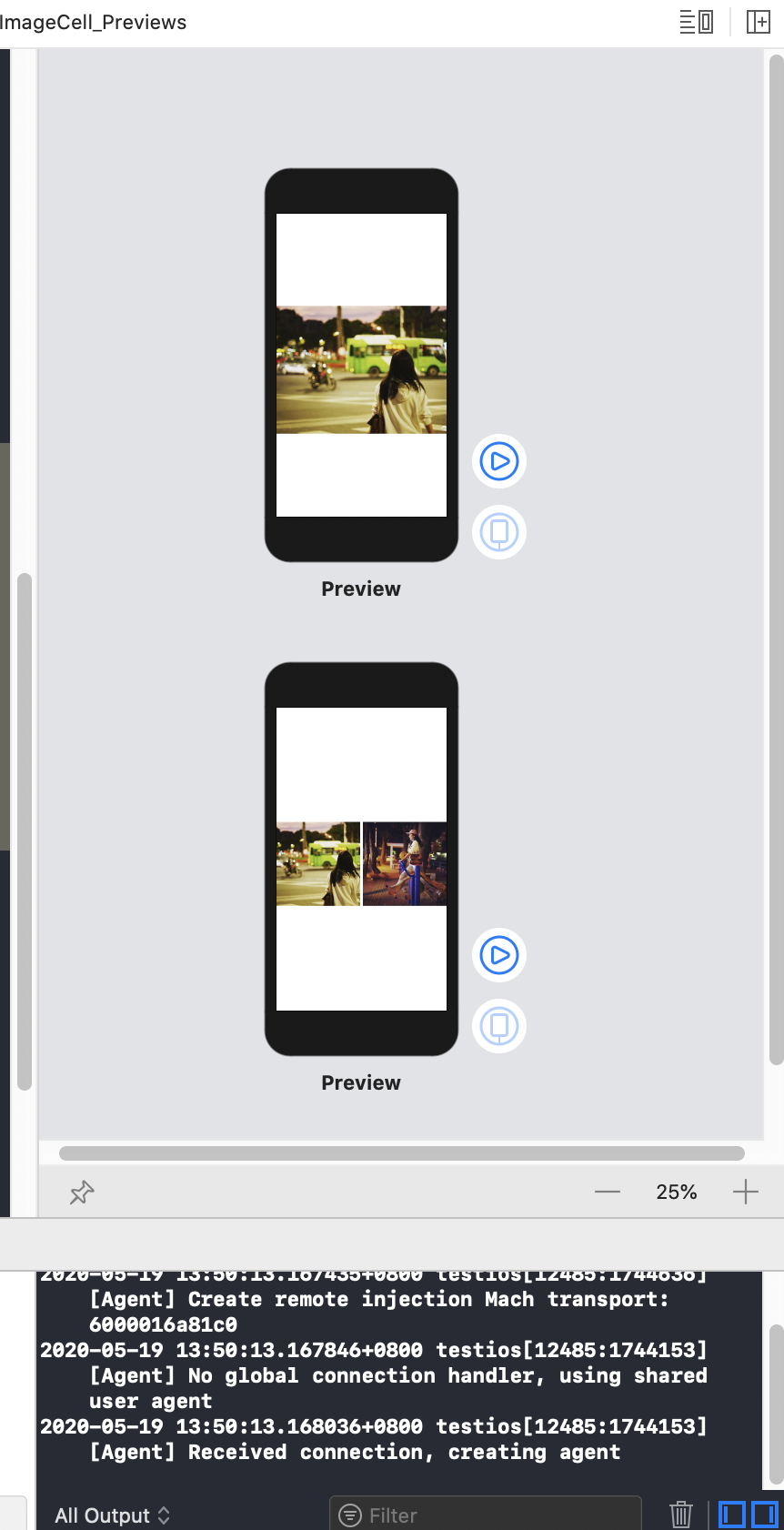
struct PostImageCell_Previews: PreviewProvider {
    static var previews: some View {
        let images = postList.list[0].images
        let width=UIScreen.main.bounds.width

        return Group{
            PostImageCell(images: Array(images[0...0]),width: width)
             PostImageCell(images: Array(images[0...1]),width: width)
        }

    }
}
有时候需要设置预览的效果,更改预览的大小
struct PostImageCell_Previews: PreviewProvider {
    static var previews: some View {
        let images = postList.list[0].images
        let width=UIScreen.main.bounds.width

        return Group{
            PostImageCell(images: Array(images[0...0]),width: width)
             PostImageCell(images: Array(images[0...1]),width: width)
        }
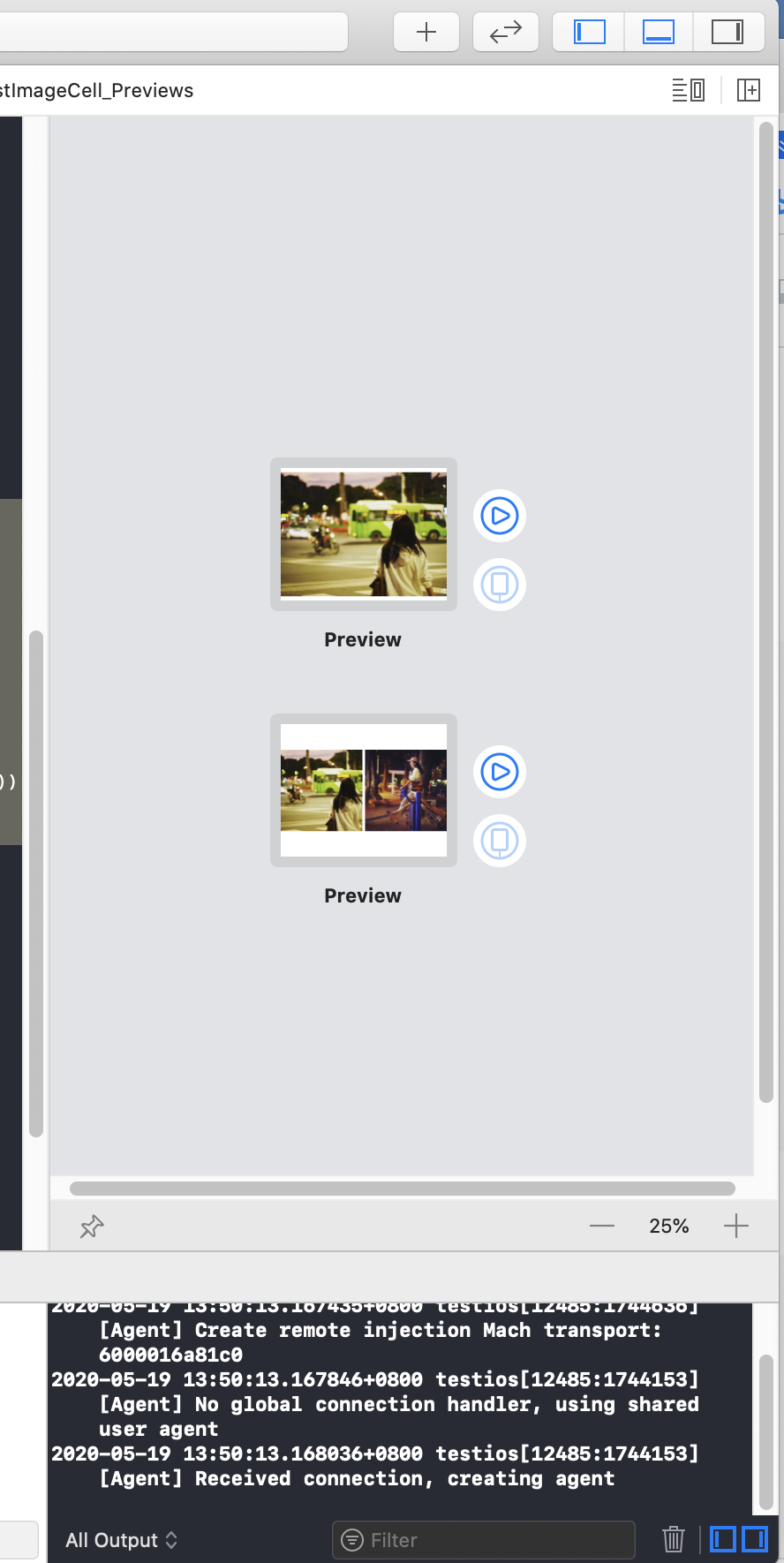
        .previewLayout(.fixed(width: width, height: 300))

    }
}
这个时候发现预览变得简洁
喜欢可以加Q群号:913934649,点赞,评论;