

前言
当下的人们使用移动方式进行访问互联网的方式越来越频繁了,这远比十年前,还停留在PC端使用电商网站购物、论坛发贴回帖等,而现在只需要在手机上,搜索关键词,选择期望商品、浏览文章即可。而在访问这些页面时,无法避免的就是网络请求时的客户端视觉体验。
最流行简洁的做法有下面两种。
IOS(苹果系统)
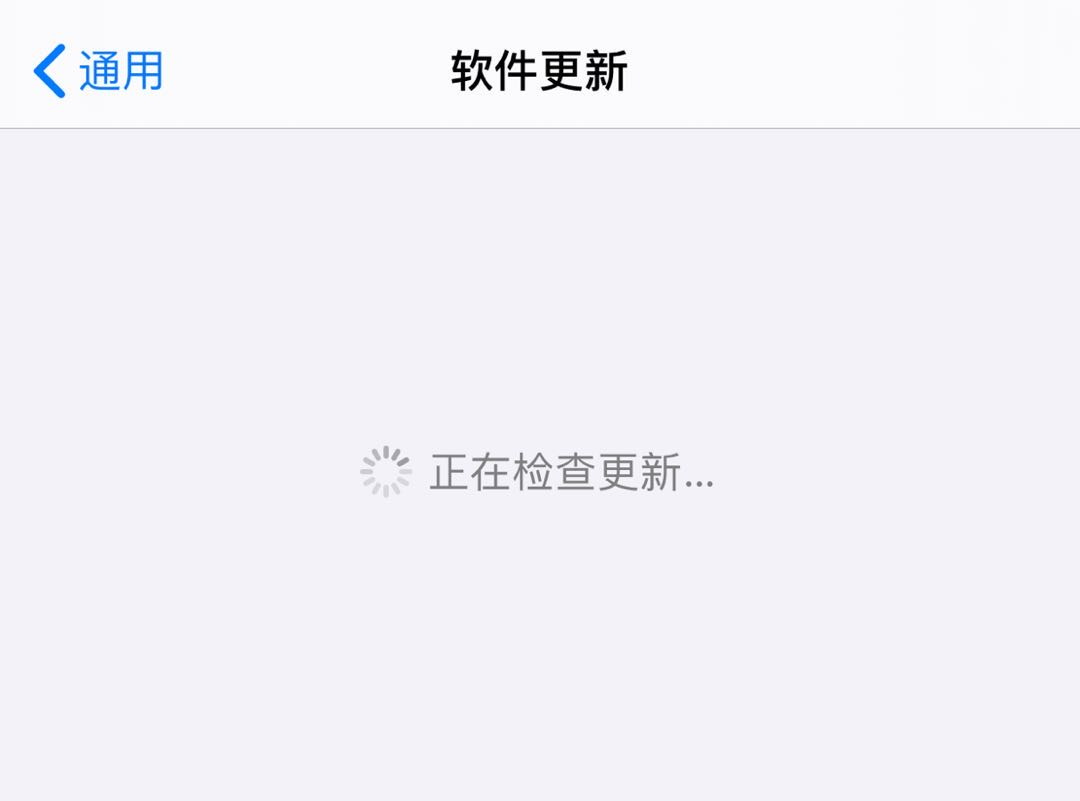
vBlog

或者是
带背板的
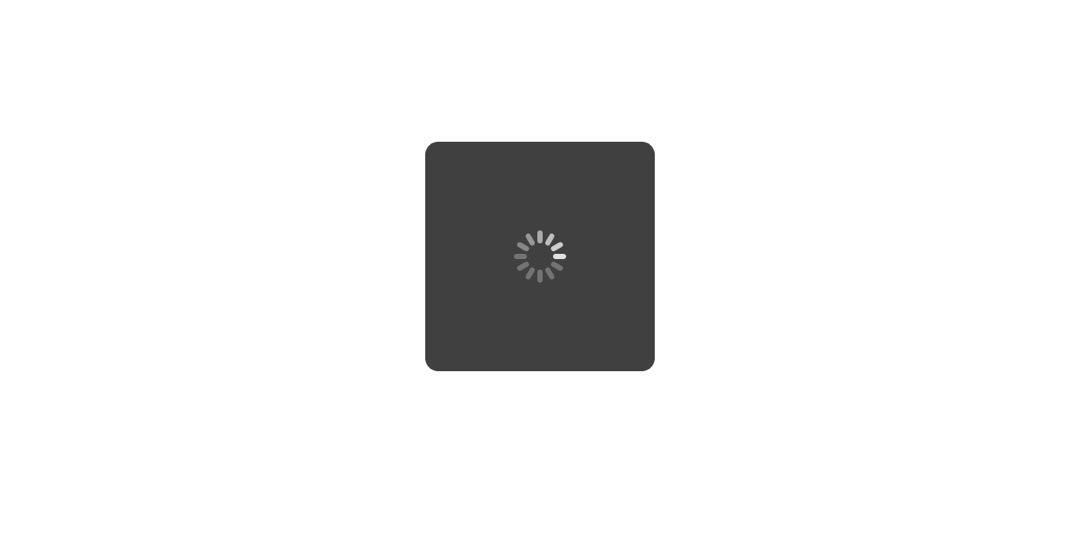
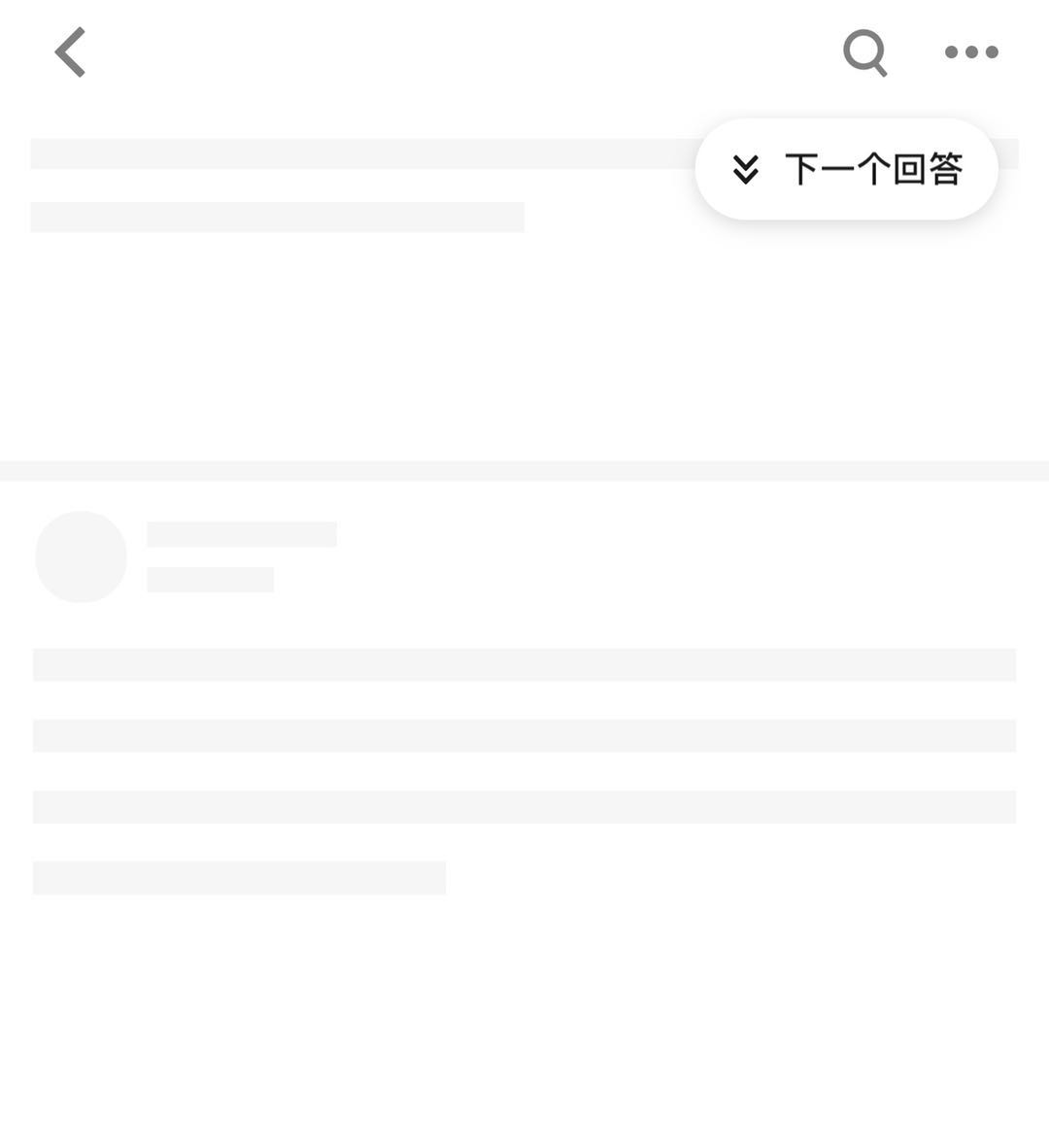
但我们有时亦见过下面这种
某乎
某瓣(动态,下图静态体现不出)
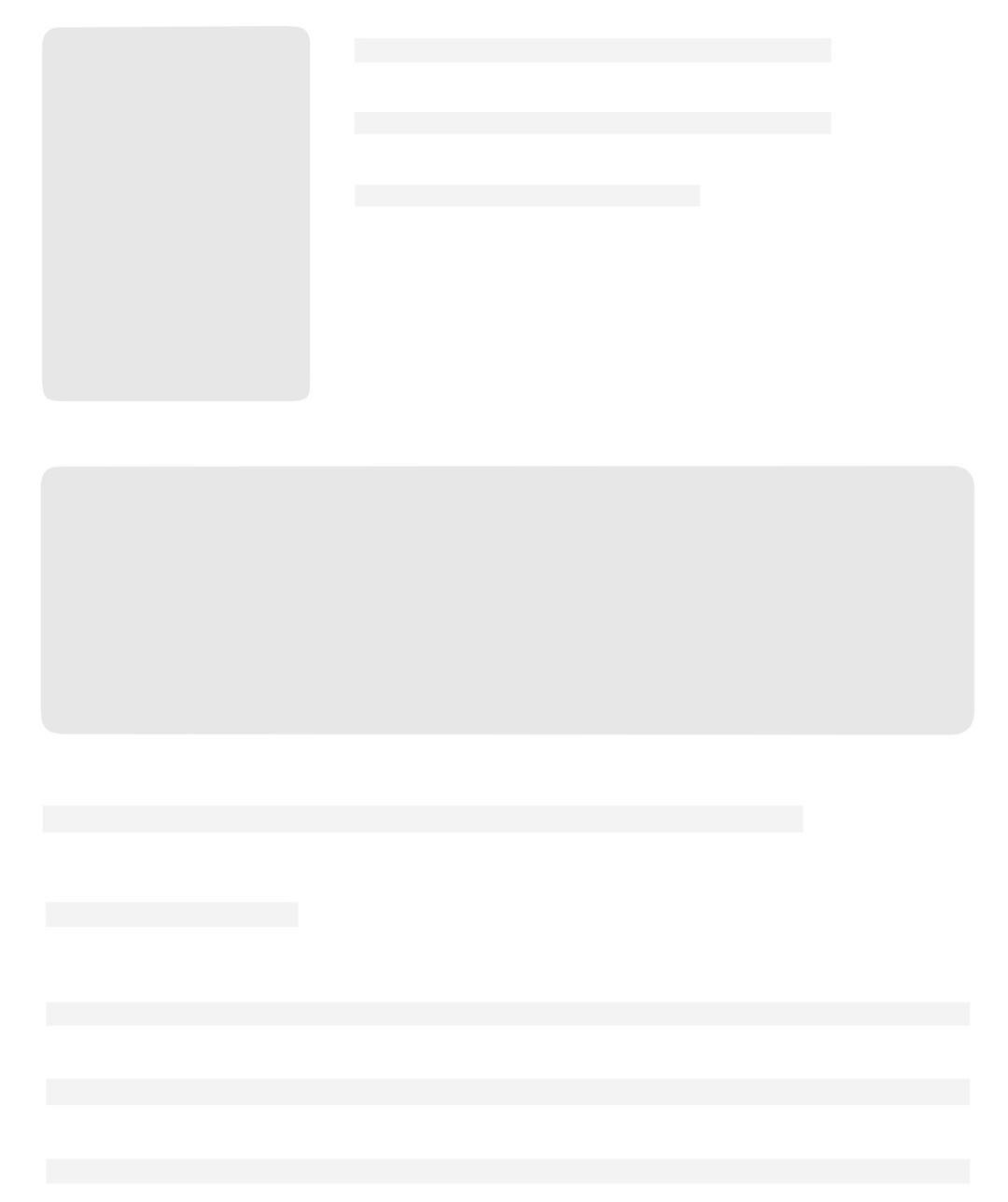
而这一种提前占位等待请求返回再进行状态流转的方式我们称之为占位loading。今天我就带大家来动手,以Vue+Typescript的方式来实现一下(无ts亦可实现)。
文起记:本功能已有类似的npm包--VueOccupy,但不符合本人需求,于是自研一套。感兴趣的可以去了解。
思路
宏观实现要素
我们要实现这么一个功能,首先需要来分解要素,从宏观视觉上,我们可以一眼看出有以下几个关键要素:
- 尺寸大小
- 位置
- 颜色
代码实现要素
首先一定是符合可复用这个核心理念,然后采用哪种方式呢?组件还是指令?
使用组件的话,太臃肿,因为根据上述要素,我们需要的Props并不需要太多交互,也不会发生太大变化,如width、height、backgournd-color等,都是在init前就知道了且基本不会发生变化的值。加之在代码里一个一个垒上原有的HTML模板里,一点也不方便,所以我们的解决方式采用指令的方式,在此之前没有了解过指令的小伙伴可先阅读指令的教程。
可预见的,我们的期望方式如下,在服务端响应后这个元素会被更新填充。
<div v-occupy><div>
我们通过教程了解到指令的最重要的两个生命周期,inserted、update的时机是我们主要coding的部位。
- inserted:加载占位
- update:释放占位
当然,极少的情况下,我们可能刷新要重新加载占位,可能不会再次出发inserted而继续走两次update,这种情况我们后说。
So, Let's do it!
实现
第一步:注册指令
// 和教程文档一样,我们可以这样改进

import Occupy from '*/*/occupy'; // 此处路径请自行维护对应的位置

Vue.directive('focus', Occupy})
同时 我们要新建一个occupy的文件夹,目录结构大概是
|--occupy
  |--index.ts // 模块导出
  |--core.ts // 指令核心执行部分
  |--types.ts // 泛型管理(可选)
  |--constants.ts // 一些基本常量存放的位置(可选)
  |--style.scss // 这里我使用的是scss来处理样式,可自行选择合适的css util
第二步:指令模块
index.ts
首先export出去的一定是一个带有指令生命周期的对象,根据之前分析的,我们在合适的时机安装和释放我们的占位元素。
要给占位元素传入关键的要素,宽高、位置(颜色可以先固定),一般来说,带有占位指令的元素的宽高、位置就是我们的预期。 最好的方式是直接读取被占位元素的宽高、位置。首先映入脑海的解决方案是,直接在这个元素下插入一个childNode,让这个子元素自适应大小位置,覆盖这个父元素,之后再remove。
二话不说,直接开整。为了便于书写,我们称占位元素为Occupy Element(简称OE),称预占位的元素为容器。
export default {
  inserted(el: HTMLElement, binding: any) {
    // console.log('occupy-inserted', binding);
    // 为容器创建一个OE
+   const occupyElement: HTMLElement = document.createElement('div');
+   el.append(occupyElement);
  },
  update(el: HTMLElement, binding: any) {
    // console.log('occupy-update', binding);
  }
};
为了方便调试,我们可以新建一个页面,配好路由后。
<template>
  <div class="dev-page">
    <div class="line" v-occupy>
      <div>{{ res }}</div>
    </div>
  </div>
</template>
这里因为和typescript关系不大,暂只给出通用版本
  ...,
  data() {
      return {
          res: 'test',
      }
  }
  mounted () {
    // 模拟服务器返回
    setTimeout(() => {
      this.res = '加载完毕';
    }, 2000);
  },
  ...
现在页面不会有任何变化,因为我们还没给占位元素样式。 因为占位元素有大小,我们不能让它去影响原有布局,我们只是希望它盖住原有的,所以这里采用绝对定位的方式。
scss支持变量赋值法,因此可以先声明一下可复用的颜色。
$--color-occupy-base: #E5E6EA;
$--color-occupy-peak: #D9DADE;

.common-occupy {
    position: absolute;
    left: 0;
    top: 0;
    z-index: 999;
    background-color: $--color-occupy-peak;
    width: 100%;
    height: 100%;
}
有了样式class,我们就要去给OE加样式了。
    ...
    // 使用绝对定位,父元素相对定位
+   el.style.position = 'relative';
    const occupyElement: HTMLElement = document.createElement('div');
+   occupyElement.classList.add('common-occupy');
    el.append(occupyElement);
    ...
保存后发现,并没有任何反应,这是为什么?
原来我们没有将样式引入全局,所以回到vue入口文件。
    import Occupy from '*/*/occupy';
+   import '*/*/occupy/style.scss';
    ...
重新保存刷新页面后可以看到元素被蒙上了我们期望的颜色,
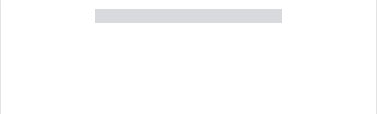
按F12查看Elements也可以发现我们的OE已被正确放入其中了。
现在我们需要在合适的时机移除OE。
回到 occupy/index.ts
  update(el: HTMLElement, binding: any) {
    // console.log('occupy-update', binding);
    // 查找元素我们可以通过className
    const occupyElement: HTMLElement = el.getElementsByClassName('common-occupy')[0];
    // 因为刚好是子元素,直接remove就可以了
    el.removeChild(occupyElement);
  }
保存刷新,我们可以看到,这样的一个占位指令就实现了。
优化
上面我们只是简单的实现了一下主体功能,但还存在诸多问题,例如:
- 元素采用相对定位方式,原有的定位方式会丢失(严重)。
- 不支持自定义尺寸。
- 消失时无过渡,较生硬。
- 不支持动画。
从简到繁
我们先从中解决几个简单的问题,最后再深入。
消失时的过渡
我们期待OE进行一个渐隐的渐变,所以我们可以修改它的样式为
.common-occupy {
    ...
    transition: opacity 0.5s;
}
同时
  ...
  update(el: HTMLElement, binding: any) {
    // console.log('occupy-update', binding);
    const occupyElement: HTMLElement = el.getElementsByClassName('common-occupy')[0];
+   occupyElement.style.opacity = '0'; // 设置透明度为0
+   setTimeout(() => {
+      el.removeChild(occupyElement);
+   }, 800); // 因为我们的过渡时间是500ms,所以大于即可。
  }
保存刷新,这样我们就能看到流畅的加载完毕动效了。
动画
参考某瓣的动效,我们可以定义动画的style
@keyframes occupyFlash {
  0%   {background-color: $--color-occupy-peak;}
  20%  {background-color: $--color-occupy-base;}
  80%  {background-color: $--color-occupy-base;}
  100% {background-color: $--color-occupy-peak;}
}
.common-occupy-flash {
  animation-name: occupyFlash;
  animation-duration: 1.5s;
  animation-timing-function: linear;
  animation-iteration-count: infinite;
}
再回到index.ts
    ...
    occupyElement.classList.add('common-occupy');
+   occupyElement.classList.add('common-occupy-flash');
    el.append(occupyElement);
    ...
保存刷新,我们就能看到动效了。
同时,列表渲染时,我们可以加上delay,让动效有层次感。
具体如何命中这些后代选择器有能力的人根据逻辑加上预览,后文我们再讨论如何match这些样式。
  // 不完善
  &:nth-child(5n + 1) {
    animation-delay: 0.3s;
  }
  &:nth-child(5n + 2) {
    animation-delay: 0.6s;
  }
  &:nth-child(5n + 3) {
    animation-delay: 0.9s;
  }
  &:nth-child(5n + 4) {
    animation-delay: 1.2s;
  }
自定义选项
一个可复用的物料一定会有核心的可配置项,我们的占位器也一样可以自由组合选项,例如:
- 可以重复唤醒、睡眠的模式 ---
visible。 - 是否需要动效 ---
noFlash。 - 样式,包含尺寸,颜色 ---
style(colorMode,width,height)。
我们知道Vue的directive支持绑定数据。所以有:
<div v-occupy="occupyOptions"> </div>
我们可以定义一个选项struct,在occupy/types.ts里这样定义:
// OE样式选项
export type OccupyStyleOptions = {
  colorMode: string; // 颜色模式
  width: string, // 宽
  height: string, // 高
}
// OE选项
export type OccupyOptions = {
  visible: boolean, // 显隐控制(高级用法)
  noFlash: boolean, // 无需动效
  style: OccupyStyleOptions; // 样式选项
};
最后一步
在occupy/index.ts里书写这些逻辑会让这个入口文件越来越庞大,可读性下降,所以我们放到core.ts里去处理。
我们继续将占位的操作流程的粒度降低(或流程扩充):
插入占位元素 -> 释放占位元素
细分为
占位选项读取 -> 占位选项合并 -> 插入占位元素 -> 释放占位元素 -> 占位状态复位
对比发现,我们的做重点是在插入元素之前做预处理(预热)工作,以及占位元素释放后的复位(冷却)工作。
因此,我们可以有下列伪代码:
    preheat() // 预热
    merge() // 合并
    create() // 创建并插入
    // created -> active
    cool() // 冷却
    remove() // 移除
    reset() // 复位
进入core.ts,根据伪代码我们可以定义这些方法
// 选项读取
const occupyContainerPreheating = () => {}
// 选项合并
const occupyOptionsMerging = () => {}
// 创建OE
const createOccupyElement = () => {}
// 容器冷却
const occupyContainerCooling = () => {}
// 移除元素
const removeOccupyElement = () => {}
// 复位预占位元素
const occupyContainerReset = () => {}
export {
    // 导出方法待定
}
可能有同学会疑惑,为什么这里会定义个cooling方法,这里放进remove handler里不好么?这里说明一下,颗粒度是可以无限制的细化的,具体看情况,笔者这里先前定义了一个preheating方法,因为有代码洁癖,所以将代码片段继续分割出了这个status handler。
回到index.ts,先给出笔者的代码执行方案
import {
  occupyContainerPreheating,
  occupyOptionsMerging,
  createOccupyElement,
  occupyContainerCooling,
  occupyContainerReset
} from './occupy';

import {
  OccupyOptions,
} from './types';

export default {
  inserted(el: HTMLElement, binding: any) {
    // console.log('occupy-inserted', binding);
    // 这里的考虑是必须给每个占位元素一个身份id,因为我们要废弃relative+absolute的方式进行占位
    // 期望是用fixed或者translate直接固定定位从而不影响预占位元素的样式
    // 插入的占位元素的位置有两种方案,一是如先前的一样,直接append到容器上;二是append到其他的位置
    // 无论如何,我们最好在remove的时候去精准命中我们的预期,所以采用id标记,将容器和占位元素关联起来。
    const occupyElementId: string = occupyContainerPreheating(el);
    // 这里我们期待合并处理默认的指令选项,毕竟选项就是可选的,我们要默认化处理,规避、容错。
    const occupyOptions: OccupyOptions = occupyOptionsMerging(binding.value);
    // 创建一个占位元素,我们需要他的身份id和选项。
    const occupyElement: HTMLElement = createOccupyElement(occupyElementId, occupyOptions);
    // append到容器内。
    el.append(occupyElement);
  },
  update(el: HTMLElement, binding: any) {
    // console.log('occupy-update', binding);
    // 如果指令没有绑定选项或visible不是true 则默认进行移除占位元素
    if (!binding.value || binding.value.visible !== true ) {
      // 容器冷却完毕后,再复位,这里可以看到,笔者应该是将remove那一步放到下面两个handler其中一个去处理了。
      // 这是笔者考虑的是,既然我们的容器和占位元素是绑定关系,所以在容器操作的内部消化掉占位元素是合理的。
      occupyContainerCooling(el).then(occupyContainerReset);
    } else {
      // todo... 占位元素的再唤起与再睡眠
    }

  },
}
当然上述方案是笔者优化后给出的。
同时,为了方便管理className这类常量,笔者在types.ts及constants.ts内有如下定义:
// types.ts
export type OccupyStyleOptions = {
  colorMode: string;
  width: string,
  height: string,
}

export type OccupyOptions = {
  visible: boolean,
  noFlash: boolean,
  style: OccupyStyleOptions;
};

export type ColorMode = {
  shallow: string;
  deep: string;
};

export type OccupyClassMapType = {
  container: string,
  base: string,
  flash: string,
  colorMode: ColorMode,
};
// constants.ts
import {
  OccupyStyleOptions,
  OccupyClassMapType
} from './types';

export const DEFAULT_STYLE_OPTIONS: OccupyStyleOptions = {
  colorMode: 'shallow',
  width: '',
  height: '',
};

export const enum ColorModeClass {
  shallow = '',
  deep = 'deepColor',
}

export const CLASS_MAP: OccupyClassMapType = {
  container: 'common-occupy-container',
  base: 'common-occupy',
  flash: 'common-occupy-flash',
  colorMode: {
    shallow: ColorModeClass.shallow,
    deep: ColorModeClass.deep
  }
};
准备工作完毕,现在贴上核心部分的代码
注意:以下部分包含未说明的deepColor部分。
import {
  OccupyOptions,
  OccupyStyleOptions
} from './types';

import {
  CLASS_MAP,
  DEFAULT_STYLE_OPTIONS,
} from './constants';

/**
 * 容器占位前的预热
 * @param occupyContainer 需要占位的元素(占位元素的容器)
 * @return id
 */
const occupyContainerPreheating = (occupyContainer: HTMLElement): string => {
  const occupyElementId: string = `occupy_${Date.now().toString()}_${Math.random().toString(36).substr(2)}`;
  occupyContainer.setAttribute('occupyElementId', occupyElementId);
  occupyContainer.style.position = 'relative';
  occupyContainer.classList.add(CLASS_MAP.container);
  return occupyElementId;
};
/**
 * 合并options
 * @param options
 * @return occupyOptions
 */
const occupyOptionsMerging = (options: any): OccupyOptions => {
  const _style: OccupyStyleOptions = Object.assign(DEFAULT_STYLE_OPTIONS, options && options.style || {});

  const _options: OccupyOptions = {
    visible: true,
    noFlash: options && options.noFlash ? options && options.noFlash : false,
    style: _style
  };
  return _options;
};

/**
 * 创建占位元素
 * @param id 占位元素id
 * @param options 选项配置
 */
const createOccupyElement = (id: string, options: OccupyOptions): HTMLElement => {
  const occupyElement: HTMLElement = document.createElement('div');
  occupyElement.id = id;

  occupyElement.classList.add(CLASS_MAP.base);
  if (!options.noFlash) {
    occupyElement.classList.add(CLASS_MAP.flash);
  }

  if (options.style.colorMode === 'deep') {
    occupyElement.classList.add(CLASS_MAP.colorMode.deep);
  }

  if (options.style.width) {
    occupyElement.style.width = options.style.width;
  }
  if (options.style.height) {
    occupyElement.style.height = options.style.height;
  }
  return occupyElement;
};
/**
 * 容器冷却
 * @param occupyContainer 需要冷却的占位容器
 * @return occupyContainer
 */
const occupyContainerCooling = (occupyContainer: HTMLElement): Promise<HTMLElement> => {
  return new Promise((resolve: (occupyContainer: HTMLElement) => void, reject: (error: Error) => void ) => {
    const occupyElementId: string = occupyContainer.getAttribute('occupyElementId') || '';
    if (occupyElementId) {
      removeOccupyElement(occupyElementId).then(() => {
        resolve(occupyContainer);
      }).catch((e: Error) => {
        reject(e);
      });
    } else {
      reject(new Error('The element is not a occupy container.'));
    }
  });
};

/**
 * 移除占位元素
 * @param id 占位元素id
 */

const removeOccupyElement = (id: string): Promise<boolean> => {
  return new Promise((resolve: (success: boolean) => void, reject: (error: Error) => void ) => {
    const eccupyElement: HTMLElement | null = document.getElementById(id);
    if (eccupyElement && eccupyElement.parentNode) {
      eccupyElement.style.opacity = '0';
      setTimeout(() => {
        const removedNode: HTMLElement | null = (<HTMLElement>eccupyElement.parentNode).removeChild(eccupyElement);
        if (removedNode) {
          resolve(true);
        } else {
          reject(new Error('The Occupy Element remove fail.'));
        }
      }, 800);
    } else {
      reject(new Error('The Occupy Element is not found.'));
    }
  });
};

/**
 * 移除占位元素后恢复容器
 * @param occupyContainer 需要重置的容器
 */

const occupyContainerReset = (occupyContainer: HTMLElement): void => {
  occupyContainer.classList.remove(CLASS_MAP.container);
  occupyContainer.removeAttribute('occupyElementId');
  occupyContainer.style.position = '';
};

export {
  occupyContainerPreheating,
  occupyOptionsMerging,
  createOccupyElement,
  occupyContainerCooling,
  occupyContainerReset
};
style.scss:
$--color-occupy-base: #F1F2F6;
$--color-occupy-peak: #E5E6EA;

$--color-occupy-baseDeep: #E5E6EA;
$--color-occupy-peakDeep: #D9DADE;

@keyframes occupyFlash {
  0%   {background-color: $--color-occupy-peak;}
  20%  {background-color: $--color-occupy-base;}
  80%  {background-color: $--color-occupy-base;}
  100% {background-color: $--color-occupy-peak;}
}
@keyframes occupyFlashDeep {
  0%   {background-color: $--color-occupy-peakDeep;}
  20%  {background-color: $--color-occupy-baseDeep;}
  40%  {background-color: $--color-occupy-baseDeep;}
  100% {background-color: $--color-occupy-peakDeep;}
}

.common-occupy-container {

  &:nth-child(5n + 1) {
    .common-occupy-flash {
      animation-delay: 0.3s;
    }
  }
  &:nth-child(5n + 2) {
    .common-occupy-flash {
      animation-delay: 0.6s;
    }
  }
  &:nth-child(5n + 3) {
    .common-occupy-flash {
      animation-delay: 0.9s;
    }
  }
  &:nth-child(5n + 4) {
    .common-occupy-flash {
      animation-delay: 1.2s;
    }
  }
  .common-occupy {
    position: absolute;
    left: 0;
    top: 0;
    z-index: 999;
    background-color: $--color-occupy-peak;
    width: 100%;
    height: 100%;
    transition: opacity 0.5s;
    &.common-occupy-flash {
      animation-name: occupyFlash;
      animation-duration: 1.5s;
      animation-timing-function: linear;
      animation-iteration-count: infinite;
    }

    &.deepColor {
      background-color: $--color-occupy-peakDeep;
      animation-name: occupyFlashDeep;
    }
  }
}
调用方式:
    <div class="line" v-occupy="{ style: { colorMode: 'deep' } }" style="width:50%">
      <div>{{ res }}</div>
    </div>
    <div class="line" v-occupy="{ noFlash: true, style: { colorMode: 'deep' } }" style="width:50%">
      <div>{{ res }}</div>
    </div>
    <div class="line" v-occupy="{ style: { colorMode: 'deep' } }" style="width:50%">
      <div>{{ res }}</div>
    </div>
    <div class="line" v-occupy="{ style: { colorMode: 'deep', width: '100px', height: '59px' } }" style="width:50%">
      <div>{{ res }}</div>
    </div>
笔者留下了一个前文提到的一个缺陷,那就是relative+absolute这种方式碰上容器有特殊定位的话布局可能会遭到破坏。
下一期我们将进一步探讨占位触发的时机,并对这个缺陷进行修复,以另一种--固定定位这种无副作用的占位方式实现。
- 如果您想让更多人看到文章可以点个
点赞。 - 后续会将源码upload至
github。 - 如果您想同笔者交流:vx
jasper_4869。 - 跳槽中求一波职,有意向的同上。
未经授权,不可转载

